 NeoBit Daily
Introduction: The 2026 AI Productivity Revolution
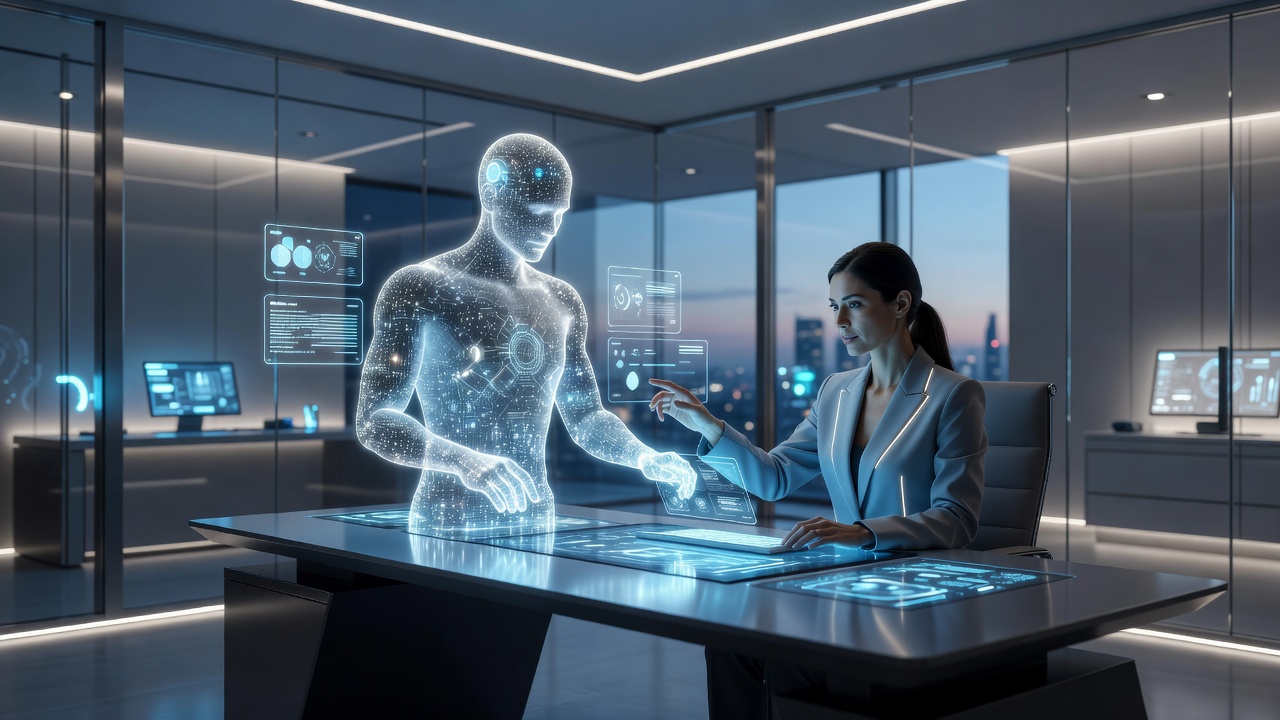
In 2026, AI personal assistants have evolved from basic voice-activated tools into sophisticated productivity engines that anticipate user needs, automate intricate workflows, and integrate deeply across personal and professional ecosystems. These systems leverage advanced multimodal capabilities to process text, voice, images, and real-time sensor data simultaneously. This comprehensive guide examines the latest breakthroughs in AI assistants, providing detailed comparisons of leading platforms, real-world case studies, privacy considerations, and step-by-step optimization strategies. Whether you are a busy professional or managing a household, understanding these tools can dramatically enhance efficiency and reduce cognitive load.
Key 2026 Advancements in AI Personal Assistants
The most significant developments this year include improved contextual memory that retains preferences across multiple devices and sessions. Assistants now utilize edge computing to deliver near-instant responses with reduced reliance on cloud processing. Multimodal reasoning allows them to analyze photos of documents, interpret handwritten notes, and cross-reference calendar events with live traffic data. Natural language understanding has advanced to handle complex multi-step requests, such as planning an entire project timeline while booking necessary resources. These features represent a shift from reactive assistance to proactive collaboration, where the AI suggests optimizations before users even articulate their goals.
Smart Device Integration Explored
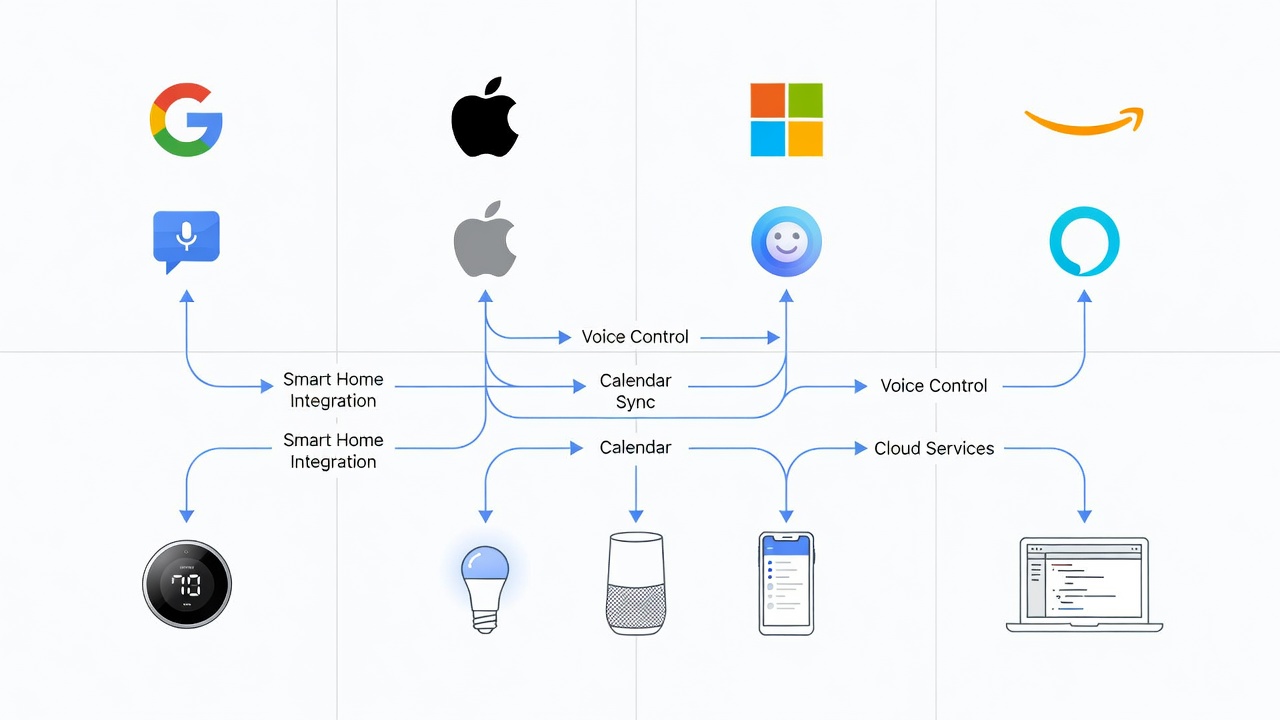
Integration with smart devices has reached new levels of seamlessness in 2026. AI assistants coordinate lighting, climate control, security cameras, and kitchen appliances while pulling health metrics from wearables to adjust daily schedules. For instance, an assistant might detect elevated stress levels via a smartwatch and automatically reschedule non-essential meetings while dimming office lights and queuing a guided breathing exercise. In enterprise environments, these assistants connect with IoT-enabled conference rooms to prepare presentations, adjust seating arrangements, and order refreshments based on attendee preferences stored in user profiles.
Platform Comparisons: Leading AI Assistants in 2026
Choosing the right platform depends on your existing device ecosystem and workflow priorities. Google Assistant stands out for its unparalleled search integration and compatibility with Android and Nest products, making it ideal for users who rely heavily on information retrieval. Apple Siri emphasizes on-device processing for enhanced privacy and offers deep integration with iOS, macOS, and HomeKit ecosystems. Microsoft Copilot excels in professional settings through seamless connectivity with Teams, Outlook, and the broader Office suite, enabling automated report generation and meeting summarization. Amazon Alexa leads in consumer IoT applications with thousands of third-party skills for custom automations in homes and small businesses. Detailed reviews and updates are available at Apple, Microsoft, and Amazon.
Real-World Case Studies
A marketing agency in New York implemented Microsoft Copilot across its 45-employee team and observed a 35 percent reduction in time spent on routine documentation within the first month. Employees reported improved focus on creative strategy as the assistant handled data aggregation and initial draft creation. In a residential setting, a family in California used Google Assistant combined with smart home sensors to optimize energy usage and family coordination, resulting in smoother morning routines and fewer missed appointments. Another example involves a freelance designer who integrated Apple Siri with productivity apps to manage client deadlines, automatically surfacing relevant files during video calls and generating follow-up emails based on conversation transcripts.
Privacy Safeguards and Best Practices
Privacy remains a top concern as AI assistants handle increasing volumes of personal data. Leading platforms now offer granular controls for data retention, end-to-end encryption for voice interactions, and options to process sensitive tasks entirely on-device. Users should regularly audit connected accounts, enable two-factor authentication, and review permission scopes to prevent unnecessary data sharing with third-party services. It is advisable to delete conversation histories periodically and utilize incognito or guest modes when testing new features. Organizations deploying these tools enterprise-wide benefit from compliance certifications and audit logs that track data access.
Adoption Metrics from Major Tech Firms
Industry reports indicate rapid uptake among both consumers and enterprises. Major technology companies have noted substantial growth in active daily users, with particular acceleration in hybrid work scenarios where assistants bridge communication gaps between remote and in-office teams. Productivity gains are most pronounced when assistants are fully integrated with existing software stacks rather than used as standalone applications.
Practical Steps to Optimize Your AI Assistant
- Begin by updating your device and assistant software to the newest version to access the latest features and security patches.
- Invest time in training sessions by providing sample voice commands and task examples so the system learns your communication style and priorities.
- Connect essential accounts including email, calendars, cloud storage, and project management tools to enable comprehensive automation.
- Design custom routines that trigger at specific times or locations, such as a morning briefing that includes weather, traffic, and key calendar highlights.
- Enable cross-device synchronization and test transitions between phone, tablet, computer, and smart speakers to ensure continuity.
- Monitor performance weekly and provide explicit feedback on inaccuracies to refine the assistant's accuracy over time through ongoing machine learning.
Usage Examples Across Work and Home
In professional contexts, assistants can transcribe meetings in real time, extract action items, draft proposals based on previous documents, and even simulate responses to common client queries. At home, they manage grocery inventories by scanning receipts, coordinate family calendars, control entertainment systems based on mood detection, and assist with educational tasks by explaining concepts or quizzing students. A hybrid example involves using the assistant to prepare for a work presentation while simultaneously adjusting home lighting and temperature for focused evening work sessions.
Common Mistakes to Avoid
Many users underutilize assistants by limiting interactions to basic queries instead of exploring advanced automations. Overlooking regular privacy reviews can lead to unintended data exposure. Failing to maintain consistent naming conventions across devices often results in failed commands. Another frequent error is neglecting to test integrations after software updates, which can break previously reliable workflows.
FAQ: Setup and Security Concerns
How do I set up an AI assistant securely? Download from official app stores, enable biometric or two-factor authentication, and customize data-sharing preferences during the initial setup wizard.
Are conversations stored permanently? Most services provide dashboards where users can review, export, or permanently delete interaction histories at any time.
What if the assistant misunderstands commands? Use the built-in feedback mechanism to correct errors, which improves future performance through adaptive learning algorithms.
Can assistants work offline? Limited functionality is available through on-device models, though full capabilities require an internet connection for cloud-based processing.
Conclusion
The advancements in AI assistants throughout 2026 mark a pivotal moment in how individuals and organizations approach daily productivity. By thoroughly exploring platform options, implementing robust privacy measures, and following structured optimization steps, users can achieve meaningful time savings and enhanced output across both work and personal domains. Staying informed about ongoing developments ensures continued alignment with the most effective tools available.

No comments yet. Be the first!