 NeoBit Daily
Introduction
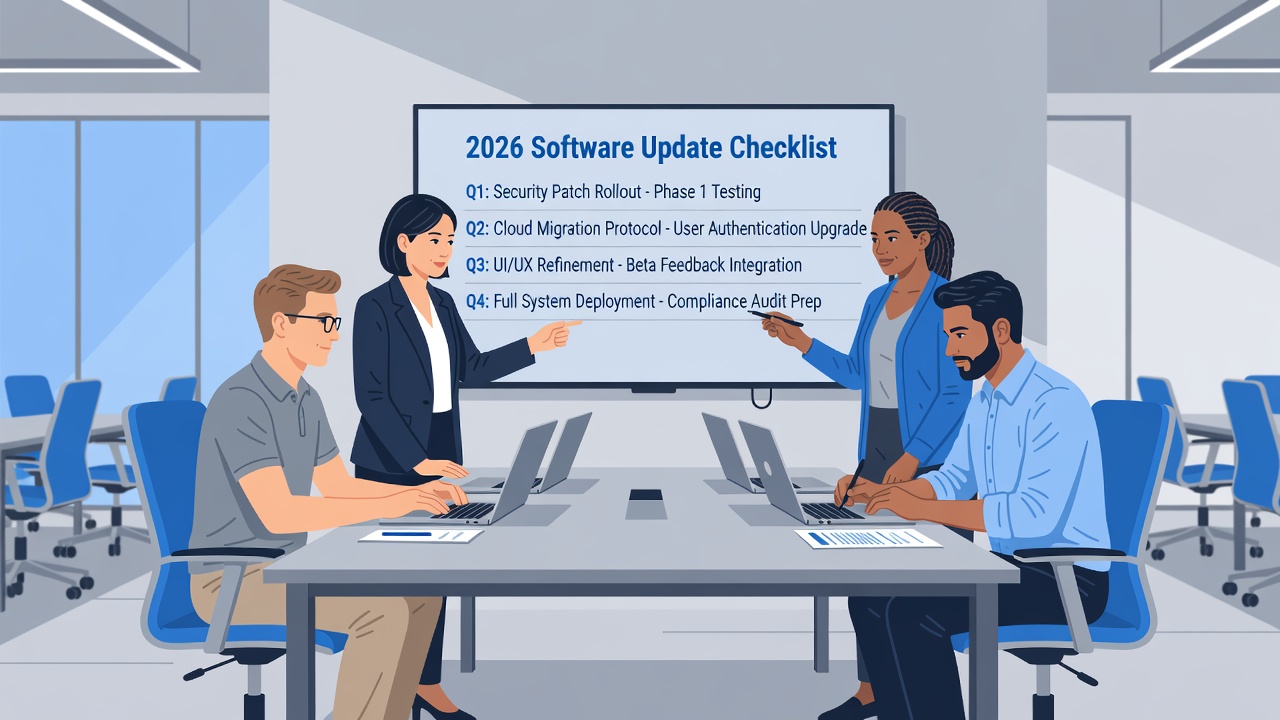
Small business IT teams face unique challenges when managing software and operating system updates in 2026. Without dedicated enterprise platforms, teams must rely on streamlined processes to keep systems secure and operational. This guide delivers a complete checklist approach focused on prioritization, efficient review of patch notes, compatibility checks, low-impact scheduling, and post-update monitoring. Updates in 2026 bring enhanced security features and performance improvements, but they also carry risks of incompatibility or workflow interruptions. Following a structured plan helps teams stay ahead while minimizing disruption to daily operations.
Many small businesses operate with limited staff and budgets, making it essential to adopt practical methods that do not require expensive third-party management suites. By focusing on core business needs first, IT teams can allocate resources effectively and avoid the common trap of treating all updates equally. This article expands on each step with real-world examples and decision frameworks that owners and technicians can apply immediately.
Prioritizing Updates Based on Business Needs
Start by categorizing updates according to their impact on core operations. Security patches for critical applications should rank highest, followed by stability fixes for frequently used tools. Productivity software can be scheduled later if it does not affect daily revenue-generating activities. Develop a simple scoring system that weighs factors such as potential downtime cost, regulatory compliance requirements, and user dependency levels. For instance, an e-commerce platform handling customer transactions deserves immediate attention compared to an internal reporting tool used quarterly.
Review your organization’s current workflows and identify which applications directly support revenue or client service. Create a living document that lists every major application alongside its business function and update frequency. This matrix becomes the foundation for all future decisions and prevents reactive firefighting when new patches appear. Teams that maintain this prioritization habit report fewer emergency rollbacks and smoother quarterly reviews.
Reviewing Patch Notes and Release Notes Efficiently
Reading every release note in full wastes time. Instead, scan for keywords such as "security," "compatibility," and "known issues." Focus on sections covering your specific hardware and software versions. Summarize findings in a shared document so the entire team benefits from one review pass. Establish a consistent template for summaries that includes affected components, risk level, and recommended action timeline.
Compare notes against your current environment. If a patch addresses a vulnerability already mitigated by existing controls, it may receive a lower priority. Authoritative sources like Microsoft and Apple Support provide structured release information that speeds this process. Supplement these with guidance from CISA for broader cybersecurity context on emerging threats addressed in the updates.
Assessing Compatibility with Existing Software
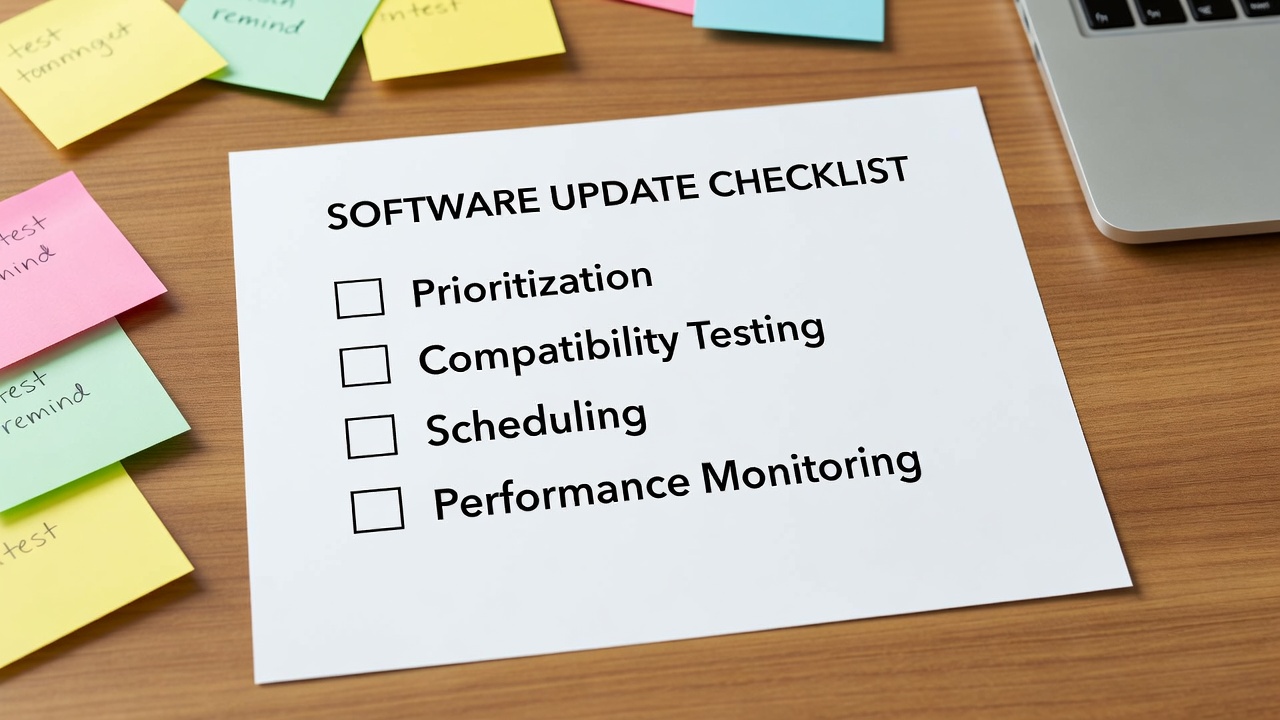
Before deploying any update, test it in a sandbox environment that mirrors your production setup. Check plugin versions, database connections, and custom scripts. Document any required workarounds or version upgrades needed for third-party tools. Small businesses often rely on legacy accounting or inventory systems that may not receive immediate vendor support for the latest operating system builds, so advance testing prevents costly surprises during busy periods.
Maintain an inventory spreadsheet with version numbers and last-tested dates to avoid surprises during rollout. Include columns for known dependencies and contact information for software vendors. When compatibility issues surface, reach out to vendors early to request timelines for patches rather than assuming an update will break everything. This proactive step saves hours of troubleshooting later.
Backing Up Data and Creating Rollback Plans
Every update cycle should begin with verified backups of critical data and system images. Use built-in operating system backup utilities or free cloud storage solutions to create point-in-time copies before proceeding. Test the restoration process on a non-production machine to confirm that backups are usable. A well-documented rollback plan outlines exact steps to revert changes if performance issues or errors appear within the first 48 hours after deployment.
Assign one team member responsibility for backup verification each cycle. This accountability reduces the chance that an overlooked file prevents successful recovery. Include application configuration files and user profile data in your backup scope to ensure complete restoration capability.
Scheduling Updates During Low-Activity Periods
Identify recurring quiet windows such as weekends or overnight hours when user activity is minimal. Communicate the schedule at least one week in advance through email and internal messaging channels. Include rollback instructions in case issues arise. Use built-in scheduling features in Windows Update or macOS Software Update to automate timing while still retaining manual oversight for major releases.
Avoid peak business hours to prevent lost productivity from unexpected reboots or performance dips. For businesses with extended hours, consider splitting deployments across multiple low-impact windows rather than attempting everything in one session. Document the chosen windows in your internal calendar so all stakeholders remain informed.
Manual Versus Basic Automated Processes
Manual updates offer full control and visibility but require significant staff time. Basic automation through native OS tools reduces repetitive tasks while still allowing oversight. Compare the two approaches using these criteria:
- Control level: Manual wins for complex environments with custom configurations
- Time investment: Automation saves hours per month on routine security patches
- Error reduction: Automation lowers the chance of missed patches across multiple devices
- Scalability: Manual processes become unsustainable as the number of endpoints grows
Many small businesses achieve the best results by automating routine security patches while handling major version upgrades manually after testing. Evaluate your team’s capacity quarterly and adjust the balance between manual and automated methods accordingly.
Tracking Post-Update Performance
After deployment, monitor key metrics for at least two weeks. Track login times, application launch speeds, and error rates. Create a simple dashboard using free tools or spreadsheets to log observations from end users. If performance degrades, compare against pre-update baselines and investigate whether specific user groups are affected more than others.
Quick identification of issues allows fast remediation before problems compound across the organization. Schedule a short follow-up meeting one week after major updates to review findings and capture lessons learned for the next cycle.
Training Your Team and Handling Common Pitfalls
Provide brief training sessions on the update checklist so every team member understands their role. Cover how to read release notes, perform basic compatibility checks, and escalate issues. Common pitfalls include skipping sandbox testing, failing to communicate schedules, and neglecting post-update monitoring. Address these by building reminders into your shared calendar and checklist templates.
Sample Step-by-Step Checklist
- Inventory all devices and software versions
- Rank updates by security impact and business need
- Review release notes for relevant changes
- Test updates in a non-production environment
- Create and verify backups
- Schedule during low-activity windows
- Deploy in stages starting with non-critical systems
- Monitor performance and gather user feedback
- Document outcomes and adjust future processes
Conclusion
Following this checklist equips small business IT teams to handle 2026 software updates confidently. Consistent prioritization, careful compatibility checks, and disciplined post-update tracking keep systems secure and teams productive without requiring expensive enterprise solutions. Regular refinement of these processes builds institutional knowledge that benefits the organization year after year.


No comments yet. Be the first!