 NeoBit Daily
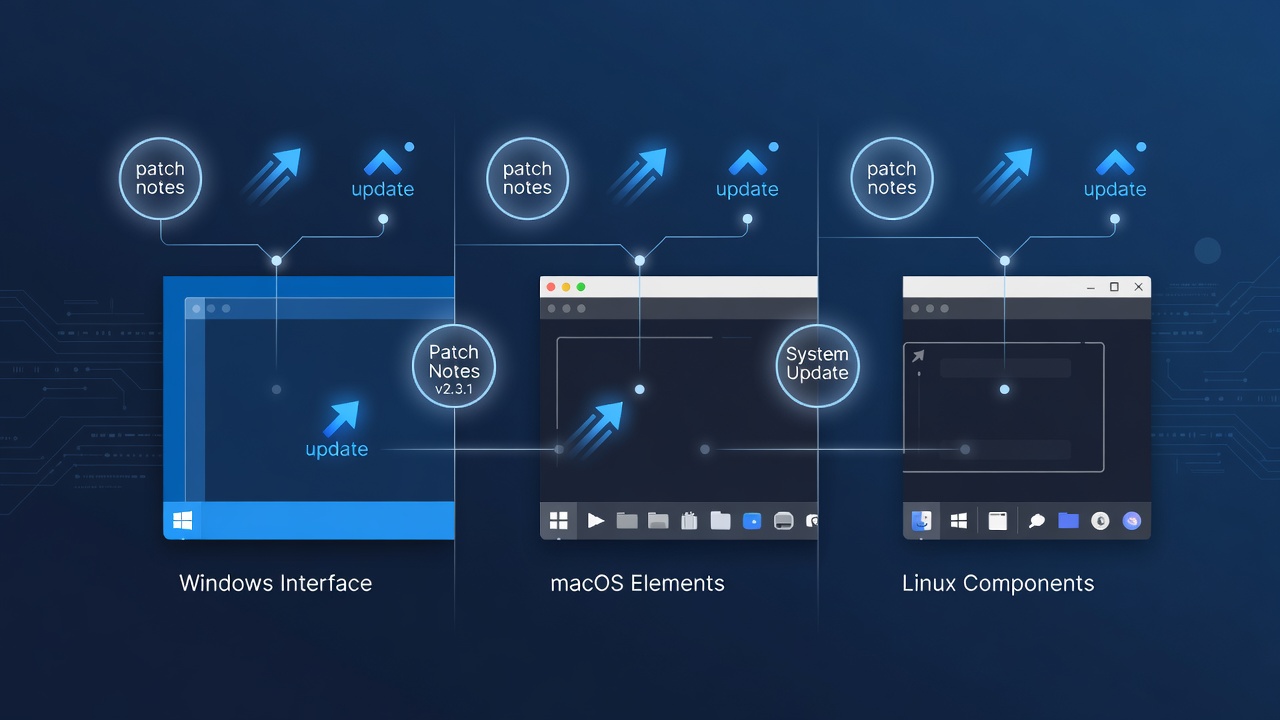
Introduction to 2026 Operating System Patch Notes
IT professionals and power users in 2026 face increasingly complex decisions when evaluating operating system updates. Patch notes and release notes reveal critical differences in security enhancements, new feature rollouts, and compatibility adjustments across Windows, macOS, and Linux. This article provides a detailed side-by-side analysis based on real-world 2026 releases, helping organizations prioritize updates effectively while minimizing operational risks.
Understanding these variances ensures smoother deployments and reduces downtime across mixed environments. We examine security patches, feature changes, update metrics, real-world examples, and practical testing strategies that IT teams can apply immediately. By the end of this guide, readers will have actionable frameworks for deciding which updates to deploy first in enterprise or personal setups.
Security Patches: Key Differences Across Platforms
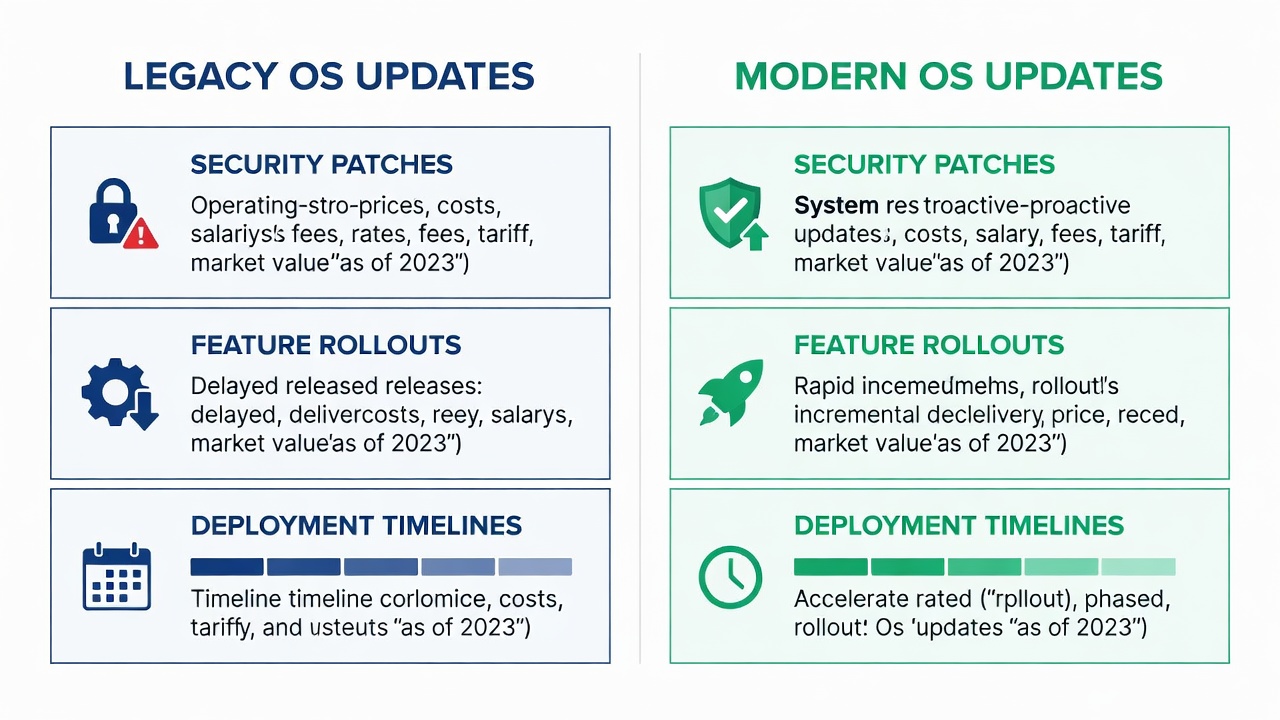
Security remains the top priority in 2026 updates. Windows emphasized zero-day vulnerability fixes in its cumulative updates, addressing threats such as remote code execution flaws in the Windows kernel and networking stack. macOS focused on privacy enhancements including improved sandboxing for third-party apps and stronger encryption defaults for iCloud data synchronization. Linux distributions like Ubuntu and Fedora integrated kernel-level mitigations against speculative execution attacks and improved SELinux policy enforcement.
Microsoft's approach in 2026 involved monthly Patch Tuesday releases with broader enterprise controls through Windows Update for Business. Apple delivered targeted security updates alongside major version increments, often bundling them with Safari and Xcode improvements. Linux kernels received frequent backports for stability, allowing administrators to apply critical fixes without full distribution upgrades. These differences mean Windows environments often require more frequent reboots, while Linux systems can sometimes apply patches live using tools like ksplice.
Feature Rollouts and Compatibility Notes
Feature updates varied significantly across the three platforms in 2026. Windows introduced AI-assisted productivity tools in its feature packs, including enhanced Copilot integration for document analysis and automated workflow suggestions. macOS added enhanced continuity features across Apple devices, such as seamless handoff for multi-device editing sessions and improved Universal Control for mouse and keyboard sharing. Linux emphasized modular package management improvements for better container support, with updates to Flatpak and Snap that reduced dependency conflicts in server and desktop environments.
Compatibility notes highlighted legacy application support challenges on Windows, where some enterprise software required compatibility mode tweaks after updates. macOS updates often demanded newer hardware drivers for peripherals like printers and audio interfaces. Linux distributions provided distribution-specific kernel tweaks that improved hardware support for newer GPUs and Wi-Fi chips but occasionally broke older proprietary drivers. Real-world examples from 2026 include Windows 11 24H2 causing issues with certain VPN clients until hotfixes arrived, macOS Sequoia breaking some Adobe plugin workflows, and Ubuntu 26.04 LTS resolving long-standing NVIDIA driver conflicts through updated kernel modules.
Side-by-Side Comparison Tables
Update Sizes and Deployment Methods
| Platform | Average Update Size (2026) | Deployment Method | Frequency |
|---|---|---|---|
| Windows | 450-800 MB | Windows Update, WSUS, Intune | Monthly + feature packs |
| macOS | 2-5 GB | System Preferences, MDM solutions | Quarterly + security deltas |
| Linux (Ubuntu example) | 150-400 MB | apt, unattended-upgrades | Weekly security + LTS releases |
These figures reflect trends observed in mid-2026 releases and can vary based on installed components and language packs.
User Impact Metrics
| Platform | Average Downtime | Reboot Requirement | Enterprise Adoption Rate |
|---|---|---|---|
| Windows | 15-30 minutes | Usually required | High in corporate environments |
| macOS | 20-45 minutes | Often required | Strong in creative sectors |
| Linux | 5-15 minutes | Optional in many cases | Growing in cloud and servers |
Practical Steps for Cross-Platform Testing
To evaluate updates effectively, follow this structured process that has proven reliable for mixed-OS organizations:
- Review official patch notes from each vendor before staging any changes in production. Pay special attention to known issues sections and resolved vulnerabilities.
- Set up isolated test environments that mirror production hardware, software configurations, and network policies as closely as possible.
- Run automated compatibility checks using tools like Microsoft's Compatibility Toolkit for Windows, Apple's Configuration Profiles for macOS, or custom Ansible playbooks for Linux systems.
- Monitor performance metrics post-installation for at least 72 hours, tracking CPU usage, application launch times, and error logs.
- Document issues and rollback procedures in advance, including backup strategies and version pinning techniques to revert quickly if problems arise.
- Conduct user acceptance testing with a small pilot group representing different roles within the organization to catch workflow-specific issues early.
This framework reduces risks when managing mixed-OS fleets and provides measurable data for future update cycles.
Decision-Making Framework for Organizations
Choose updates based on organizational priorities and risk tolerance. Security-first environments should prioritize Linux or Windows enterprise channels for rapid patches, especially when dealing with regulated data. Creative workflows often favor macOS for seamless integration with hardware ecosystems and design tools. Cost-sensitive deployments benefit from Linux distributions that minimize licensing overhead while delivering frequent, granular updates.
Additional considerations include team expertise levels, existing infrastructure investments, and compliance requirements such as GDPR or industry-specific standards. Organizations with hybrid cloud setups may lean toward Linux for server consistency, while endpoint management teams often standardize on Windows for Group Policy advantages.
Common Mistakes to Avoid When Applying 2026 Updates
Many IT teams rush deployments without sufficient testing, leading to widespread outages. Another frequent error is ignoring architecture-specific notes, such as ARM versus x86 differences in macOS and Windows updates. Failing to communicate timelines to end users can also reduce adoption and increase support tickets. Always maintain separate channels for security-only updates versus feature updates to maintain stability in critical systems.
FAQ: Prioritizing OS Updates
Should I update all platforms simultaneously?
No. Stagger deployments by testing the most critical OS first, typically starting with the dominant platform in your environment to limit blast radius.
How do 2026 updates affect older hardware?
Windows and macOS updates may drop support for legacy devices faster than Linux, which often maintains broader compatibility through community backports and custom kernel builds.
What resources help compare patch notes?
Consult vendor sites such as Microsoft, Apple, and The Linux Kernel Archives for authoritative details and changelogs.
Can I skip non-security updates safely?
While security patches should never be delayed, skipping feature updates is often acceptable in stable environments as long as you monitor cumulative changes in subsequent releases.
Conclusion
Comparing 2026 patch notes across Windows, macOS, and Linux reveals distinct strengths in security response times, feature delivery models, and deployment flexibility. By using the tables, detailed testing steps, decision frameworks, and examples outlined here, IT teams can make informed choices that align with their operational needs and risk profiles. Regular review of vendor documentation remains essential for staying ahead of evolving platform differences.


No comments yet. Be the first!