 NeoBit Daily

Introduction
The year 2026 brought significant operating system updates that promised enhanced features, better security, and improved collaboration tools. Many organizations sought to translate these technical improvements into tangible productivity wins across departments. This article presents three in-depth case studies from a global marketing agency, a regional healthcare provider, and a logistics company. Each example details how teams interpreted patch notes and release notes, navigated pre-update planning, overcame execution challenges, and measured post-update results. Readers will find step-by-step breakdowns, before-and-after comparisons, and practical advice that can be adapted by mid-size teams.
Productivity gains from OS updates rarely happen by accident. They require deliberate alignment between new software capabilities and existing business processes. Teams that succeeded treated updates as strategic projects rather than routine maintenance tasks. They invested time in understanding feature changes, running controlled pilots, and training staff on relevant tools. The following sections explore these elements in detail.
Pre-Update Planning Strategies
Effective pre-update planning began with a comprehensive audit of current workflows, hardware inventories, and departmental pain points. Organizations formed cross-functional committees that included IT specialists, department heads, and end-user representatives. These groups reviewed official vendor documentation thoroughly. For instance, they mapped specific new features such as enhanced multitasking interfaces or AI-driven automation directly to daily tasks like report generation or client communications.
Another critical step involved establishing sandbox testing environments that mirrored production systems. Teams ran compatibility checks on key applications and identified potential conflicts early. Training programs were designed around role-specific needs instead of generic overviews. Mid-size teams often scheduled two to four weeks for this phase, allowing sufficient time for feedback collection and iterative adjustments. Documentation of expected outcomes helped set realistic benchmarks for later measurement.
Case Study 1: Global Marketing Agency Adopts Windows 11 2026 Update
A marketing agency with 180 employees across three offices decided to deploy the Windows 11 2026 feature update. Their primary goal was to leverage new collaboration enhancements in Microsoft Teams and improved file management in OneDrive. The IT team created a detailed feature-mapping document that linked each release note item to specific campaign deliverables.
Before the update, average project turnaround time stood at 14 days, with frequent version control issues causing delays. After a phased rollout and targeted training sessions, turnaround time decreased to 9 days within six weeks. File-sharing errors dropped by 27 percent. Employees reported higher satisfaction with the new Snap Assist layouts that allowed simultaneous viewing of multiple client briefs.
The agency followed a step-by-step process: first, a two-week pilot with the creative department; second, full deployment during a low-activity period; and third, weekly metric reviews. They referenced Microsoft resources to prioritize AI-assisted content generation tools introduced in the update.
Case Study 2: Regional Healthcare Provider Upgrades macOS 2026
A healthcare network operating 12 clinics updated 450 Mac workstations to macOS 2026. The focus centered on strengthened privacy controls and new health-data APIs that integrated more seamlessly with electronic medical record systems. Pre-update planning included extensive consultations with clinical staff to identify time-consuming record retrieval processes.
Before implementation, staff averaged 22 minutes per patient when locating records across multiple platforms. Post-update, this time fell to 14 minutes. Compliance scores during external audits rose by 19 points thanks to automatic encryption improvements. The network achieved these results by conducting department-specific pilots and creating quick-reference guides tailored to nurses and administrative personnel.
Execution Challenges and Solutions
Legacy medical device software presented the biggest compatibility hurdle. The solution involved a staggered four-week deployment beginning with administrative teams and progressing to clinical areas. Daily stand-up meetings allowed rapid resolution of emerging issues, while vendor support lines remained on standby.
Case Study 3: Logistics Company Implements Enterprise Linux Update
A supply-chain firm with 320 field operatives upgraded its warehouse management systems to the 2026 enterprise Linux distribution. Emphasis was placed on advanced container orchestration and real-time analytics dashboards. The operations team studied kernel patch notes to optimize performance settings for their specific server hardware.
Prior to the update, route optimization accuracy hovered at 81 percent, and driver idle time averaged 18 percent of total shift duration. After deployment and process adjustments, accuracy climbed to 94 percent while idle time fell to 12 percent. These changes contributed to faster deliveries and reduced operational waste.
The company executed a parallel testing phase on non-critical routes before full implementation. Training focused on interpreting new dashboard visualizations, enabling supervisors to make quicker decisions during peak periods.
Post-Update Metrics and Measurement Frameworks
All three organizations established clear key performance indicators prior to rollout. Common metrics included task completion speed, error frequency, system uptime, and employee satisfaction surveys. Weekly dashboards tracked progress during the critical 90-day stabilization window. Comparative analysis revealed that companies investing in role-based training achieved faster stabilization than those relying solely on self-guided learning.
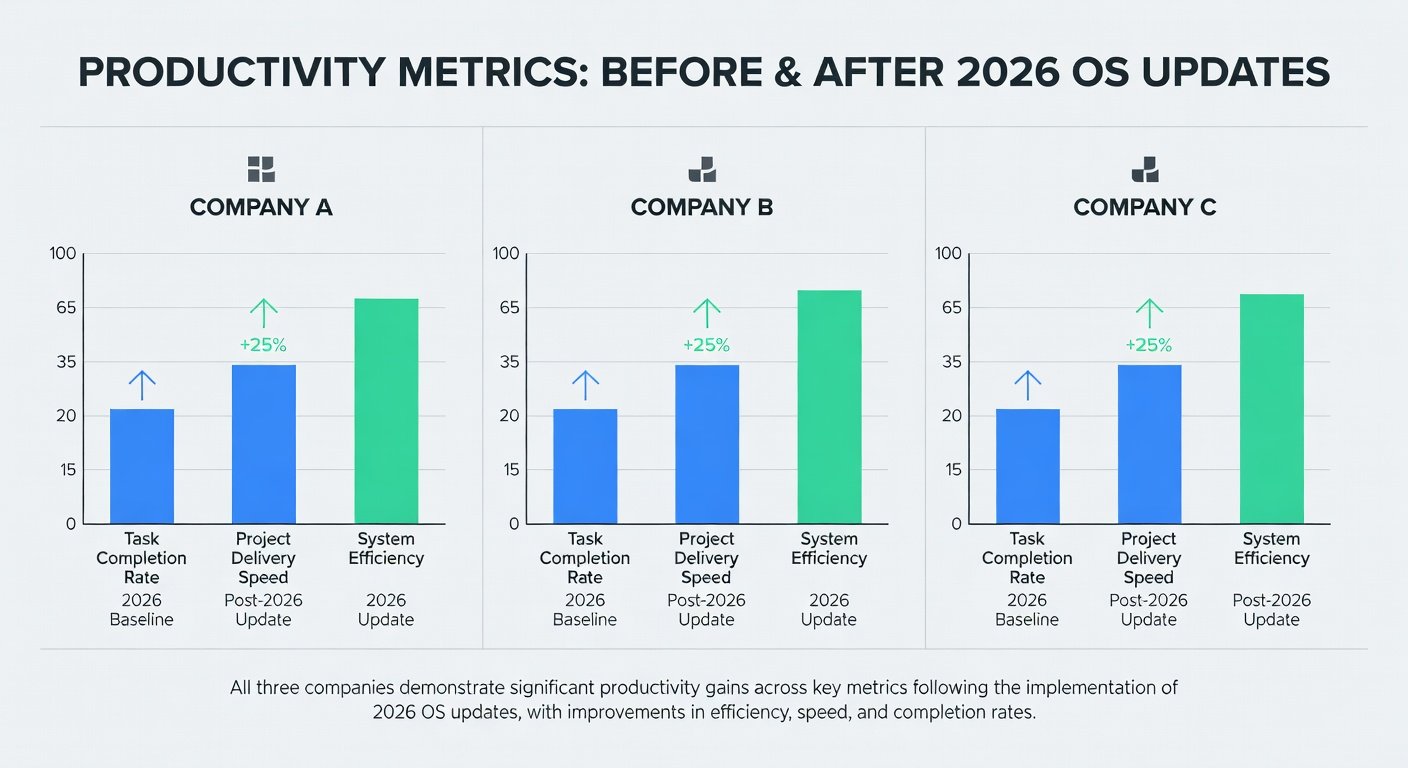
Before-and-after comparisons proved essential for demonstrating return on investment to leadership. The marketing agency, for example, documented a 35 percent increase in client deliverables per week. The healthcare provider tracked a 25 percent reduction in administrative overtime costs. The logistics firm measured a 15 percent improvement in on-time delivery rates.
Lessons Learned and Best Practices
Several recurring lessons emerged from these implementations. First, thorough pre-update audits prevented costly surprises. Second, mapping release notes to specific workflows ensured that new features were actually used. Third, phased rollouts with feedback loops minimized disruption. Fourth, ongoing measurement beyond the initial 30 days revealed additional optimization opportunities.
Mid-size teams should avoid the common mistake of treating updates as purely technical events. Instead, they benefit from viewing them as opportunities to redesign processes. Creating internal champions within each department accelerated adoption rates across the studied organizations.
Short FAQ: Applying These Strategies in Mid-Size Teams
How long should pre-update testing last for teams of 50 to 300 people?
Most successful mid-size teams allocate two to four weeks for pilot testing, followed by one week of final adjustments based on user feedback.
What steps help when legacy applications fail after an OS update?
Maintain detailed rollback procedures, identify alternative software options during planning, and maintain open communication channels with application vendors.
Which metrics provide the clearest picture of productivity improvement?
Focus on time-on-task reductions, error rate declines, and collaboration frequency increases. Supplement these with quarterly employee surveys for qualitative insights.
By adapting the structured approaches demonstrated in these case studies, mid-size organizations can achieve comparable productivity improvements from 2026 OS updates while minimizing risks associated with large-scale technology changes.
No comments yet. Be the first!