 NeoBit Daily
Introduction to GPU Benchmarking in 2026
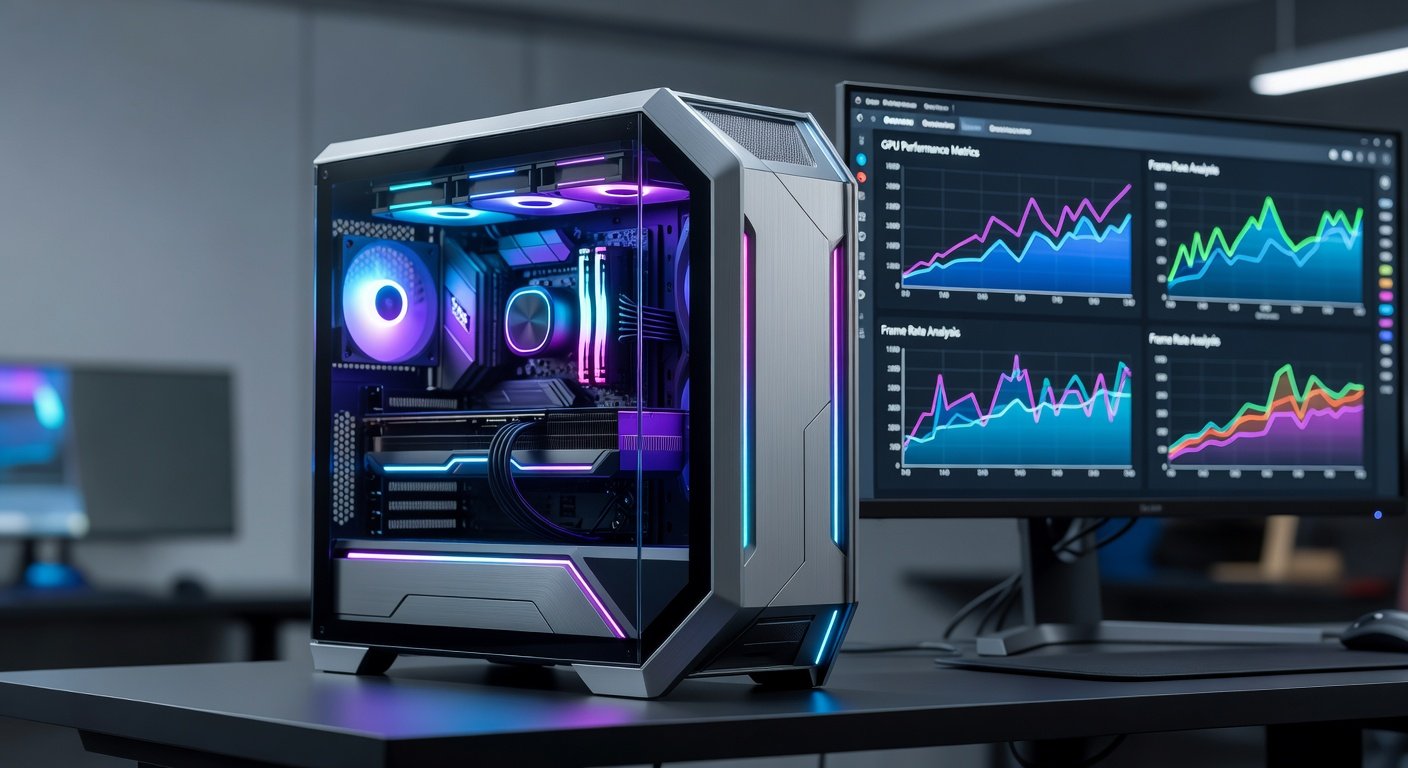
Benchmarking your GPU allows enthusiasts to measure real-world performance on the latest 2026 hardware. Whether you own an NVIDIA RTX 50-series or AMD Radeon RX 8000 card, independent testing provides data beyond professional reviews. This guide covers everything from tool selection to result interpretation for accurate, repeatable tests.
Selecting the Right Benchmarking Tools for 2026 Hardware
Updated tools ensure compatibility with new architectures. Popular options include 3DMark, Unigine Superposition, and FurMark for stress testing. Download from official sources like 3DMark or NVIDIA for the latest versions supporting 2026 GPUs. Cross-reference with AMD resources at AMD.com for driver-specific optimizations.
Preparing Your System for Accurate Testing
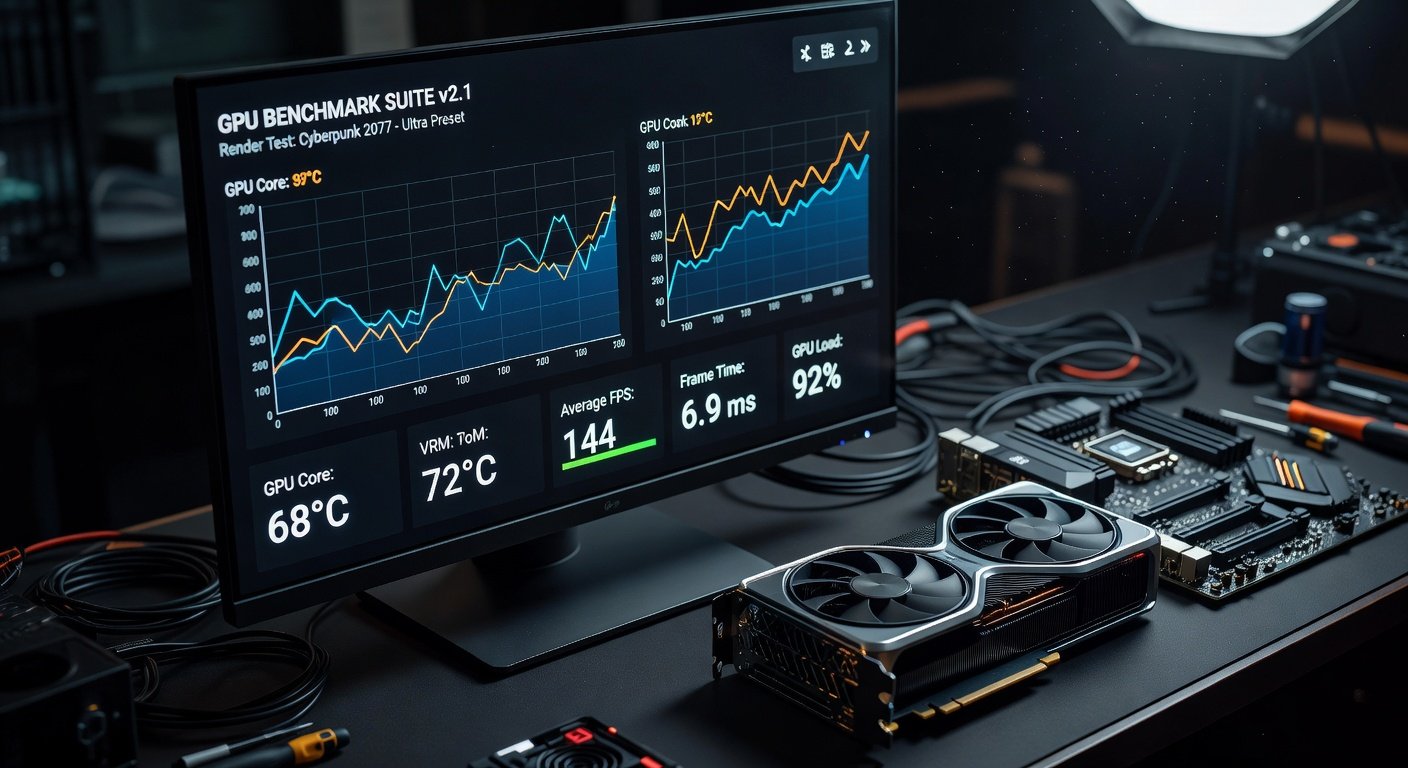
Start with a clean Windows installation and latest GPU drivers. Close background apps, disable overlays, and set power plans to high performance. Monitor temperatures with tools like HWMonitor to avoid thermal throttling during tests.
Step-by-Step GPU Performance Tests
- Run a baseline test in idle mode.
- Execute synthetic benchmarks like Time Spy for DirectX 12 performance.
- Test real games such as Cyberpunk 2077 at 4K with ray tracing enabled.
- Record metrics including FPS averages, 1% lows, and power draw.
Analyzing Results and Standard Comparisons
Compare your scores against online databases. Look for consistency across multiple runs. Factors like resolution and settings dramatically affect outcomes, so standardize tests for valid comparisons.
Real-World Examples with Popular Components
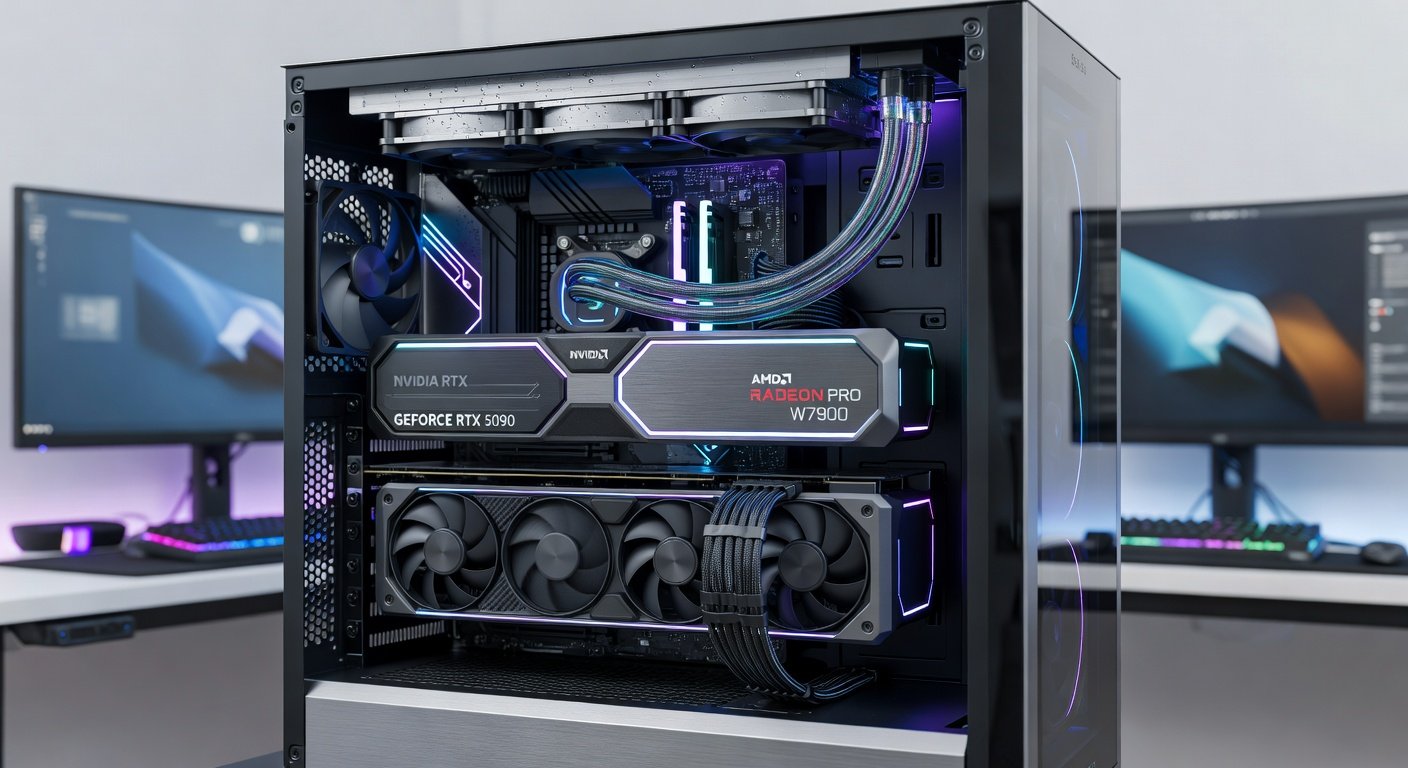
Testing an RTX 5090 on a 2026 rig yields average 120 FPS in demanding titles at ultra settings. Pairing with an Intel Core Ultra 9 processor highlights GPU-bound scenarios in open-world games.
Tips for Avoiding Common Testing Errors
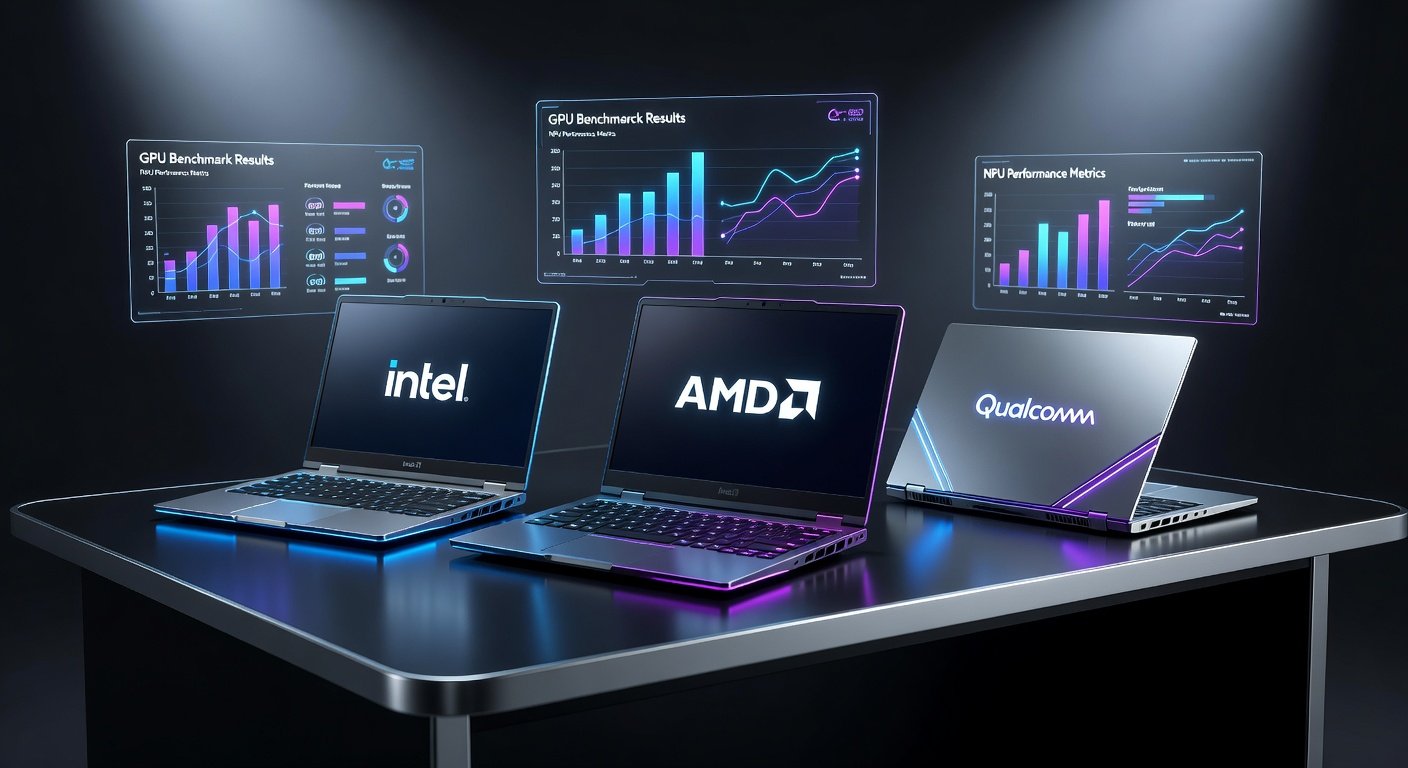
- Never benchmark on laptops without proper cooling pads.
- Avoid outdated drivers that skew results.
- Run tests multiple times to account for variance.
- Disable antivirus during intensive loads.
Comparing DIY Results to Expert Hardware Reviews
Your benchmarks may differ from sites due to unique system configs. Use expert data as baselines while trusting your controlled environment for personalized insights.
Conclusion
Independent GPU benchmarking empowers informed upgrades. Follow these methods for reliable data on your 2026 hardware.
FAQ
How do I ensure test repeatability?
Standardize settings, room temperature, and driver versions across runs.
Are benchmarks compatible with all 2026 GPUs?
Most tools support major releases; check release notes for edge cases like integrated graphics.
No comments yet. Be the first!