 NeoBit Daily
Introduction to 2026 Workstation GPU Performance
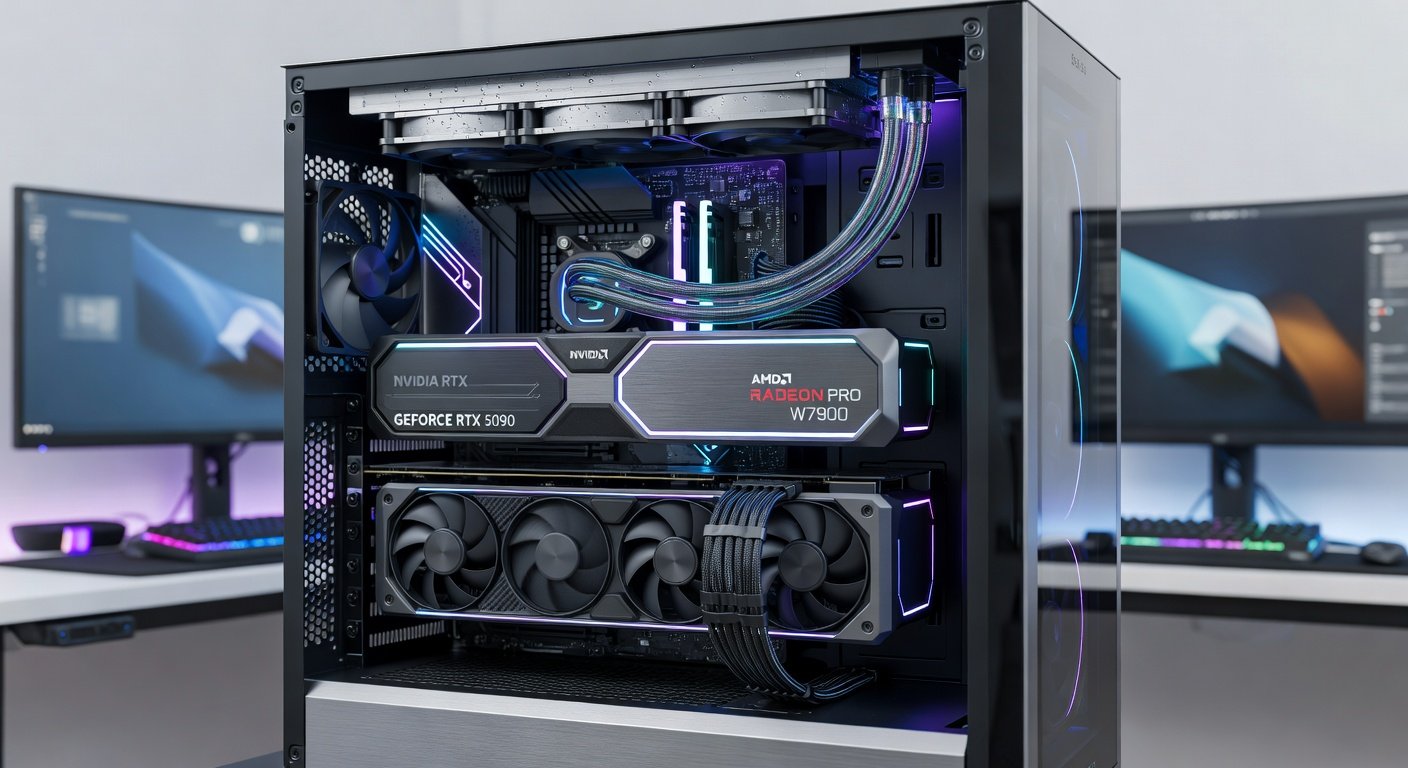
Professionals in creative and engineering fields require GPUs that deliver consistent performance under demanding workloads rather than focusing solely on gaming metrics. In 2026, workstation hardware has evolved to meet the needs of content creators, architects, and 3D artists who rely on stable drivers and optimized performance for long sessions. This review examines workstation-oriented hardware with real-world testing in applications such as Adobe Premiere Pro, AutoCAD, and Blender. We evaluate stability, driver reliability, and efficiency to help content creators and engineers make informed upgrade decisions that directly impact productivity and project turnaround times.
Workstation cards prioritize certified drivers and extended support over raw frame rates. Our testing methodology includes sustained renders, complex simulations, and multi-application workflows to reflect actual professional use cases. Understanding these nuances ensures that investments in hardware translate into measurable gains in output quality and speed across various industries.
Key Benchmarks in Creative Applications
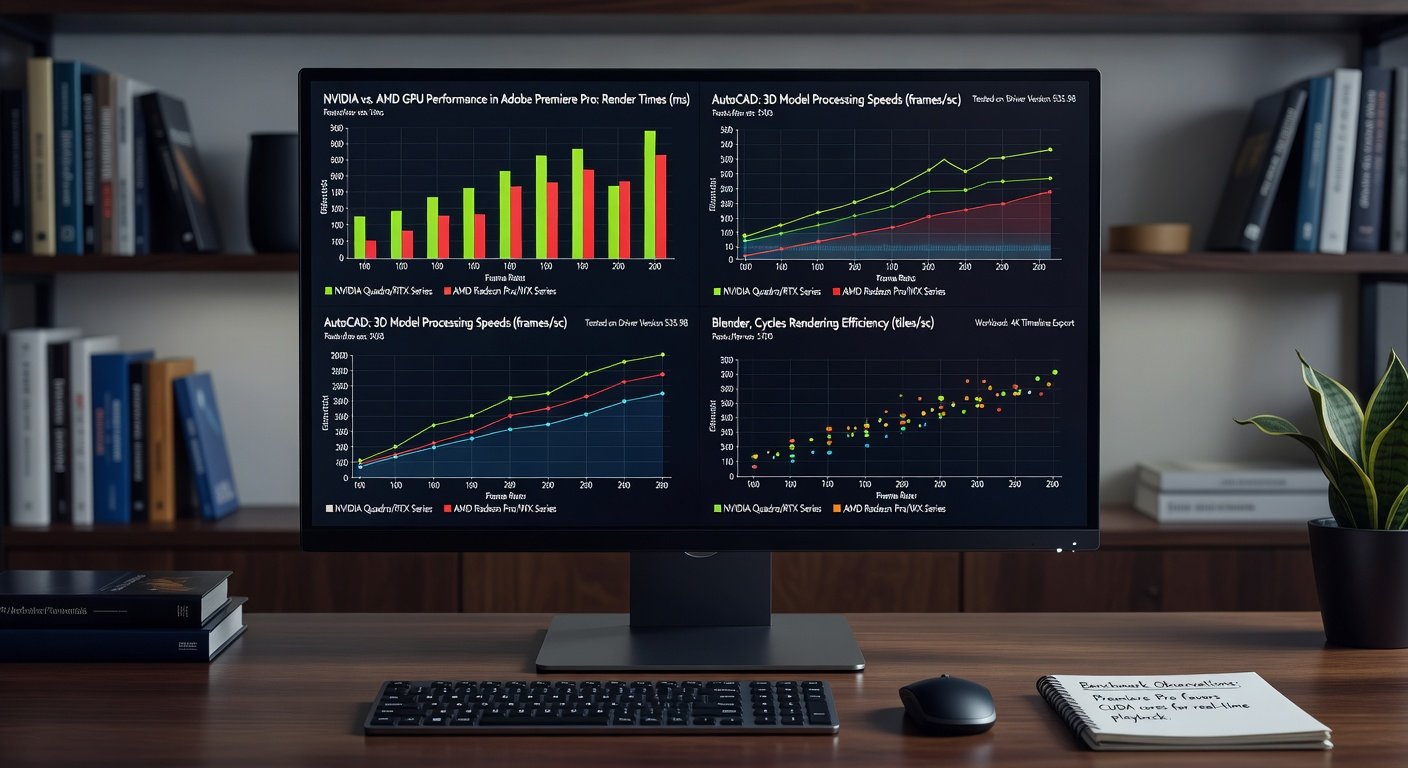
Benchmarking focused on export times, viewport responsiveness, and simulation accuracy across popular tools. In Adobe Premiere Pro, systems equipped with professional GPUs showed smoother 8K timeline scrubbing and faster H.265 encoding compared to consumer alternatives. Real-world tests involved editing multi-camera projects with color grading and effects layers applied simultaneously, revealing how dedicated VRAM and optimized encoders reduce render queues significantly.
For AutoCAD, 3D modeling and rendering tasks benefited from enhanced ray-tracing capabilities and certified OpenGL support. Engineers working on large architectural models experienced fewer crashes during viewport rotations and quicker generation of detailed drawings. These improvements matter for teams handling iterative design reviews where time savings compound over multiple revisions.
Blender users observed notable gains in Cycles rendering speeds when using cards optimized for compute workloads. Complex scenes with high polygon counts and multiple light sources rendered more efficiently, allowing artists to iterate on lighting setups without extended downtime. Additional tests included physics simulations and sculpting sessions that highlighted the importance of robust memory bandwidth in maintaining interactive frame rates.
NVIDIA RTX vs AMD Radeon Pro Comparison
NVIDIA's RTX professional lineup continues to lead in CUDA-accelerated applications, offering strong compatibility with Adobe and Autodesk software. NVIDIA drivers provide robust stability for long render sessions, with features like AI denoising that accelerate final outputs in ray-traced projects. Professionals often choose these cards when working in hybrid environments that mix 2D compositing with 3D elements.
AMD Radeon Pro cards excel in certain OpenCL and Vulkan scenarios, delivering competitive value for Blender and other open-source tools. AMD emphasizes power efficiency in their latest professional series, which helps maintain cooler operation during extended modeling sessions. Users in CAD-focused workflows appreciate the strong multi-display support that enables simultaneous monitoring of reference materials and active drawings.
Direct comparisons reveal that NVIDIA often edges out in mixed creative pipelines while AMD provides strong alternatives for users prioritizing cost-effective multi-monitor setups and certified performance in CAD environments. Factors such as driver update frequency and ecosystem integration should guide the final selection based on primary software usage patterns.
Thermal and Power Efficiency Tests
Extended stress tests measured GPU temperatures under continuous loads. Professional cards maintained lower peak temperatures thanks to robust cooling solutions designed for 24/7 operation. This thermal headroom prevents throttling during overnight renders and supports consistent performance across multi-day projects common in animation studios.
Power draw analysis showed improved efficiency in 2026 models, reducing overall system energy consumption during intensive renders. These results matter for studios running multiple workstations simultaneously, as cumulative savings contribute to lower operational costs and reduced heat output in shared workspaces. Quiet fan profiles further enhance the user experience by minimizing distractions during focused creative work.
Build Recommendations by Budget
Entry-level workstation builds pair mid-range pro GPUs with ample RAM and fast storage for smooth performance in Premiere and AutoCAD. These configurations handle standard video edits and moderate 3D models effectively while leaving room for future component upgrades.
Mid-tier configurations add more VRAM for complex Blender scenes, supporting higher resolution textures and advanced simulation features. High-end setups incorporate top-tier cards supporting advanced features like real-time ray tracing and AI denoising. Always verify software certifications before finalizing hardware choices to ensure seamless integration with existing pipelines.
- Consider motherboard compatibility and power supply capacity when planning upgrades.
- Include adequate cooling solutions to maintain optimal operating temperatures.
- Balance GPU choice with system memory and storage speed for maximum workflow efficiency.
Step-by-Step Workflow Examples
Here is a practical example for a typical video production pipeline. Begin by importing footage into Premiere Pro and enable GPU acceleration in project settings. Next apply effects and transitions while monitoring real-time playback performance to catch any potential bottlenecks early. Export using hardware encoding to leverage pro GPU capabilities for quicker turnaround on client deliverables.
Transition to Blender for 3D integration by importing assets and setting up GPU compute devices for rendering. Adjust sample counts and denoising options based on preview renders to optimize final output quality. This hybrid approach demonstrates how professional GPUs bridge different software ecosystems effectively.
Mistakes to Avoid When Upgrading Workstation GPUs
One common error is overlooking driver certification status, which can lead to instability in professional applications. Another pitfall involves underestimating power and cooling requirements, resulting in thermal throttling during critical deadlines. Always test new hardware with representative project files before committing to full production use.
Common Upgrade Questions Answered
How often should I upgrade my workstation GPU?
Most professionals benefit from upgrades every two to three years when new driver optimizations and architectural improvements appear. Monitoring software release notes helps identify when performance gains justify the investment.
Is a professional card worth it over a gaming GPU?
Yes for certified workflows requiring long-term stability and vendor support. Gaming cards may suffice for lighter use but can encounter driver conflicts in enterprise software environments.
What storage and RAM complement pro GPUs best?
Fast NVMe drives and at least 64GB of system memory ensure the GPU is not bottlenecked during large project handling and complex scene loading.
Can I mix NVIDIA and AMD cards in one system?
Mixing is generally discouraged due to driver conflicts and varying software optimizations. Stick to a single vendor for consistent performance across applications.
For further reading on professional graphics standards, consult resources from NVIDIA, AMD, Adobe, and Blender.
Conclusion
Selecting the right workstation GPU in 2026 involves balancing benchmark results, thermal performance, and software compatibility. By focusing on real-world workflows rather than synthetic scores, professionals can build reliable systems that boost productivity across Premiere, AutoCAD, and Blender projects. Thoughtful hardware choices ultimately support creative excellence and efficient project delivery in competitive industries.
No comments yet. Be the first!