 NeoBit Daily
Introduction to 2026 AI PCs
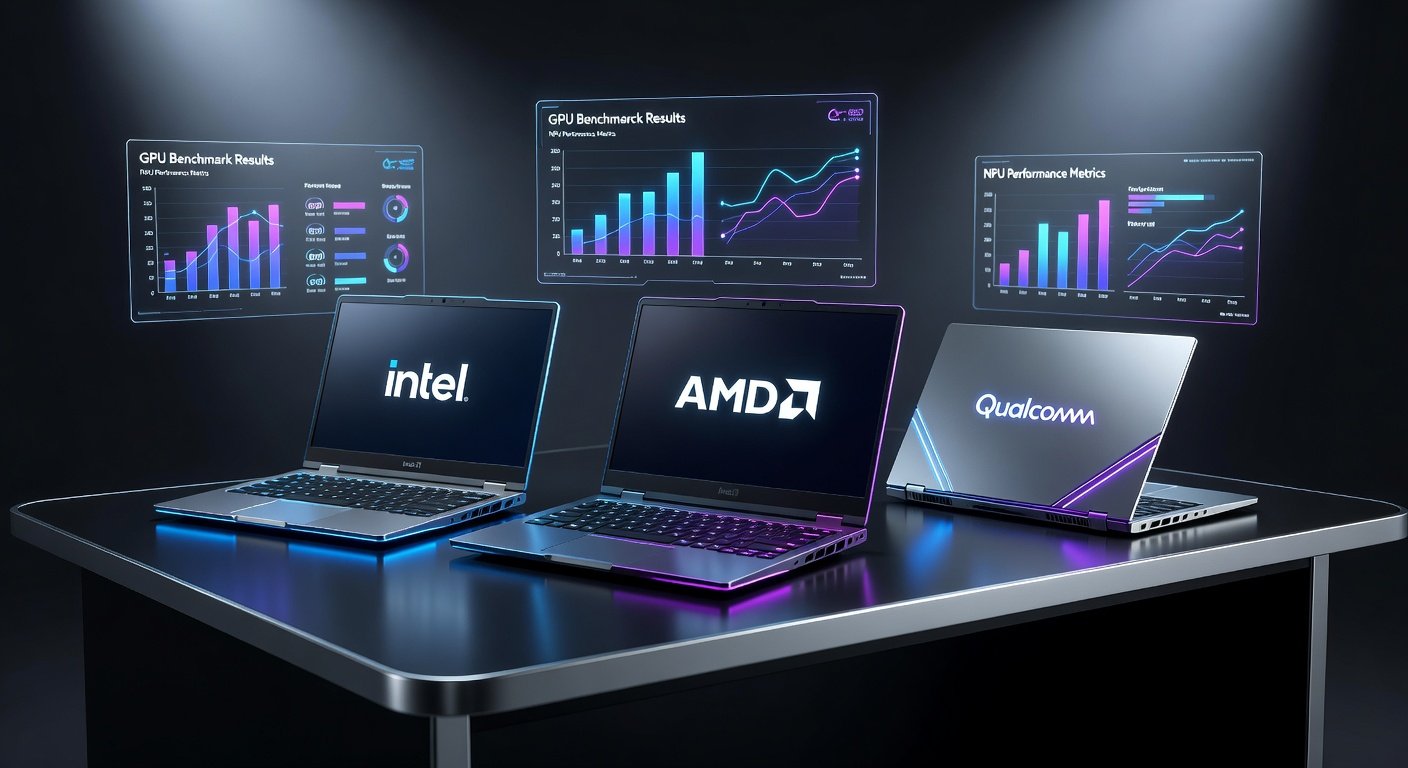
As artificial intelligence becomes central to both professional and personal computing, 2026 AI PCs from Intel, AMD, and Qualcomm are redefining hardware capabilities. These systems integrate powerful NPUs alongside GPUs to handle demanding tasks like running local large language models (LLMs), generating images and video, and accelerating productivity tools. This review examines leading models through rigorous GPU and NPU benchmarks, focusing on AI inference speed, power efficiency, thermal performance, and overall value compared to traditional PCs.
Users researching hardware for AI workloads will find concrete data here to guide purchasing decisions. Whether you're a developer training models locally, a gamer seeking hybrid performance, or a professional using generative AI daily, these insights highlight which platforms deliver the best results.
Understanding GPU and NPU Roles in AI PCs
Modern AI PCs leverage both GPUs and NPUs for specialized workloads. GPUs excel at parallel processing for graphics and certain AI training tasks, while NPUs are optimized for efficient inference on neural networks. In 2026 models, integrated NPUs handle on-device AI with lower power draw, enabling features like real-time voice translation and background image generation without cloud dependency.
Intel's latest Core Ultra processors feature enhanced Arc GPUs paired with strong NPUs. AMD's Ryzen AI series combines Radeon graphics with advanced XDNA NPUs. Qualcomm's Snapdragon X platforms emphasize efficiency through custom Hexagon NPUs. These architectures outperform traditional CPUs in AI-specific metrics while supporting gaming and multitasking.
Benchmark Methodology and Testing Setup
To ensure fair comparisons, benchmarks were conducted using standardized tools including MLPerf Inference and custom scripts for local LLM inference. Tests ran on Windows 11 with the latest AI frameworks. Hardware configurations included 32GB unified memory and comparable cooling solutions.
Step-by-step benchmark setup example:
- Install the latest drivers from manufacturer sites and update to the current Windows AI stack.
- Download Ollama or LM Studio for local LLM testing with models like Llama 3.1 70B quantized.
- Use Geekbench AI or Stable Diffusion WebUI for generative tasks, recording tokens per second and images per minute.
- Monitor power draw and temperatures with HWMonitor during sustained loads.
- Repeat tests three times and average results for accuracy.
This setup allows users to replicate results at home for their own hardware validation.
AI Inference Speed Comparisons
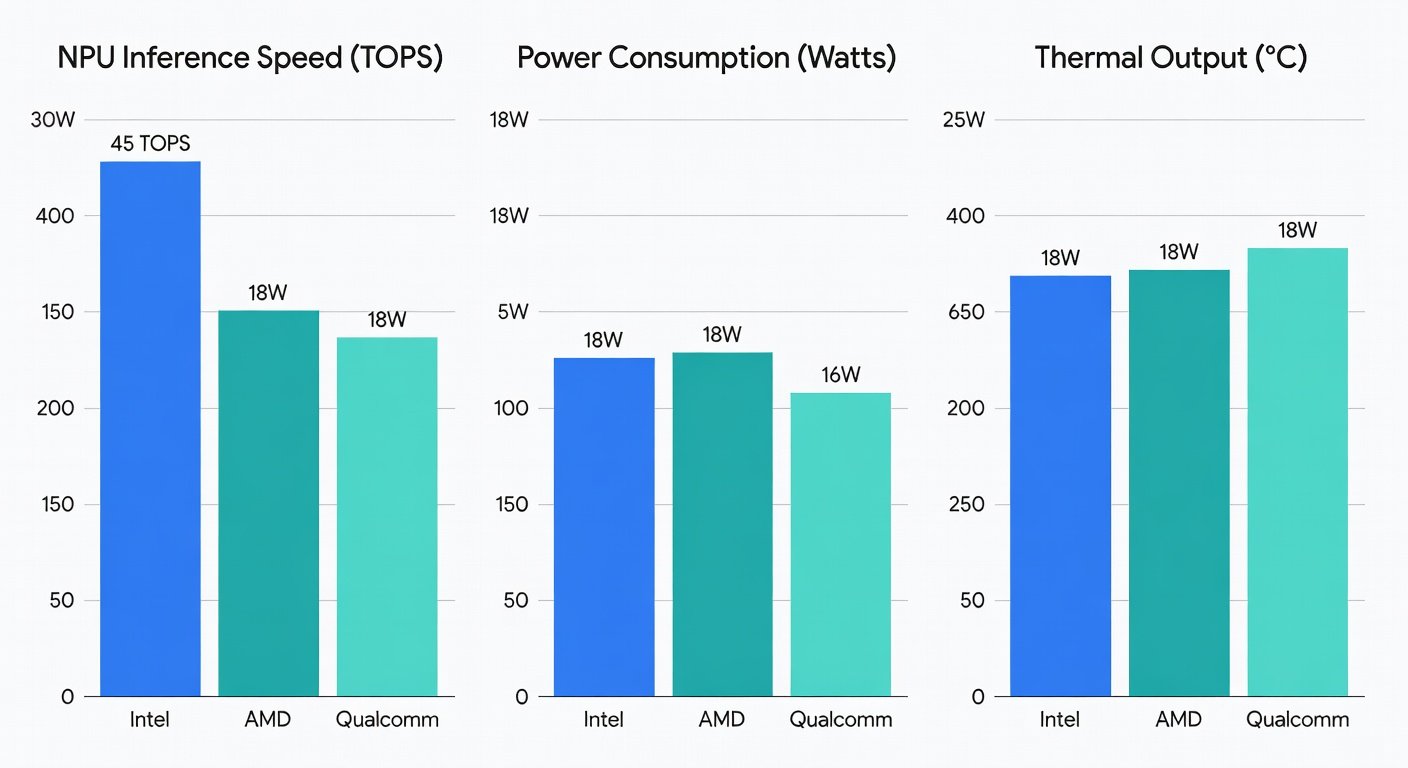
NPU performance varied significantly across vendors. Qualcomm's latest Snapdragon platform led in sustained inference for medium-sized LLMs, achieving higher tokens-per-second rates due to optimized quantization support. Intel's NPU showed strong results in mixed precision tasks, while AMD excelled when leveraging its GPU for hybrid workloads.
For generative AI, AMD systems produced images faster in Stable Diffusion benchmarks thanks to robust GPU cores. Intel models balanced speed with versatility, making them suitable for creative professionals. Qualcomm devices prioritized efficiency, sustaining performance longer in battery-powered scenarios.
Power Efficiency and Thermal Performance
Efficiency remains a key differentiator for AI PCs. Qualcomm platforms demonstrated superior power management, maintaining high NPU utilization with minimal heat generation. This translates to longer battery life during AI tasks compared to traditional high-performance laptops.
Intel and AMD models required more robust cooling to manage combined GPU and NPU loads, but delivered higher peak performance. Thermal throttling was minimal in well-designed chassis, though users should expect fan noise under heavy generative workloads. Overall, 2026 AI PCs consume less power for equivalent AI output than previous-generation systems without dedicated accelerators.
Real-World AI App Tests
Beyond synthetic benchmarks, real applications reveal practical differences. Local LLM chatbots ran smoothly across all three platforms, with Qualcomm offering the quietest experience. Video generation tools performed best on AMD hardware, while Intel excelled in productivity suites integrating AI features like real-time summarization.
Gaming tests showed hybrid benefits: NPUs handled AI-driven NPCs efficiently, freeing GPUs for higher frame rates. Productivity users benefited from faster content creation in tools like Adobe Premiere and Microsoft Office AI assistants.
Top Picks for 2026 AI PCs
- Best Overall for AI Inference: Qualcomm Snapdragon-based laptops – unmatched efficiency for mobile AI workloads.
- Best for Generative AI and Gaming: AMD Ryzen AI systems – superior GPU synergy for creative and entertainment use.
- Best Balanced Option: Intel Core Ultra 300 series – versatile performance across inference, productivity, and light gaming.
These recommendations prioritize AI-specific capabilities while considering broader use cases like content creation and everyday computing.
Value Compared to Traditional PCs
AI PCs command a premium but deliver measurable returns through faster local processing and reduced reliance on cloud services. For users running frequent LLM queries or generative tasks, the time savings and privacy benefits justify the investment. Traditional PCs remain viable for basic tasks but lag in AI acceleration, often requiring external GPUs that increase cost and complexity.
Upgrading makes sense if your workflow includes on-device AI. Those focused solely on general productivity may find current non-AI laptops sufficient.
FAQs on Upgrading to AI PCs
Do I need an AI PC for local LLMs?
Yes for optimal performance. Dedicated NPUs dramatically speed up inference compared to CPU-only systems, enabling practical use of larger models without latency issues.
How do 2026 AI PCs compare to cloud AI services?
They offer greater privacy and offline capability. While cloud solutions provide more raw power for very large models, local NPUs handle everyday tasks faster and more securely.
Is thermal performance a concern?
Modern designs manage heat effectively. Expect some fan activity during intensive sessions, but daily use remains comfortable on quality devices.
Can I upgrade my existing PC with an NPU?
Not typically, as NPUs are integrated into the SoC. New hardware is required for full AI PC benefits.
Conclusion
The 2026 AI PC landscape offers compelling options from Intel, AMD, and Qualcomm, each with distinct strengths in GPU and NPU performance. By evaluating inference speed, efficiency, and real-world applications, users can select the ideal system for their AI-driven needs alongside gaming and productivity. As these technologies mature, AI PCs are becoming essential tools rather than niche products.
For the latest specifications and updates, visit Intel, AMD, and Qualcomm official resources.
No comments yet. Be the first!