 NeoBit Daily
Introduction to GPU Hardware Reviews in 2026
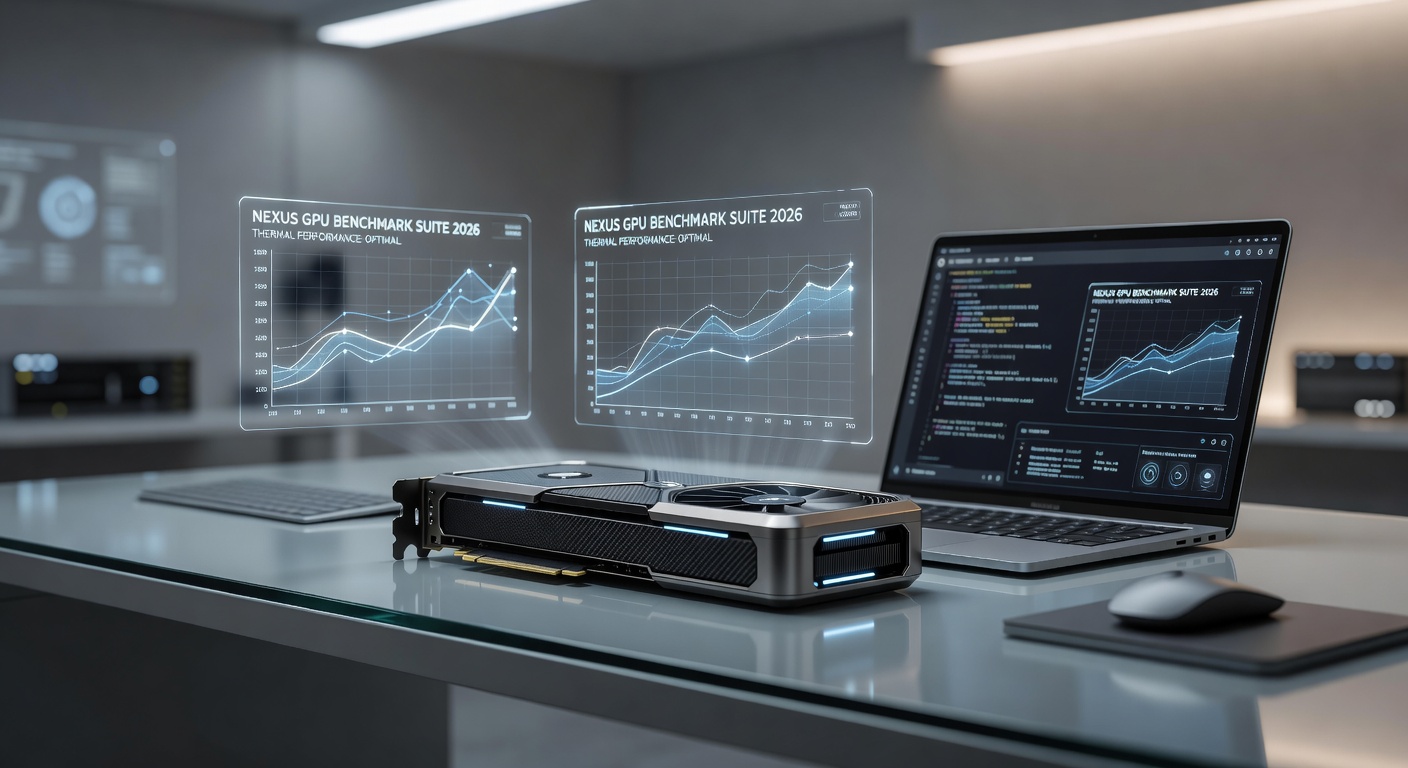
For new PC enthusiasts, navigating GPU hardware reviews can feel overwhelming. Reviews of graphics cards, laptops, and full systems provide essential data on performance, but understanding them requires knowing what metrics matter most. This guide breaks down how to evaluate benchmarks, interpret real-world results, and make informed upgrade decisions without prior experience. In 2026, GPUs increasingly handle not only gaming but also AI workloads, content creation, and machine learning tasks, making review literacy more valuable than ever.
By focusing on frame rates, thermals, power efficiency, and value, beginners can cut through marketing claims. Whether comparing NVIDIA, AMD, or Intel options, the principles remain consistent across 2026 hardware. Understanding these elements helps avoid overspending on features that do not align with your specific use cases, such as 4K gaming versus video editing.
Key Metrics Explained: Frame Rates, Thermals, and Value
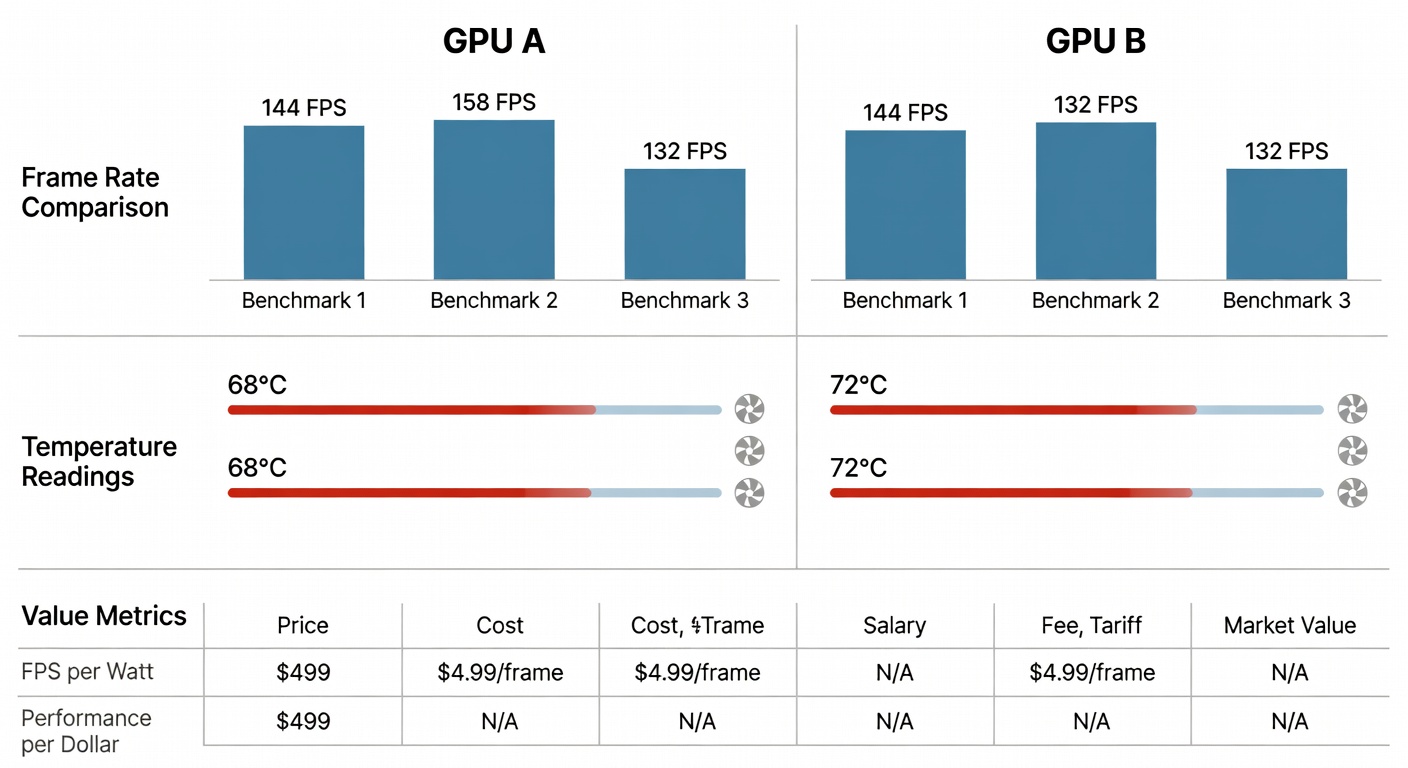
Frame rates, measured in frames per second (FPS), indicate how smoothly a game or application runs. Higher numbers deliver better visuals, with 60 FPS considered playable and 120+ FPS preferred for competitive play. Reviewers often test at 1080p, 1440p, and 4K resolutions to show scalability. Frame time consistency is equally important, as stuttering can occur even with high average FPS if frame delivery is uneven.
Thermals refer to temperatures under load. GPUs typically operate safely between 60–85°C. Excessive heat above 90°C can throttle performance or shorten hardware lifespan. Good reviews include both average and peak temperatures during extended sessions, along with fan curve data that shows how aggressively cooling responds to heat.
Value compares performance against cost. A card delivering strong FPS at a reasonable price offers better value than a premium model with marginal gains. Look for performance-per-dollar ratios in charts, and consider secondary factors like warranty length and driver support longevity.
Additional Metrics Worth Watching
- Power consumption in watts, affecting electricity costs and PSU requirements.
- Ray tracing and upscaling performance using technologies like DLSS or FSR.
- Noise levels in decibels during gaming or rendering workloads.
- VRAM capacity and bandwidth, critical for high-resolution textures and future-proofing.
- Encoding performance for streamers using NVENC or equivalent hardware encoders.
How to Read and Compare Benchmarks
Benchmark tables usually list multiple games and synthetic tests. Focus on averages across titles rather than single outliers. Real-world testing at your target resolution matters more than synthetic scores alone. Distinguish between rasterization benchmarks, which measure traditional rendering, and ray tracing tests that highlight advanced lighting effects.
Side-by-side comparisons help identify winners. For example, one GPU might lead in rasterization while another excels in ray-traced scenes. Always check the test system specs, including CPU, RAM, and driver versions, to ensure fair comparisons. Reviewers sometimes normalize results to a baseline card, making relative gains easier to interpret.
Pay attention to minimum and 1% low frame rates, which reveal consistency during demanding moments. Charts that only show averages can hide problematic stuttering in complex scenes.
Spotting Red Flags in Review Data
Not all reviews are equally reliable. Watch for these warning signs:
- Only synthetic benchmarks without game tests.
- Missing thermal or power data.
- Results from heavily overclocked systems without stock numbers.
- Outdated drivers or unrepresentative game selections.
- Reviews sponsored heavily by one manufacturer without disclosure.
- Graphs that start at arbitrary scales to exaggerate small differences.
- Lack of testing across different operating systems or driver branches.
Cross-reference multiple sources to confirm findings. Independent testing sites provide more trustworthy data than manufacturer-provided numbers. Look for methodology sections that detail how many runs were averaged and whether background processes were controlled.
Real-World 2026 Hardware Comparison Examples
Consider mid-range options like the latest RTX 50-series versus RX 8000-series cards. In popular titles, one might deliver 15–25% higher average FPS at 1440p while running 5–8°C cooler. Value calculations show which card offers the best performance balance for typical users who game at 1440p and occasionally edit video.
Laptop reviews follow similar logic but factor in portability and battery impact. A thin chassis may limit sustained performance due to thermal constraints, leading to lower average frame rates during long sessions compared to desktop counterparts. For instance, a mobile GPU variant might match desktop performance at launch but drop 20% after 30 minutes due to power limits.
When evaluating creator workloads, check rendering times in applications like Blender or Adobe Premiere. A GPU strong in gaming may not translate directly to accelerated compute tasks if it lacks sufficient tensor cores or optimized drivers.
Simple Steps to Test Your Own GPU Setup
1. Download free tools like MSI Afterburner for monitoring temperatures, clocks, and usage in real time.
2. Run standardized benchmarks such as 3DMark or Unigine Superposition to establish baseline scores across multiple presets.
3. Test in-game with built-in benchmarks or tools like CapFrameX for frame time analysis and percentile data.
4. Record baseline data before any upgrades, then retest after changes while keeping background applications consistent.
5. Compare your results against published reviews using similar hardware configurations, noting any driver or BIOS differences.
6. Monitor during actual gameplay sessions rather than just synthetic loads to capture real thermal and power behavior.
Practical Checklist for Evaluating Reviews
- Verify resolution and settings match your use case.
- Confirm multiple games and workloads are tested across genres.
- Check for consistent methodology across compared products.
- Look for long-term stability data beyond initial benchmarks.
- Assess upgrade path compatibility with your current motherboard and PSU.
- Review noise and thermals under both gaming and idle conditions.
- Ensure driver versions are recent and representative of user experience.
Common Mistakes Beginners Make When Reading Reviews
Many new readers focus solely on peak FPS numbers while ignoring consistency metrics or thermals. Others assume higher-tier cards always deliver proportional gains, overlooking diminishing returns at certain resolutions. Another frequent error is neglecting to consider future software optimizations that can shift relative performance over months.
Frequently Asked Questions
How often should I upgrade my GPU?
Most users see meaningful gains every 3–4 years. Evaluate based on whether current performance meets your needs rather than chasing the latest releases.
What is more important: high FPS or low temperatures?
Both matter. Prioritize stable frame rates within safe thermal limits. Excessive heat often leads to throttling that reduces real-world FPS.
Can I trust manufacturer benchmarks?
Use them as starting points but verify with independent reviews for unbiased results.
How do laptop GPUs differ from desktop versions in reviews?
Laptop variants are power-limited and thermally constrained, often delivering 60–80% of desktop performance. Reviews should specify TGP ratings for accurate comparisons.
Should I prioritize ray tracing performance in 2026?
It depends on your games. Many titles now use hybrid rendering, but pure rasterization remains dominant for competitive esports.
Conclusion
Understanding GPU hardware reviews empowers better purchasing decisions. By mastering metrics like frame rates and thermals, spotting inconsistencies, and testing your own system, beginners can confidently navigate the 2026 market. Apply these principles to compare options from NVIDIA, AMD, and Intel effectively. With practice, review analysis becomes a reliable skill for any hardware enthusiast.
No comments yet. Be the first!