 NeoBit Daily
Runway 2026 for Marketers: AI Video Ad Workflows & Tips
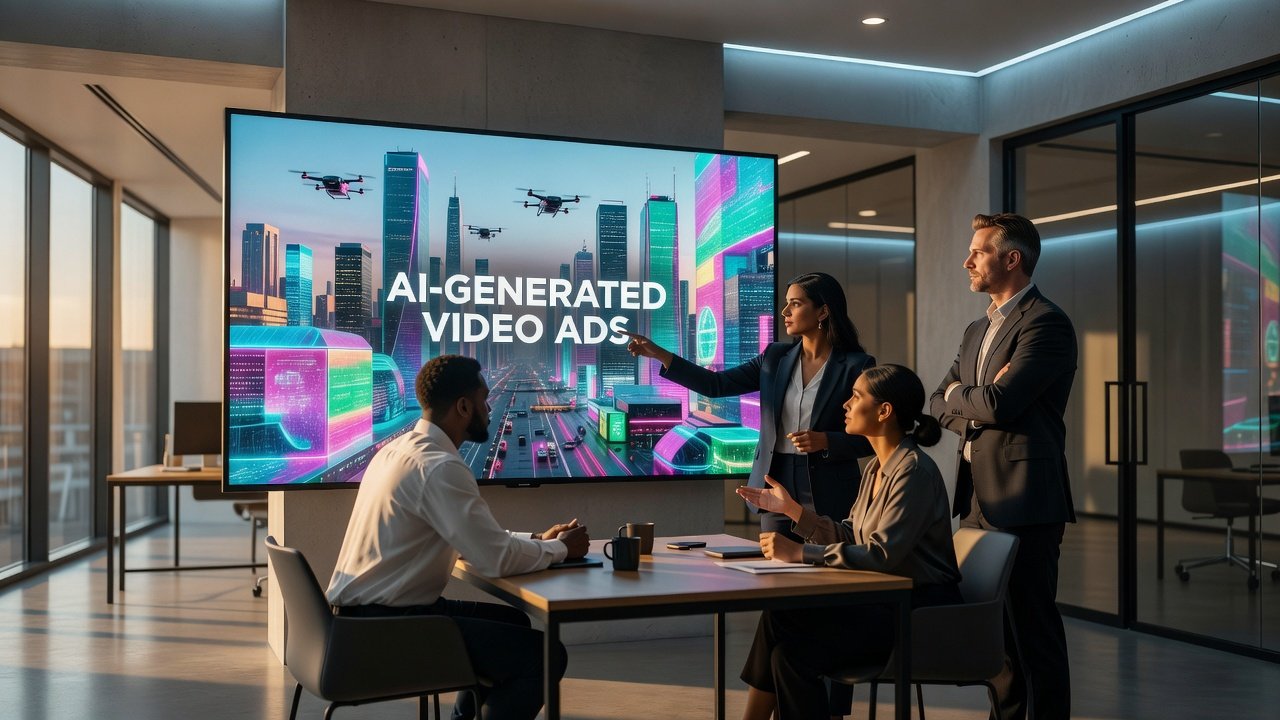
Marketing teams today must deliver video content at unprecedented speed while maintaining high production values. Runway 2026 provides an AI-powered platform that transforms how short-form ads are conceptualized, produced, and optimized. This comprehensive guide walks through beginner-friendly setup processes, sophisticated prompt chaining strategies for maintaining brand identity, precise timeline layering methods, and seamless connections with design tools like Canva and Adobe suites. Real-world examples, performance optimization strategies, and a detailed comparison of subscription tiers equip teams to achieve measurable productivity gains and stronger campaign engagement.
Getting Started with Runway 2026 Setup
Creating your first project begins with account registration and workspace configuration. Navigate to the dashboard and select a new project template optimized for social media or paid advertising. Upload core brand assets including logo files, hex color codes, typography guidelines, and sample voiceover audio. Set default output parameters such as aspect ratio (9:16 for Instagram Reels or TikTok, 1:1 for feed posts) and frame rate. Enable team sharing permissions early so collaborators can review iterations without leaving the platform. This structured onboarding prevents common issues like mismatched branding and ensures every generated clip aligns with campaign objectives from the outset.
Advanced Prompt Chaining for Branded Content
Prompt chaining builds layered instructions that produce consistent, on-brand results. Begin with a foundational prompt describing the product and setting, then append sequential refinements for camera movement, lighting, text placement, and audio sync. An effective chain might start with "premium skincare bottle on marble countertop, soft morning light" followed by "slow zoom in, elegant female hand applying cream, brand logo fade in bottom right, upbeat instrumental track." Test variations by adjusting descriptors for tone or demographic appeal. Marketers report that chaining three to five prompts yields the most polished outputs while reducing the need for post-generation edits. Always reference your brand style guide within the first prompt to lock in visual consistency across an entire ad series.
Timeline Layering Techniques
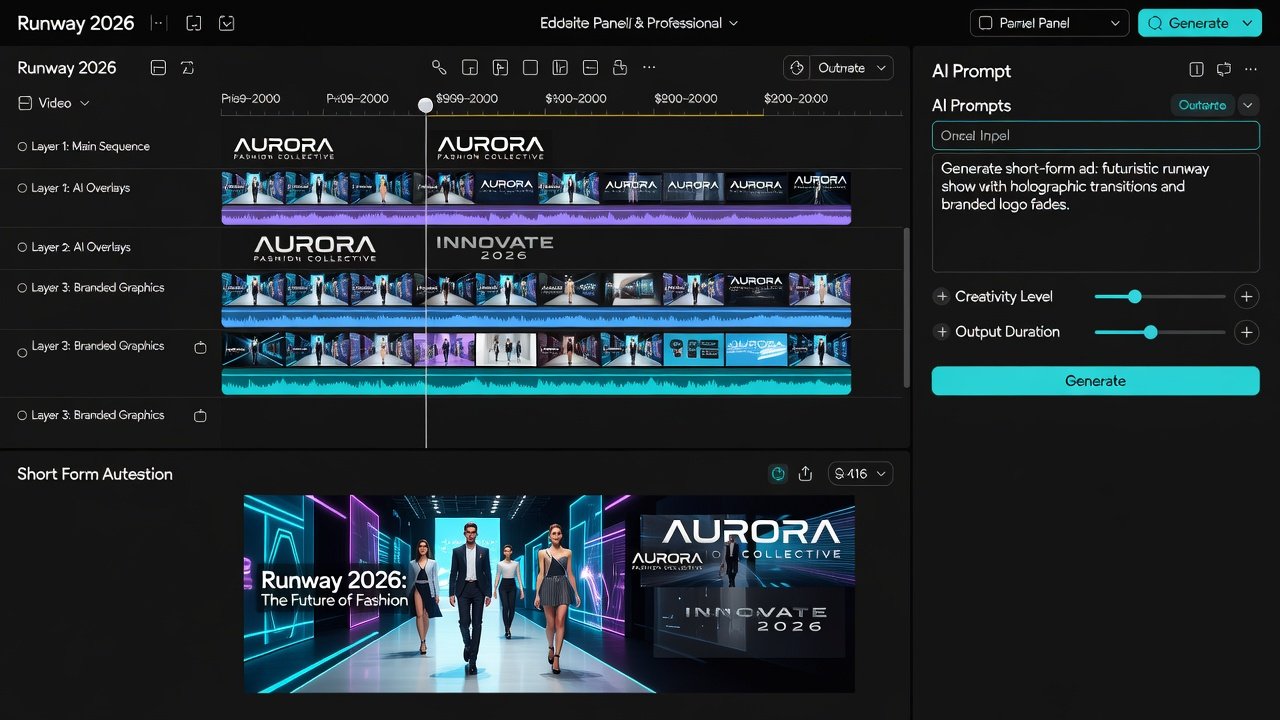
The multi-track timeline in Runway 2026 allows precise control over composite scenes. Import your primary AI-generated clip onto the base track, then add overlay layers for motion graphics, subtitles, and product close-ups. Use keyframe controls to animate opacity, position, and scale. For example, place a subtle particle effect on a secondary track to emphasize product benefits without overwhelming the main visual. Adjust audio layers independently to align voiceover peaks with visual cuts. This approach lets teams create 15-second ads that feel professionally edited while remaining fully AI-generated. Experiment with blend modes and masking tools to achieve seamless transitions between scenes.
Integrations with Canva and Adobe Tools
Direct integration with Canva enables instant import of static graphics and templates into your video project. Export finished ads back to Canva for thumbnail creation or social scheduling. Adobe users benefit from round-trip workflows with Adobe Premiere Pro and After Effects, where Runway clips can be imported as editable layers. These connections eliminate repetitive file exports and support version control across departments. Set up API connections if your team uses marketing automation platforms to push final assets directly into campaign management systems.
Step-by-Step Examples of Creating Short-Form Ads
Consider a 15-second ad for a fitness app. Step one: generate base footage using a chained prompt sequence focused on energetic workouts. Step two: add timeline layers for app interface mockups and call-to-action text. Step three: fine-tune timing so the logo appears exactly when the voiceover mentions the brand name. A second example involves e-commerce product ads where multiple color variants are generated in parallel batches. Run each variant through the same layering template to maintain uniformity while testing different messaging angles. Document successful prompt chains in a shared team library for future reuse.
Performance Optimization Tips
Render previews at reduced resolution to accelerate iteration cycles. Schedule batch generations during off-peak hours for faster queue times. Analyze post-campaign metrics such as view-through rate and completion percentage to refine future prompts. Teams that incorporate A/B testing of AI-generated variations consistently outperform those relying on single creative executions. Monitor render settings for compression artifacts and adjust bitrate when exporting for different platforms. These practices compound over time, allowing marketing departments to produce three times more ad variations within the same timeframe.
Free vs Paid Features Comparison
The free tier offers limited monthly generations, watermarked exports, and basic prompt tools suitable for testing concepts. Paid subscriptions remove watermarks, provide priority processing, unlock advanced editing controls, and enable team workspaces with shared asset libraries. Higher tiers add commercial usage rights, API access, and dedicated support. Evaluate your monthly output volume and collaboration needs before upgrading to ensure the chosen plan supports your campaign calendar without unnecessary restrictions.
Practical FAQs on Export Options and Common Pitfalls
- What export formats and resolutions does Runway 2026 support? Standard options include MP4 and MOV up to 4K, with custom frame rates and bitrate controls for platform-specific optimization.
- How can teams avoid inconsistent branding across multiple ads? Maintain a master prompt template that includes exact brand descriptors and reuse it as the starting point for every new project.
- What are the most frequent export pitfalls? Over-compression and mismatched aspect ratios often occur when skipping preview checks; always verify settings before final rendering.
- Can generated content be used for paid advertising? Paid plans include clear commercial licensing terms that cover most advertising use cases.
- How do I handle voiceover integration? Upload custom audio files or use built-in text-to-speech options, then align timing on the dedicated audio track.
Conclusion
Runway 2026 equips marketing teams with the tools needed to scale video ad production without sacrificing quality. By mastering setup fundamentals, prompt chaining, timeline techniques, and tool integrations, professionals can deliver high-engagement short-form content more efficiently. Apply the step-by-step examples and optimization strategies outlined above to realize tangible improvements in both workflow speed and campaign performance. Begin implementing these workflows immediately to stay ahead in the competitive landscape of AI-assisted marketing.
No comments yet. Be the first!