 NeoBit Daily
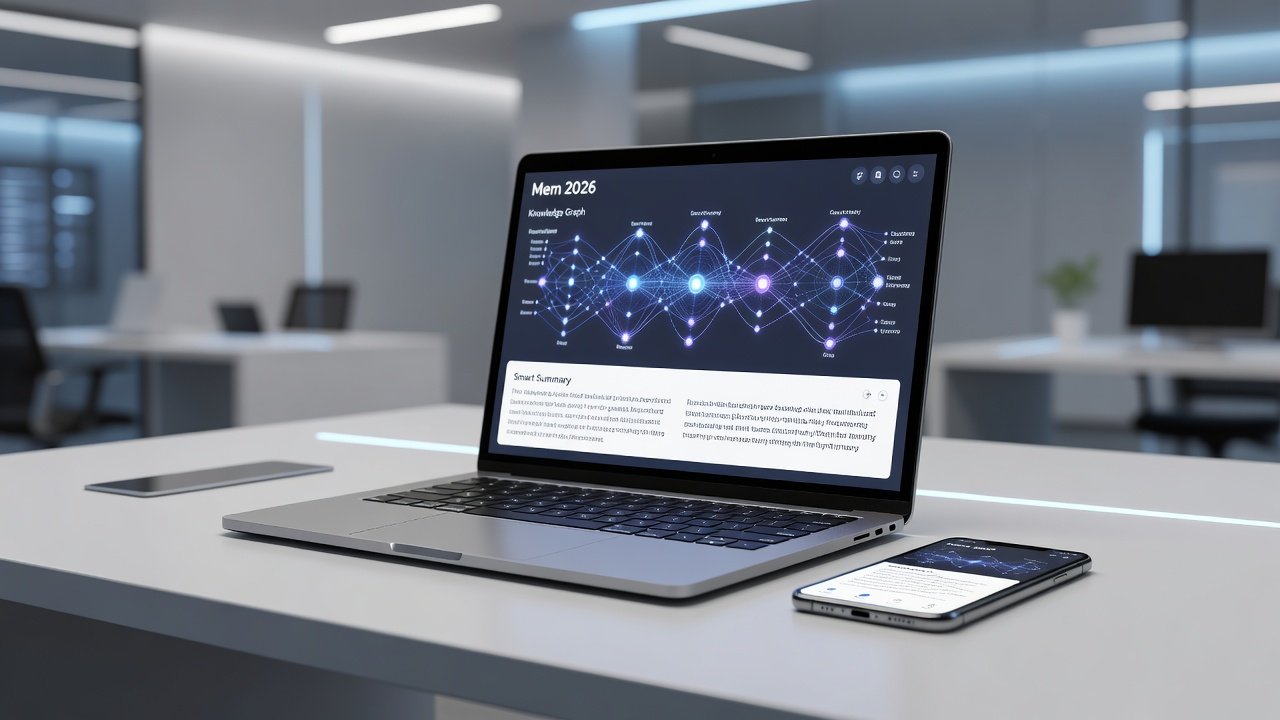
Introduction to Mem 2026 as Your AI Second Brain
Mem 2026 represents a significant evolution in AI-powered note-taking, transforming how knowledge workers and researchers capture, organize, and retrieve information. This comprehensive guide walks through complete setup on mobile and desktop platforms, automatic features like tagging and summaries, and advanced workflows that deliver measurable productivity gains. By leveraging AI for intelligent tagging, concise summaries, and dynamic connections, users build a living second brain that surfaces relevant insights without constant manual effort. Whether you are a beginner starting fresh or an advanced user optimizing a large library, these practical steps, real-world examples, and decision frameworks will help you maximize the platform's capabilities while avoiding common pitfalls.
The core value lies in reducing cognitive load. Instead of spending hours sorting notes, the AI handles initial organization so professionals can focus on analysis and application. This approach benefits researchers handling dozens of papers weekly and knowledge workers managing cross-functional projects.
Setting Up Mem 2026 on Desktop and Mobile
Begin the process by downloading the most recent version directly from the platform's official channels. On desktop, the installation wizard guides you through account creation or login, followed by an option to enable full AI processing for all imported and new notes. Syncing occurs automatically across devices once you connect your account, ensuring consistency whether you work from a laptop in an office or review notes on the go.
Mobile setup mirrors the desktop experience but adds unique advantages such as voice-to-text capture and location-based reminders. After installing the iOS or Android app, grant necessary permissions for calendar access, email integration, and camera use early in the process. This enables features like automatic event logging and photo attachments with contextual AI analysis. Test the full sync cycle by creating a test note on desktop and confirming it appears instantly on mobile with all tags and summaries preserved.
For users managing extensive libraries, prioritize performance during setup by selecting incremental indexing rather than processing everything at once. This prevents slowdowns and allows gradual refinement of AI suggestions over the first few days of use.
Automatic Tagging and Smart Summaries
Mem 2026 stands out through its automatic tagging system that analyzes content context, keywords, and relationships to suggest relevant labels. After importing existing notes, spend time reviewing the AI-generated tags and adjusting any that feel imprecise. Over repeated interactions, the system learns your preferences and improves accuracy.
Smart summaries condense lengthy documents into actionable bullet points while preserving key data points and citations. For example, a researcher uploading a 20-page academic paper receives a structured summary highlighting methodology, findings, and limitations within seconds. This feature shines in daily workflows where a project manager pastes an email thread; the AI tags stakeholders, extracts deadlines, and summarizes next steps for quick reference during team meetings.
Daily Note Capture Routines
Develop a repeatable daily routine to maximize capture efficiency. Begin mornings by opening a templated note that prompts the AI to pull overnight calendar items and email highlights into a single overview. Use voice input on mobile during commutes to record ideas without typing, allowing the system to transcribe and tag them automatically.
- Morning routine: Review AI-suggested priorities from the previous day and link them to current tasks.
- Midday check-in: Capture meeting notes immediately after calls, relying on the AI to connect them to related project files.
- Evening reflection: Trigger a prompt that generates a summary of the day's entries and proposes connections to older notes.
Consistency compounds over weeks, turning sporadic captures into a robust personal knowledge base that supports long-term research or career development.
Building Interconnected Knowledge Graphs
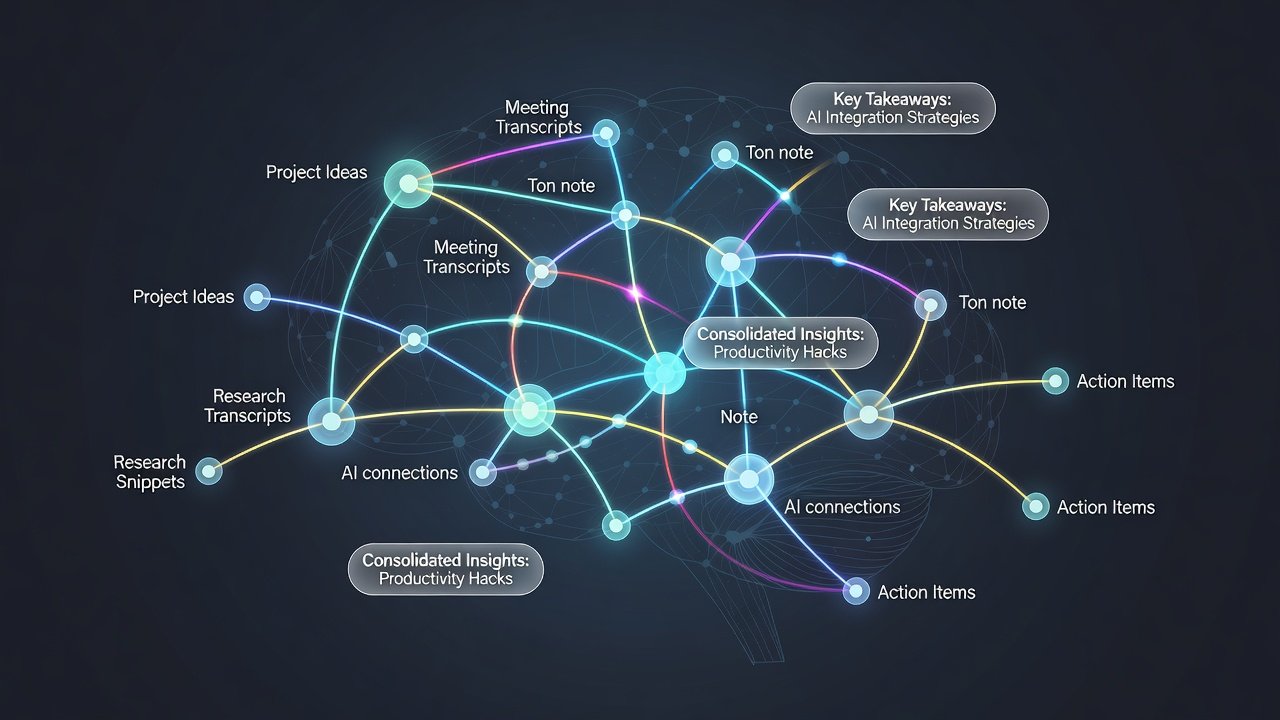
The knowledge graph feature creates bidirectional links between notes based on semantic similarity. Start by using built-in prompts such as "Map connections between this research note and all entries tagged with machine learning from the past quarter." This generates visual maps that evolve as you add content, revealing patterns invisible in linear lists.
A practical researcher example involves importing multiple studies on climate modeling; the graph automatically clusters related concepts like data sources and predictive algorithms, enabling faster literature reviews. Adjust graph density settings in advanced options to balance detail with readability when working with hundreds of interconnected entries.
Prompt-Based Organization and Integrations
Custom prompts allow precise control over organization. Examples include instructing the AI to "Group notes by project phase and flag any overdue action items" or "Extract all references to budget figures and compile them into a summary table." These commands integrate smoothly with calendar tools for deadline tracking and email clients for archiving conversations with full context.
Calendar integration pulls events into daily notes automatically, while email sync preserves threads alongside related research. Experiment with combining these for hybrid workflows, such as auto-creating a project dashboard that updates whenever a linked calendar event occurs or an email arrives.
Performance Tips for Large Note Libraries
Scale effectively by archiving completed projects quarterly and using search filters to limit AI reprocessing to active folders. Enable background indexing during off-peak hours and monitor dashboard metrics for any slowdown indicators. Consistent use of standardized prompt phrasing further trains the model, leading to faster and more relevant suggestions as your library grows beyond several thousand notes.
Common Mistakes to Avoid
Many users overlook initial tag curation, leading to cluttered graphs later. Another frequent error involves neglecting privacy controls when integrating email, which can expose sensitive data. Always test integrations on a small subset of notes first. Avoid over-relying on AI summaries for final reports without human review, especially in fields requiring precise citations or nuanced interpretation.
Comparisons to Craft and Obsidian
Compared to Craft, Mem 2026 emphasizes proactive AI automation over manual formatting beauty, making it preferable for users who want reduced administrative work. Obsidian provides excellent local file control and plugin extensibility but demands more manual linking; Mem's AI accelerates graph building while adding contextual summaries. For teams needing real-time collaboration and email/calendar ties, Mem outperforms both. Explore Obsidian if your priority is offline markdown flexibility without cloud dependencies.
FAQ: Common AI Accuracy Questions
How accurate are the AI summaries in practice? Summaries maintain strong fidelity on factual and structured content, though complex arguments may require spot-checking for context preservation.
Can automatic tagging introduce errors with specialized terminology? Initial accuracy improves rapidly after you correct a few suggestions, allowing the model to adapt to domain-specific language within days.
Does performance degrade with libraries over 20,000 notes? Optimized 2026 indexing handles large collections efficiently, but users benefit from periodic cleanup to keep response times optimal.
Are there safeguards for data privacy during AI processing? Yes, review encryption and access settings before enabling full integrations, and use local processing modes where available.
How does the system handle conflicting information across notes? It flags potential contradictions in summaries and suggests review, supporting critical thinking rather than blind acceptance.
Conclusion
Adopting these Mem 2026 strategies converts passive note storage into an active intelligence system. Begin with foundational setup and daily routines, then layer advanced prompts and graph features for compounding returns. Knowledge workers and researchers consistently achieve faster information retrieval and novel insights through sustained application of these methods.


No comments yet. Be the first!