 NeoBit Daily
Introduction
As organizations prepare for the wave of 2026 software updates and operating system releases, IT managers face a critical challenge: ensuring seamless adoption across teams. Resistance and errors often stem not from technical issues but from inadequate preparation. This guide focuses on education-first approaches to build confidence, reduce downtime, and foster smooth transitions. Effective training transforms potential disruptions into opportunities for productivity gains. By prioritizing role-specific learning and measurable outcomes, companies can achieve higher adoption rates while addressing common fears around compatibility and workflow changes. In 2026, updates from major vendors will emphasize enhanced security protocols, AI integrations, and streamlined interfaces, making proactive education essential for maintaining operational continuity.
Without structured training, even minor interface shifts can lead to widespread frustration and lost hours. IT leaders who invest in comprehensive programs report faster stabilization periods and fewer escalated support requests. This article provides actionable frameworks, real-world examples, and evaluation methods tailored for IT managers overseeing diverse workforces.
Understanding the Need for Targeted Training
Software updates in 2026 will introduce enhanced security features, AI-driven tools, and interface refinements. Without proper education, users may encounter friction, leading to workarounds or errors. Training bridges this gap by equipping employees with knowledge tailored to their daily tasks. Research from authoritative sources like Microsoft highlights that structured preparation significantly lowers support tickets during rollouts. IT leaders should assess current skill levels early to customize programs accordingly. Beyond technical proficiency, training must address psychological barriers such as fear of change or concerns over data loss. Organizations that neglect this holistic view often experience prolonged adjustment phases lasting weeks or months.
Key drivers include regulatory compliance updates embedded in new releases and the need to leverage productivity enhancements. A thorough needs analysis reveals skill gaps across departments, allowing for prioritized content delivery that aligns with business objectives.
Designing Role-Specific Workshops
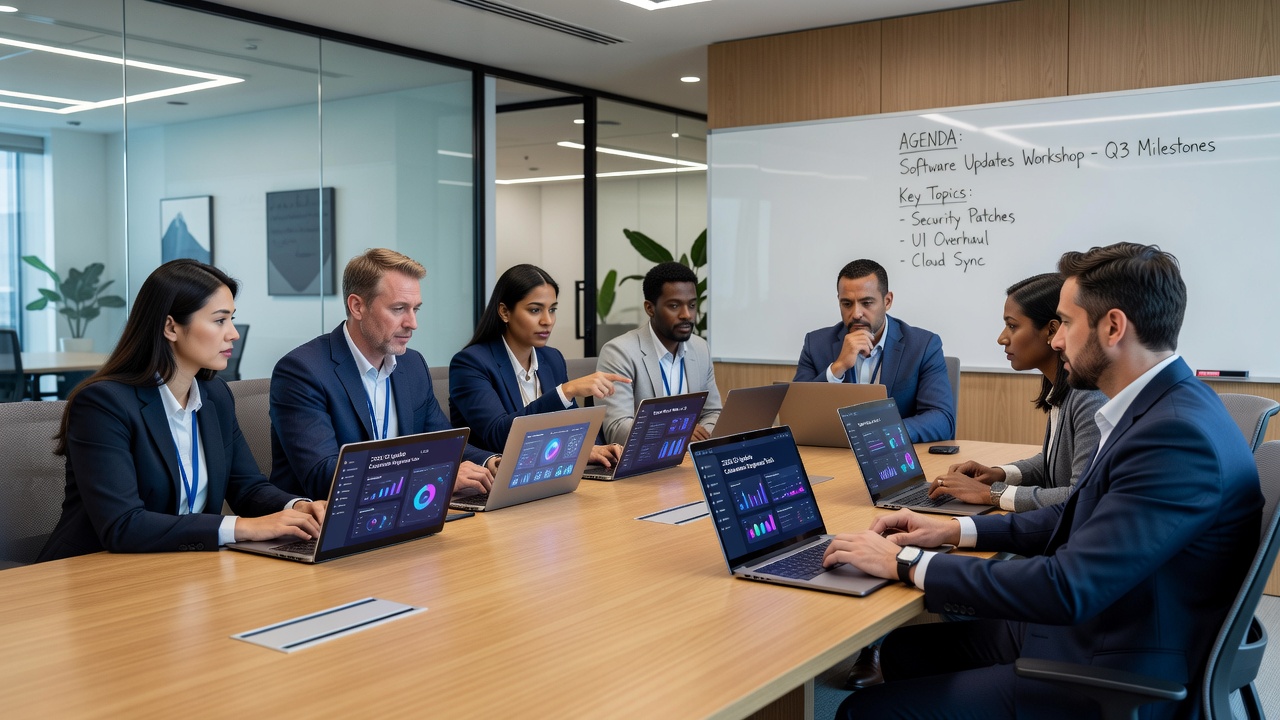
One-size-fits-all sessions fail to address diverse needs. Instead, segment workshops by department and role. For example, finance teams require focused modules on data security protocols in new accounting software, while creative departments explore updated design tools. Begin with a detailed skills assessment using anonymous surveys and performance audits to identify specific pain points. This data informs workshop agendas that incorporate real job scenarios rather than generic overviews.
Customization examples include tailoring a session for sales teams around CRM integration changes, complete with live demos of updated lead-tracking features. For HR departments, emphasize privacy controls and document management updates. Schedule workshops during low-peak hours, limit group sizes to 15 participants for interaction, and incorporate role-play activities that mirror daily workflows. Provide pre-work materials such as short video overviews to maximize in-session productivity.
Creating Quick-Reference Guides from Patch Notes
Transform dense release notes into accessible resources. Condense key changes into one-page PDFs or digital cards highlighting new shortcuts, deprecated features, and troubleshooting steps. Source material directly from vendor documentation for accuracy. Step-by-step creation involves extracting relevant sections from official patch notes, simplifying language for non-technical audiences, and organizing content by task frequency. Include visual elements like annotated screenshots and flowcharts for quick comprehension.
Distribute guides via internal portals with search functionality. Update them iteratively based on user feedback. This approach empowers employees to self-serve solutions, decreasing reliance on IT support during the critical first weeks post-update. Maintain version control and archive older guides to avoid confusion. Encourage department champions to contribute examples from their teams for ongoing relevance.

Step-by-Step Examples of Interactive Sessions
Interactive training boosts retention. Follow this structure for a 90-minute workshop on OS updates: Opening (10 min) with an overview of benefits and timeline; Demonstration (20 min) featuring a live walkthrough of interface changes using a test environment; Group Activity (30 min) involving role-play exercises where teams navigate simulated updates and resolve compatibility concerns; Discussion (20 min) for Q&A and sharing best practices; Wrap-up (10 min) previewing quizzes and distributing resources. Repeat sessions across shifts to accommodate schedules and record them for asynchronous access.
Another example targets software-specific updates: Start with a 15-minute icebreaker discussing past update experiences, followed by paired exercises on feature exploration, then a collaborative troubleshooting simulation using sample data sets. End with individual action planning where participants outline how they will apply new skills the next day. These formats encourage active participation and immediate application, leading to higher engagement levels.
Comparing In-Person Versus E-Learning Formats
Choosing the right delivery method depends on team size, location, and learning preferences. In-person workshops excel at building immediate rapport and allowing real-time clarification. They suit complex topics requiring collaboration. E-learning platforms offer flexibility and scalability, ideal for remote or global teams. They include progress tracking and modular content. A hybrid model often yields the best results: core concepts via e-learning followed by in-person reinforcement sessions.
Consider this comparison list for decision-making:
- In-person: Higher engagement through direct interaction but requires physical space and travel coordination.
- E-learning: Self-paced access with built-in analytics yet potentially lower accountability without follow-up.
- Hybrid: Combines strengths for optimal outcomes while balancing logistical demands.
Pilot both formats with a small pilot group to gather feedback before full rollout. Factors like team distribution and content complexity should guide the final choice.
Measuring Training Effectiveness with Quizzes
Assessment ensures knowledge sticks. Deploy short quizzes after each module covering key concepts like new security settings or navigation paths. Use multiple-choice and scenario-based questions for depth. Track metrics such as average scores, completion rates, and post-training support ticket volume. Aim for 85% proficiency thresholds, with remediation for lower performers. Tools integrated into learning management systems provide analytics to refine future sessions. Follow-up surveys at 30 and 60 days post-training capture long-term retention and application rates.
Additional evaluation includes observing workflow improvements through manager reports and analyzing error logs before and after implementation. Adjust content dynamically based on these insights to continuously improve program quality.
Post-Training Support and Continuous Learning Strategies
Training does not end with the final session. Establish ongoing support channels such as dedicated chat forums, office hours with IT specialists, and monthly refresher micro-learning modules. Assign peer mentors within departments to assist colleagues during the initial adoption phase. Encourage feedback loops where employees share successful tips, building an internal knowledge base that evolves with user experiences. This sustained approach prevents regression and reinforces new habits over time.
Addressing Common Employee Concerns: FAQ
Will the updates break my existing files or apps?
Most 2026 updates include backward compatibility layers. Test environments allow verification beforehand, and training covers migration steps to protect data integrity.
How much time will training take away from my work?
Sessions are designed efficiently, typically 1-2 hours, with optional self-paced options to minimize disruption while maximizing impact.
What if I forget the new features later?
Quick-reference guides and refresher quizzes remain available indefinitely, supporting long-term retention and independent problem-solving.
Are the updates compatible with older hardware?
Vendors provide detailed compatibility matrices; training includes guidance on checking system requirements and escalation paths for edge cases.
Will training cover security implications?
Yes, dedicated modules address new authentication methods and data protection features to ensure teams understand and apply enhanced safeguards.
Conclusion
Preparing teams through strategic training ensures 2026 software updates deliver value without friction. By focusing on role-specific design, practical guides, interactive methods, format comparisons, rigorous measurement, and sustained support, IT managers can drive successful adoption. Start planning now to turn updates into a competitive advantage. Drawing from resources like Apple documentation on OS transitions further strengthens these educational efforts across platforms.

No comments yet. Be the first!