 NeoBit Daily
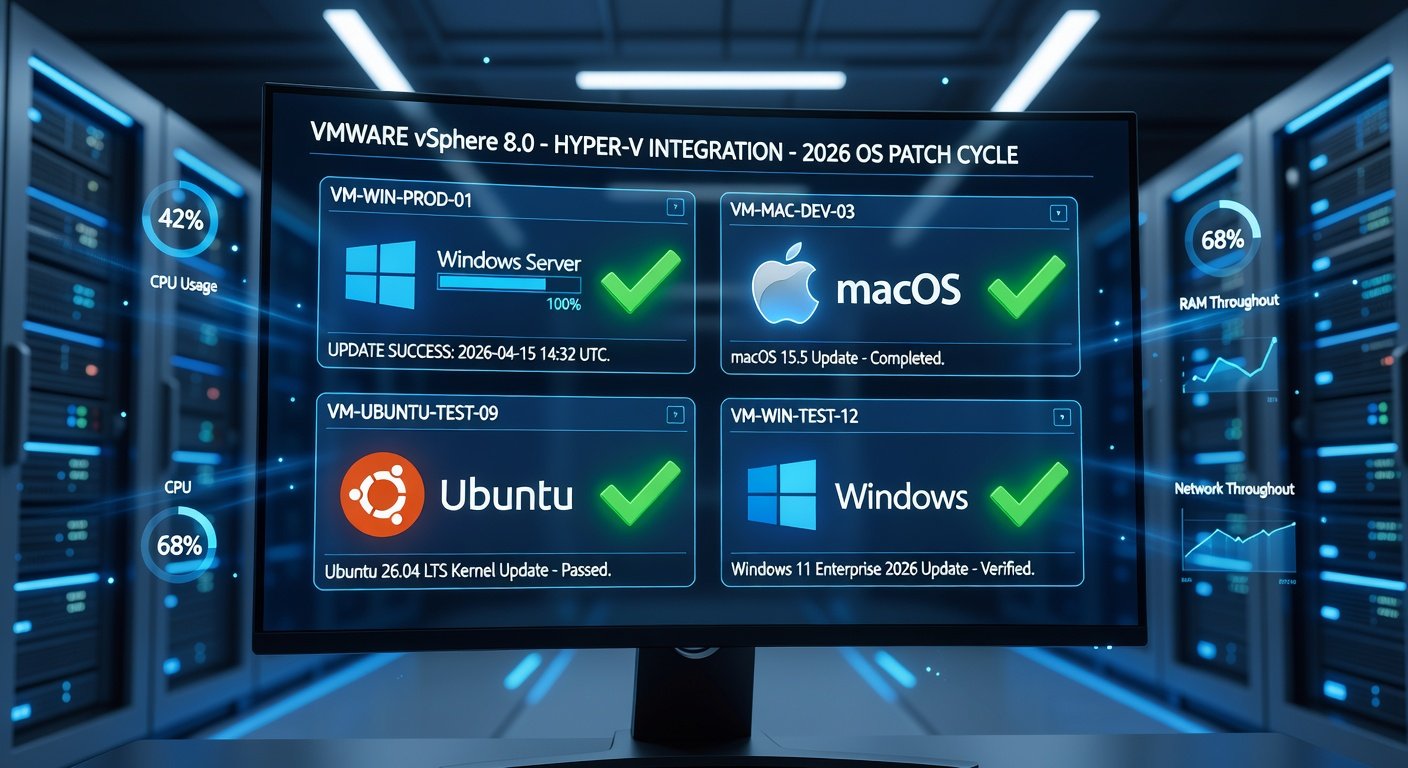
Why Test 2026 OS Updates in Virtual Environments?
Deploying major OS updates like those expected in 2026 can disrupt operations if not handled carefully. Windows, macOS, and Linux distributions will roll out significant enhancements, security patches, and features that could break legacy apps or hardware compatibility. Virtual environments allow IT admins to simulate real-world conditions without risking production systems.
Benefits include isolated testing, snapshot rollbacks, resource efficiency, and scalability. According to industry best practices, virtualization reduces deployment risks by up to 80%. This guide covers everything from setup to metrics for 2026-specific updates.
Essential Virtualization Tools for IT Admins
Choose tools based on your ecosystem. Here are top recommendations:
- VMware Workstation or vSphere: Enterprise-grade for Windows/Linux/macOS testing. Supports nested virtualization and GPU passthrough.
- Microsoft Hyper-V: Built into Windows Server/Pro; ideal for Windows-centric environments. Free for most use cases.
- Oracle VirtualBox: Open-source alternative for quick setups, though less performant for heavy loads.
For detailed Hyper-V setup, refer to Microsoft's official documentation at Microsoft Learn.
Step-by-Step Guide to Testing 2026 OS Updates
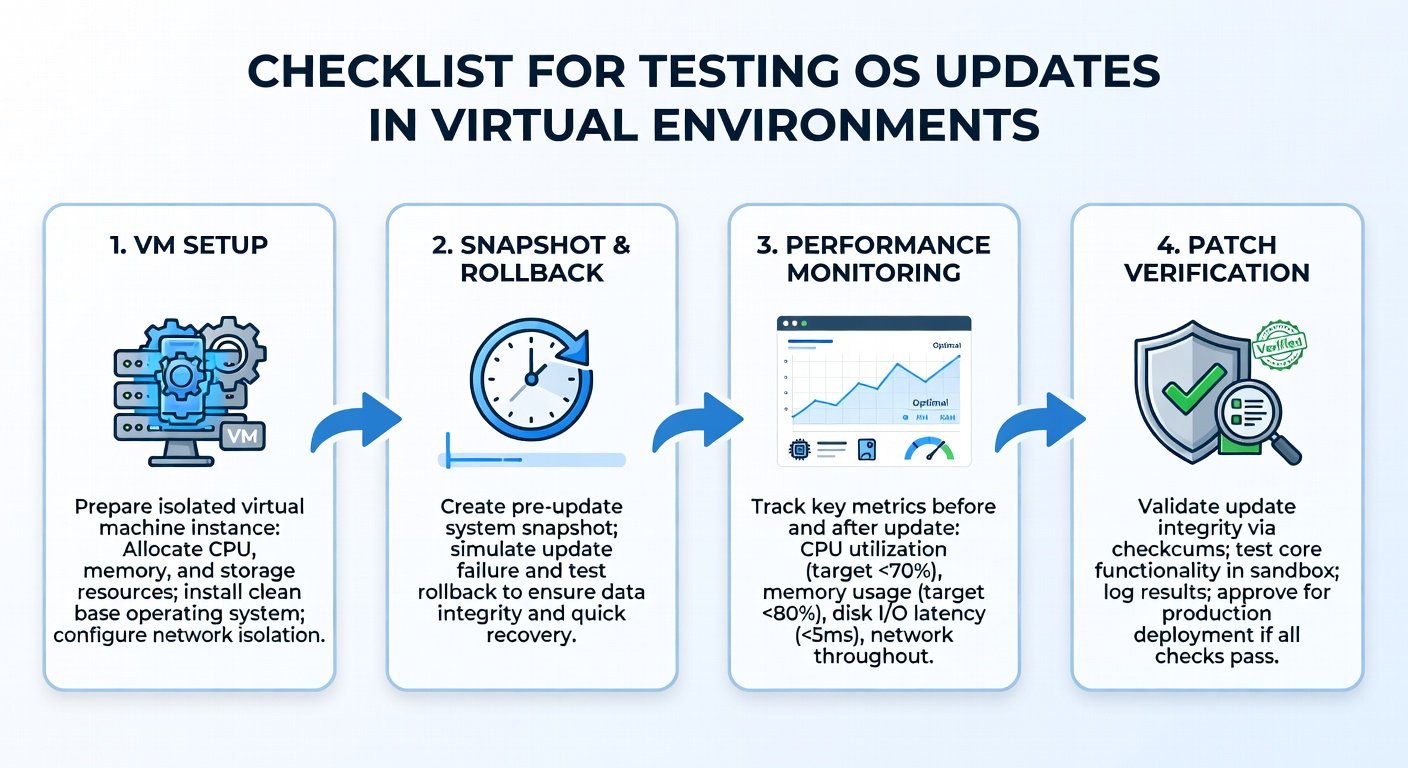
Follow these steps to create a robust testing pipeline:
- Inventory Your Environment: Catalog hardware, apps, drivers, and peripherals. Use tools like Belarc Advisor or PowerShell scripts for Windows.
- Set Up Virtual Machines: Allocate VMs mirroring production specs (CPU, RAM, storage). For Windows 2026 updates, create Gen2 VMs in Hyper-V; for macOS, use VMware Fusion on Apple Silicon.
- Baseline Current State: Install the current OS, run benchmarks (e.g., CPU-Z, CrystalDiskMark), and test critical apps.
- Download and Stage Updates: Fetch ISOs or installers from official channels. Verify hashes to prevent tampering.
- Apply Updates Incrementally: Test cumulative updates first, then feature packs. Use snapshots before each change.
- Run Comprehensive Tests: Functional, performance, security scans, and user acceptance testing (UAT).
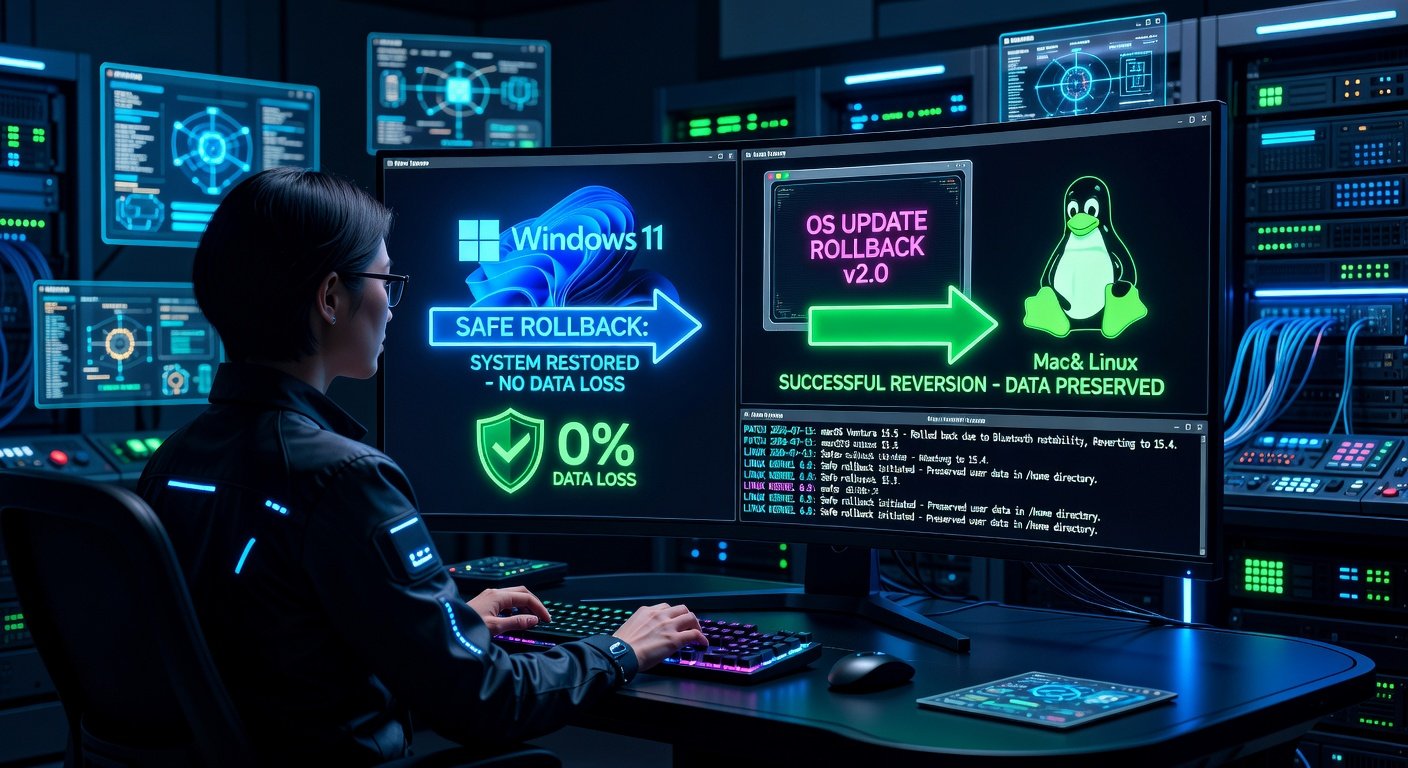
- Rollback and Iterate: Revert via snapshots if issues arise; document findings.
- Scale to Clustered Testing: Simulate multi-VM environments for network-dependent apps.
Key Patch and Release Notes to Verify
Always cross-reference vendor release notes. Focus on:
- Security Fixes: CVEs addressed, zero-days patched.
- Driver Compatibility: GPU, NIC, storage changes.
- API/Deprecation Warnings: Breaking changes in .NET, kernel modules.
- Performance Optimizations: Memory management, scheduler tweaks.
For VMware best practices in update testing, visit VMware's official site.
Common Testing Pitfalls and How to Avoid Them
Even seasoned admins falter here:
- Pitfall: Ignoring Nested Virtualization: Solution: Enable in BIOS/VM settings for container-heavy workloads.
- Pitfall: Resource Starvation: Solution: Overprovision by 20%; monitor with Task Manager or vSphere Client.
- Pitfall: Skipping Peripheral Emulation: Solution: Passthrough USB/ printers; test Bluetooth in macOS VMs.
- Pitfall: Overlooking Group Policy Conflicts: Solution: Apply GPOs pre-update; test in domain-joined VMs.
- Pitfall: Inadequate Logging: Solution: Enable verbose logging (Event Viewer, syslog); use ELK stack for analysis.
In 2026, watch for AI-accelerated drivers causing VM escapes—test with isolated networks.
Metrics for Success in OS Update Testing
Quantify your tests with these KPIs:
- Boot Time: <10% degradation post-update.
- App Launch Time: Measure with Sysinternals tools; target <5s average.
- CPU/Memory Usage: Baseline vs. post-update delta <15%.
- Compatibility Score: 95%+ apps functional without tweaks.
- Security Posture: Run Nessus or OpenVAS; zero high/critical vulns.
- Uptime Simulation: Stress test for 72+ hours.
Automate with scripts: PowerShell for Windows, Ansible for Linux/macOS.
2026-Specific Examples from Major OS Vendors
Anticipate these based on trends:
Microsoft Windows 2026 Update
Expected: Enhanced Copilot integration, Arm64 native apps, stricter TPM 2.0 enforcement. Test Win32 app bridging. Key note: Kernel 10.0.26xxx with Rust components. Pitfall: DirectX 13 conflicts in VMs—enable hardware acceleration.
Apple macOS 17 (Hypothetical "Ventura successor")
Focus: Apple Silicon optimizations, Stage Manager 2.0, privacy sandbox. Verify Metal API changes. Use Apple Developer for beta notes. Pitfall: Rosetta 2 performance dips in VMware.
Canonical Ubuntu 26.04 LTS
Features: PipeWire default, systemd 256, AI toolchain snaps. Test containerd shifts. Release notes emphasize ZFS improvements. Pitfall: NVIDIA drivers on Wayland—use virtio-gpu.
For Ubuntu details, check Ubuntu's site.
Final Deployment Checklist and Best Practices
Before going live:
- Staged rollout: 10% pilots first.
- Backup everything.
- Prepare rollback plans.
- Train end-users.
By mastering virtual testing, you'll ensure smooth 2026 transitions, minimizing downtime and boosting security.
No comments yet. Be the first!