 NeoBit Daily
Why Automate OS Updates for 2026?
As we approach 2026, operating systems like Windows Server 2026, upcoming Linux distributions, and enterprise macOS versions will demand frequent updates for security, performance, and compliance. Manual patching is error-prone, time-consuming, and risky in large-scale environments. Automation ensures consistent, timely deployments across thousands of endpoints, minimizing vulnerabilities and downtime.
Key benefits include:
- Security Compliance: Automatically apply critical patches within hours of release.
- Scalability: Handle fleets from 100 to 100,000+ devices effortlessly.
- Cost Savings: Reduce IT labor by up to 80% per Gartner estimates.
- Audit Trails: Full logging for regulatory needs like GDPR or HIPAA.
This guide dives deep into parsing patch notes, top automation tools, setup walkthroughs, real-world tips, and pitfalls to avoid, empowering your team for seamless 2026 OS management.
Mastering Patch and Release Notes for Prioritization
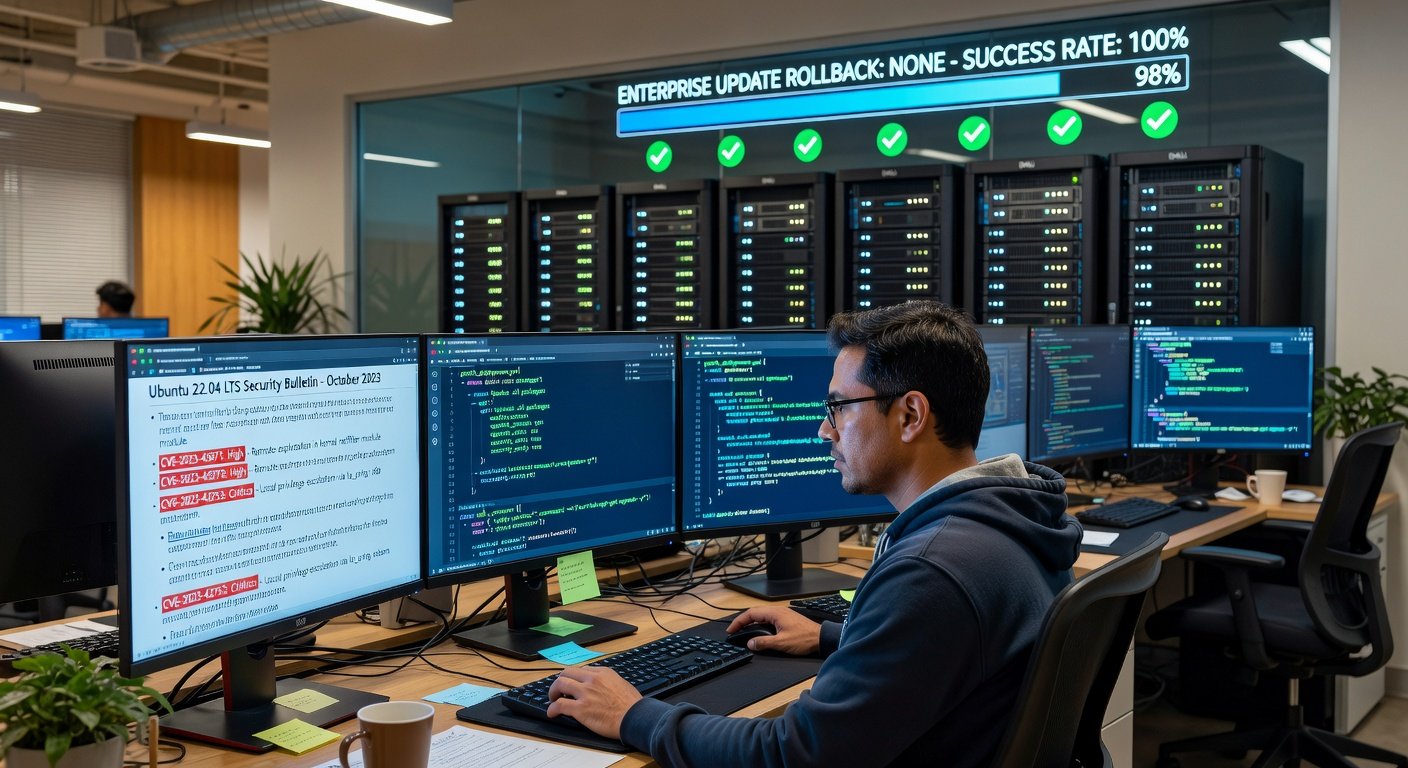
Before automating, learn to parse official patch notes from vendors like Microsoft, Red Hat, or Canonical. These documents detail CVEs (Common Vulnerabilities and Exposures), severity levels, affected components, and reboot requirements.
Step-by-Step Parsing Guide:
- Identify Sources: Check vendor security bulletins weekly. For Windows, review Microsoft Security Response Center.
- Classify Severity: Prioritize Critical/High (e.g., remote code execution) over Low. Use CVSS scores >7.0 as triggers.
- Scan Dependencies: Note prerequisites like .NET Framework updates or kernel modules.
- Assess Impact: Flag reboot-needed patches; schedule during maintenance windows.
- Automate Filtering: Use scripts to grep keywords like 'privilege escalation' or 'zero-day' from RSS feeds or APIs.
Example: A hypothetical 2026 Windows patch note might read: 'KB5001234 addresses CVE-2026-0001 (CVSS 9.8) in kernel.sys, requires reboot.' Script it to auto-queue high-severity items.
Tools like Ansible can integrate with these via modules to fetch and evaluate notes dynamically.
Top Tools for Automating 2026 OS Updates
We've evaluated leading tools based on ease of use, scalability, cost, and 2026 OS support (projected via current roadmaps). Focus: agentless vs. agent-based, cloud vs. on-prem.
1. Ansible: Agentless Automation Powerhouse
Ansible from Red Hat excels in simplicity—no agents, YAML playbooks, idempotent execution. Ideal for Linux/Windows hybrid fleets prepping for 2026.
Pros:
- Zero-agent footprint reduces attack surface.
- Push-based: Instant execution across 10,000+ nodes.
- Rich modules for yum/apt/win_updates.
- Free core; enterprise support via Automation Platform.
Cons:
- SSH dependency can bottleneck at scale without AWX/Tower.
- Less GUI; CLI-heavy for beginners.
Quick Setup for 2026 Windows Updates:
- Install Ansible:
pip install ansible. - Create inventory: hosts file with Windows IPs.
- Playbook example:
---
- hosts: windows_servers
  tasks:
    - name: Install all updates
      win_updates:
        category_names:
          - SecurityUpdates
          - CriticalUpdates
        reboot: yes
        state: installed
Test in staging, then deploy. Integrates with Git for versioned playbooks.
2. Puppet: Declarative State Management
Puppet enforces 'desired state' via manifests. Strong for complex enterprises with 2026 compliance needs.
- Pros: Pull-based agents self-heal drifts; Hiera for secrets; Bolt for agentless.
- Enterprise edition includes orchestration.
Cons: Steeper learning curve; agents required (though optional).
Setup Overview:
- Deploy Puppet Server on ELK or masterless mode.
- Manifest for updates:
package { 'yum-utils': ensure => installed }
exec { 'dnf update': command => '/usr/bin/dnf update -y', }
# For Windows via PowerShell provider
Link to Puppet's official docs for 2026 previews. Use PuppetDB for reporting.
3. Microsoft Intune: Cloud-Native for Windows Ecosystems
Part of Microsoft Endpoint Manager, Intune shines for Azure AD-joined devices targeting Windows 2026.
Pros:
- Zero-touch deployment via MEM.
- Update rings: Ring 1 critical, Ring 5 broad.
- Integrated analytics, compliance scoring.
- Pay-per-user scaling.
Cons: Windows/macOS focus; Linux via connectors only.
Deployment Steps:
- Enroll in Intune portal.
- Create update policy: Feature Updates > Windows 11/2026 > Deferral 0-30 days.
- Assign to groups; monitor via reports.
- Win32 app packaging for custom patches.
Perfect for hybrid workforces. See Microsoft Intune for trials.
Honorable Mentions: Chef and SaltStack
Chef: Ruby DSL for recipes, great for devs. SaltStack: Event-driven, high-speed for massive fleets.
| Tool | Best For | Cost | Learning Curve |
|---|---|---|---|
| Ansible | Simplicity | Free/$$ | Low |
| Puppet | Compliance | $$$ | Medium |
| Intune | Microsoft | Per-user | Low |
Real-World Tips for Enterprise Deployment
From IT pros at Fortune 500s:
- Canary Testing: Roll to 5% fleet first, monitor with Prometheus/Grafana.
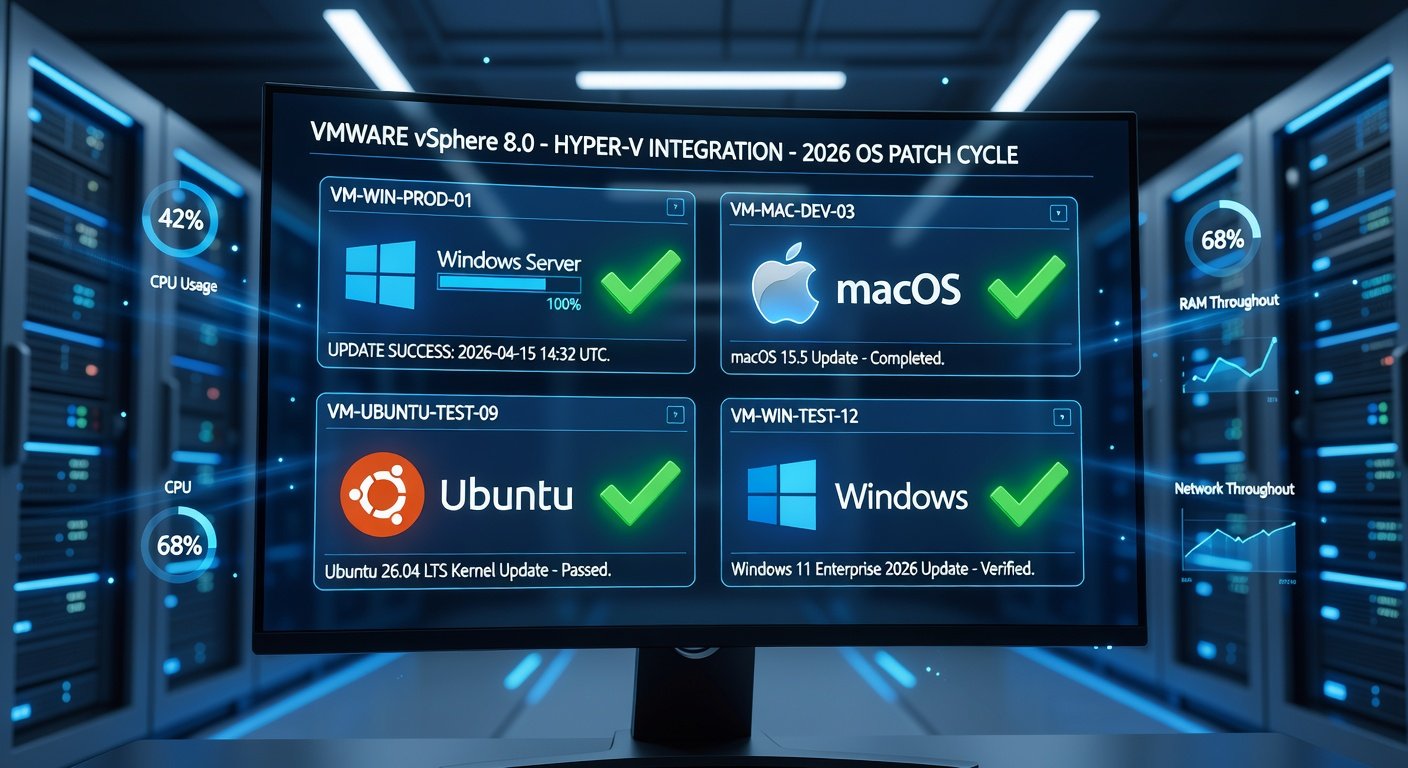
- Rollback Plans: Snapshot VMs pre-update; Ansible has
check_mode. - Integration: Hook into ServiceNow/Jira for ticketing.
- 2026-Specific: Expect AI-driven patches; tools like Ansible Galaxy will have modules ready.
- Zero-Downtime: Use blue-green with Kubernetes for servers.
Avoid: Over-patching (throttle to monthly); ignoring app compatibility tests.
Common Mistakes and How to Avoid Them
- Mistake 1: Blind automation—always parse notes first.
- Mistake 2: No testing—use VDI labs.
- Mistake 3: Single point failure—cluster controllers.
FAQs
Q: Free for small teams? Yes, Ansible core + Intune trials.
Q: Linux 2026 support? All tools via distro modules.
Q: Cost comparison? Ansible cheapest; Puppet/Intune for enterprises.
Conclusion
Automating 2026 OS updates with Ansible, Puppet, or Intune transforms IT from reactive to proactive. Start parsing notes today, pilot a tool, and scale confidently. Future-proof your infrastructure—your endpoints will thank you.
No comments yet. Be the first!