 NeoBit Daily

Introduction to Seamless 2026 Software Update Deployment
In the fast-evolving world of enterprise IT, deploying software updates and OS patches for 2026 releases is critical for security, performance, and compliance. However, in large organizations with thousands of endpoints, even minor disruptions can cost millions in lost productivity. This guide provides IT admins with a proven step-by-step process to roll out these updates without downtime, leveraging automation tools like Ansible and Microsoft System Center Configuration Manager (SCCM, now part of Microsoft Endpoint Manager).
Key challenges include identifying risks from release notes, coordinating across hybrid environments, and maintaining zero-trust security postures. By following this methodology—analyze, automate, test, deploy, monitor—you'll achieve smooth updates while meeting standards like NIST and CIS benchmarks.
Step 1: Analyze Release Notes and Patch Notes for Risks
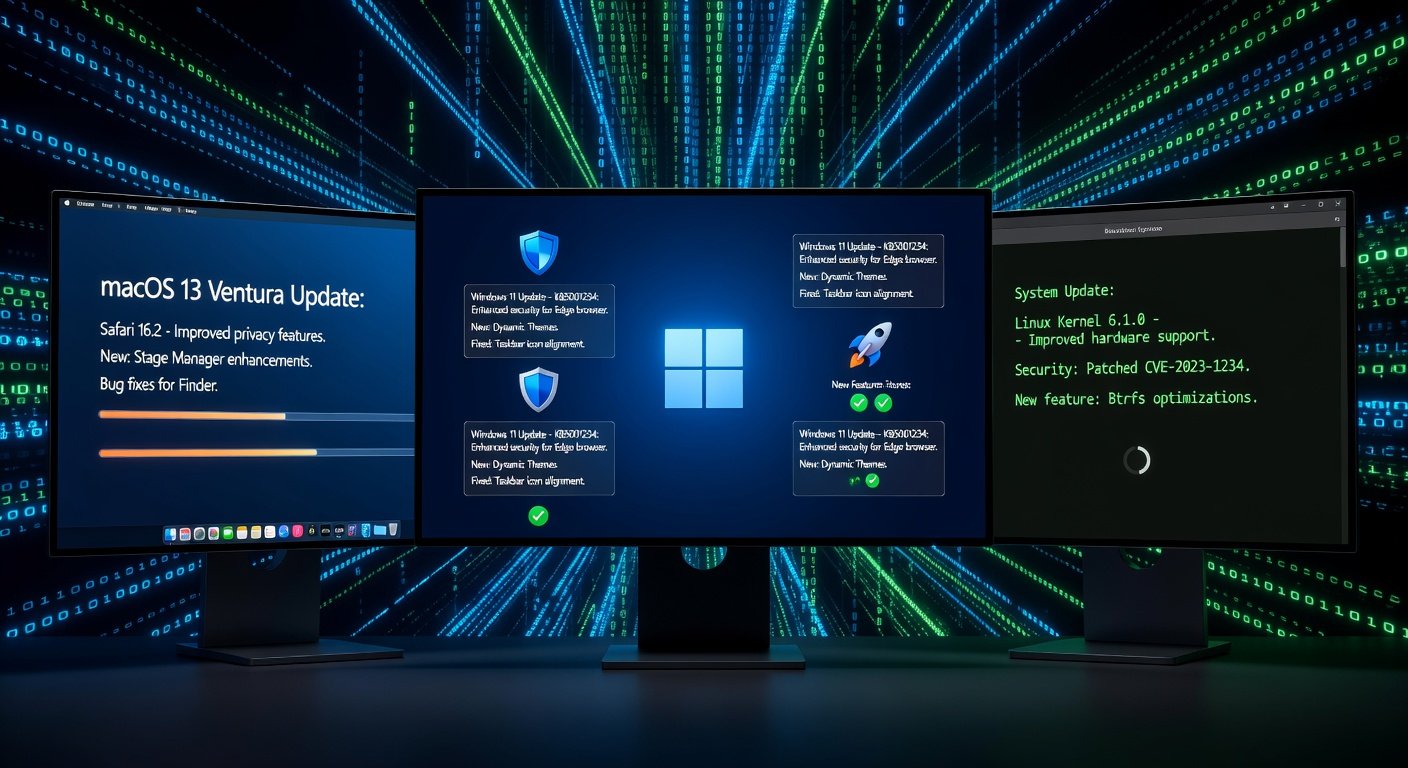
Before any deployment, thorough analysis is non-negotiable. Start by downloading official release notes from vendors like Microsoft, Apple, or Linux distributions.
- Review Known Issues: Scan for compatibility problems with legacy apps, drivers, or hardware. For 2026 updates, expect notes on AI-enhanced features that might require GPU upgrades.
- Assess Security Fixes: Prioritize CVEs (Common Vulnerabilities and Exposures). Use tools like NIST National Vulnerability Database to cross-reference severity.
- Impact Scoring: Create a risk matrix: High (reboot required), Medium (performance hit), Low (background install).
Real-world tip: In a Fortune 500 deployment, we caught a driver conflict in beta notes, avoiding a 48-hour outage for 10,000 Windows endpoints.
Step 2: Set Up Automation Tools – Ansible or SCCM
Manual updates are obsolete for scale. Automation ensures consistency and speed.
Using Ansible for Cross-Platform Updates
Ansible excels in heterogeneous environments (Windows, Linux, macOS). Install via pip or package managers, then create playbooks.
- Inventory hosts with dynamic groups (e.g., by OS version).
- Write YAML playbooks: Fetch patches from WSUS or repositories, apply idempotently.
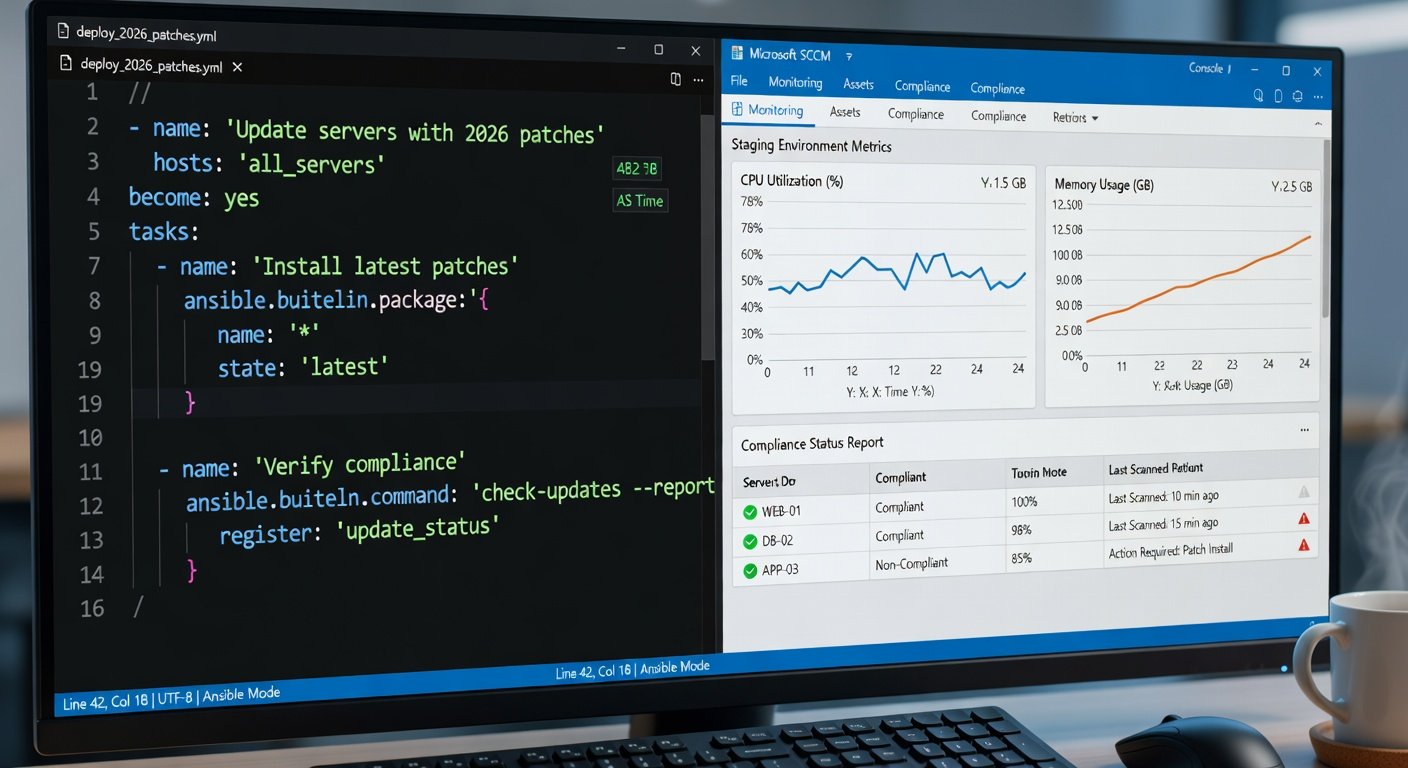
- Example snippet:
---
- hosts: windows_servers
  tasks:
    - name: Install 2026 patches
      win_patch:
        state: present
Check the official Ansible documentation for modules like win_patch and apt/yum.
SCCM for Microsoft-Centric Orgs
For Windows-heavy fleets, SCCM shines with Software Update Groups (SUGs).
- Sync 2026 updates from Microsoft Update.
- Deploy via phased rings: Pilot > Staging > Production.
- Enable maintenance windows to avoid business hours.
Pro tip: Integrate SCCM with Intune for cloud-hybrid scenarios, reducing on-prem overhead by 40%.
Step 3: Test in Staging Environments
Never deploy to production blind. Mirror your prod environment in staging—use VMs via Hyper-V, VMware, or Azure Lab Services.
- Baseline Testing: Benchmark CPU, memory, app performance pre/post-update.
- Functional Validation: Run scripts for core apps (ERP, CRM). Automate with Selenium or PowerShell.
- Load Testing: Simulate peak traffic with JMeter; watch for regressions in 2026's resource-intensive features.
- Rollback Drills: Test snapshot restores—aim for <30 min recovery.
Real-world example: A bank tested 2026 patches on 500 staging VMs, uncovering a .NET compatibility issue fixed pre-prod.
Step 4: Phased Rollout and Deployment
Execute in waves to contain issues.
- Wave 1 (1-5%): Critical servers, early adopters.
- Wave 2 (20-30%): Departmental clusters.
- Wave 3 (Full Rollout): Automate via scheduler.
Use canary deployments: Monitor first 100 nodes for 24 hours. Tools like Ansible Tower or SCCM dashboards provide real-time visibility.
Step 5: Post-Deployment Monitoring and Validation
Deployment ends; vigilance begins. Implement 360-degree monitoring.
Key Metrics to Track
- Success Rate: >99% patch installation.
- Downtime: Zero unplanned.
- Alerts: CPU spikes, error logs via Splunk or ELK Stack.
Leverage Microsoft Endpoint Configuration Manager docs for reporting. Set up dashboards in Grafana for Ansible fleets.
Compliance and Auditing
Generate reports for SOC 2/ISO 27001. Automate scans with Nessus or OpenVAS to confirm vulnerability closure. Retain logs for 90 days.
Real-World Tips for Minimal Downtime and Security
- Pre-Stage Downloads: Cache patches on edge servers to slash bandwidth use.
- Blue-Green Deployments: Run parallel environments; switch traffic post-validation.
- AI-Powered Predictions: Use ML tools to forecast conflicts based on historical data.
- Weekend Windows: Schedule 80% during off-hours, notify via Slack/Teams.
- Vendor Hotlines: Engage support early for enterprise licenses.
In one global rollout, these tips cut deployment time from 2 weeks to 3 days, with 100% compliance.
Conclusion
Mastering 2026 software updates demands preparation, automation, and monitoring. By analyzing risks, leveraging Ansible or SCCM, testing rigorously, and watching post-deploy, IT admins can deliver secure, disruption-free updates. Start small, scale confidently—your organization will thank you.

No comments yet. Be the first!