 NeoBit Daily
Introduction to 2026 OS Updates
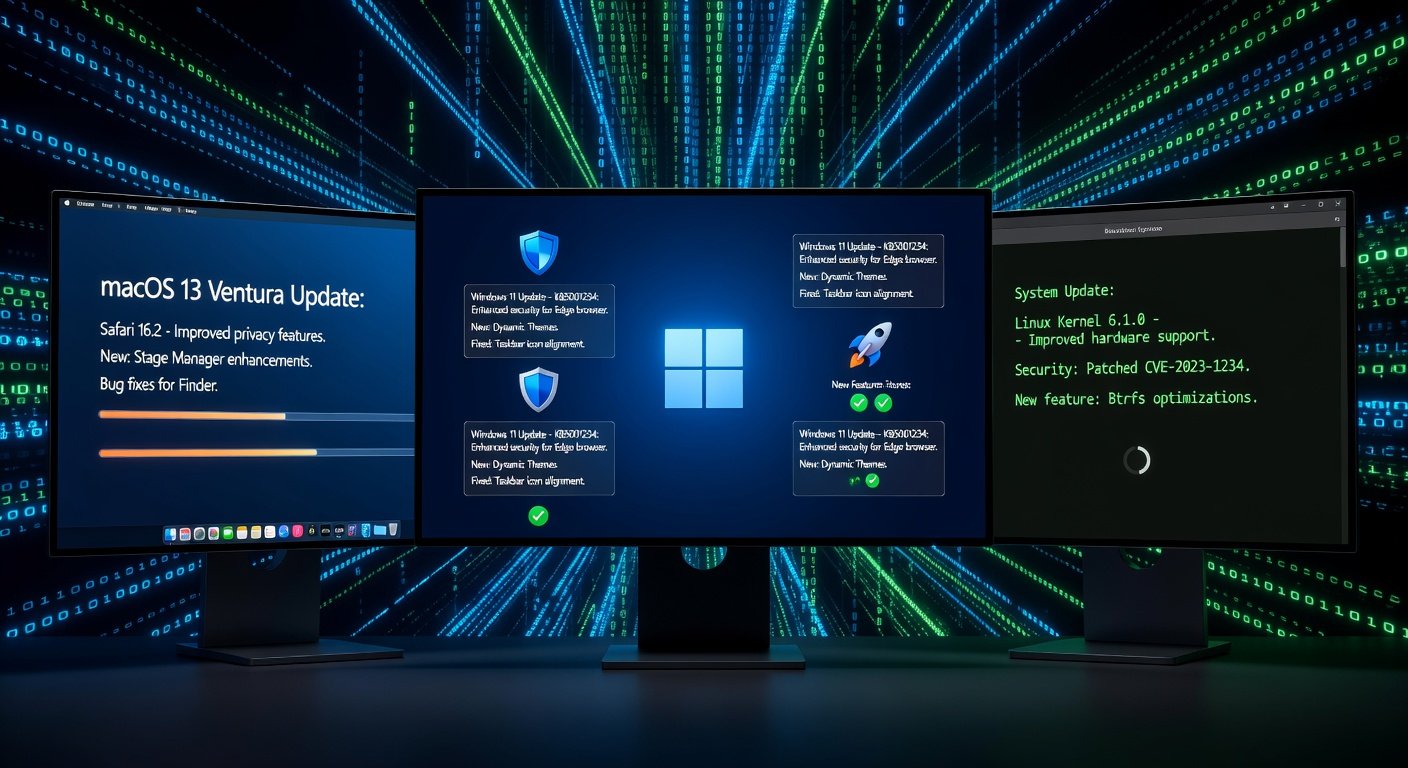
As we head into 2026, operating system updates from major platforms like Windows, macOS, and Linux are more critical than ever. These updates bring security patches, new features, and bug fixes that keep your system running smoothly and securely. But deciphering dense release notes can feel overwhelming for beginners. This guide breaks it down, teaching you how to interpret patch notes, understand key sections, and apply updates safely with step-by-step tips.
Whether you're on Windows 13, macOS 16 (codenamed Ventura successor), or the latest Ubuntu LTS, knowing what's changed helps you decide if an update is worth the risk or a must-do. We'll use real-world examples from recent cycles to illustrate points, projecting trends into 2026.
Understanding Release Notes and Patch Notes
Release notes detail major version upgrades (e.g., Windows 12 to 13), while patch notes cover minor security or stability fixes. Both follow similar structures but vary by platform.
Key Sections to Focus On
- Security Fixes: The most urgent. Look for phrases like "CVE-2026-XXXX" (Common Vulnerabilities and Exposures). These patch exploits hackers could use. Example: In Windows 11's 2024 Patch Tuesday, a zero-day flaw in the kernel was fixed, preventing privilege escalation. In 2026, expect similar for AI-driven attacks.
- New Features: Exciting additions like enhanced AI integration or UI tweaks. macOS Sonoma (2023) introduced desktop widgets; 2026 might add holographic previews. Read for compatibility—e.g., does it require new hardware?
- Bug Resolutions: Fixes for crashes, slowdowns, or app incompatibilities. Linux kernels often list "fixed regressions in NVMe drivers," meaning better SSD performance. Scan for issues affecting your setup, like " resolves Bluetooth disconnects on Intel Wi-Fi 6E cards."
- Known Issues: Red flags! Platforms list unresolved problems, e.g., "printing fails on certain Epson models." Defer updates if affected.
- Deprecations: Features being removed. Prepare by migrating—e.g., phasing out 32-bit app support.
Pro Tip: Use Ctrl+F (Windows/Linux) or Cmd+F (macOS) to search notes for your hardware or apps.
Platform-Specific Guides for 2026
Windows Updates
Microsoft's support site posts detailed notes under "Windows release health." For 2026's Windows 13, expect monthly Patch Tuesdays. Example: A hypothetical KB5067890 patch might note: "Addresses CVE-2026-0123 in Edge browser, adds Copilot+ AI enhancements, fixes Task Manager memory leaks." Check "Cumulative Update" sizes—over 2GB signals big changes.
macOS Updates
Apple's support pages offer clean, categorized notes. macOS 16 might highlight: "Security: Fixes 12 vulnerabilities including WebKit exploits (CVE-2026-0456). Features: Universal Control 2.0 for multi-device clipboard. Bugs: Resolves kernel panics on M4 chips." Watch for "requires macOS 15 or later"—older Macs get security-only bridges.
Linux Distributions
Distro-specific, but check kernel.org for core changes. Ubuntu's security notices are gold. For Ubuntu 26.04 LTS: "Kernel 6.12: Security fixes for Spectre v5 variants, new WireGuard improvements, resolves AMD GPU hangs." Use "apt changelog" for package details.
Step-by-Step: Safely Applying Updates
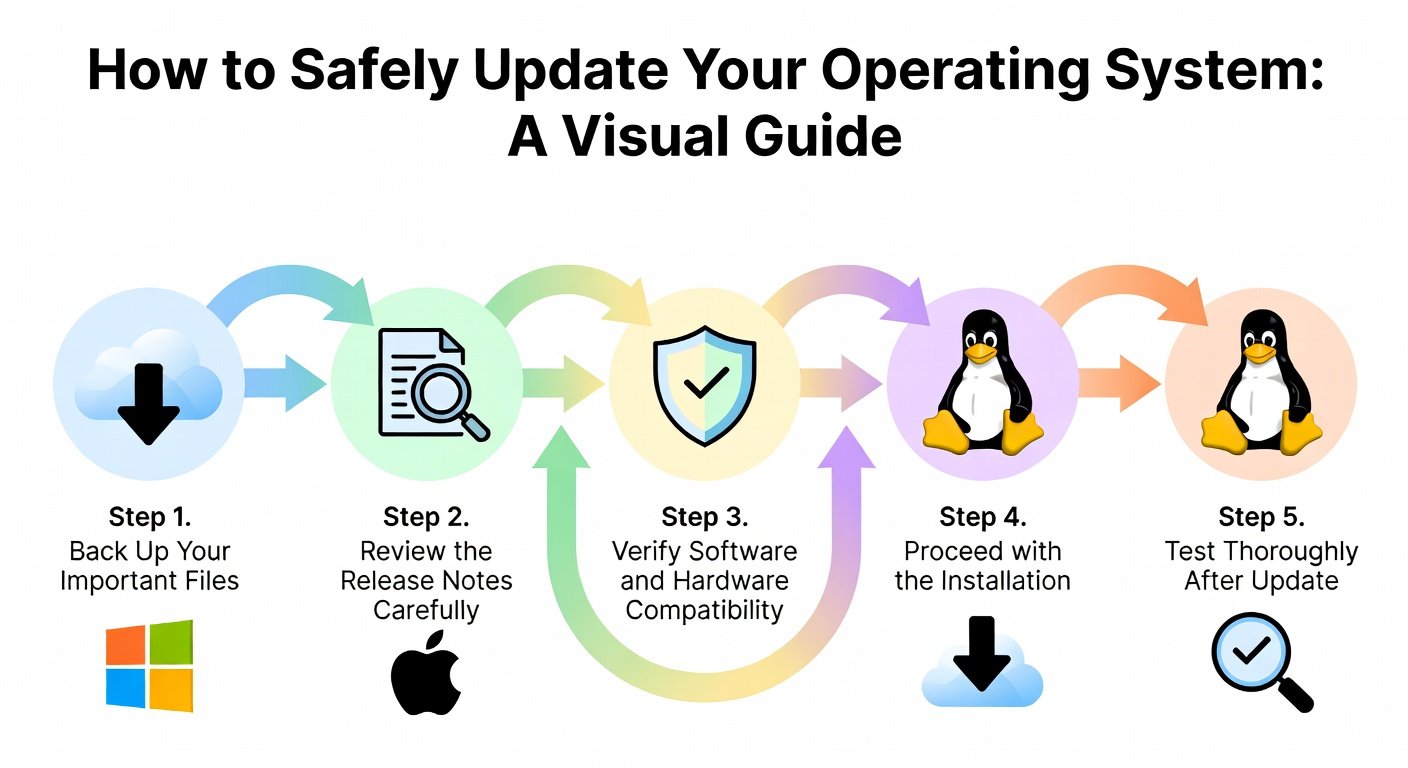
- Backup First: Use File History (Windows), Time Machine (macOS), or rsync/DupeGuru (Linux). Test restores!
- Read Notes Thoroughly: Spend 5-10 minutes scanning for your setup.
- Check Compatibility: Verify apps/drivers via developer sites. Defer if peripherals unsupported.
- Update in Safe Mode:
- Windows: Settings > Update & Security > Windows Update > Check for updates.
- macOS: System Settings > General > Software Update.
- Linux: sudo apt update && sudo apt upgrade (Ubuntu).
- Reboot and Test: Run benchmarks (e.g., Cinebench) and key apps. Roll back if issues (Windows: Settings > Recovery).
- Enable Auto-Updates Sparingly: Good for security, but manual for features.
Staying Ahead of Potential Issues
Join communities: Reddit's r/Windows11, r/MacOS, r/Ubuntu for early reports. Use tools like Windows Update MiniTool or macOS's "softwareupdate --fetch-full-installer." Monitor via RSS feeds from official blogs. In 2026, AI summarizers (e.g., integrated in Copilot) might parse notes automatically—test beta versions.
For enterprises, consider staged rollouts. Beginners: Update non-critical machines first.
Common Pitfalls and Pro Tips
- Pitfall: Rushing updates—always verify notes.
- Tip: Pin updates in Windows to test later.
- Pitfall: Ignoring drivers—update via Device Manager/GeForce Experience post-OS patch.
- Tip: Use virtual machines (VirtualBox) for dry runs.
Conclusion
Navigating 2026 OS updates empowers you to harness innovations securely. By mastering release notes' security fixes, features, and bugs, and following safe application steps, you'll minimize downtime. Stay informed, backup religiously, and update confidently—your digital life depends on it!

No comments yet. Be the first!