 NeoBit Daily
Introduction to 2026 Software Updates for Content Creators
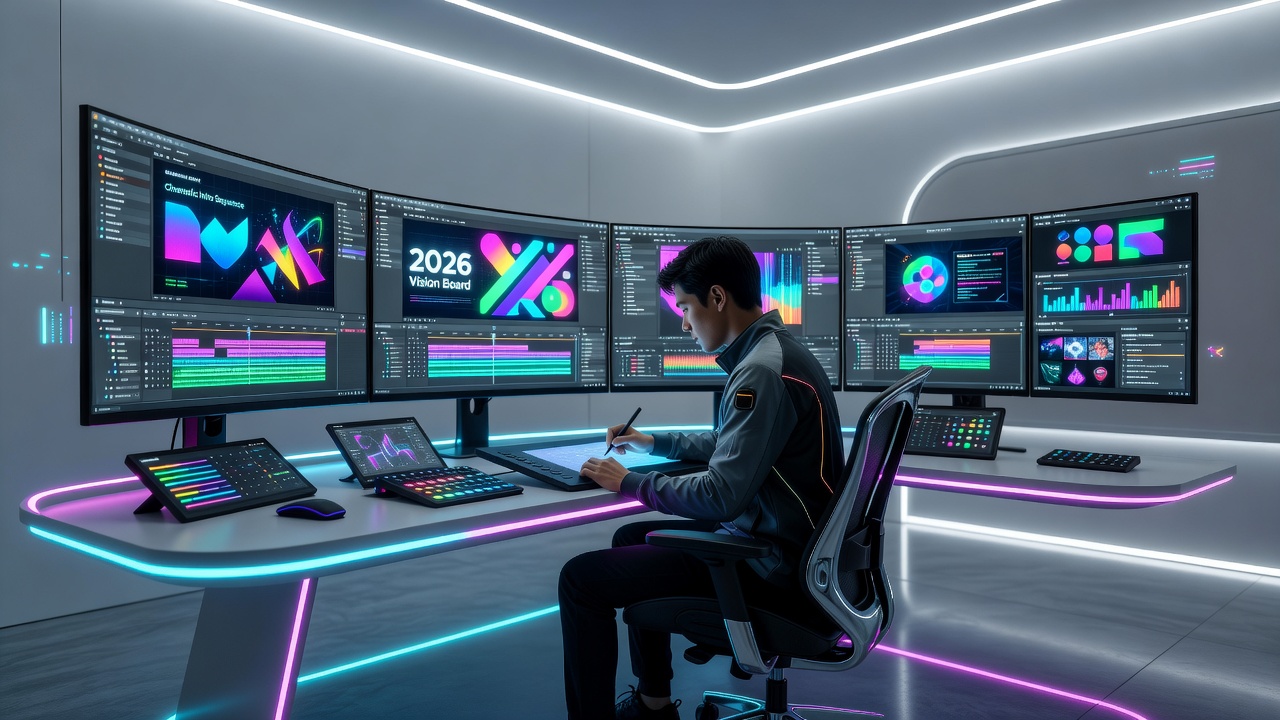
In 2026, software updates are transforming how content creators work by introducing smarter integrations and faster tools. Staying current helps maximize efficiency and output quality across platforms like Adobe Creative Cloud, Final Cut Pro, and emerging AI-assisted apps. This guide examines key changes from patch notes and release notes, offering practical advice to leverage these improvements while focusing on real-world applications that enhance creative output. Content creators often juggle multiple tools daily, and understanding the nuances of each update ensures they remain competitive in a fast-evolving digital landscape. From subtle UI refinements to major AI-driven features, these changes can streamline everything from ideation to final export.
New Features in Creative Software Integrations
2026 updates emphasize seamless connectivity between tools. For example, Adobe has enhanced cross-app workflows, allowing direct import of assets from design software into video editors with preserved layers and effects. Creators can now use unified AI models that sync preferences across devices, reducing repetitive setup time. These integrations support real-time collaboration, making team projects smoother even when members use different operating systems. Additional enhancements include automated asset tagging powered by machine learning, which categorizes footage and graphics based on content recognition, saving hours of manual organization. Integration with third-party cloud services has also improved, enabling direct pulls from storage solutions without format conversions. This level of connectivity means creators can maintain a fluid creative process, moving from concept sketches in one app to polished videos in another without losing momentum or data fidelity.
Another advancement appears in plugin ecosystems. Many apps now include native support for cloud-based asset libraries, enabling instant access to stock elements without leaving the main interface. This reduces context switching and keeps creative momentum high. Developers have also introduced customizable API endpoints that allow advanced users to build bespoke automations tailored to their unique pipelines.
Performance Improvements for Video Editing and Design Tools
Video editing software has seen major gains in rendering speeds and timeline responsiveness. Design tools benefit from optimized GPU usage, handling complex 8K projects with fewer crashes. Updates often include better memory management, allowing multiple large files to remain open simultaneously. These optimizations stem from refined algorithms that prioritize background tasks, ensuring foreground creative work remains uninterrupted. For instance, timeline scrubbing in professional editors now feels instantaneous even with layered effects and high-resolution proxies enabled.
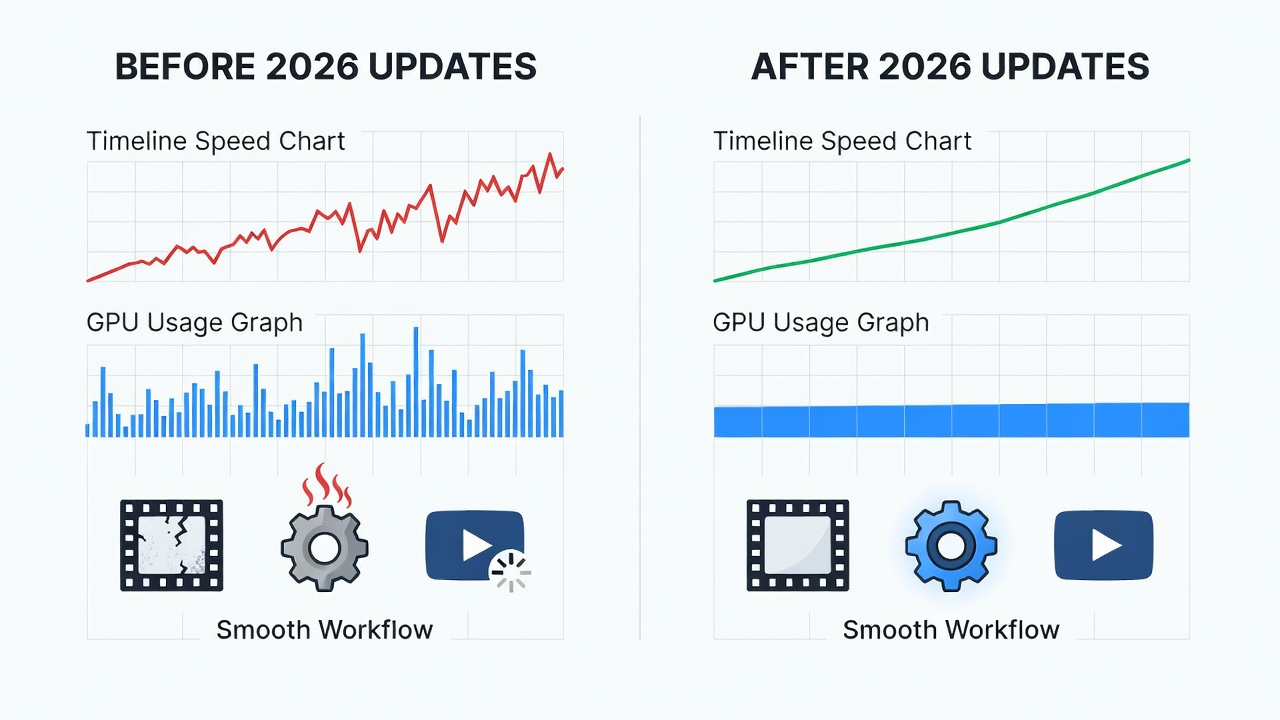
Practical tests show these changes cut export times noticeably on modern hardware. Content creators working with motion graphics report smoother previews and more accurate color grading tools post-update. Battery efficiency on laptops has improved too, letting mobile creators work longer on location without frequent recharges. Noise reduction filters and stabilization features now process in near real-time, which is especially valuable for documentary and event videographers who need quick turnarounds.
Steps to Implement Updates Without Workflow Interruptions
Follow these steps to stay updated safely:
- Review release notes on official sites before installing to understand specific changes and any known issues.
- Back up current projects to an external drive or cloud service, including custom presets and plugin configurations.
- Use a secondary device or virtual machine for initial testing of the update to verify compatibility with your primary workflow.
- Schedule installations during low-activity periods, such as weekends or after project deadlines, to avoid peak productivity loss.
- Monitor compatibility forums for any reported issues with specific plugins and prepare rollback options if needed.
- After installation, gradually re-enable third-party extensions one by one while testing core functions.
This approach minimizes downtime while ensuring you access the latest optimizations quickly. Documenting your setup before and after each update creates a valuable reference for troubleshooting future issues.
Practical Examples from Major OS Updates in 2026
macOS updates in 2026 introduced enhanced Metal framework support, benefiting Final Cut Pro users with accelerated effects rendering. Windows 11 feature packs improved DirectX integration, aiding Premiere Pro performance on PC systems. Linux distributions added better Wayland compatibility, helping open-source creators maintain stable sessions in tools like Blender and Kdenlive. Mobile OS updates on iOS and Android delivered refined background processing for apps like CapCut and Lightroom Mobile, allowing creators to edit while multitasking. These examples highlight how OS-level changes ripple through creative applications, often unlocking hardware capabilities that were previously underutilized.
Comparisons Between Different Platforms' Impacts on Creative Apps
macOS tends to deliver more consistent color management across creative apps, ideal for photographers and videographers focused on accuracy. Windows offers broader hardware customization options, suiting users who build high-end editing rigs. Cross-platform comparisons reveal that Linux excels in lightweight environments but may require extra configuration for proprietary plugins. macOS updates frequently prioritize stability and ecosystem integration, while Windows emphasizes raw performance gains for demanding tasks. Choosing based on your primary apps ensures the best results from 2026 updates. Hybrid workflows combining multiple operating systems are increasingly viable thanks to improved cloud syncing features.
Avoiding Common Pitfalls When Applying Updates
Many creators encounter issues by rushing installations without preparation. Common mistakes include ignoring plugin compatibility warnings, failing to archive older project versions, and overlooking hardware driver updates that complement software changes. To avoid these, always cross-reference update notes with community feedback on forums and maintain a dedicated testing environment. Another frequent error is neglecting to calibrate monitors and color profiles after major updates, which can lead to inconsistent output across devices.
Maximizing Creative Output Through Timely Updates
By adopting updates strategically, creators reduce technical friction and focus on storytelling. Regular maintenance combined with these changes leads to higher-quality deliverables and faster turnaround times. Embracing new AI-assisted features can spark fresh ideas, while performance gains allow experimentation with more ambitious projects that were previously too resource-intensive.
FAQ
Will 2026 updates break my existing plugins?
Most major updates maintain backward compatibility, but always check developer forums for specific plugin support before upgrading. In cases where breakage occurs, developers often release patches within days of the initial rollout.
How often should I update creative software?
Review patch notes monthly and apply feature releases quarterly after testing on a non-production setup. Critical security updates should be applied immediately once verified safe for your workflow.
Do OS updates affect app performance equally across platforms?
No. As seen in 2026 releases, macOS and Windows deliver different optimization levels depending on the app's native framework support, with Linux offering unique advantages in customization.
What should I do if an update causes unexpected slowdowns?
Rollback to the previous version using built-in restore tools, then monitor official support channels for targeted fixes or hotfixes that address performance regressions.
Conclusion
Embracing 2026 software updates positions content creators for greater efficiency and innovation. By understanding integrations, performance gains, and safe rollout methods, you can elevate your work without unnecessary interruptions. For more details, visit Adobe, Apple, or Microsoft.
No comments yet. Be the first!