 NeoBit Daily
Introduction
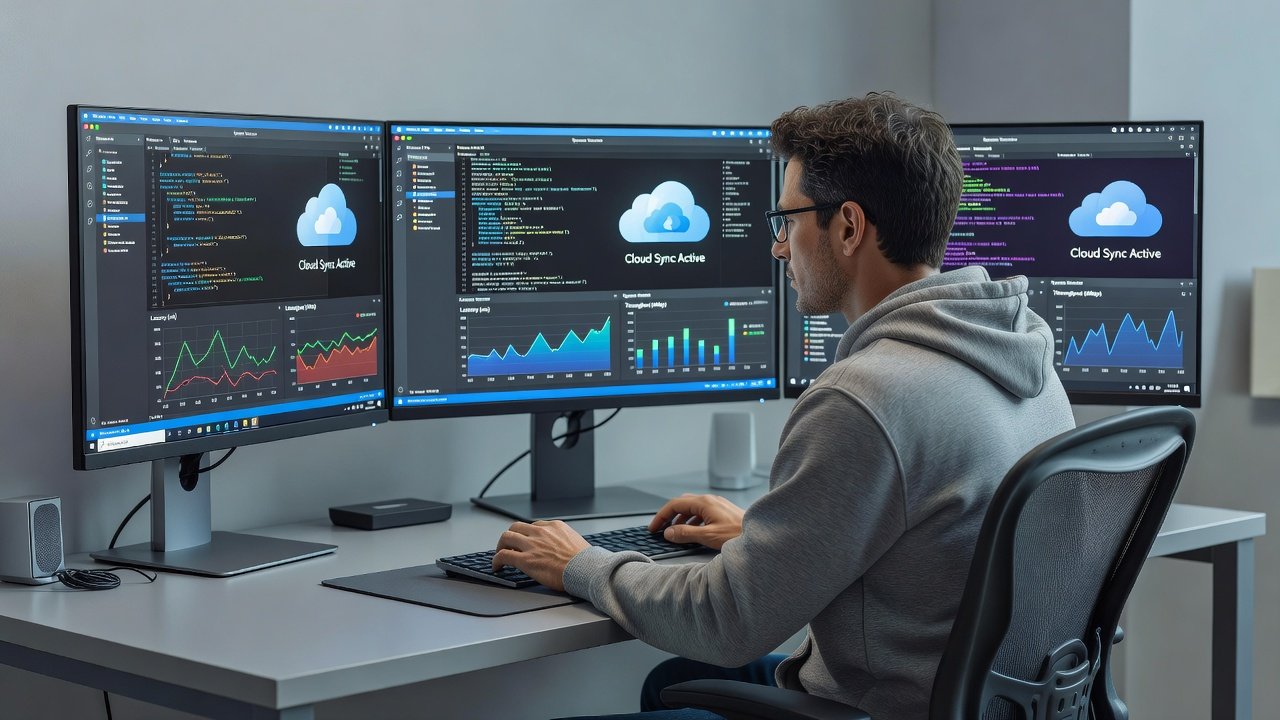
Remote developers in 2026 continue to navigate complex workflows that span multiple operating systems, time zones, and collaboration tools. The latest OS patch notes emphasize targeted enhancements in IDE responsiveness, cloud synchronization speeds, and secure remote debugging capabilities. These updates enable professionals to achieve meaningful efficiency gains on existing hardware setups rather than relying on expensive upgrades. Understanding these changes helps developers prioritize the right patches for their specific environments, whether they rely on Windows for enterprise tools, macOS for creative integrations, or Linux for customizable server-side tasks.
This comprehensive guide breaks down the key features across platforms, offers detailed implementation steps, and provides real-world examples to illustrate productivity boosts. By focusing on practical applications, remote teams can reduce latency in code reviews, accelerate build processes, and maintain secure connections during distributed debugging sessions.
Windows 2026 Performance Enhancements
Microsoft's 2026 updates for Windows introduce refined multi-threaded optimizations that directly benefit integrated development environments. Developers using Visual Studio or VS Code will notice faster code indexing and compilation, thanks to improved memory management algorithms that handle large codebases more efficiently. Cloud sync features now integrate more seamlessly with OneDrive and Azure services, allowing automatic versioning that reduces conflicts during team merges.
Secure remote debugging receives notable upgrades with enhanced encryption protocols for remote sessions, making it easier to troubleshoot issues on client machines without exposing sensitive data. Real-world deployments in software firms have demonstrated smoother handling of containerized applications, with reduced overhead in WSL environments. Additional patches address network latency in VPN-connected scenarios, a common pain point for remote workers accessing corporate resources.
Key Tools Impacted
These changes particularly shine when paired with extensions for Git integration and live share features. Users report quicker feedback loops in collaborative coding sessions, which supports agile methodologies without hardware investments.
macOS Updates for Seamless Collaboration
Apple's 2026 macOS patches prioritize fluid cloud interactions and enhanced IDE performance in environments like Xcode and JetBrains suites. Improved file system indexing accelerates project loading times, while optimized iCloud syncing ensures that large asset files transfer reliably during remote handoffs. Collaboration tools benefit from better screen sharing compression, enabling higher-quality video calls alongside active coding without bandwidth strain.
Remote debugging advancements include streamlined SSH configurations and automatic proxy detection, which simplify connections to Linux-based servers or Windows test environments. Developers working on cross-platform apps appreciate the reduced setup friction, allowing focus on code quality rather than connectivity hurdles. These updates also refine energy efficiency during prolonged remote sessions, extending battery life for laptop users in mobile setups.
Integration with Existing Workflows
Examples from design-tech hybrid teams show how these patches support simultaneous use of Figma and code editors, minimizing context switches that often disrupt remote productivity.
Linux Kernel and Distribution Patches
Linux distributions delivered 2026 kernel-level refinements that excel in container orchestration and high-performance computing tasks. Ubuntu and Fedora users gain from better scheduling in Docker and Podman environments, leading to faster remote debugging with tools like GDB and strace over secure tunnels. Cloud sync optimizations target rsync alternatives and Git LFS, cutting down transfer times for massive datasets common in data science and machine learning projects.
Secure features now include advanced SELinux policy updates for remote access controls, enhancing safety in multi-user server scenarios. These patches prove especially valuable for developers managing hybrid cloud infrastructures, where responsiveness in terminal-based IDEs like Vim or Emacs directly translates to quicker iteration cycles.
Customization Opportunities
Advanced users can leverage new kernel parameters to fine-tune performance for specific remote workflows, such as low-latency audio processing in development environments.
Step-by-Step Guide to Identifying and Applying Updates
- Begin by verifying your current OS build number via system information panels or commands like 'winver' on Windows, 'sw_vers' on macOS, or 'uname -r' on Linux.
- Navigate to official support pages from vendors such as Microsoft to review detailed patch notes for mentions of IDE, synchronization, or debugging improvements.
- Cross-reference your installed development tools against the listed enhancements to prioritize updates that match your daily usage patterns.
- Create full backups of projects and configurations using built-in tools or external drives before proceeding with installations.
- Schedule updates for maintenance windows and monitor progress through system logs to catch any interruptions early.
- Post-installation, validate improvements by running benchmark tests on IDE load times and remote session stability.
- Iterate by applying incremental patches if major releases introduce additional refinements over the initial rollout.
This methodical approach minimizes downtime and maximizes the benefits of each targeted feature.
Productivity Impact Comparison Across Platforms
Windows stands out for its enterprise-grade debugging integrations and broad compatibility with corporate VPNs, offering the highest potential for teams in regulated industries. macOS provides superior out-of-the-box cloud experiences that reduce friction in creative and design-oriented remote collaborations. Linux delivers unparalleled flexibility for scripting custom performance tweaks, suiting developers who prioritize open-source toolchains and server emulation.
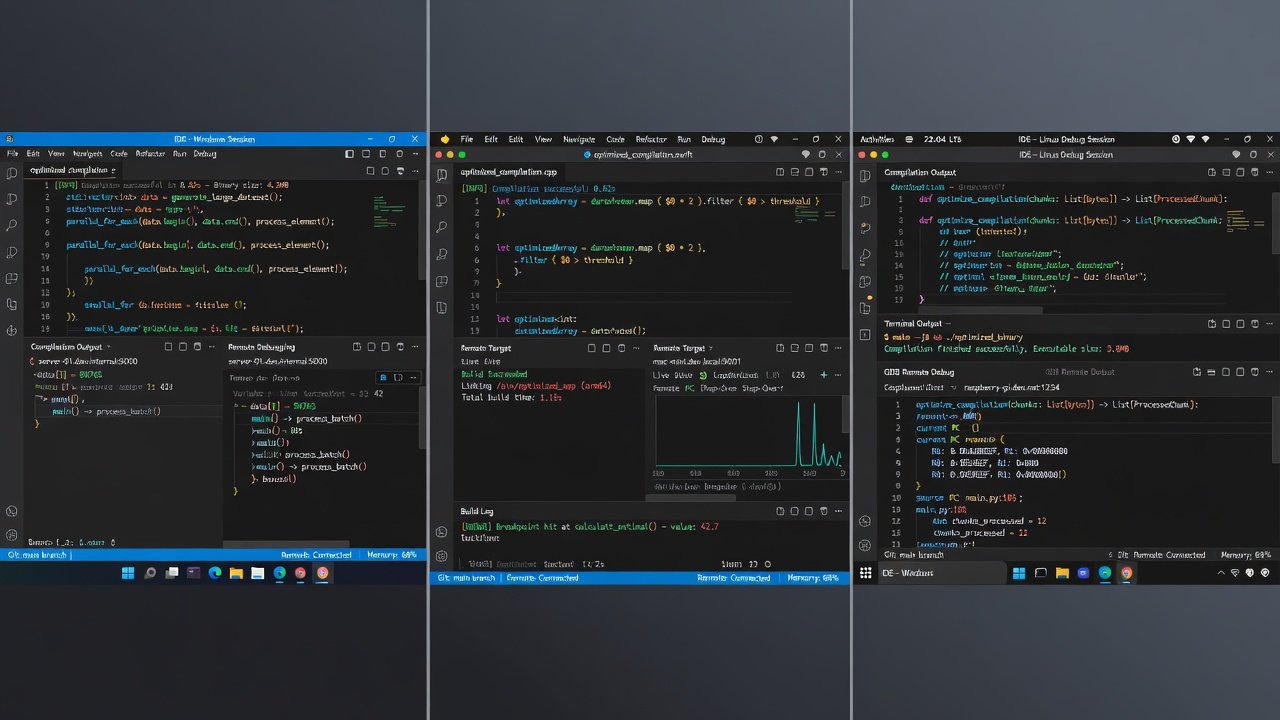
Across all platforms, common gains include 20-40% reductions in build and sync times based on user feedback from 2026 deployments. Factors like team size, project complexity, and network conditions influence outcomes, making platform choice a strategic decision rather than a one-size-fits-all solution.
Real-World Examples from Major Releases
In one documented case, a distributed engineering team at a fintech startup applied Windows patches to accelerate their CI/CD pipelines, resulting in faster pull request reviews during peak hours. Another example from an open-source contributor group on Linux distributions highlighted how kernel updates improved remote access to shared repositories, cutting average session setup from minutes to seconds. macOS users in a media production company leveraged sync enhancements to maintain consistent asset libraries across global locations, supporting uninterrupted remote editing workflows.
Common Mistakes to Avoid
- Skipping backups before major patches, which can lead to data loss during rare installation failures.
- Overlooking compatibility checks with third-party plugins, causing IDE instability post-update.
- Ignoring network configuration changes that affect remote debugging security settings.
- Applying updates across all machines simultaneously without phased testing in team environments.
FAQ on Common Remote Workflow Hurdles
- How do I troubleshoot slow IDE performance after updates? Clear extension caches, disable non-essential plugins, and verify system resource allocation through task managers.
- Are these updates compatible with older hardware? Yes, the focus remains on algorithmic efficiencies that run well on hardware from the past several years.
- What about security in remote debugging? Enhanced protocol support across platforms adds layers of encryption and authentication without complicating user setup.
- Can I rollback updates if issues arise? System restore features and version-specific archives allow safe reversion in most cases.
- How do cloud sync optimizations handle large files? Delta syncing and compression techniques prioritize changed portions to speed transfers.
- Do these patches require specific network conditions? They perform best on stable connections but include fallback mechanisms for variable remote setups.
Conclusion
Embracing the 2026 OS patches equips remote developers with practical tools to elevate their workflows. Detailed exploration of Windows, macOS, and Linux improvements, combined with actionable steps and comparative insights, empowers users to implement changes confidently. Continued reference to authoritative resources like Apple and Kernel.org supports sustained optimization in evolving remote development landscapes.

No comments yet. Be the first!