 NeoBit Daily
Introduction to 2026 Mobile OS Updates
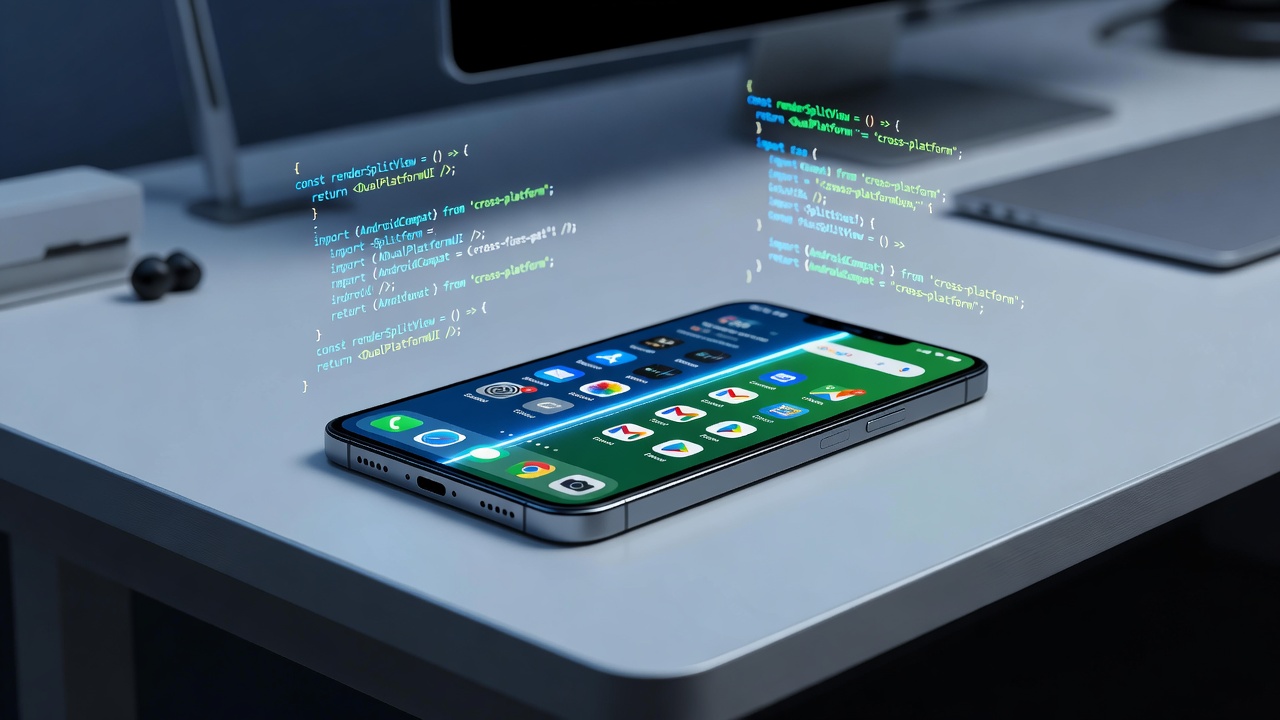
Staying ahead of mobile operating system updates is essential for developers and power users in 2026. Apple and Google release frequent patches that affect app compatibility, security posture, and device performance. This guide breaks down the structure of their release notes, highlights key differences, and provides actionable steps to test updates before widespread rollout. Proactive monitoring helps avoid sudden app breakage and can even improve battery life through optimized resource management. Understanding hidden API deprecations early prevents costly refactoring later in the development cycle.
The 2026 update cycle brings notable shifts in how both platforms communicate changes. Developers must navigate these notes carefully to maintain app stability across millions of devices. Ignoring subtle differences between iOS and Android patch documentation often leads to compatibility issues that surface only after public release.
Key Differences in Release Notes Structure
Apple's iOS patch notes tend to be concise and user-focused, often grouping changes under broad categories like Security or Performance. In contrast, Android's notes from Google are more developer-oriented, frequently listing specific framework changes and build numbers. For example, iOS notes may omit granular API details, while Android's often reference commit hashes and AOSP changes. This structural variance requires different monitoring strategies for each platform.
Apple structures its notes around end-user impact first, with technical details buried in linked resources. Google, however, provides direct links to source code diffs and detailed changelogs that developers can parse programmatically. Teams working on cross-platform apps benefit from creating custom parsers that normalize both formats into a unified internal dashboard.
Security and Performance Changes in 2026
Both platforms emphasize security hardening. iOS 26 updates introduced enhanced app sandboxing, while Android 16 focused on improved permission scoping. Performance tweaks include better memory management on iOS and refined background process throttling on Android. These changes can impact battery life positively when apps are optimized, but untested updates may lead to unexpected drain during peak usage hours.
Security patches in 2026 also address emerging threats such as side-channel attacks and enhanced encryption protocols. Developers should examine how these patches interact with their app's use of cryptographic libraries and network stacks. Performance sections in the notes often highlight improvements to JIT compilation and graphics rendering pipelines that can yield measurable gains in frame rates for gaming and multimedia applications.
Practical Steps for Testing Updates on Devices
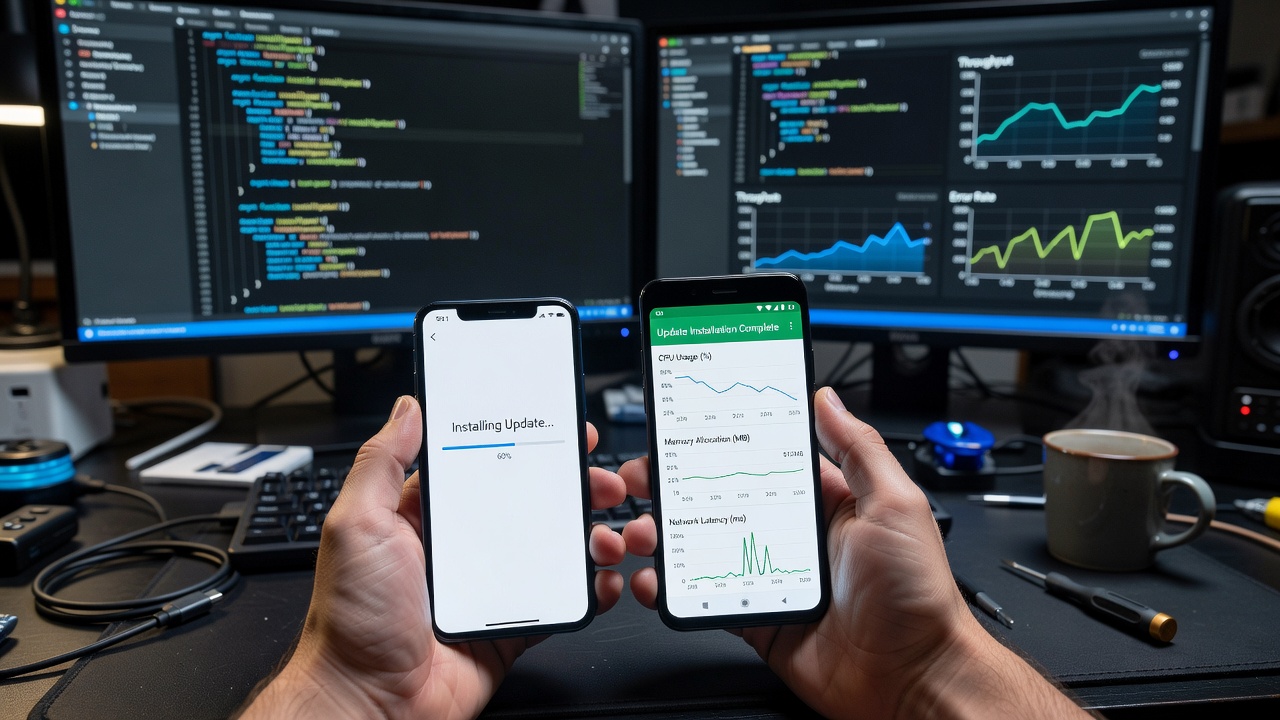
Testing updates thoroughly requires a structured approach. Begin by enrolling test devices in official beta programs as soon as they open. Use dedicated hardware to isolate variables and avoid contaminating primary development machines. Monitor system logs using Xcode Instruments for iOS and Android Studio Profiler for Android to catch anomalies early.
- Set up dedicated test devices with the latest beta profiles and reset them to factory settings between major patch cycles.
- Monitor system logs using Xcode Instruments for iOS and Android Studio Profiler for Android, paying special attention to memory warnings and CPU spikes.
- Run regression suites covering core app features after each patch, including edge cases involving background execution and push notifications.
- Track battery metrics over 48-hour periods post-update using built-in diagnostics tools and compare against baseline measurements collected before installation.
- Document any deprecation warnings before production deployment and share findings in team wikis for collective knowledge building.
Additional best practices include simulating poor network conditions during testing and verifying that accessibility features remain functional after each update.
Comparing Patch Note Clarity
Android notes generally score higher for clarity among developers due to their technical depth. iOS notes excel for end-users but can leave developers searching Apple's developer portal for supplemental information. Both benefit from cross-referencing with official changelogs maintained by the respective companies. Over time, maintaining a side-by-side comparison spreadsheet helps teams spot patterns in how each vendor prioritizes transparency.
Examples of Hidden API Deprecations
In recent cycles, iOS quietly deprecated certain Core Location methods, forcing migration to newer privacy-compliant alternatives. Android has phased out legacy WebView callbacks without prominent warnings in public notes. Always review full release manifests on Android's developer site. Another common example involves deprecated media playback APIs that affect background audio apps; developers who miss these changes often encounter runtime crashes after users install the stable release.
Hidden deprecations frequently appear in networking and storage layers as well. Proactive teams integrate automated scanning tools that flag usage of soon-to-be-removed symbols directly in their continuous integration pipelines.
Actionable Checklists for Development Workflows
- Subscribe to official beta programs immediately upon announcement and configure automated email alerts for new patch availability.
- Automate daily checks against patch note feeds using simple scripts that extract key sections and push them to Slack channels.
- Integrate static analysis tools to flag deprecated APIs during every build and generate weekly summary reports for the engineering team.
- Schedule staged rollouts with 10% user cohorts first, monitoring crash rates and performance metrics before expanding to larger audiences.
- Log all findings in a shared team repository for future reference and conduct post-mortem reviews after each major OS release cycle.
Monitoring Tools and Resources
Beyond official notes, developers rely on community forums and third-party aggregators to surface details that vendors may under-emphasize. Tools such as GitHub repositories tracking AOSP commits provide early signals of upcoming changes. Combining these external signals with internal testing data creates a robust early-warning system.
Battery Life Optimization Strategies
Many 2026 updates introduce new power-management APIs that reward apps following best practices. Developers should profile their applications under both light and heavy usage scenarios after each patch. Simple adjustments like reducing unnecessary location polling or adopting newer background execution limits often translate into noticeable battery improvements for end users.
Common Mistakes to Avoid
A frequent error is assuming that a security-focused patch will have no functional impact. Another is delaying testing until after the stable release reaches the majority of devices. Teams that skip beta testing frequently encounter support tickets related to crashes that could have been prevented with earlier detection.
FAQ: Common Upgrade Concerns
How do I know if an update will break my app?
Test thoroughly on beta devices and review all deprecation notices before the stable release date. Maintain a matrix of supported OS versions and corresponding test coverage reports.
Can updates improve battery life?
Yes, when OS-level optimizations align with your app's resource usage patterns. Measure and compare battery drain rates before and after adopting the new update.
What if I miss a critical security patch?
Prioritize security updates immediately, as they often address zero-day vulnerabilities affecting app integrity. Set up internal SLAs that mandate testing within 48 hours of release.
Should small teams test every incremental patch?
Focus on major point releases and security patches while monitoring release notes for any changes that directly touch your app's core functionality.
Conclusion
Mastering 2026 mobile OS updates requires structured monitoring and rigorous testing. By comparing notes across platforms and following the checklists above, teams can maintain stable, efficient apps while capitalizing on new performance gains. Regular review of resources like AOSP documentation ensures long-term success and reduces the risk of unexpected breakage in production environments.

No comments yet. Be the first!