 NeoBit Daily
Introduction to Silent PC Building in 2026
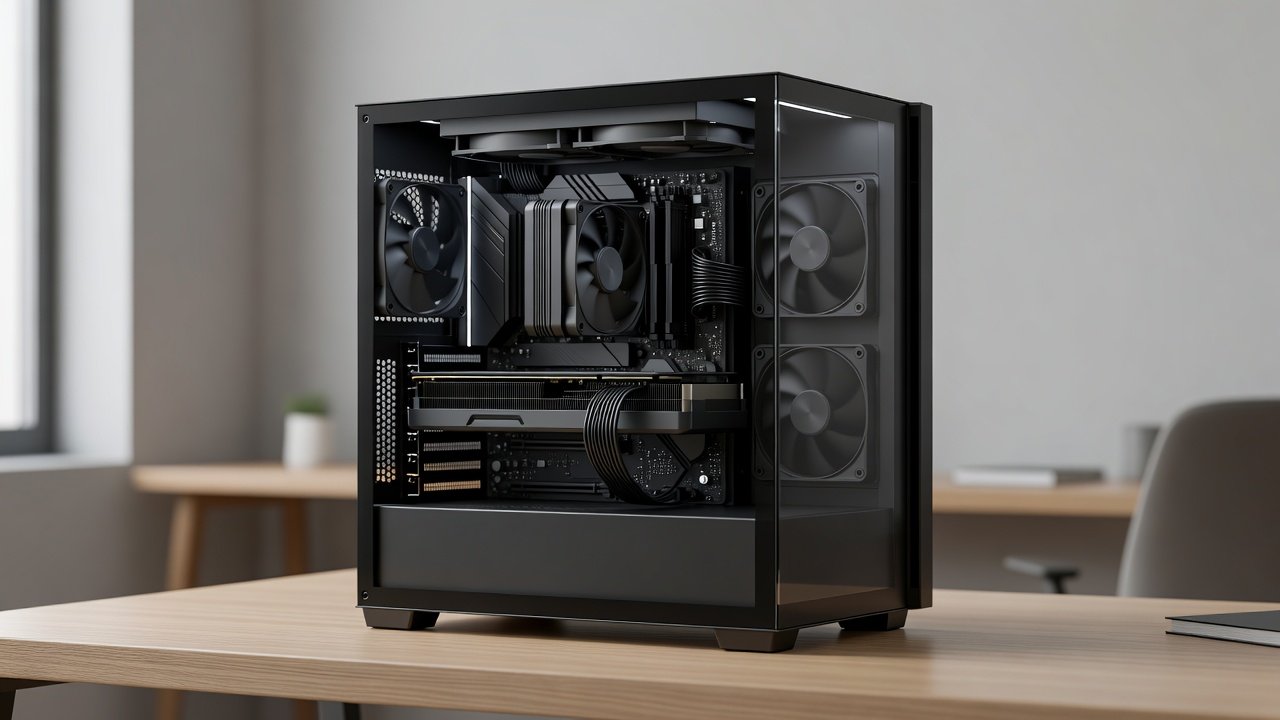
Building a silent PC that delivers strong GPU performance remains a top priority for enthusiasts, content creators, and gamers in 2026. Users searching for quiet builds want systems that run powerful graphics cards without excessive fan noise, making the experience enjoyable for long sessions in home offices or living rooms. This comprehensive guide walks through component selection, assembly steps, thermal strategies, and real-world benchmarks so you can achieve whisper-quiet operation while maintaining high frame rates. Whether you prioritize productivity or gaming, understanding the balance between cooling efficiency and acoustics is essential for a satisfying build.
Understanding Noise Levels and Their Impact
Noise in PC builds is measured in decibels (dB), with ideal silent systems staying below 30 dB during typical use and under 35 dB under heavy GPU load. Higher noise levels can cause fatigue during extended work or play. Factors like fan speed, case design, and vibration from components all contribute. In 2026, modern GPUs include advanced fan curves and zero-RPM modes that keep noise minimal until temperatures rise significantly. Learning to interpret these metrics helps you choose parts that meet your acoustic goals without compromising performance.
Choosing the Right Case, Fans, and Cooling Solutions
Selecting a case with sound-dampening materials, thick panels, and optimized airflow paths forms the foundation of any silent build. Look for models featuring mesh front panels balanced with acoustic foam. High-quality fans with fluid dynamic bearings run quieter than standard models at low RPM. Cooling options range from large air coolers with multiple heat pipes to 240mm or 360mm AIO liquid coolers that isolate pump noise. Compare radiator thickness and fan quality when deciding between air and liquid solutions, as each affects both thermals and sound output differently.
GPU Options and Real-World Benchmarks for Quiet Operation
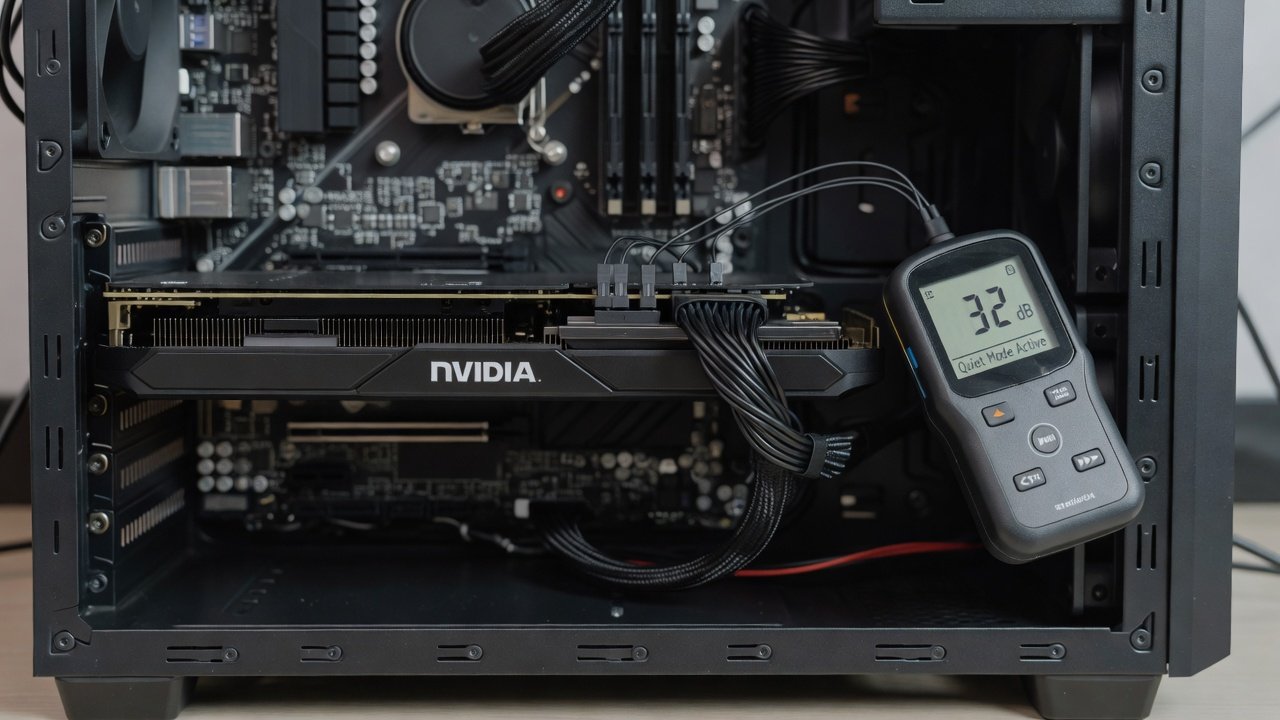
Current NVIDIA and AMD graphics cards offer varying noise profiles depending on cooler design. NVIDIA cards often excel with custom fan curves that maintain low dB while delivering strong FPS at 1440p and 4K resolutions. AMD alternatives provide competitive performance with improved acoustic engineering in recent models. Benchmarks show many cards achieving over 100 FPS in demanding titles while staying under 32 dB when using optimized profiles. NVIDIA and AMD both supply official software for fine-tuning. These results come from standardized testing at controlled room temperatures around 22°C.
Step-by-Step Assembly Instructions
Begin by installing the CPU and cooler on the motherboard outside the case for easier access. Mount the motherboard into the chassis next, ensuring standoffs are properly aligned. Install the GPU using anti-vibration pads and secure it firmly to reduce resonance. Route all cables behind the motherboard tray, using velcro ties and grommets to keep airflow unobstructed. Position intake fans at the front and exhaust at the rear or top. Test the system outside the case first to verify POST before final cable management. This methodical approach prevents common errors and ensures optimal component placement for quiet operation.
Thermal Management Trade-offs Explained
Effective thermal management requires balancing GPU temperatures against noise output. Aggressive fan curves lower temperatures but increase sound, while conservative curves keep the system quieter at the cost of slightly higher temps. In practice, most 2026 GPUs handle 75-85°C safely. Using high-quality thermal paste and ensuring proper case ventilation helps maintain this balance. Consider undervolting the GPU through software to reduce heat generation and allow slower fan speeds without performance loss. These trade-offs become clear during extended benchmark sessions.
Cable Management for Better Airflow
Poor cable routing can block intake paths and force fans to work harder. Use modular power supplies and custom-length cables when possible. Bundle cables with reusable ties and tuck excess length into designated compartments. This not only improves airflow but also reduces turbulence noise caused by air hitting loose wires. Spend extra time during assembly to achieve tidy routing, as it directly impacts both cooling efficiency and overall system acoustics.
Software Tweaks to Minimize Fan Noise
Applications such as MSI Afterburner for NVIDIA cards and AMD Software allow creation of custom fan curves. Set fans to remain off until the GPU reaches 50°C, then ramp gradually to 60% speed at 80°C. Enable zero-RPM modes where available. These tweaks preserve frame rates in games while keeping noise levels low during lighter tasks like web browsing or video editing. Test changes incrementally and monitor temperatures to avoid instability.
Noise-Level Testing Methodology
Use a calibrated sound level meter positioned one meter from the case in a quiet room. Run standardized benchmarks including 3DMark Time Spy and popular titles at 1440p. Record readings at idle, during gaming loads, and under synthetic stress tests. Repeat measurements multiple times for consistency and average the results. Document both dB and FPS data to compare configurations objectively. This methodology provides reliable insights into real-world performance.
Practical Examples from Home Office and Gaming Setups
- Home office example: A build focused on productivity uses a large air cooler and zero-RPM GPU mode, staying under 25 dB during document work and video calls while handling occasional GPU-accelerated tasks smoothly.
- Gaming example: An enthusiast rig pairs a high-end card with a 360mm AIO and sound-dampened case, delivering over 120 FPS in modern titles at under 34 dB, ideal for immersive evening sessions without disturbing others.
Common Mistakes to Avoid
Many builders overlook fan orientation, leading to poor airflow. Others select cases without adequate sound insulation or skip BIOS updates that improve fan control. Avoid overcrowding the case with unnecessary RGB accessories that add vibration. Always verify component compatibility before purchase to prevent last-minute changes that disrupt cable management.
Frequently Asked Questions
Does liquid cooling always outperform air cooling for noise? Not necessarily; high-quality air coolers can match or beat AIOs acoustically when paired with good cases. Can I use any GPU in a silent build? Choose models with robust coolers and adjustable fan curves for best results. How often should I reapply thermal paste? Every two to three years maintains optimal temperatures and noise levels.
Conclusion
Following these detailed steps for component choice, assembly, and tuning produces a 2026 silent PC that excels in both quiet operation and GPU performance. Apply the benchmarks and methodologies outlined here to create a system tailored to your needs.
No comments yet. Be the first!