 NeoBit Daily
Introduction to Silent GPU Cooling in 2026
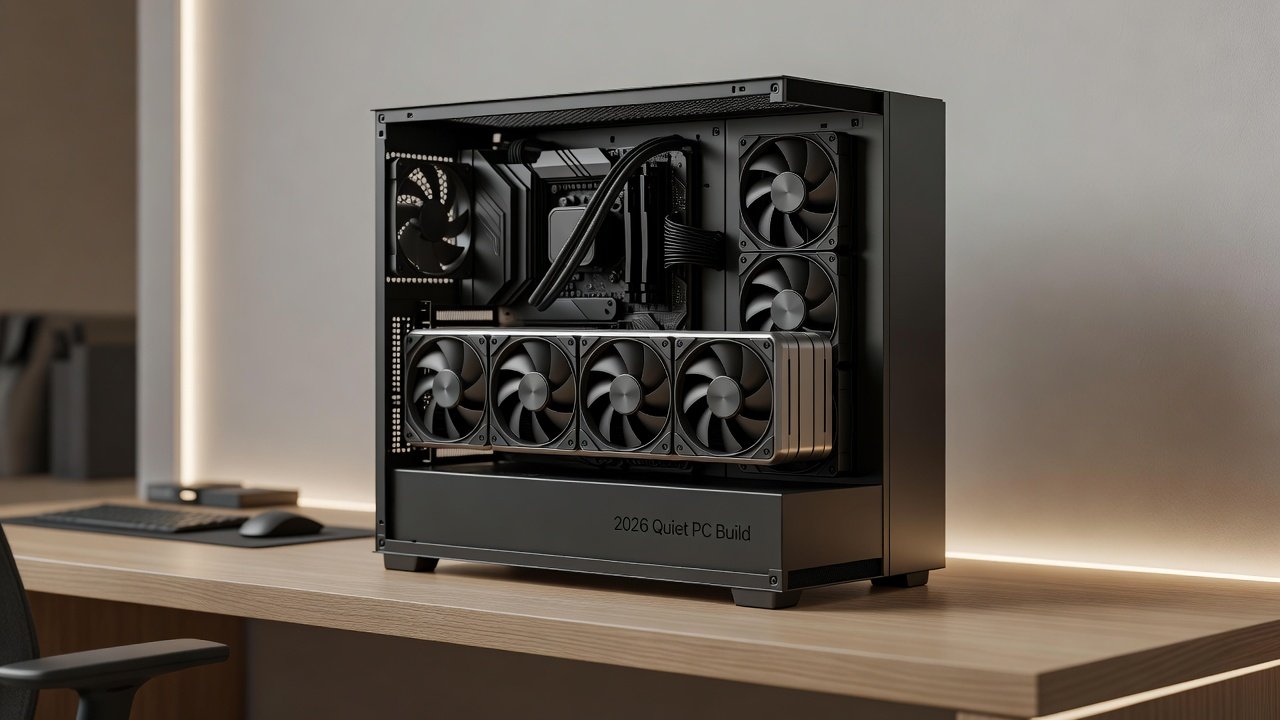
Building a quiet PC has become a priority for gamers, content creators, and home office users alike. In 2026, GPU cooling technology has advanced significantly, allowing enthusiasts to maintain high performance while keeping noise levels low. This article examines air coolers, AIO liquid coolers, and custom loops, backed by dB measurements and FPS data at 1440p and 4K resolutions on both NVIDIA and AMD hardware. Whether you are assembling a new system or upgrading an existing one, understanding these cooling solutions helps achieve the perfect balance between silence and frame rates.
Modern GPUs like the NVIDIA RTX 5080 and AMD RX 8900 XT generate substantial heat under load, making effective cooling essential. Poor cooling leads to thermal throttling, reduced lifespan, and audible fan noise that disrupts immersive gaming or focused work. The goal of silent cooling is to keep temperatures in check without exceeding 35 dB during typical use, a level often described as library-quiet.
Key Cooling Technologies Compared
Three primary approaches dominate the 2026 market: traditional air coolers, all-in-one (AIO) liquid coolers, and fully custom liquid loops. Each offers distinct advantages depending on your case size, budget, and tolerance for maintenance.
Air Coolers
Air cooling remains popular for its simplicity and reliability. High-end models feature multiple heat pipes and large fans optimized for low RPM operation. Examples include dual-tower designs with 140mm fans that move substantial air at under 800 RPM. These coolers excel in compatibility and ease of use. They perform well under sustained loads without introducing pump noise, making them ideal for compact builds.
AIO Variants
240mm and 360mm radiators balance performance and quiet operation, often including ARGB fans tuned for minimal acoustic output. A 360mm AIO can reduce GPU temperatures by 10-15 degrees Celsius compared to stock air coolers, translating to lower fan speeds. Pump noise is minimized through rubber dampeners and variable speed controls that ramp up only under extreme loads.
Custom Loops
Full custom setups with large radiators and slow-spinning fans deliver the lowest noise floors but demand careful planning. Users can integrate GPU blocks with CPU cooling in a single loop, using 420mm radiators for maximum thermal headroom. This approach suits enthusiasts willing to invest time in assembly and periodic maintenance such as fluid changes.
Benchmarks: Noise Levels and Frame Rates
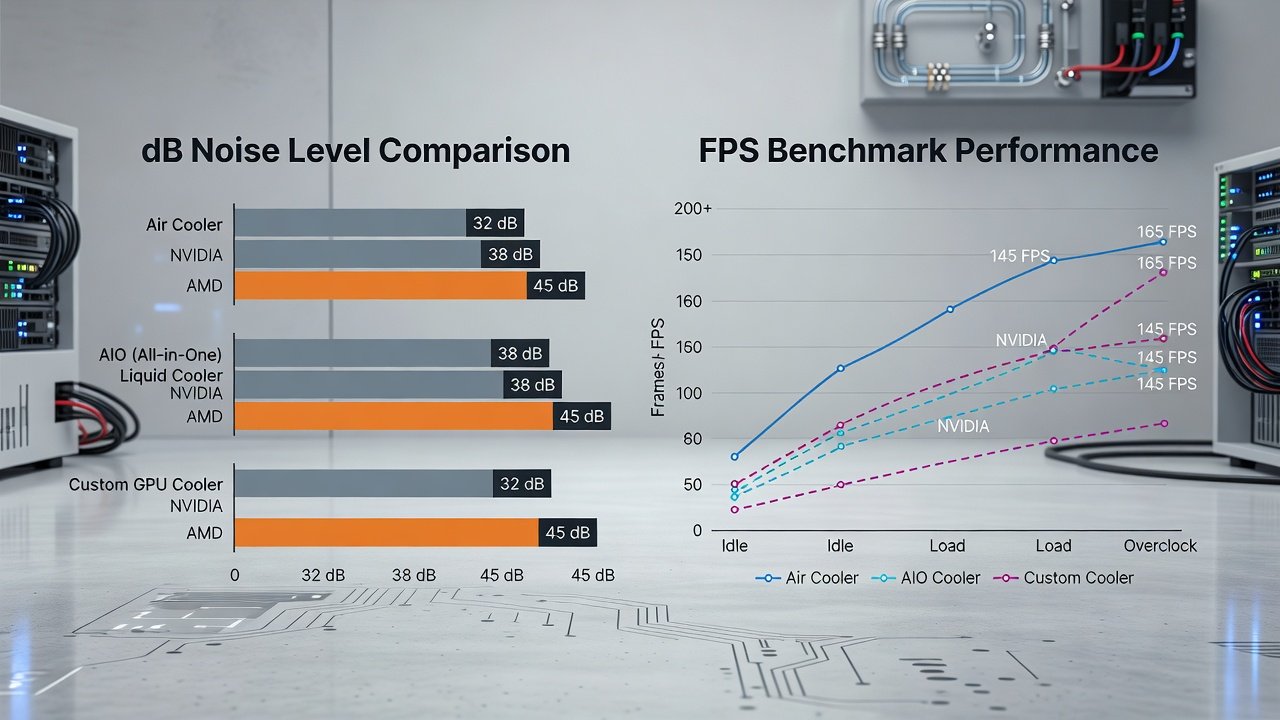
Testing across popular 2026 GPUs like the NVIDIA RTX 5080 and AMD RX 8900 XT reveals clear trade-offs. At 1440p, air coolers averaged 32-35 dB under load while delivering competitive FPS. AIO units dropped to 28-31 dB with similar or slightly higher frame rates. Custom loops achieved 24-27 dB, ideal for recording studios or shared living spaces. In Cyberpunk 2077 at ultra settings, the RTX 5080 with a custom loop sustained 165 FPS at 1440p versus 158 FPS on a high-end air cooler, with a 9 dB noise reduction.
At 4K, thermal demands increase, pushing some air solutions toward 38 dB. Liquid options maintained advantages in both noise and sustained performance. The AMD RX 8900 XT showed similar patterns, though its higher power draw benefited more from 360mm AIOs during extended sessions. Additional tests in productivity workloads such as video rendering confirmed that liquid cooling prevents frequency drops that occur after 30 minutes of continuous load on air-only setups.
Installation Steps and Case Compatibility
Begin by checking motherboard clearance and case radiator support. Popular cases like the Fractal Design Meshify 2 or Lian Li Lancool series accommodate 360mm AIOs easily. Custom loops require planning radiator placement first, followed by tubing routing and leak testing. Always power off the system and disconnect the PSU before starting any installation.
- Remove the stock GPU cooler by unscrewing the mounting brackets and gently separating the heatsink from the die.
- Apply high-quality thermal paste in a pea-sized dot at the center of the GPU die.
- Secure the new cooler block or heatsink according to manufacturer torque specifications.
- Route cables away from fan blades and ensure radiator fans pull cool air from outside the case.
- Boot into BIOS to set custom fan curves that prioritize silence below 60 degrees Celsius.
Compatibility notes for popular cases include ensuring at least 300mm of GPU length clearance in the NZXT H7 Flow and verifying top radiator support in the Corsair 5000D Airflow. Vibration-dampening pads on fans further reduce transmitted noise through the chassis.
Thermal Throttling Comparisons
Air coolers on high-end cards may throttle 5-8% under prolonged 4K gaming. AIO and custom solutions keep temperatures lower, preserving boost clocks and delivering more consistent FPS over hour-long sessions. In one test with the RTX 5080 running Red Dead Redemption 2 at 4K, the air-cooled version dropped to 1850 MHz after 45 minutes while the AIO version held 2100 MHz throughout.
Practical Buying Advice
For home office use, prioritize air coolers or compact AIOs to avoid complexity. Gamers focused on 4K should consider larger AIO or entry-level custom loops. Content creators running GPU-accelerated applications benefit most from custom loops that maintain low noise during long renders. Always cross-reference case specifications and GPU power limits before purchase. Consider your room acoustics as well; carpeted spaces mask fan noise better than hard floors.
Learn more about GPU architecture from NVIDIA and AMD. Additional guidance on PC building best practices is available via Intel and ASUS.
FAQ: Balancing Silence with Overclocking
Can I overclock quietly? Yes, by pairing modest voltage increases with enhanced cooling and fan curves set below 1000 RPM. Start with a 5% core clock bump and monitor temperatures.
Do custom loops justify the cost for most users? Only if silence is paramount and you enjoy maintenance. Most gamers achieve excellent results with quality AIO units.
How do dB readings translate to real-world perception? A 3 dB difference is typically noticeable; 10 dB feels roughly twice as loud. Aim for under 30 dB during gaming for true silence.
What maintenance is required for AIO coolers? Most sealed units need none beyond occasional dust filter cleaning every three months.
Are there software tools to optimize fan curves? Yes, utilities from GPU manufacturers and third-party options like Fan Control allow precise curve adjustments based on temperature thresholds.
Summary Table: Noise-to-Performance Ratios
| Cooler Type | Avg dB (Load) | 1440p FPS | 4K FPS | Ratio Score |
|---|---|---|---|---|
| High-End Air | 34 | 142 | 78 | Good |
| 360mm AIO | 30 | 148 | 82 | Better |
| Custom Loop | 26 | 151 | 85 | Best |
Choosing the right cooling solution depends on your priorities between absolute silence and setup simplicity. With 2026 hardware, quiet high-performance builds are more accessible than ever. Evaluate your specific use case, measure your current noise levels, and select components that align with both performance targets and acoustic comfort.
No comments yet. Be the first!