 NeoBit Daily
Introduction to Smart Device Battery Testing in 2026
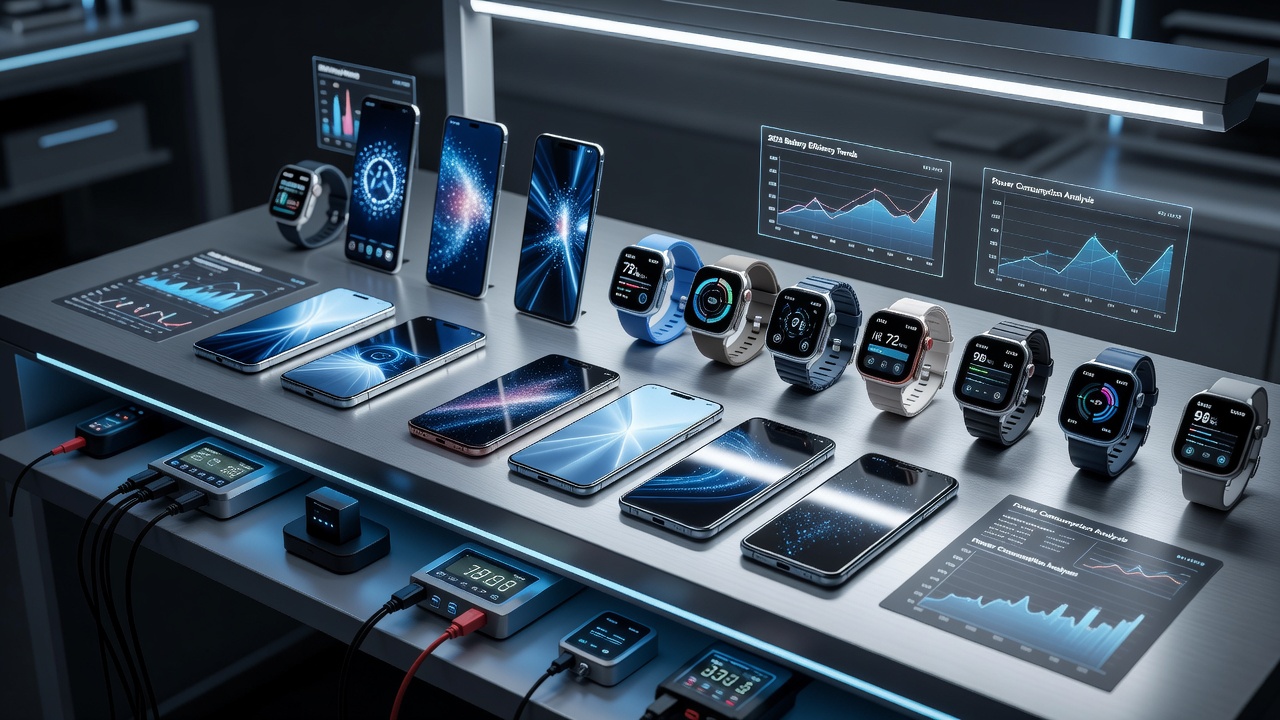
As smart devices evolve with more powerful processors, AI features, and 5G connectivity, accurately testing battery life has become essential for gadget reviewers and enthusiasts. This guide provides pro tips on reliable methods for smartphone reviews and wearable reviews, ensuring your results reflect real-world performance. Battery testing is no longer a simple charge-and-discharge exercise; it requires understanding how modern hardware and software interact under varied conditions. Reviewers must account for variables such as network type, background AI computations, display refresh rates, and thermal management systems that were less prominent in earlier device generations. By following structured approaches, testers can produce data that helps consumers make informed purchasing decisions rather than relying on manufacturer claims alone.
Standardized Battery Drain Protocols
Standardized protocols help maintain consistency across tests. Start by charging devices to 100% and discharging them under controlled conditions. Use loops that simulate typical user behavior, such as web browsing, video streaming, and app usage at fixed brightness levels. These protocols typically involve setting screen brightness to 50 percent, enabling location services, and running a repeatable script that cycles through common applications for several hours. Temperature should be maintained between 20 and 25 degrees Celsius to prevent external factors from skewing results. Many professional reviewers also disable automatic brightness and push notifications during baseline tests to isolate hardware efficiency. Repeating each protocol at least three times and averaging the outcomes increases statistical reliability.
Real-World Usage Simulations
Simulations should mimic daily habits. Include mixed workloads like social media scrolling, calls, and navigation. Factor in background processes to avoid underestimating drain rates. For example, a realistic 2026 simulation might begin with 30 minutes of email and calendar syncing, followed by one hour of video calls, two hours of social media with short video autoplay enabled, and intermittent GPS navigation during a commute. Wearables add another layer: testers often pair smartwatches with phones to measure cross-device communication overhead, including continuous heart-rate monitoring and notification syncing. These layered scenarios reveal how devices handle multitasking far better than synthetic benchmarks alone.
Essential Tools for Accurate Measurement
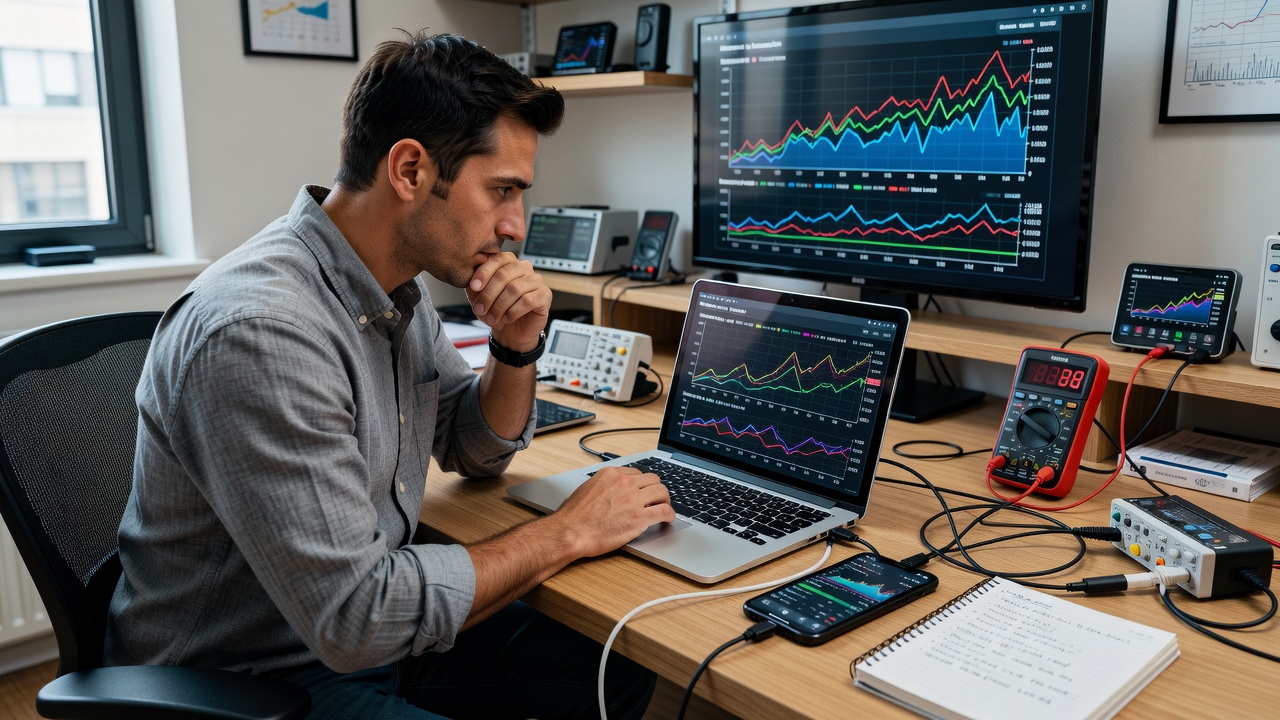
Tools like battery monitoring apps and hardware analyzers provide precise data. Cross-reference with built-in device diagnostics for validation. Qualcomm resources offer insights into chipset efficiency impacts. Popular software options include advanced logging utilities that export CSV files for further analysis in spreadsheets. Hardware solutions such as USB power meters allow direct measurement of current draw during charging and discharging cycles. Reviewers frequently combine multiple tools, for instance using a power meter alongside software monitors to verify that reported percentages align with actual energy consumption. This multi-tool approach minimizes errors caused by software estimation inaccuracies common in some operating systems.
Comparing Flagship vs Budget Models
Flagships often feature optimized batteries and efficient chips, while budget models may show faster drain under heavy loads. Test both categories side-by-side using identical protocols to highlight differences. In 2026 testing, flagship devices with advanced silicon frequently deliver 30 to 40 percent longer endurance than mid-range counterparts when running the same mixed-use script. Budget phones sometimes compensate with larger battery capacities but suffer from less refined power management, leading to steeper drops during peak loads such as 5G downloads or AI photo processing. Documenting these variances helps readers understand trade-offs when choosing between premium and affordable options.
Factoring in 5G and AI Impacts
5G networks and AI processing significantly affect battery performance. Run tests on both 5G and LTE modes, and enable AI features to measure additional consumption. Android documentation explains optimization techniques. AI-driven features like real-time language translation or on-device image enhancement can increase power draw by 15 to 25 percent during active use. Meanwhile, 5G connectivity often raises baseline consumption even when idle due to more frequent signal handoffs. Testers should conduct parallel runs—one with 5G disabled and AI features turned off, another with both enabled—to quantify the incremental cost. This data proves especially valuable for users who travel frequently or rely on advanced camera and productivity tools.
Avoiding Common Testing Pitfalls
Common mistakes include inconsistent environments, ignoring temperature effects, and not accounting for software updates. Always calibrate devices and repeat tests multiple times for reliability. Additional pitfalls involve failing to clear app caches before testing, allowing automatic updates during a run, or testing devices with different firmware versions. Another frequent error is overlooking screen-on time versus total elapsed time; reviewers must log both metrics separately. Temperature spikes above 30 degrees Celsius can artificially accelerate drain, so maintaining a stable lab environment is critical. Finally, neglecting to reset devices to factory defaults between major test cycles can leave residual background processes that distort results.
Step-by-Step Testing Workflows
- Prepare devices by resetting to factory settings and updating software to the latest stable build.
- Charge fully overnight and record baseline metrics including battery health percentage and initial voltage readings.
- Configure consistent settings: brightness at 50 percent, Wi-Fi and Bluetooth on, location services enabled, and all AI features toggled according to the test scenario.
- Execute standardized scripts for 8-12 hours while logging data at 15-minute intervals using both software and hardware tools.
- Include a variety of workloads such as video playback at 1080p, web browsing with 20 tabs, and intermittent camera use.
- After the test period, export logs and calculate average drain rates per hour under each condition.
- Repeat the entire workflow at least three times and average the final figures to reduce variance.
Environmental and Software Factors to Consider
Beyond core protocols, environmental conditions such as humidity and altitude can subtly influence battery behavior. High humidity may affect thermal dissipation, while software updates released within the last 30 days often include power optimizations that change results. Reviewers should note the exact firmware version and test date for each device. Comparing devices running identical operating system builds ensures fairness. Additionally, testing both light and heavy usage days provides a fuller picture for readers whose habits vary widely.
Example Data from Recent 2026 Devices
Recent tests on 2026 flagships show average endurance exceeding 12 hours of mixed use, while budget options average 8-10 hours under similar conditions. One flagship smartphone maintained 48 percent battery after 10 hours of the standardized mixed script, whereas a comparable budget model dropped to 22 percent. Wearables tested alongside phones demonstrated an average of 36 hours of continuous operation with always-on display enabled. These patterns help inform buying decisions by illustrating how hardware choices translate into daily usability.
FAQ on Interpreting Results for Buying Decisions
How do I interpret battery test scores?
Look for endurance ratings that match your usage patterns, prioritizing real-world simulations over lab numbers. A device rated for 14 hours of mixed use may still fall short if your routine includes heavy video streaming or constant 5G connectivity.
What role does 5G play?
5G can reduce life by 20-30 percent in connected scenarios, so test accordingly if you rely on high-speed data. Users in areas with strong 5G coverage should weigh this impact more heavily than those primarily on Wi-Fi.
Are AI features worth the battery cost?
They add convenience but increase drain; weigh benefits against your priorities. For photography enthusiasts, on-device AI editing may justify the extra consumption, while casual users might prefer disabling such features.
How often should tests be repeated after software updates?
Re-test whenever a major update is released, as power management changes can shift endurance by several hours in either direction.
Conclusion
Following these pro tips ensures thorough, trustworthy battery evaluations. Apply them to deliver reviews that help consumers make informed choices in the 2026 gadget landscape. IEEE standards provide further technical backing for advanced methodologies. Consistent, transparent testing builds credibility and empowers readers to select devices that truly meet their needs.
No comments yet. Be the first!