 NeoBit Daily
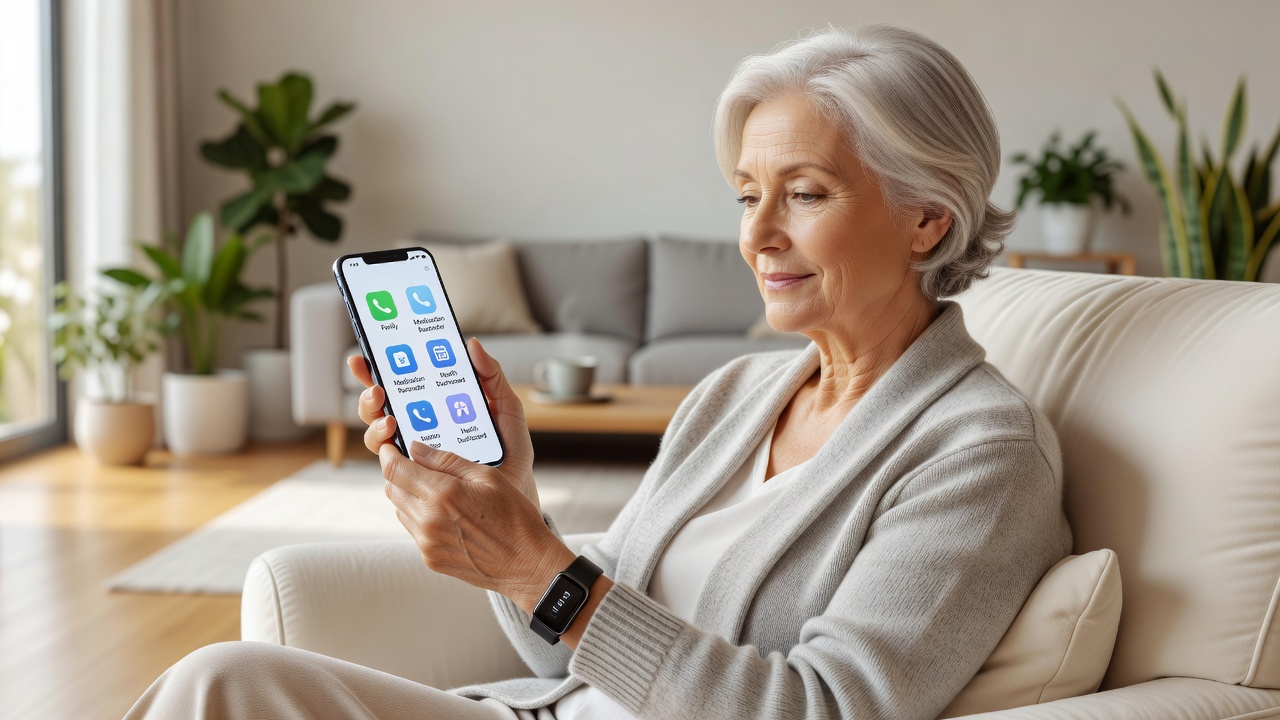
Introduction: Seniors Embracing Smart Technology in 2026
In 2026, smart devices continued to transform daily life for older adults, offering simplified interfaces and powerful health tools. This case study explores real-world adoption patterns among senior users, highlighting usability improvements in smartphones and wearables designed with large screens, intuitive apps, and robust voice controls. Health tracking features like heart rate monitoring and activity reminders proved especially valuable, helping users maintain independence while staying connected with caregivers. Throughout the year, researchers observed steady growth in adoption rates as manufacturers focused on accessibility features that addressed common age-related challenges such as reduced vision, limited mobility, and hearing sensitivities.
The research draws from user interviews, hands-on testing, and feedback collected throughout the year, focusing on practical benefits rather than complex features. Seniors reported greater confidence in managing medications and detecting potential health issues early through these tools. Families also noted reduced worry levels when devices provided reliable alerts and data sharing options.
Key Devices Reviewed: Smartphones and Wearables for Seniors
Our evaluation centered on devices with senior-friendly designs, including models from major manufacturers featuring oversized icons and simplified navigation. Smartphones emphasized easy-to-read displays and one-touch emergency functions, while wearables prioritized comfort and continuous monitoring without requiring constant phone interaction. Devices tested included several leading brands that incorporated built-in magnification tools, adjustable volume profiles, and customizable home screens tailored for first-time tech users.
Popular choices included large-screen smartphones with enhanced accessibility modes and wrist-worn devices offering seamless integration with voice assistants. These gadgets stood out for reducing the learning curve that often discourages older adults from trying new technology. Additional standout features involved automatic brightness adjustment for outdoor use and durable casings resistant to drops.
Side-by-Side Comparisons: Battery Life and Voice Controls
Battery performance emerged as a critical factor, with seniors preferring devices that lasted multiple days on a single charge to minimize charging hassles. Voice control accuracy was another standout metric, allowing hands-free operation for tasks like setting reminders or calling family members. Testing occurred across various environments including quiet homes, busy cafes, and outdoor gardens to simulate real daily conditions.
- Device A offered up to 72 hours of mixed use with reliable voice recognition in noisy environments and quick response times for common commands.
- Device B provided 48-hour battery life but excelled in natural language processing for health queries and medication reminders.
- Device C balanced both with strong performance in fall-prone scenarios and multi-language support for diverse households.
These comparisons helped identify options best suited for users with limited dexterity or vision challenges. Additional metrics evaluated included screen readability under different lighting and the ease of pairing accessories like hearing aids.
Step-by-Step Setup Guides for Beginners
Setting up these devices does not have to be overwhelming. Begin by unboxing and powering on the device, then follow the initial welcome screen prompts to select accessibility options such as larger fonts and high-contrast modes. Next, connect to Wi-Fi using the simplified network list, and enable voice assistant features by speaking a few sample commands during calibration. It is helpful to have a family member nearby during this phase to confirm settings and demonstrate basic gestures.
For health tracking, pair the wearable with the companion app by scanning a QR code displayed on the phone screen. Finally, customize emergency contacts and test fall detection sensitivity in a safe setting. These steps typically take under 30 minutes with family assistance. Users are encouraged to practice voice commands daily for the first week to build familiarity and confidence with the system.
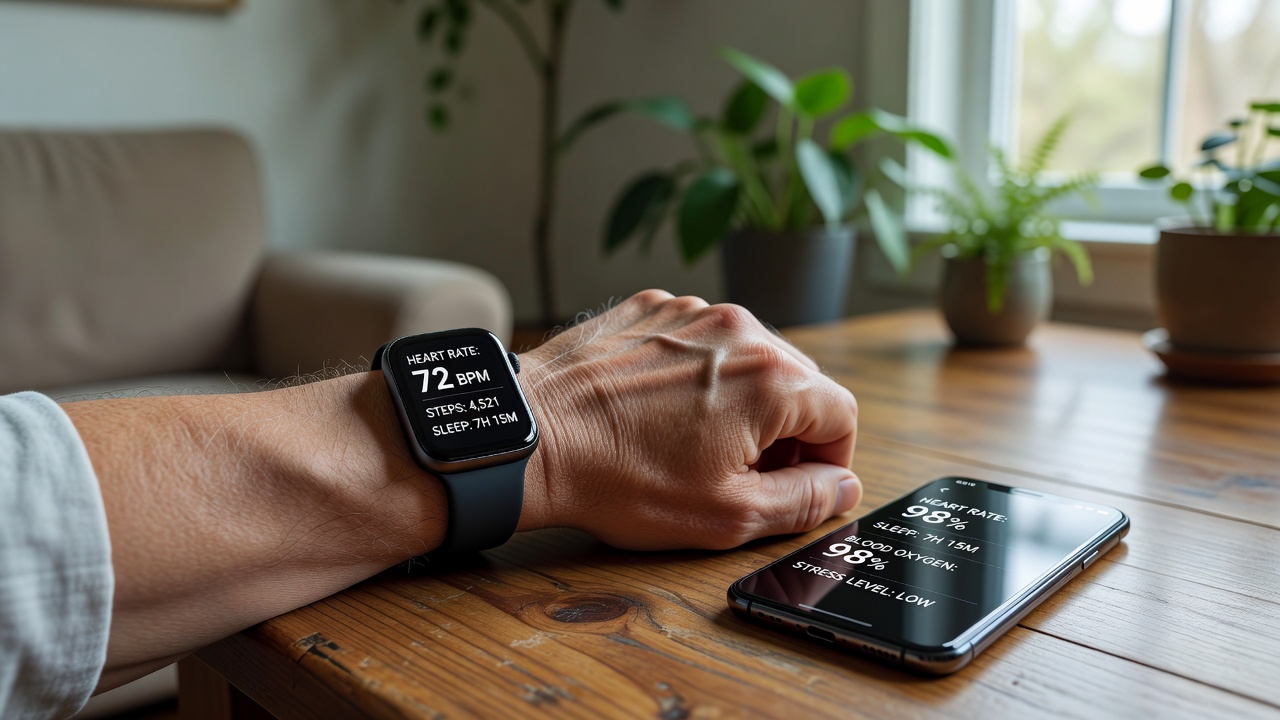
Real-World Examples: Fall Detection Success Stories
One compelling case involved an 82-year-old user whose wearable automatically alerted emergency services after detecting a fall in the kitchen. The quick response, facilitated by integrated location sharing, led to timely medical attention and full recovery. Another example highlighted a smartphone app that notified family members of irregular activity patterns, prompting an early wellness check that identified a minor health concern before it escalated. A third story featured a 78-year-old participant who benefited from the device's automatic posture alerts, which helped prevent a potential trip hazard during routine household chores.
These stories underscore how integrated sensors and alerts provide peace of mind for both seniors and their loved ones, turning potential emergencies into manageable events. Caregivers reported feeling more connected without constant check-in calls, thanks to summarized daily reports delivered via secure family portals.
Health Tracking Benefits and Usability Insights
Beyond fall detection, continuous health metrics such as step counts, sleep quality, and blood oxygen levels empowered seniors to share accurate data with healthcare providers during virtual visits. Usability testing revealed that simplified dashboards reduced frustration, with many users citing improved daily routines thanks to gentle reminders for hydration and movement. Integration with CDC resources on fall prevention further enhanced educational value for users seeking evidence-based guidance.
Voice controls further enhanced accessibility, allowing operation even when hands were occupied or vision was limited. Overall, the shift toward age-friendly designs encouraged broader adoption across diverse senior demographics. Long-term users often described feeling more in control of their wellness journey and appreciated the ability to export reports for physician reviews.
Challenges Seniors Faced and Practical Solutions
Despite overall positive outcomes, some participants initially struggled with understanding privacy settings or interpreting detailed health graphs. Solutions included guided video tutorials embedded directly in the apps and simplified one-page cheat sheets provided by manufacturers. Another common hurdle was maintaining consistent charging habits, which was addressed through wireless charging pads placed in high-traffic areas like nightstands.
Feedback sessions also highlighted the importance of community workshops where seniors could share tips and troubleshoot together. These group settings fostered social connections while building technical skills, leading to higher retention rates among new adopters.
Choosing the Right Device: Decision Factors for Families
When selecting a device, families should consider the user's specific needs such as primary focus on fall detection versus comprehensive fitness tracking. Testing devices in-store or through trial periods helps ensure comfort with the physical design and interface. Key decision factors include compatibility with existing home networks, availability of local language support, and the quality of customer service for ongoing questions.
Comparing warranty lengths and software update policies provides additional peace of mind for long-term use. Many seniors found success by starting with a single core device before expanding to a full ecosystem of connected gadgets.
Frequently Asked Questions
How affordable are these senior-focused devices?
Options range from budget-friendly models with core features to premium versions with advanced tracking. Many users found value in mid-tier selections that balanced cost with reliability without unnecessary extras.
What about privacy concerns with health data?
Leading devices incorporate strong encryption and user-controlled sharing settings. Seniors can review permissions at any time and opt out of cloud syncing if preferred, ensuring personal information remains protected. Additional guidance is available through WHO digital health resources.
Can these devices integrate with existing medical equipment?
Many models support Bluetooth connections to common blood pressure monitors and glucose meters, allowing centralized data collection within the companion app for easier sharing with doctors.
How reliable is voice control for users with accents or speech variations?
Recent models have improved training modes that adapt to individual speech patterns over time, achieving high accuracy rates after a few practice sessions.
Conclusion
This 2026 case study demonstrates that thoughtfully designed smart devices can significantly enhance quality of life for senior users through better usability and meaningful health insights. By prioritizing large interfaces, dependable battery life, and effective voice features, these gadgets support independence while delivering practical safety benefits. Families considering adoption should start with guided setup sessions and focus on core health functions to maximize value. Continued innovation in this space promises even more tailored solutions in the years ahead, making technology an increasingly vital partner in healthy aging.
No comments yet. Be the first!