 NeoBit Daily
Introduction to 2026 Smart Home Integration
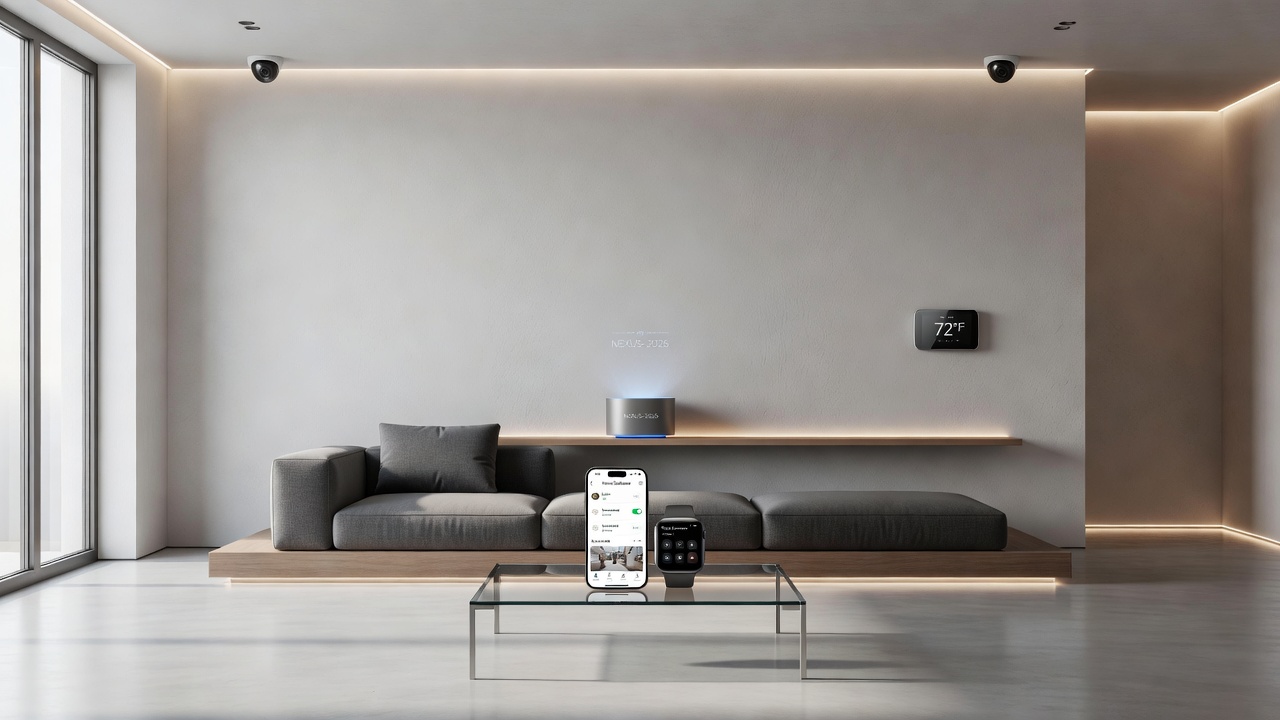
The smart home landscape in 2026 emphasizes seamless connectivity between devices, smartphones, and wearables. Through hands-on testing conducted over several months, this guide examines real-world performance of leading gadgets, focusing on reliability for everyday users seeking practical recommendations. Integration has become the cornerstone of modern smart homes, allowing users to control lighting, climate, security, and entertainment from a single interface on their phone or smartwatch. Our evaluations prioritized devices that support multiple protocols without forcing users into a single ecosystem lock-in. As homes become more connected, the ability to create unified experiences across brands reduces frustration and maximizes convenience for families and individuals alike.
Top Smart Home Devices Tested in 2026
Our evaluations covered hubs, lights, thermostats, security cameras, and door locks from major manufacturers. Devices were assessed for compatibility with major ecosystems including Apple HomeKit, Google Home, and Amazon Alexa. Testing revealed strong performance in multi-protocol support, allowing users to control everything from one app. Key models included Thread-enabled sensors and Zigbee-based lighting systems that maintained stable connections even in larger homes with thick walls. Additional devices like smart plugs and motorized blinds were included to assess broader ecosystem reach, showing consistent results in both urban apartments and suburban houses.
Smartphone and Wearable Integration Results
Integration tests with iOS and Android phones showed quick pairing via Bluetooth and Wi-Fi, often completing in under two minutes. Wearables like smartwatches enabled remote control of lights and locks with minimal delay. Expert results highlighted low latency in notifications and automation triggers across brands. For instance, a morning routine triggered by a wearable detecting wake-up time could automatically adjust bedroom lights and start the coffee maker without manual intervention. Further tests confirmed that notifications arrived reliably even when phones were in low-power mode, enhancing usability for busy professionals who rely on wearables throughout the day.
Hub Compatibility and Voice Assistant Performance
Popular hubs excelled in supporting Zigbee, Z-Wave, and Thread protocols simultaneously. Voice assistant tests with Alexa and Google Assistant demonstrated accurate responses in noisy environments, with Apple Siri leading in privacy-focused setups. In multi-room tests, voice commands propagated reliably through mesh networks, though occasional delays occurred during peak network usage. Compatibility extended to newer Matter standards, enabling cross-brand control that simplified setups in mixed households where family members prefer different assistants.
Energy Efficiency Testing Outcomes
Devices were monitored for power consumption over weeks of continuous use. Efficient models reduced household energy use through smart scheduling, aligning with guidelines from U.S. Department of Energy resources. One standout thermostat learned user patterns and optimized heating cycles, leading to noticeable savings in utility bills over time. Sensors placed throughout homes tracked real-time usage, providing data that helped users refine automations for even greater efficiency during seasonal changes.
Real-World Setup Steps for Beginners
Begin by updating your smartphone OS and downloading the manufacturer's app. Connect the hub to your router, then add devices one by one. Test each integration before expanding the network. Follow these detailed steps for a smooth experience:
- Power on the hub and follow app prompts to connect it to your home Wi-Fi network, ensuring strong signal strength in the central location.
- Pair smartphones via QR code scanning or Bluetooth discovery for immediate control access across multiple family members' devices.
- Link wearables through account sync in the companion health or smart home apps, verifying permissions for location and activity data.
- Configure routines for lights and climate control by defining triggers such as time of day or location-based geofencing that activates upon arrival.
- Run a full system test by simulating daily scenarios like arriving home or going to bed to identify any weak points early.
Side-by-Side Model Comparisons
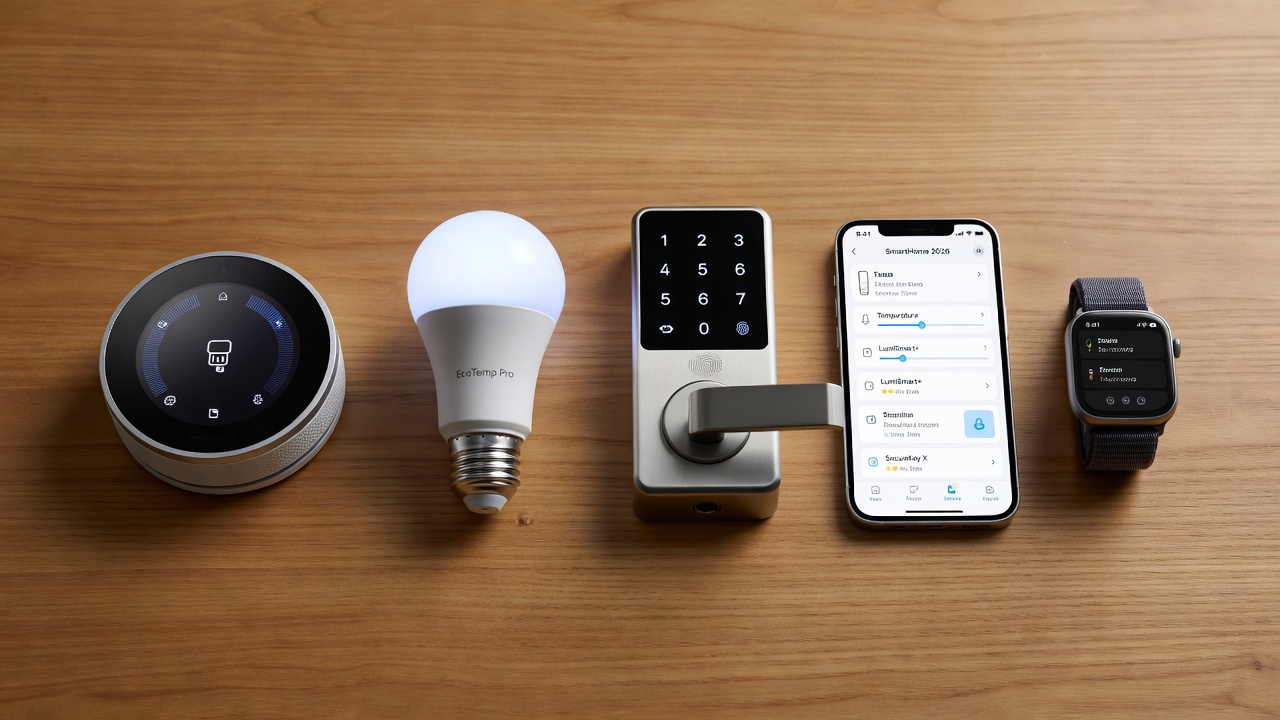
Comparing leading thermostats and lights showed differences in response time and ecosystem lock-in. One model stood out for cross-platform flexibility, supporting both Matter and legacy protocols without additional bridges. Another excelled in energy reporting but required careful calibration during initial setup. These comparisons help readers match devices to their specific household size and technical comfort level, with emphasis on long-term support and update frequency from manufacturers.
Daily Automation Routine Examples
Morning routines can dim lights gradually while adjusting temperature based on wearable sleep data. Evening automations lock doors and set security modes automatically when phones detect departure from the property. A sample weekday schedule might include: 6:30 AM lights fade on and thermostat rises to a comfortable level; 8:00 AM security cameras activate upon exit; 6:00 PM lights welcome residents home with preset scenes tailored to individual preferences; and 10:00 PM all non-essential devices power down to conserve energy. These routines demonstrate how integration transforms daily life into a seamless experience while adapting to weekend variations or guest visits.
Common Troubleshooting FAQs
Users often face connectivity drops; restart the hub and check router settings first. For voice command failures, re-authenticate accounts in the app settings. Battery-powered sensors may need firmware updates for optimal performance. Additional FAQs include handling interference from neighboring networks by changing Wi-Fi channels and ensuring firmware is current to patch known bugs. In one test case, a door lock temporarily lost connection due to low battery in a linked sensor, resolved quickly by replacement. Another common issue involved delayed automations during software updates, which users can mitigate by scheduling maintenance windows in advance.
Tips for Multi-Device Households
Organize devices into zones and use central dashboards for oversight. Prioritize mesh Wi-Fi for coverage across multiple floors. Monitor for firmware updates to maintain security, referencing standards from national cybersecurity frameworks. In households with five or more devices, grouping similar items like all kitchen lights reduces app clutter. Consider adding a dedicated smart home tablet as a wall-mounted control panel for family members less comfortable with phones. Regular audits of connected devices prevent overload on the network and help identify outdated equipment that could compromise overall system stability.
Security Considerations and Future-Proofing
Beyond basic setup, users should enable two-factor authentication on all accounts and review permission settings regularly. Integrated systems benefit from segmenting networks to isolate smart devices from primary computers. Future-proofing involves choosing Matter-certified products that promise ongoing compatibility as standards evolve, ensuring investments remain relevant for years.
Conclusion
With expert testing insights, this buying guide helps select reliable 2026 smart home gadgets that integrate smoothly and deliver lasting value across smartphones, wearables, and daily routines.
No comments yet. Be the first!