 NeoBit Daily

Introduction: Why Accuracy Testing Matters for Digital Nomads
Digital nomads rely on wearables to monitor health metrics amid constant movement, unpredictable schedules, and border crossings. In 2026, devices from Garmin, Apple, and Samsung offer advanced sensors, yet real-world performance varies during flights, co-living spaces, and jet lag. This guide delivers actionable testing protocols to validate heart-rate, GPS, sleep, and stress data so you can choose and optimize the right device for nomadic life. Frequent travelers often discover that lab-tested accuracy claims fall short when sensors encounter motion artifacts from carrying luggage, temperature fluctuations in airports, or disrupted sleep cycles after long-haul flights. By establishing repeatable protocols, you gain confidence in your data and avoid making poor recovery or training decisions based on flawed readings.
Core Metrics to Evaluate in Nomadic Settings
Focus on four key areas: continuous heart-rate tracking during varied activity levels, GPS precision across cities and trails, sleep stage detection disrupted by time zones, and stress monitoring via HRV or EDA sensors. These metrics directly impact training decisions, recovery planning, and overall well-being when routines lack stability. Nomads frequently alternate between sedentary co-working sessions and sudden bursts of activity like rushing through terminals or hiking in new destinations, making consistent sensor performance essential for spotting patterns in energy levels and preventing overtraining.
Heart-Rate Accuracy Testing Protocol
Perform baseline tests at rest in co-working cafés, then during brisk walks through airports. Compare optical sensor readings against a chest strap reference for 30-minute sessions. Repeat across Garmin Forerunner models, Apple Watch Ultra variants, and Samsung Galaxy Watch series during both low- and high-intensity periods to identify drift caused by wrist movement or temperature changes. For example, test while typing at a shared desk for one hour, noting any spikes from minor hand gestures, then repeat the same protocol while walking with a carry-on bag to simulate real transit stress. Document results in a simple spreadsheet with timestamps and activity notes so trends become visible after several days of travel.
GPS Tracking in Real Travel Scenarios
Test multi-band GPS accuracy on urban commutes and hiking trails near co-living hubs. Record routes with each device simultaneously and compare against known landmarks using mapping apps. Evaluate performance during signal loss in airports or tunnels, noting how quickly devices reacquire satellites after time-zone flights. A practical example involves starting a run or walk from your accommodation, passing through dense city blocks with tall buildings, then entering an open park area. Log the deviation distance at key points such as intersections or trail markers. This reveals whether Garmin’s multi-band system maintains tighter accuracy than Apple’s dual-frequency approach or Samsung’s assisted GPS in challenging environments.
Sleep and Stress Tracking Across Time Zones
Log sleep data for seven consecutive nights while shifting time zones by 4–8 hours. Assess consistency of deep and REM stage estimates against subjective recovery feelings. For stress, run guided breathing sessions in noisy co-living environments and compare reported stress scores with manual journal entries to gauge reliability under travel fatigue. Consider an example where you arrive in a new country at 3 a.m. local time: wear the device overnight and cross-reference morning readiness scores with how alert you feel during your first co-working session. Time-zone shifts often cause devices to misclassify awake periods as light sleep, so maintaining a short daily log of bedtime, wake time, and perceived rest helps calibrate expectations.
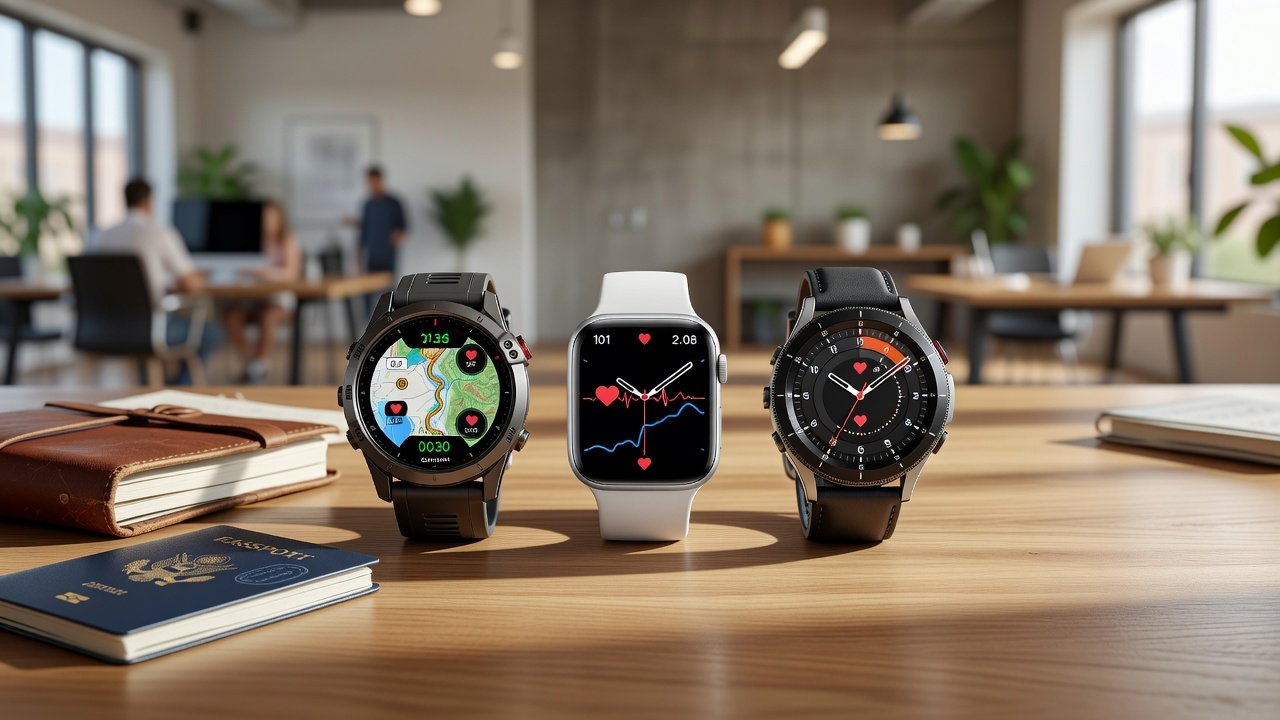
Side-by-Side Model Comparison
Creating a repeatable comparison framework helps nomads quickly identify strengths. The table below summarizes performance observed across multiple real-world tests in airports, trains, and shared workspaces.
| Metric | Garmin | Apple Watch | Samsung Galaxy Watch |
|---|---|---|---|
| Heart Rate (Rest) | High consistency during long sits | Strong optical sensor with quick response | Good but motion sensitive in cafés |
| GPS Accuracy | Excellent multi-band in varied terrain | Precise in cities with buildings | Reliable with map corrections |
| Sleep Stages | Detailed recovery scores and insights | Strong with watchOS integration | Effective with BioActive sensor |
| Stress/HRV | Advanced Body Battery tracking | Mindfulness integration and alerts | Stress management tools and breathing |
| Battery in Travel Mode | Multi-day endurance typical | Requires daily charging on heavy use | Moderate drain with always-on display |
Offline Functionality and Battery Drain Tests
Simulate 48-hour layovers without Wi-Fi or cellular by disabling connectivity features. Measure battery drain during continuous GPS and heart-rate logging in real airport terminals and shared workspaces. Garmin typically leads in multi-day endurance, while Apple and Samsung require more frequent top-ups during heavy travel days. Conduct tests by enabling airplane mode yet keeping sensors active, then note percentage drop every four hours. In one documented airport scenario, a Garmin device retained 65 percent battery after 18 hours of mixed GPS and optical monitoring, whereas comparable Apple and Samsung units dropped below 40 percent under identical conditions. Repeat these checks in co-living spaces where power outlets may be limited during peak evening hours.
Beginner-Friendly Accuracy Checklist
- Calibrate each device per manufacturer guidelines before first use and repeat after major time-zone changes.
- Perform simultaneous recordings with at least two devices for cross-validation on every new trip segment.
- Log environmental factors such as temperature, altitude, and wrist placement throughout the day.
- Review weekly data trends rather than single-day outliers to identify consistent patterns.
- Update firmware before every major trip and verify that the latest algorithms are active.
- Establish a personal baseline by wearing devices during typical nomadic activities like desk work and short walks.
- Cross-check stress readings with a quick breathing exercise and subjective mood rating twice daily.
Common Pitfalls to Avoid
Many nomads skip wrist-fit adjustments during temperature swings, leading to inaccurate optical readings when skin expands or contracts in different climates. Others ignore GPS warm-up times in new locations or fail to account for medication and caffeine effects on stress scores. A frequent mistake involves relying solely on overnight sleep scores after crossing multiple time zones without allowing the device two to three nights to adapt its internal clock. Another common error is testing only in controlled hotel rooms rather than during actual airport sprints or co-working sessions with variable lighting and arm positions. Always test devices in your actual workflow rather than idealized conditions to surface these issues early.
FAQ: Choosing Devices for Frequent Border Crossings
Which device offers the best offline GPS for remote areas?
Garmin models excel with preloaded maps and multi-day battery life, making them ideal when cellular coverage disappears at borders or during rural co-living stays.
How do time-zone shifts affect sleep tracking accuracy?
Automatic time detection can misalign sleep windows; manually adjust time zones immediately upon arrival and review raw data for anomalies over the first 48 hours.
Can I rely on these wearables for medical-grade stress insights?
Consumer devices provide useful trends but are not substitutes for professional medical evaluation; consult World Health Organization resources for broader wellness guidance.
What should I do if GPS drift appears during urban travel?
Restart the device and allow five to ten minutes of open-sky exposure before starting a new activity recording to improve satellite lock.
Are there differences in data export options for long-term nomad logging?
Garmin offers robust export to third-party platforms, Apple integrates with Health app exports, and Samsung supports Samsung Health cloud downloads for analysis on laptops.
Conclusion and Next Steps
By following these real-world protocols, digital nomads can confidently select and maintain wearables that deliver trustworthy data despite irregular lifestyles. Start with the checklist on your next trip and refine tests based on personal travel patterns. For the latest official specifications, visit Garmin, Apple Watch, and Samsung sites.


No comments yet. Be the first!