 NeoBit Daily
Introduction to Quantum Visualization in Immersive Tech
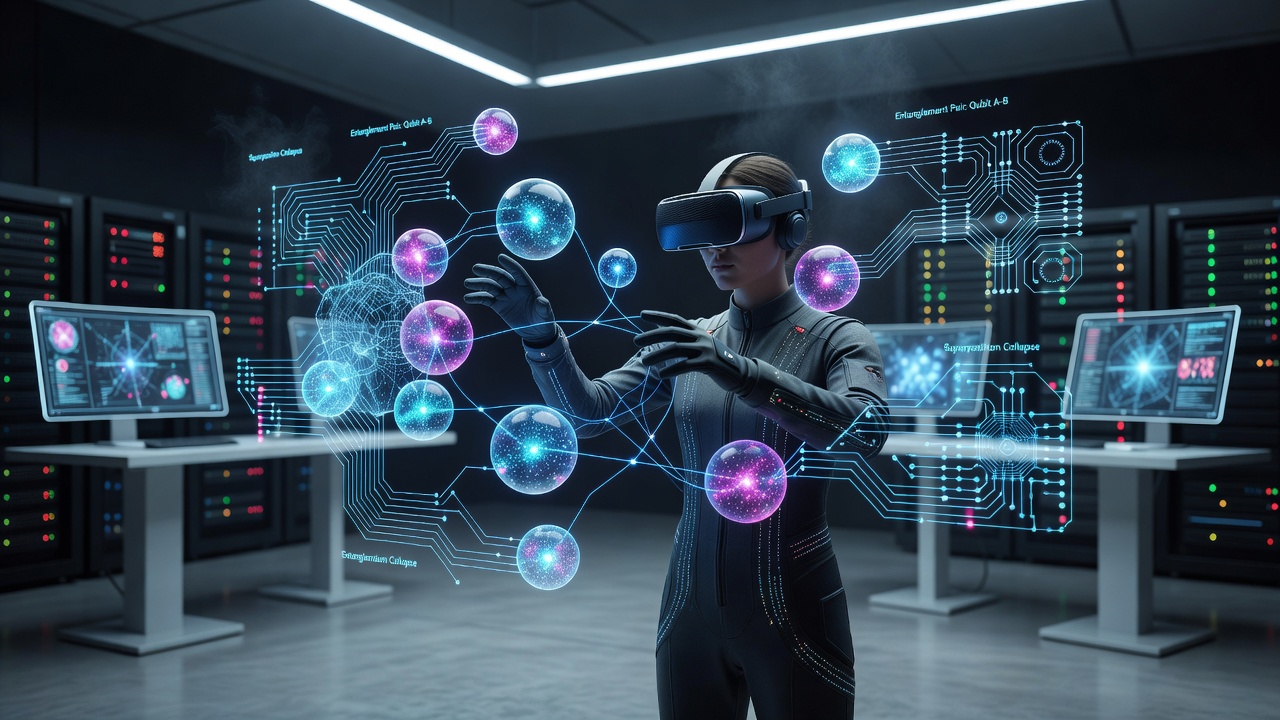
Quantum computing promises breakthroughs in optimization, cryptography, and simulation, but its abstract nature makes it hard to grasp. In 2026, developers are turning to VR and AR to render qubit states, superposition, and entanglement in interactive 3D spaces. This guide provides step-by-step instructions for setting up visualizations, selecting libraries, securing shared sessions with blockchain, and comparing engines. Immersive environments allow users to walk through quantum circuits, manipulate gates in real time, and observe measurement outcomes spatially. By combining quantum SDKs with game engines, enthusiasts can experiment without expensive hardware. The approach democratizes access to complex concepts, letting developers test algorithms visually before deploying them on actual quantum processors. As hardware improves, these visualizations will become essential for education, research collaboration, and debugging large-scale quantum systems.
Selecting Quantum Visualization Libraries
Start with open-source libraries that output data suitable for 3D rendering. Qiskit from IBM offers circuit simulation and statevector exports that map directly to visual elements. Cirq from Google provides similar tensor-based outputs ideal for custom noise modeling. For web compatibility, consider Q.js or PennyLane for hybrid quantum-classical models that integrate machine learning components. Export qubit amplitudes and phase information as JSON or CSV for import into VR/AR scenes. Libraries like Three.js can then map these values to sphere radii, colors, and rotations representing Bloch spheres. When choosing a library, evaluate documentation quality, community support, and compatibility with your target engine. Test small circuits first to ensure smooth data pipelines before scaling to multi-qubit experiments.
Setting Up VR and AR Environments
Choose hardware such as Meta Quest headsets for standalone VR or Microsoft HoloLens for AR. Install Unity or Unreal Engine and import XR plugins. Create a scene with a central quantum register object that scales with qubit count. Basic setup involves connecting a quantum simulator via API calls. For example, run a Qiskit circuit locally and stream results over WebSocket to the VR client for low-latency updates. Follow these practical steps: install the quantum SDK on a backend server, expose endpoints for circuit submission, and handle real-time state updates in the engine. Sample Unity C# snippet for receiving qubit data:
using UnityEngine;
using System.Net.WebSockets;

public class QuantumReceiver : MonoBehaviour {
    async void Start() {
        // Connect to Qiskit server and parse amplitudes
        // Update sphere scales in real time
    }
}
Configure hand-tracking for intuitive gate placement and ensure spatial anchors persist across sessions in AR mode.
Integrating Blockchain for Secure Shared Sessions
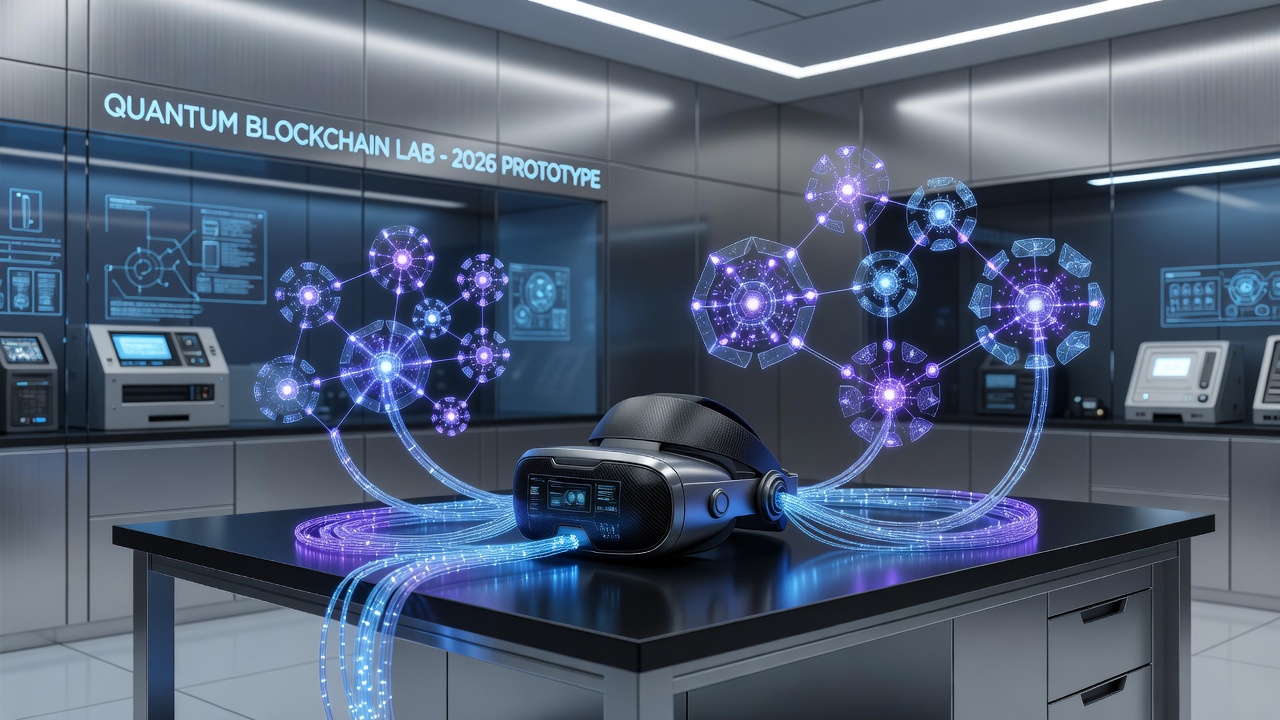
Shared VR simulations benefit from tamper-proof ledgers. Use blockchain to record session states, gate operations, and participant contributions. Ethereum or Polygon networks provide smart contracts that log quantum experiment hashes, ensuring reproducibility and data integrity across users. Integrate via SDKs like Web3.js in Unity WebGL builds. Each collaborative session mints a transaction containing the circuit hash, preventing unauthorized edits in multi-user environments. This approach also enables version control for experiments, allowing teams to revert to previous states or audit changes transparently. Developers should test network latency impacts on immersion and consider permissioned chains for enterprise use cases.
Unity vs Unreal Engine Comparison
Unity offers faster prototyping with its C# scripting and extensive XR toolkit. Asset Store packages accelerate Bloch sphere prefabs and particle effects for entanglement visualization. Unreal Engine excels in high-fidelity rendering with its Blueprint system and Niagara particles, ideal for complex qubit interference patterns. Consider these key differences in a detailed comparison:
- Development speed: Unity wins for rapid iteration while Unreal requires more initial setup.
- Rendering quality: Unreal delivers superior visuals for dense qubit fields and dynamic lighting.
- Community resources: Unity has broader XR tutorials and quantum-specific asset packs.
- Performance on standalone devices: Both need optimization, but Unity generally achieves higher frame rates on mobile VR headsets.
Unity suits beginners due to shorter build times and broader community support. Unreal provides superior visual fidelity for professional demos but requires more optimization for standalone VR headsets. Test both with identical quantum data sets to compare frame rates and interaction smoothness. Explore further at Unity and Unreal Engine.
Example Projects and Rendering Qubit States
Build a 3-qubit Grover search visualization. Represent each qubit as a glowing orb whose position encodes probability amplitudes. Entanglement appears as dynamic links between orbs that pulse in sync. Render phase information using color gradients and rotation animations. Users can apply Hadamard or Pauli gates via hand-tracking gestures, instantly updating the simulation through the connected quantum backend. Another project could simulate Shor's algorithm factoring small numbers, with visual factorization trees growing in AR space. Advanced projects include teleportation protocols visualized as particle transfers between distant nodes in an AR overlay on a physical desk. 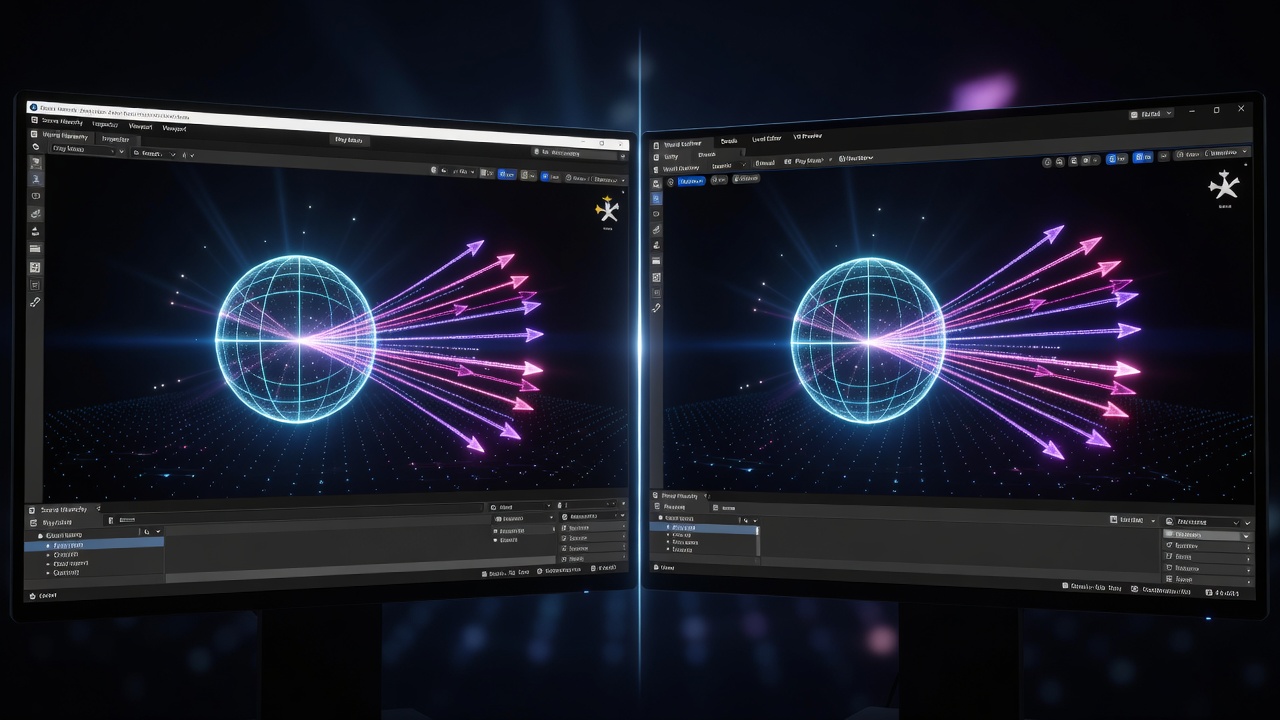
These examples demonstrate how spatial computing clarifies otherwise opaque quantum phenomena.
Performance Tips and Future Experiments
Optimize by limiting qubit count to eight in initial scenes and using level-of-detail techniques. Profile with built-in engine tools to maintain 90 FPS in VR. Batch data updates to reduce WebSocket overhead and leverage GPU instancing for multiple qubit representations. Future experiments may incorporate quantum error correction visuals once simulators support larger noisy intermediate-scale quantum devices. Experiment with cloud-based quantum backends for greater accuracy while keeping rendering local.
Common Mistakes to Avoid
Many developers overlook synchronization between quantum simulators and rendering loops, causing visual desync. Always validate data formats early. Another pitfall is neglecting accessibility features like color-blind modes for qubit state colors. Test on multiple headsets to catch platform-specific bugs before public release.
FAQ
- How do I handle high qubit counts without lag? Reduce to visual summaries and stream only measurement results.
- Which blockchain is best for low-latency sessions? Layer-2 solutions like Polygon minimize gas fees while maintaining security.
- Can I run this on consumer hardware? Yes, Meta Quest 3 combined with a mid-range PC handles most Unity-based quantum scenes.
- What resources help with initial setup? Consult MDN Web Docs for web integration patterns and official quantum SDK documentation.
With these foundations, developers can push the boundaries of quantum exploration in immersive worlds and prepare for emerging hardware advancements.
No comments yet. Be the first!