 NeoBit Daily
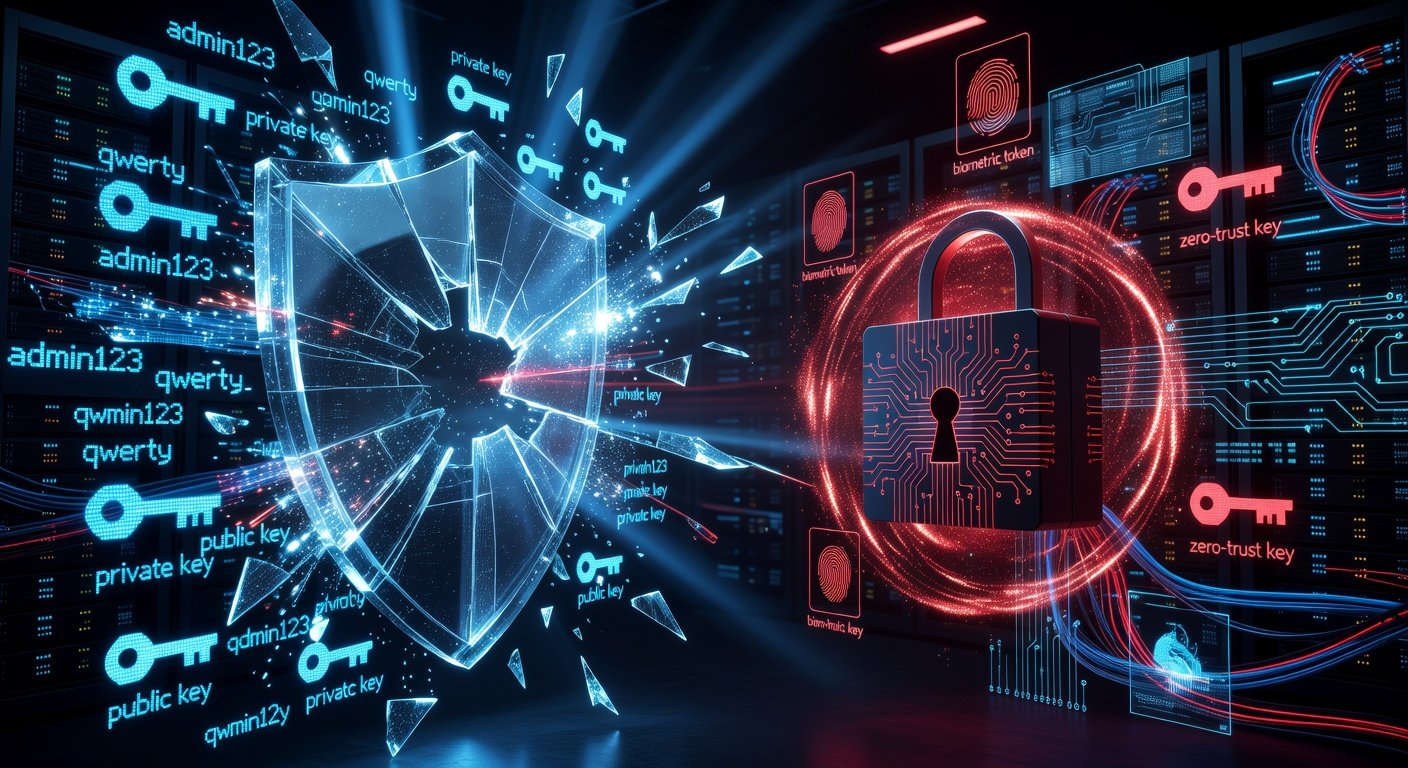
Understanding Traditional Multi-Factor Authentication (MFA)
Multi-factor authentication (MFA) has long been a cornerstone of cybersecurity. It requires users to provide two or more verification factors: something they know (password), something they have (phone or token), or something they are (biometric). Popular methods include SMS codes, authenticator apps like Google Authenticator, or hardware keys.
While MFA significantly reduces risks compared to passwords alone, it's not foolproof. Attackers have evolved tactics like SIM swapping, phishing for one-time codes, and man-in-the-middle (MitM) attacks. As we approach 2026, with quantum computing and AI-driven threats looming, MFA's vulnerabilities are under scrutiny.
What is Passwordless Authentication?
Passwordless authentication eliminates passwords entirely, relying on stronger signals like biometrics (fingerprint, face ID), security keys (e.g., YubiKey), or magic links sent to email/device. Protocols like WebAuthn and FIDO2 standardize this, using public-key cryptography where a private key stays on the user's device.
This shift promises phishing resistance since there's no password or code to steal. Devices generate cryptographic challenges that only the legitimate user can respond to, verified by the server.
Key Differences: Passwordless vs. Traditional MFA
Here's a breakdown:
- Phishing Resistance: MFA often falls to sophisticated phishing (e.g., real-time code capture). Passwordless uses device-bound keys, making interception useless.
- User Experience: MFA adds friction with codes or apps. Passwordless is seamless—one tap or scan.
- Attack Surface: MFA depends on secondary channels (SMS, email) prone to compromise. Passwordless minimizes shared secrets.
- Scalability for 2026 Threats: With AI automating phishing at scale and quantum risks to legacy crypto, passwordless's post-quantum readiness (via updated algorithms) gives it an edge.
Traditional MFA blocks ~99% of account takeover attempts, per Microsoft data, but passwordless pushes that higher by design.
Case Studies: Recent Breaches Where MFA Failed
Despite MFA adoption, high-profile breaches expose its limits. Let's examine real-world failures.
In 2023, MGM Resorts suffered a ransomware attack costing $100 million. Scattered Spider hackers used social engineering (vishing) to bypass MFA on Okta, tricking helpdesk into resetting access. MFA couldn't stop human error.
Another: Twilio in 2022, where 163 employees fell to phishing, exposing SMS MFA codes. Attackers intercepted codes via malicious sites, leading to breaches at downstream customers like Authy.
Okta's 2023 breach saw hackers access support systems despite MFA, using stolen sessions. These cases highlight MFA's reliance on fallible human and channel security.
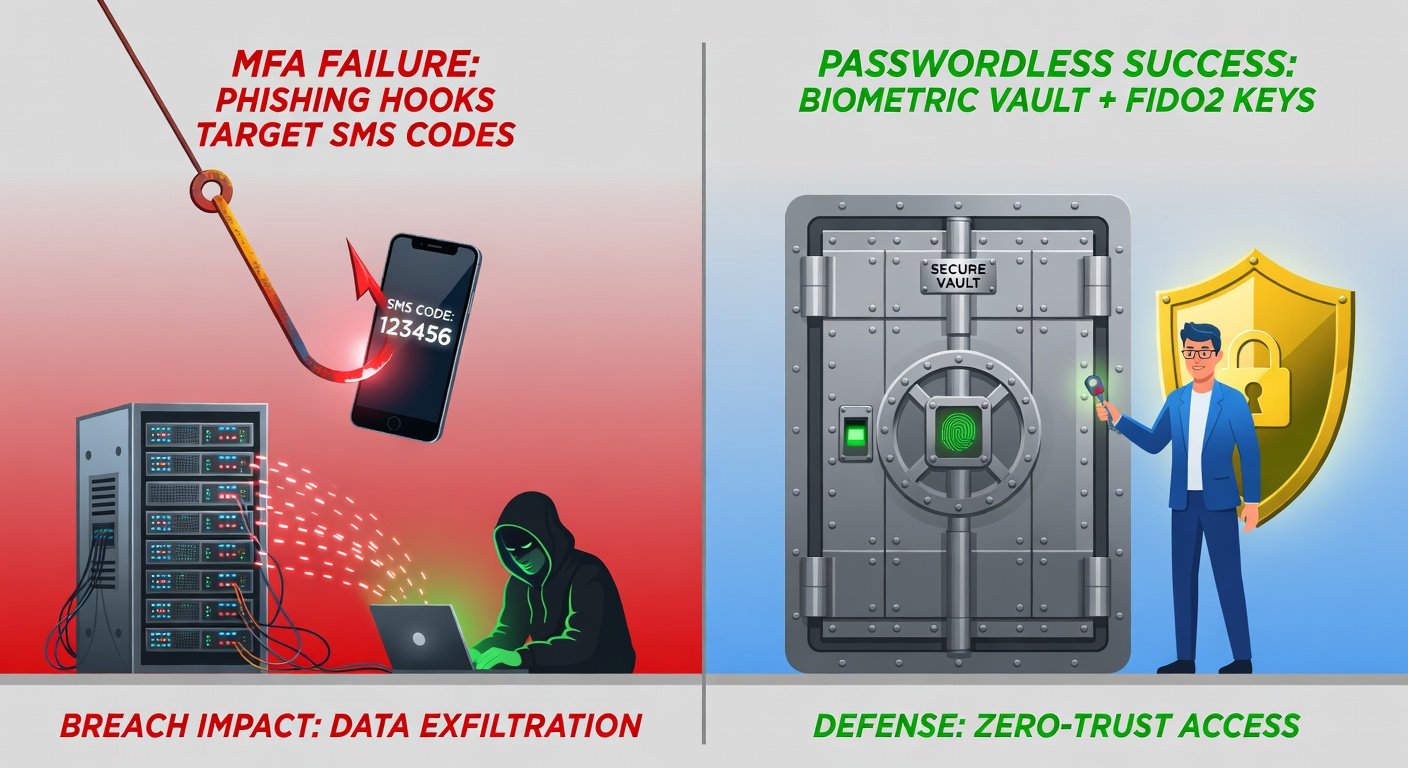
Contrast this with passwordless successes. Apple's Passkeys (FIDO-based) have seen zero reported phishing compromises since rollout.
For authoritative insights on these breaches, refer to the Cybersecurity and Infrastructure Security Agency (CISA) alerts.
How Passwordless Enhances Data Privacy
Passwordless shines in privacy by design:
- No Centralized Secrets: No password databases to breach—Microsoft's 2023 breach leaked MFA data, but passwordless avoids this.
- Zero-Knowledge Proofs: Servers never see private keys; verification is mathematical.
- Reduced Metadata: Fewer SMS/email logs mean less tracking data for attackers.
- Compliance Boost: Aligns with GDPR, CCPA by minimizing PII storage.
In 2026, with regulations tightening (e.g., EU's DORA), passwordless reduces breach notification risks. It also counters emerging threats like AI-generated deepfake phishing, where biometrics + device binding trumps codes.
Step-by-Step Tips for Businesses Transitioning to Passwordless
Ready to upgrade? Follow this guide:
Step 1: Assess Current Systems
Audit MFA usage, identify passwordless-compatible apps (e.g., via SAML/OIDC support). Tools like FIDO Alliance resources help evaluate readiness.
Step 2: Choose Protocols
Adopt WebAuthn/FIDO2 for browsers and passkeys for mobiles. Integrate with identity providers like Okta, Auth0, or Microsoft Entra ID, now passwordless-native.
Step 3: Pilot with High-Risk Users
Start with admins/execs. Use hybrid mode: passwordless optional alongside MFA. Monitor via SIEM for adoption metrics.
Step 4: Educate and Train
Run workshops on passkeys. Emphasize: "No clicking suspicious links—your device decides." Gamify training for 90%+ compliance.
Step 5: Enforce and Scale
Phased rollout: Q1 admins, Q2 all users. Set passwordless as default by 2026. Backup with recovery options like device enrollment QR codes.
Step 6: Monitor and Iterate
Track login success rates, anomaly detection. Leverage NIST guidelines from NIST for digital identity best practices (SP 800-63).
Challenges? Legacy apps—use proxies like Duo or PingFederate. Cost? Initial setup ~$5/user/year, offset by breach savings (average $4.45M per IBM).
Future-Proofing Against 2026 Threats
By 2026, expect AI-orchestrated attacks exploiting MFA weak points. Passwordless, backed by hardware enclaves (e.g., TPMs), resists this. Giants like Google, Apple, Microsoft mandate it for workspaces.
Transition now to slash risks, boost UX, and fortify privacy. Your data—and users—will thank you.

No comments yet. Be the first!