 NeoBit Daily
Introduction to Spotify's 2026 Evolution
Spotify continues to refine its platform in 2026 with advanced AI tools that transform how users discover and organize music. This comprehensive guide focuses on practical techniques for building smarter playlists, leveraging AI recommendations, and integrating other features to enhance daily listening habits. Whether you're a beginner or intermediate user searching for app tutorials and software tips, these methods help optimize enjoyment and productivity. The platform now emphasizes machine learning algorithms that analyze your listening patterns in real time, offering more accurate suggestions than ever before. By mastering these tools, you can create personalized experiences that evolve with your tastes and daily routines.
Getting Started with Spotify's Core Features
Begin by ensuring your app is updated to the latest 2026 version available on your device. The refreshed interface highlights a personalized home screen driven by sophisticated machine learning models. Users access the prominent search bar to explore genres, moods, artists, or even specific eras, with results now incorporating dynamic AI-curated suggestions drawn directly from your historical data. To maximize results, spend a few minutes rating initial tracks and exploring the Discover Weekly or Release Radar sections, which serve as foundational entry points for new content.
Setting Up Your Profile for Better Recommendations
Log into your account and navigate to the profile settings menu. Enable options for detailed data collection on listening habits, including skip rates and repeat plays, to sharpen AI accuracy significantly. This foundational step ensures that recommendations align closely with your preferences, such as automatically suggesting complementary tracks after completing an album or artist deep dive. Consider linking your social accounts if desired for enhanced collaborative features, but always review permissions first.
Creating AI-Generated Playlists
Spotify's AI playlist generator in 2026 allows users to describe desired music using natural language prompts. Open the app, tap the Create button at the bottom navigation, and select the dedicated AI option. Enter detailed prompts like "upbeat indie rock for morning workouts with female vocalists" to receive a custom playlist generated within seconds. The system draws from millions of tracks to assemble cohesive sequences that match your description while introducing fresh discoveries. Refine results iteratively by liking tracks you enjoy or skipping those that miss the mark, which directly trains the underlying algorithm for future improvements.
Experiment further by combining diverse elements in a single prompt, such as "chill jazz mixed with electronic beats from the 2020s and subtle lo-fi elements for focus sessions." Review the output carefully and edit manually by adding or removing songs to achieve perfect personalization. Users report that repeating this process weekly builds a library of go-to playlists that adapt to changing moods and activities. Save these creations to your library and organize them into folders for quick access during commutes or work breaks.
Using Collaborative Tools Effectively
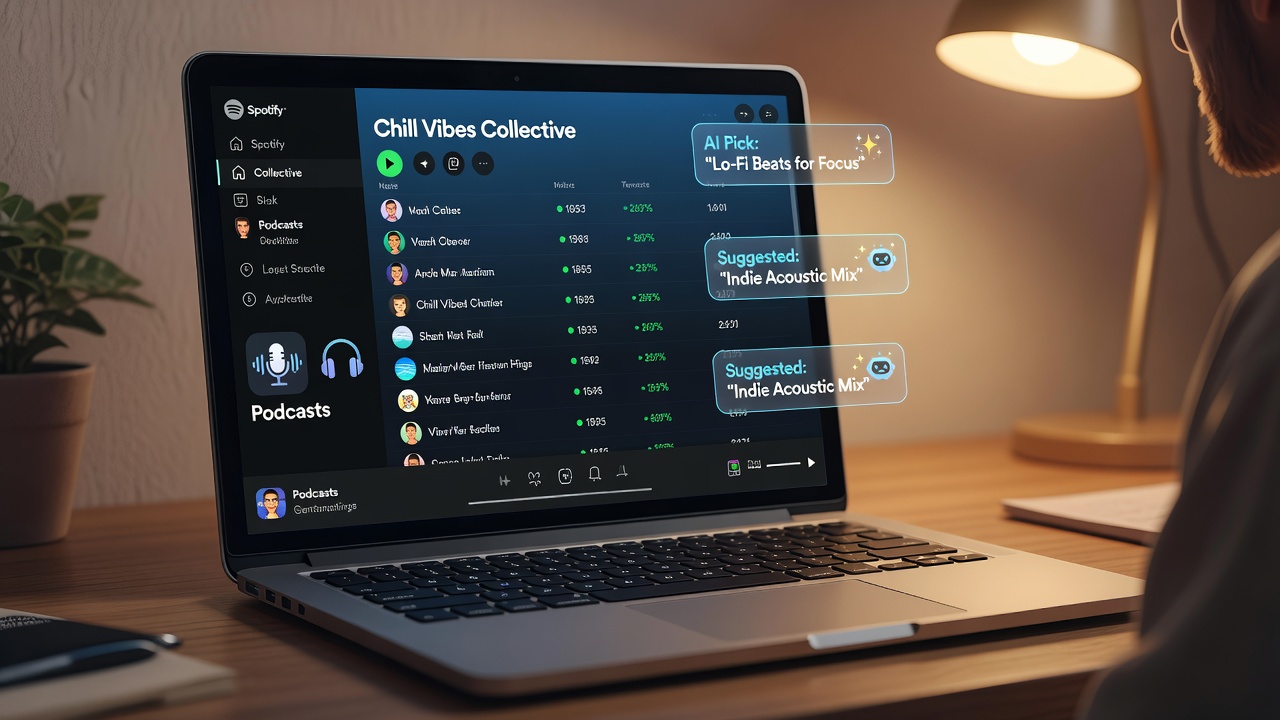
Collaborative playlists enable real-time editing and sharing with friends or colleagues. To start, create a new playlist from your library, toggle the collaborative setting to on, and generate a shareable link. Invited participants can add, remove, or reorder songs, with all changes syncing instantly across devices. This proves especially useful for group events, shared road trips, or team-building playlists at the office. For example, a family vacation playlist might blend everyone's favorite tracks into one seamless listening experience.
Best Practices for Collaboration
- Limit access to trusted users only to prevent unwanted or disruptive edits.
- Utilize the in-playlist comment feature to discuss song choices and gather feedback.
- Schedule periodic reviews every few weeks to refresh the list with new additions and maintain relevance.
- Combine collaborative lists with AI suggestions by having members contribute prompts for hybrid results.
Integrating Podcasts Seamlessly
Spotify excels at blending music and podcasts within a single unified app experience. Search the dedicated podcast categories or use AI recommendations that cross-reference your music tastes, such as suggesting narrative-driven true crime podcasts after heavy rotation of dramatic film soundtracks. Add individual episodes directly to music playlists or build separate podcast-focused collections. The queue feature allows smooth alternation between songs and spoken content, creating varied sessions ideal for long drives or study periods. Experiment with speed controls and chapter navigation to optimize listening efficiency.
Managing Privacy Controls
Protect your personal data with Spotify's robust 2026 privacy options. Access account settings to adjust visibility levels for playlists, listening activity, and profile information. Activate private session mode for anonymous browsing that does not influence recommendations or appear in your history. Regularly audit third-party app permissions and connected devices to minimize exposure. These controls balance security with the benefits of social sharing, allowing selective participation in collaborative features without compromising overall privacy.
Comparing Spotify to Apple Music
While Spotify leads in AI-driven discovery tools and seamless collaborative editing, Apple Music provides tighter integration with Apple hardware ecosystems and superior spatial audio support. Spotify's tiered access model offers greater flexibility for casual users, whereas Apple Music prioritizes lossless audio quality for audiophiles. Evaluate both services based on your device preferences, discovery priorities, and whether collaborative social features matter more than hardware synergy.
Practical Walkthroughs and Tips
Implement these daily optimization routines: Begin each morning by generating an AI mood-based playlist tailored to your energy level. During work hours, switch to focus-oriented mixes that incorporate subtle podcast interludes. For evenings, leverage collaborative playlists with family or friends to foster shared musical moments. Track your progress by noting how often new artists appear in your recommendations over a two-week period. Advanced users can combine multiple AI prompts across genres to build thematic series, such as decade-specific journeys or activity-based collections. Avoid over-relying on default suggestions by actively providing feedback through likes and skips.
Mistakes to Avoid
Common pitfalls include neglecting to update prompts regularly, which leads to repetitive recommendations, or failing to review privacy settings after enabling social features. Another error is ignoring the value of manual curation alongside AI outputs, resulting in less personalized libraries. Always cross-check collaborative edits to ensure they align with the original theme.
Frequently Asked Questions
How do I troubleshoot AI playlist inaccuracies?
Clear your listening history cache through account settings and rebuild prompts with greater specificity. Restarting the app often refreshes the recommendation engine effectively.
Can I export playlists to other services?
Spotify supports basic exports through integrated third-party tools, though compatibility varies by platform and requires reviewing current terms of service.
What if collaborative edits cause conflicts?
Utilize the version history feature to revert unwanted changes and communicate preferences clearly via in-app notes or external group chats.
How often should I refresh my AI playlists?
Refreshing every seven to ten days keeps suggestions relevant as your listening habits shift with seasons or life changes.
Conclusion
Mastering Spotify's 2026 tools elevates music discovery through targeted AI use, effective collaboration, and smart organization strategies. Apply these techniques consistently to build rewarding listening habits that grow alongside your evolving tastes and daily needs.

No comments yet. Be the first!