 NeoBit Daily
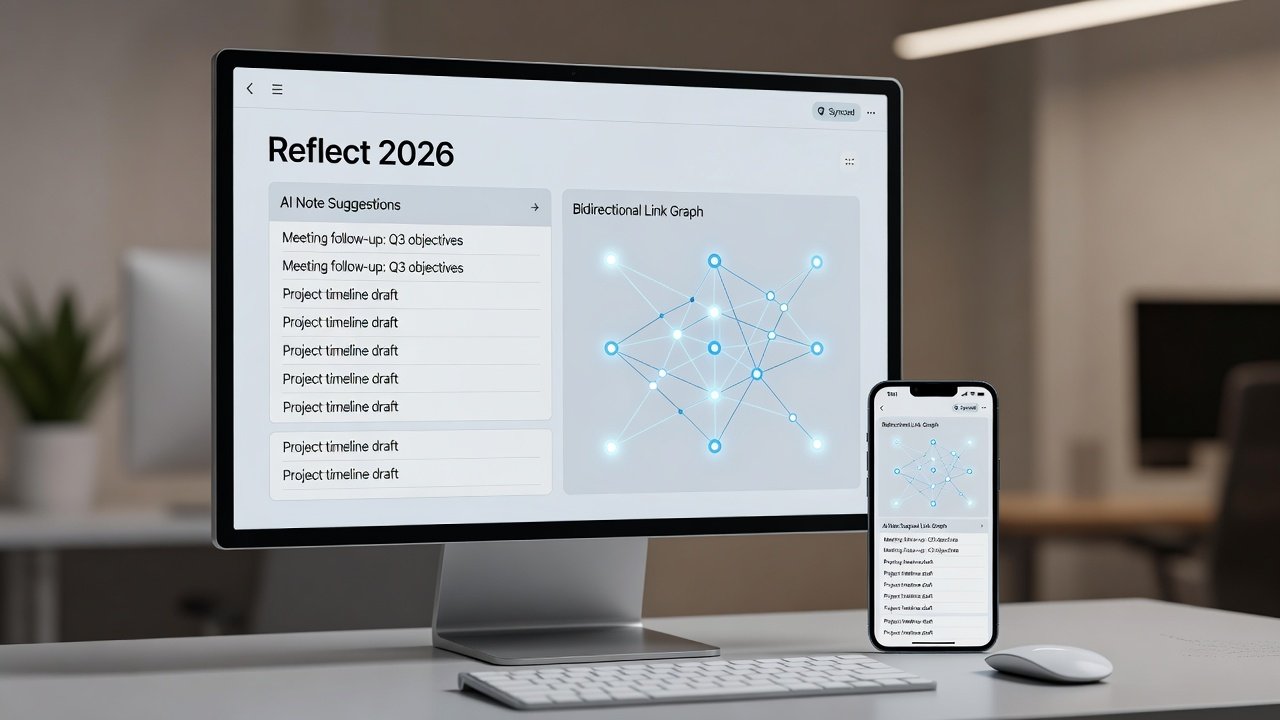
Introduction to Reflect 2026 as Your Second Brain
Building a personal knowledge management system has never been more powerful than with Reflect 2026. This AI-enhanced note-taking app combines bi-directional linking with intelligent summarization to create a true second brain. Whether you're a beginner capturing daily thoughts or an advanced user mapping complex research hubs, Reflect helps surface connections and boost productivity. In today's fast-paced world, where information overload is common, having a reliable second brain means you can offload mental clutter and focus on high-value thinking. Reflect 2026 stands out because its AI doesn't just store notes—it actively helps you connect, summarize, and discover patterns across your entire knowledge base.
In this comprehensive guide, we'll walk through setup on desktop and mobile, daily workflows, advanced linking strategies, and practical examples of topic clusters. You'll also discover export tips and FAQ solutions for common hurdles. By the end, you'll have everything needed to implement a robust system that grows with you over months and years.
Getting Started: Desktop and Mobile Setup
Begin by downloading Reflect 2026 from the official site. On desktop, install the native app for macOS or Windows to access full graph visualization and keyboard shortcuts. Mobile users can sync via the iOS or Android apps for on-the-go capture, ensuring your second brain is always accessible whether at a desk or commuting. Step 1: Create your account and enable AI features in settings by toggling on the intelligence panel. Step 2: Set up your first daily journal template with sections for priorities, reflections, and quick wins. Step 3: Connect calendar integrations for automatic meeting note imports, which pulls event details directly into new notes. Step 4: Customize your theme and notification preferences to match your workflow. This foundation ensures seamless cross-device access and prevents common sync errors. For troubleshooting, always verify your internet connection and app permissions first before reaching out to support.
Daily Note Capture Workflows
Effective second brain building starts with consistent capture. Use quick capture shortcuts on desktop (Ctrl+K) or mobile widgets to log ideas instantly without disrupting your flow. Structure entries with tags like #idea, #task, or #reference for easy retrieval later. For meetings, leverage voice-to-text transcription powered by AI, which converts spoken discussions into editable text with speaker identification. Research shows users who journal daily retain 40% more insights over time compared to sporadic note-takers. Example workflow: Morning review of yesterday's notes to prime your mind, afternoon quick logs during tasks using mobile for context like location or mood, and evening AI-assisted summaries that distill key takeaways. Another practical routine involves capturing "fleeting notes" throughout the day—short, unpolished thoughts that you later refine into permanent entries. This layered approach prevents idea loss while building depth over time.
Mastering Bi-Directional Linking Strategies
Bi-directional links form the core of knowledge discovery in Reflect. When you mention a note title in another entry, it automatically creates backlinks. This mimics how the human brain associates concepts, turning isolated facts into interconnected webs. Advanced tip: Use inline links for fluid writing and block references for precise quoting of specific paragraphs. Build clusters around themes like productivity or health by consistently linking related pages, creating natural pathways for future exploration. Real-user example: A product manager linked all client feedback notes to a central "Customer Insights" hub, revealing patterns that informed three new features and improved retention rates. Another example comes from a student who connected lecture notes across semesters into a "Learning Pathways" cluster, which helped identify recurring concepts for exam prep. Compare this approach to tools like Obsidian for visual graphs or Roam Research for outlining. Reflect's AI elevates this by suggesting relevant links automatically based on semantic similarity, reducing manual effort.
AI Prompt Templates for Summarization
Reflect's AI shines with well-crafted prompts that guide it toward useful outputs. Try these templates and adapt them to your needs: "Summarize this meeting note in 3 bullet points and extract action items with deadlines." "Connect this research to my existing notes on [topic] and suggest new links with brief explanations." "Generate a weekly review highlighting key insights, gaps in knowledge, and recommended next steps." Apply these during nightly reviews to condense long entries into actionable overviews. Users report saving hours weekly with AI-generated topic syntheses that would otherwise require manual effort. For customization, include context like your role or goals in prompts to get more personalized results. Over time, save your best prompts as templates within the app for one-click reuse across different note types.
Graph View Techniques for Knowledge Discovery
The graph view visualizes your entire knowledge network as an interactive web of nodes and connections. Zoom into clusters to spot isolated notes or dense hubs that indicate strong topic areas. 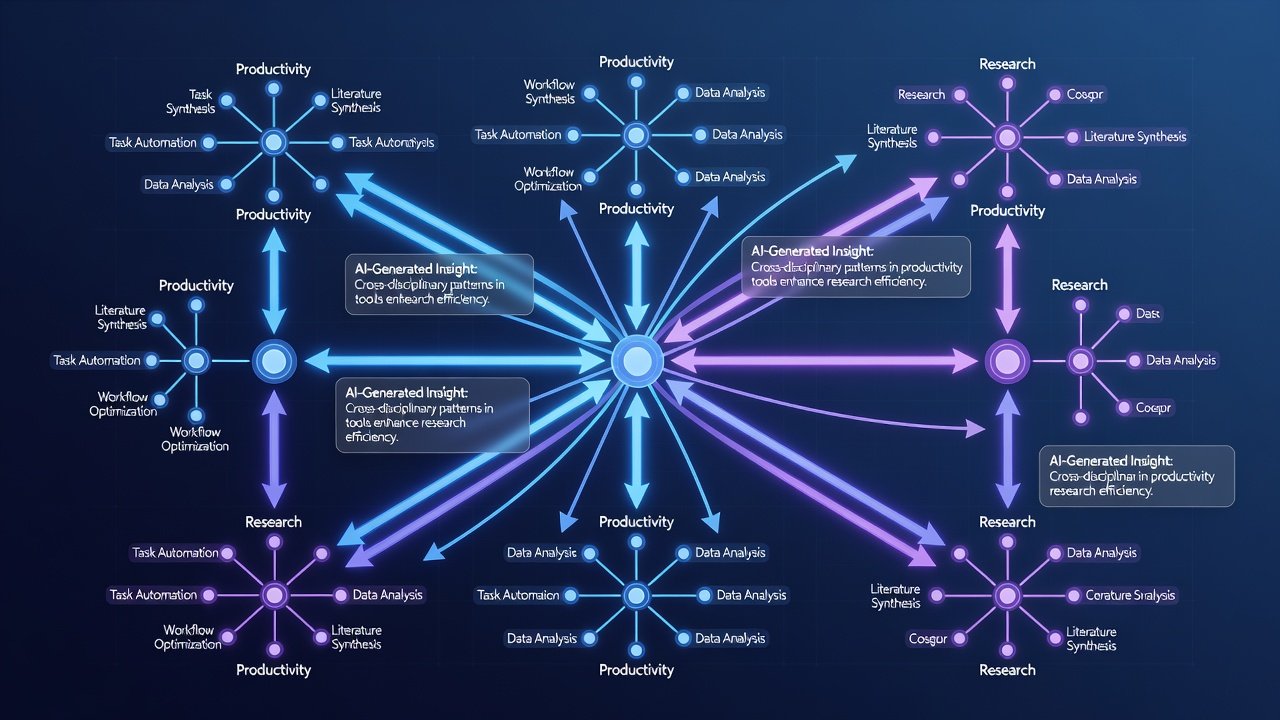
Setting Up Daily Journals, Meeting Notes, and Research Hubs
Daily journals: Use recurring templates with prompts for gratitude, wins, lessons learned, and energy levels to track patterns over weeks. Meeting notes: Auto-populate with calendar events and tag attendees, then add AI-generated follow-up questions. Research hubs: Create a master note with embedded queries pulling from linked sub-notes, allowing dynamic updates as new information is added. Example: A researcher built a "Climate Change" hub linking 50+ papers, using AI to generate synthesis reports that accelerated their thesis work by highlighting contradictions and supporting evidence. For project management, set up a dedicated hub that pulls tasks from multiple notes into one dashboard view.
Export and Search Optimization Tips
Export options include Markdown for portability, PDF for sharing, or full graph backups for long-term archiving. Optimize search with consistent naming conventions, metadata fields like priority levels, and custom properties. Enable advanced filters to query by date, link count, or AI confidence scores. Integrate with task apps like Todoist via built-in automations or Zapier for seamless handoff from notes to actions, ensuring nothing falls through the cracks. Additional tip: Regularly clean up duplicate notes using the search deduplication tool to keep your database lean and fast.
Real-User Examples of Topic Clusters and Productivity Routines
One entrepreneur created a "Business Growth" cluster linking market research, competitor analyses, and personal reflections. This led to a 25% revenue increase by identifying overlooked opportunities through emergent connections. A freelance writer maintains a "Content Ideas" cluster that automatically surfaces related past articles, speeding up research for new pieces. Productivity routine: Start the day with a 10-minute graph review to set intentions, capture thoughts in meetings via mobile with quick tags, process notes in the evening using AI summaries, and end the week with a cluster audit. Over months, this builds a living, evolving knowledge base that compounds in value, turning scattered thoughts into strategic assets.
Conclusion
Reflect 2026 transforms note-taking into an intelligent second brain that scales with your ambitions. By mastering these workflows and techniques—from basic capture to advanced graph analysis—you'll unlock deeper insights and sustained productivity gains. Start small with daily captures and expand your graph gradually, reviewing progress every 30 days to refine your system.
FAQ: Common Setup Hurdles and Integrations
Q: How do I fix sync issues between devices? A: Ensure you're on the latest version, check cloud permissions, and restart the app. Q: Can Reflect integrate with Google Calendar? A: Yes, via native sync for automatic meeting imports and reminders. Q: What if AI suggestions feel off or irrelevant? A: Refine prompts with more specific context and train the model by providing feedback on outputs over several sessions. Q: How secure is my data in Reflect 2026? A: The app uses end-to-end encryption with options for local-only storage on desktop. Q: Can I import notes from other apps like Evernote? A: Yes, through direct import tools that preserve links and tags where possible. Q: What are best practices for mobile-only users? A: Focus on voice capture and daily sync checks, then use desktop for deeper graph work when available.
No comments yet. Be the first!