 NeoBit Daily
Introduction to Cursor AI Agents in 2026
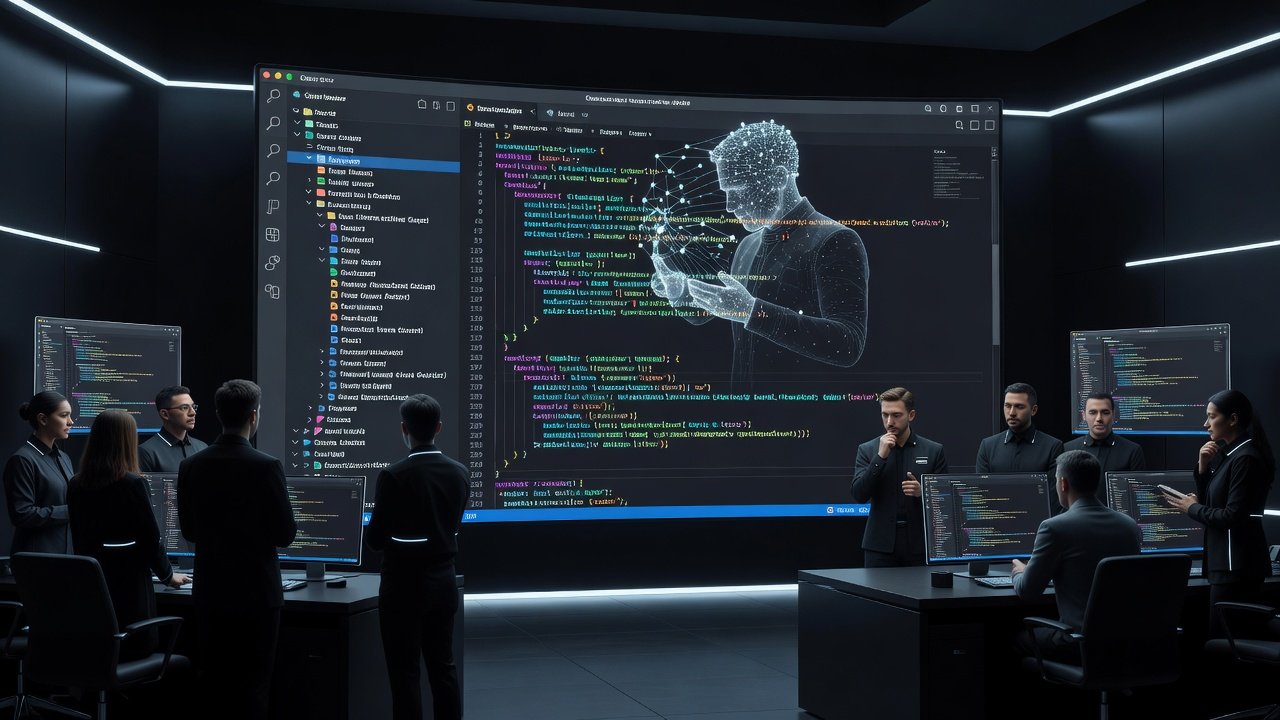
Professional developers managing large-scale code projects face mounting complexity in 2026. Cursor's advanced AI agents provide a powerful way to automate refactoring, debugging, and multi-file changes across enterprise repositories. This tutorial explores how to leverage these capabilities effectively, moving beyond basic autocomplete to full agent-driven workflows that handle context across thousands of files.
Cursor builds on familiar IDE foundations while introducing autonomous agents that understand project context at scale. Whether you maintain microservices architectures or monolithic applications, these tools help reduce manual effort significantly. The agents excel at identifying patterns in legacy code, suggesting optimizations, and executing coordinated updates that would otherwise require hours of developer time. By the end of this guide, you will have actionable steps to integrate agents into daily workflows for measurable productivity gains.
Setting Up Cursor Agents for Complex Projects
Begin by installing the latest Cursor version and enabling agent mode in the settings panel. Navigate to Preferences > AI Agents and toggle advanced features for multi-file awareness and long-context processing. Connect your repository by authenticating with your Git provider to grant context access across branches and submodules.
Configure the agent to scan your entire workspace initially. This step indexes dependencies and file relationships, which proves essential for projects exceeding 50,000 lines of code. Test the setup with a simple query like "Identify all API endpoints in the project." For troubleshooting, verify that your .gitignore excludes sensitive files and that the agent has read access to configuration files such as package.json or requirements.txt. If indexing fails on very large repos, limit the initial scope to core directories and expand gradually.
Advanced users should also set environment variables for API rate limits and enable logging to monitor agent decisions in real time. This foundational setup prevents common errors when scaling to enterprise-level tasks.
Creating Custom Rules for Consistent Code Quality
Custom rules allow teams to embed standards directly into the agent. Define rules for naming conventions, error handling patterns, and security practices. For example, create a rule that enforces async/await usage across JavaScript files while flagging callback patterns. Another rule might mandate specific logging formats or prohibit direct database queries outside designated service layers.
Store these rules in a dedicated .cursor/rules directory at the project root. The agent references them automatically during operations. Version control your rules alongside the codebase so changes propagate to all team members. Update rules iteratively based on code reviews to maintain alignment with evolving team guidelines. Include example snippets in each rule file to guide the agent toward precise outputs rather than generic suggestions.
Chaining Prompts for Large-Scale Refactoring
Effective refactoring in large projects requires sequential prompts. Start with a discovery prompt: "Map all instances of deprecated library X across the repository." Follow with an analysis prompt: "Propose migration steps for each instance, prioritizing high-traffic modules and estimating effort."
Finally, execute a transformation prompt: "Apply the migration while preserving existing tests and updating documentation." This chaining approach prevents context overload and produces more reliable results than single-shot requests. For a concrete example in a Python project, chain prompts to migrate from an old ORM to a newer one by first locating models, then generating migration scripts, and finally verifying query performance.
Always review intermediate outputs before proceeding to the next prompt in the chain. This human-in-the-loop step catches edge cases that pure automation might miss.
Integrating Agents with Git Workflows
Link Cursor agents to your Git pipeline for automated branch creation and commit suggestions. After an agent completes changes, review the diff and let it generate descriptive commit messages that reference the original prompt. Push to feature branches automatically for team review using standard commands like git checkout -b and git push origin.
Combine with CI checks by having the agent run linting and test commands before suggesting merges. This reduces merge conflicts and ensures quality. Authoritative resources like Git documentation provide foundational best practices that complement these integrations. For teams using pull request templates, configure the agent to populate them with summaries of changes and potential risks.
Real-World Debugging Examples with Before-and-After Code
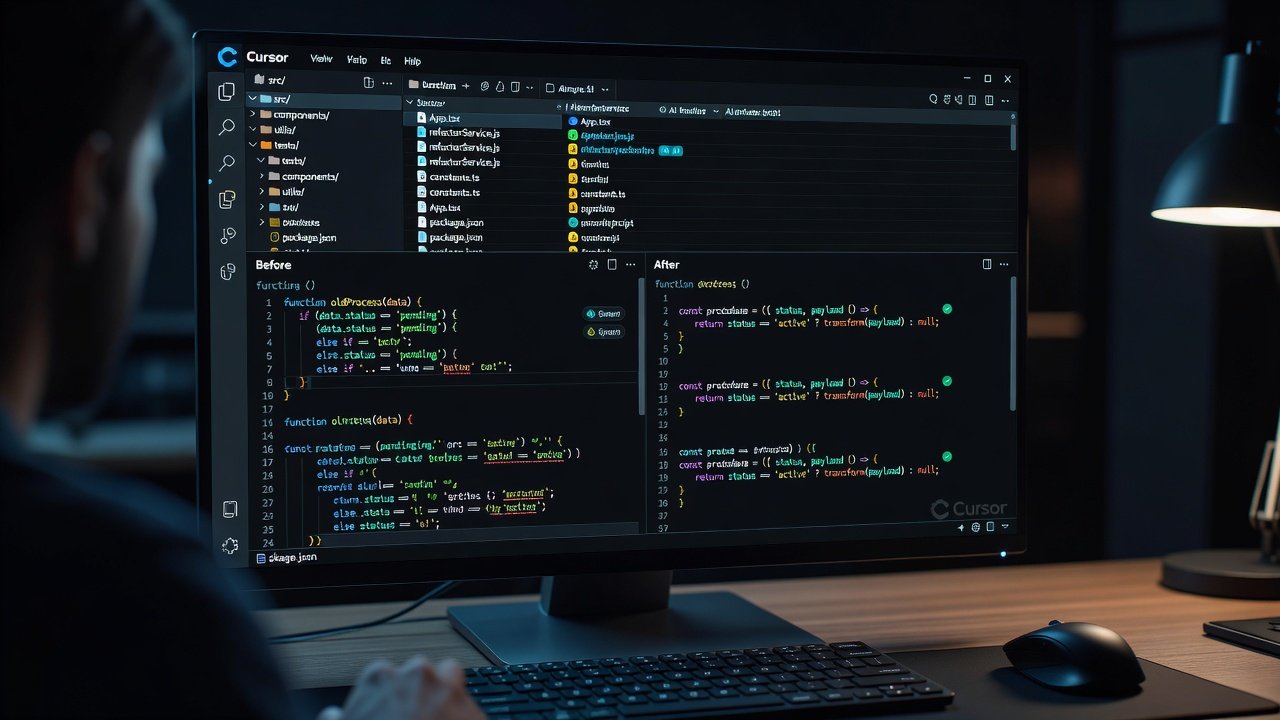
Consider a common scenario: memory leaks in a Node.js service handling thousands of concurrent requests. The agent first locates leak sources by analyzing event listeners across files. It then suggests targeted fixes while preserving performance characteristics.
Before:
function handleRequest(req) { req.on('data', processData); }After:
function handleRequest(req) { const listener = (data) => processData(data); req.on('data', listener); req.on('end', () => req.removeListener('data', listener)); }A second example involves refactoring a Java microservice with scattered null checks. The agent consolidates validation logic into a single utility class, reducing duplication by 40 percent. Run the agent through multiple iterations while monitoring heap snapshots to validate fixes. Always test in a staging environment before applying to production branches.
Performance Tracking and Optimization
Track agent performance using built-in metrics for token usage, success rate, and time-to-completion. Export logs to visualize trends across sprints and identify when the agent struggles with certain file types. Identify bottlenecks such as overly broad context windows and refine prompts accordingly by breaking them into smaller, focused queries.
Compare baseline manual task times against agent-assisted results to quantify productivity gains. Regular audits ensure the agent adapts to codebase growth without degradation. Tools like custom dashboards can aggregate these metrics for leadership reporting.
Team Collaboration Features in Cursor 2026
Shared agent workspaces enable multiple developers to delegate tasks simultaneously. Assign specific agents to modules while maintaining a central knowledge base of rules and past sessions. Use role-based permissions to control which team members can modify rules or trigger large refactors, preventing unintended changes in critical areas.
Export agent sessions as annotated reports for onboarding new engineers. This documentation captures decision logic that would otherwise remain implicit. Integration with communication platforms allows real-time notifications when an agent completes a task, keeping the entire team aligned.
Comparisons to Standard IDEs
Traditional IDEs like those from JetBrains offer strong static analysis but lack native agent autonomy for multi-step tasks. Cursor agents handle context-aware changes across dozens of files where standard tools require manual intervention at each step. Developers report faster iteration cycles when combining Cursor with established version control practices outlined at GitHub.
The key differentiator remains the agent's ability to propose and apply coordinated edits without constant human direction. However, for simple syntax checking, conventional IDE features may still suffice and consume fewer resources.
Frequently Asked Questions
How does Cursor handle very large monorepos?
Agents index selectively based on recent activity and dependency graphs, maintaining performance even in repositories with hundreds of packages. Users can further optimize by excluding test directories during initial scans.
Can agents integrate with existing CI/CD pipelines?
Yes, through command-line hooks that trigger agent runs on pull request events, followed by automated test execution and status reporting back to the pipeline.
What are common scaling challenges and solutions?
- Context window limits: Break tasks into focused chains with clear handoff points.
- Inconsistent outputs: Strengthen custom rules with concrete code examples and expected formats.
- Team alignment: Centralize rules in version control and conduct periodic reviews.
- Security concerns: Restrict agent access to non-sensitive branches and audit all generated code.
Conclusion
Cursor's AI agents in 2026 transform how professional teams approach large-scale code projects. By mastering setup, rules, prompt chaining, and Git integration, developers gain reliable automation for complex workflows. Experiment with the examples provided and adapt them to your specific architecture for measurable improvements in productivity and code quality. Continued refinement of custom rules and prompt strategies will yield the best long-term results.

No comments yet. Be the first!