 NeoBit Daily
Introduction to Advanced Midjourney Workflows in 2026
Power users of Midjourney in 2026 demand precision and efficiency beyond basic text prompts. This comprehensive guide explores evolving syntax, multi-parameter strategies, seed control, regional masking, and model comparisons to optimize output quality and generation speed for professional creators working on commercial projects, concept art, and high-end visual storytelling. Whether you are refining intricate scenes for print media or iterating rapidly for web campaigns, mastering these techniques transforms Midjourney from a creative toy into a production powerhouse.
By 2026 the platform has matured significantly, offering deeper integration with Discord bots and web interfaces that support more nuanced parameter interactions. Professionals now focus on consistency across batches, reducing iteration time, and achieving predictable results that align with client briefs or personal artistic visions. This article provides concrete examples, step-by-step workflows, and troubleshooting advice drawn from current best practices.
Evolving Prompt Syntax and Structure
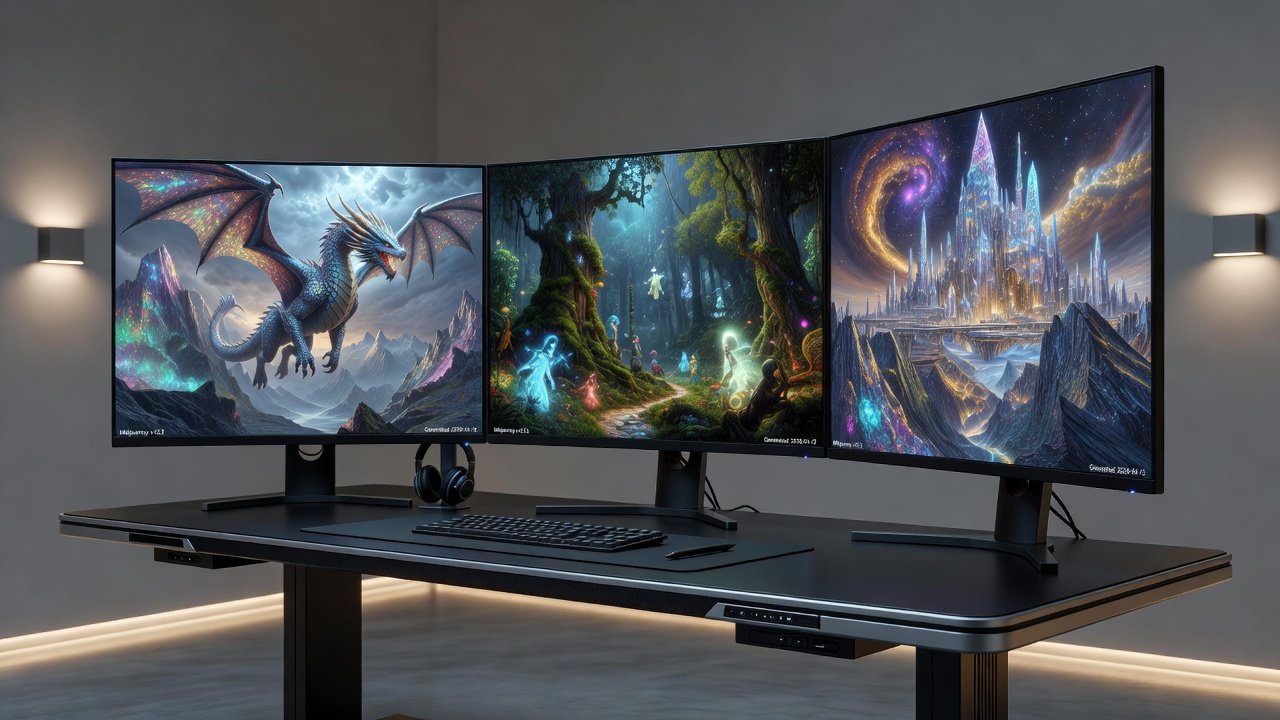
Effective prompts in 2026 combine descriptive language with precise modifiers that guide the model toward specific outcomes. Begin every prompt with the primary subject, followed by environment, lighting conditions, mood, and stylistic references. For example, a basic prompt might read: "majestic dragon perched on a mountain peak at sunrise, golden hour lighting, volumetric fog, intricate scales, fantasy realism --ar 16:9 --stylize 600 --v 7". Advanced users break prompts into logical segments and test variations systematically. Incorporate weights using parentheses and colons to emphasize elements, such as (dragon scales:1.3) to increase detail focus without overwhelming the composition.
Experiment with natural language descriptors that reference real-world photography terms like "shot on 85mm lens, f/1.8 aperture" to achieve cinematic depth of field. Avoid vague adjectives; replace them with specific references such as "in the style of Alphonse Mucha" or "hyperrealistic textures inspired by National Geographic wildlife photography". This evolution in syntax allows creators to steer the AI more reliably toward professional-grade outputs.
Multi-Parameter Chaining Techniques
Chaining parameters such as --ar for aspect ratio, --stylize for artistic influence, --v for model version, --q for quality, and --chaos for variation control produces refined results in fewer generations. A chained prompt example for a product visualization could be: "sleek electric vehicle prototype in desert landscape at twilight, reflective chrome surfaces, dramatic side lighting --ar 3:2 --stylize 450 --v 7 --q 2 --chaos 15". This approach minimizes unwanted randomness while preserving creative control.
Users should test parameter order because later parameters can override earlier ones in complex prompts. Start with compositional parameters like --ar, then move to aesthetic controls like --stylize, and finish with technical settings like --q. Monitoring how each parameter interacts helps build an intuitive understanding of the model behavior in 2026.
Seed Control for Consistency Across Generations
Seed control using the --seed parameter followed by a numeric value ensures reproducible outputs, which is critical for series illustrations or client approval cycles. Generate an initial image, record the seed value displayed in the job information, then reuse it while making subtle prompt adjustments. For instance, lock seed 1234567890 and vary only the lighting description across multiple runs to explore different moods without altering core composition.
Advanced practitioners maintain seed libraries organized by project, allowing quick retrieval for future refinements. Combine seed locking with the --sameseed flag when generating variations that must stay extremely close to the original. This technique dramatically improves workflow efficiency for professionals who need dozens of consistent assets from a single concept.
Regional Prompting with Masks
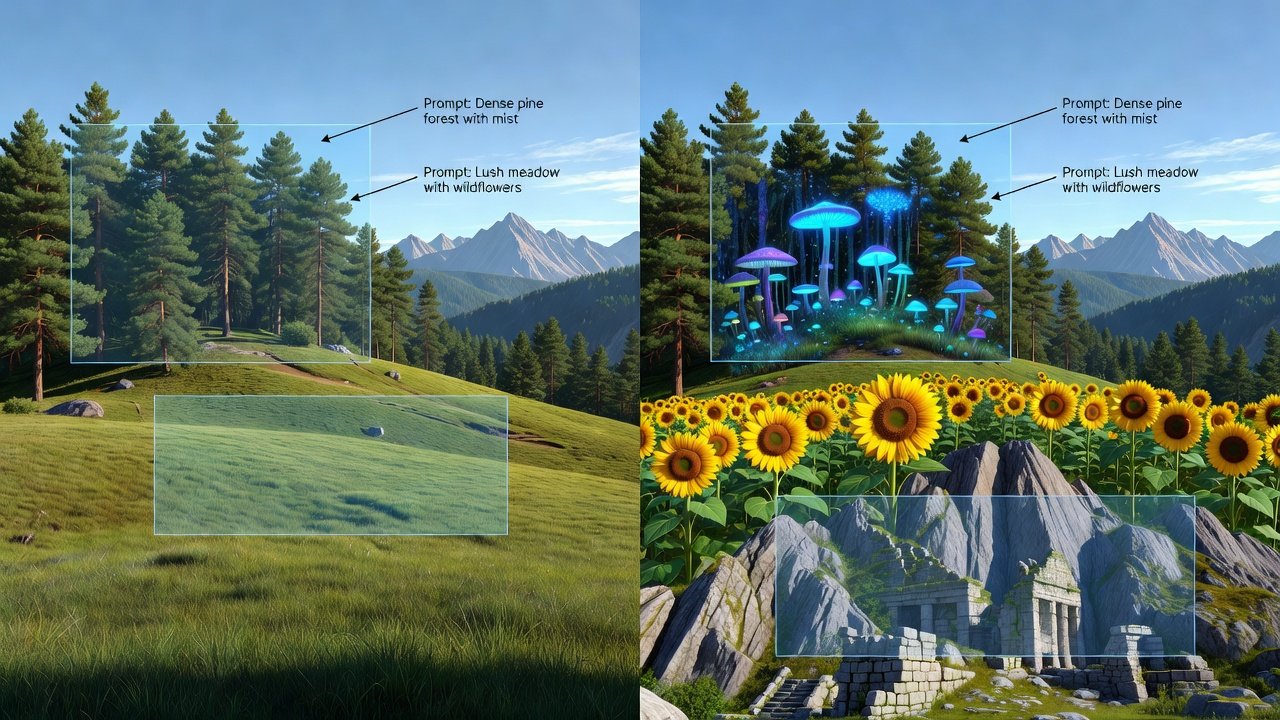
Regional prompting enables targeted edits by applying masks to specific image areas. Upload a black-and-white mask where white regions receive the new prompt instructions while black areas remain unchanged. Use syntax such as "[masked region prompt] --mask mask.png" to instruct the model on localized changes. This method excels when creating complex scenes with multiple subjects, such as placing different architectural styles on separate buildings within one cityscape.
Practice creating precise masks in external editors like Photoshop before uploading. Combine regional prompting with seed control to maintain consistency across edited versions. The result is surgical-level control that reduces the need for full regenerations.
Step-by-Step: Building Complex Scenes
- Establish the core subject and emotional tone in the first sentence of the prompt.
- Layer environmental and atmospheric details such as weather, time of day, and particle effects.
- Introduce stylistic and technical references including lens choices and artist influences.
- Apply compositional parameters (--ar) followed by aesthetic controls (--stylize, --v).
- Incorporate seed values for baseline consistency and regional masks for localized refinement.
- Generate initial batches, evaluate, then remix promising results with targeted prompt edits.
Following this sequence produces coherent, high-impact images suitable for professional use.
Remix Strategies for Iterative Refinement
The remix feature allows users to evolve existing images by altering prompts while preserving underlying structure. Start with a strong base image, then remix by changing one variable at a time, such as replacing "sunset" with "overcast morning" or adjusting --stylize values incrementally. Multiple remix passes can introduce new elements like additional characters or altered perspectives without losing the original composition's integrity.
Track remix history in a dedicated note file to replicate successful paths later. Combine remixing with the vary region tool for even more granular control over specific image sections.
Exporting Optimized Outputs for Print and Web
For print projects, generate at maximum resolution using --q 2 and upscale via the platform's built-in tools before exporting in lossless formats. Web deliverables benefit from selective upscaling and compression to balance file size with visual fidelity. Always preview exports at intended display sizes to catch artifacts early.
Practical Comparisons: Midjourney v6 vs v7
Version 7 delivers noticeable improvements in prompt adherence and multi-subject coherence compared with v6, along with faster generation times on equivalent hardware. When testing the same complex prompt, v7 often produces cleaner edges and more accurate material rendering. Professionals should run parallel tests on both models for each new project type to determine which version yields superior results in their specific domain.
Common Pitfalls and Proven Solutions
- Overly long prompts dilute focus: Trim to core descriptors and use weights instead.
- Forgetting to record seeds leads to lost consistency: Implement a simple logging workflow immediately after each generation.
- Neglecting explicit model version flags: Always append --v 7 when latest features are required.
- Mask misalignment causes unintended edits: Verify mask boundaries in an image editor before submission.
FAQ: Drawing Inspiration from the Community Gallery
How can I locate high-quality gallery examples? Browse the official Midjourney showcase and active Discord channels sorted by recent activity. Can public images be used as style references? Yes, analyze successful prompts shared by the community and adapt their structure to your needs. What is the best way to stay updated on new parameters? Follow official announcements and test beta features in dedicated channels as they roll out.
For additional authoritative resources on AI creative tools, explore Midjourney's official site and Discord's platform documentation.
Conclusion
Mastering these advanced Midjourney techniques in 2026 positions professional creators to produce consistent, high-quality imagery efficiently. Apply the workflows outlined here, experiment systematically, and refine your personal parameter library to achieve results that meet demanding commercial standards.
No comments yet. Be the first!