 NeoBit Daily
Getting Started with iOS Shortcuts: A Beginner’s Setup Guide
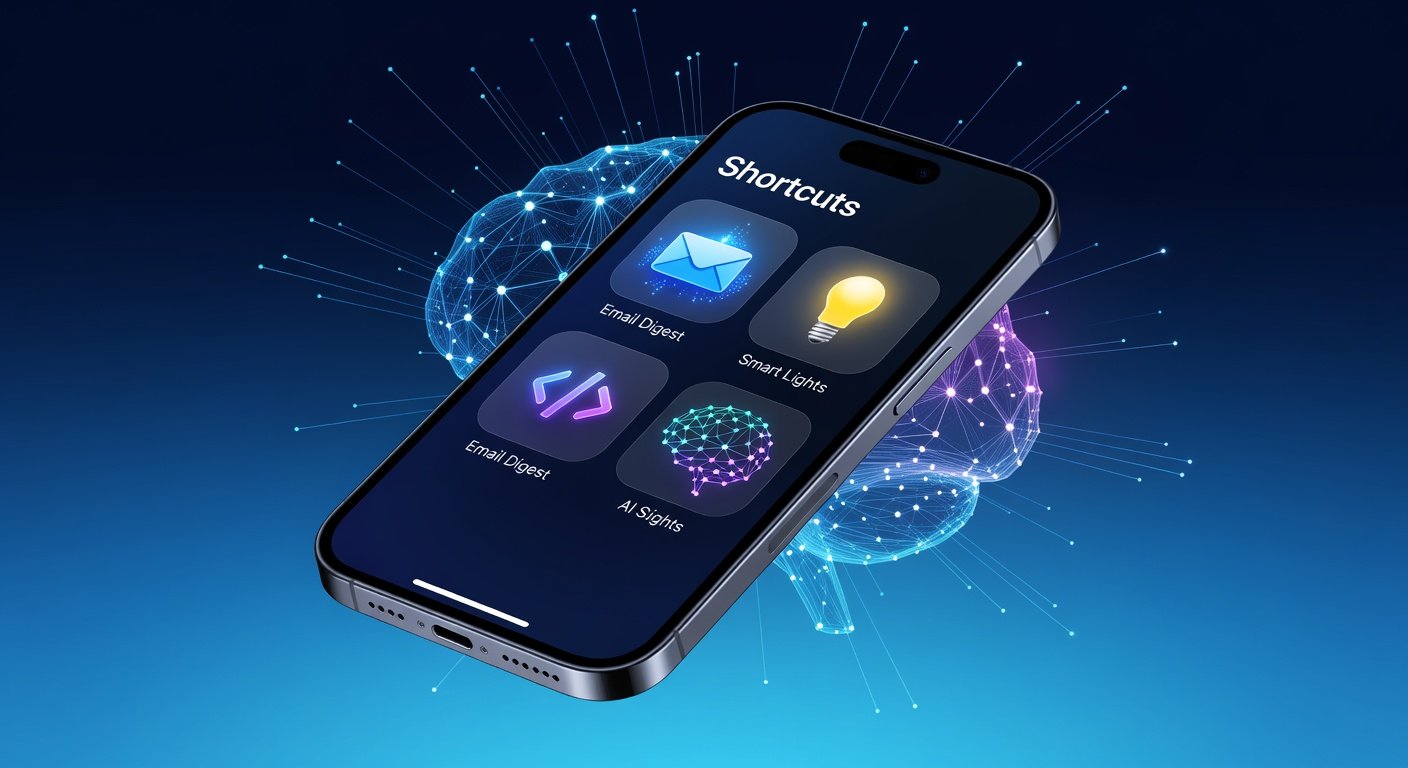
The iOS Shortcuts app is a powerhouse for automating everyday tasks on your iPhone or iPad. Whether you're sorting emails, controlling smart home devices, or leveraging future AI features, Shortcuts turns your device into a personal assistant. This guide walks you through setup from scratch, basic automations, advanced techniques, real-world examples, troubleshooting, and sharing your creations.
Shortcuts comes pre-installed on iOS 13 and later. If it's missing, download it from the App Store. Open the app to see the Gallery tab with ready-made shortcuts. To create your own, tap the '+' icon in the top right.
Understanding the Interface
- Search Bar: Find actions by keyword.
- Actions Panel: Drag-and-drop building blocks like 'Get Contacts' or 'Send Message'.
- Sidebar: Variables, magic variables for dynamic data.
- Play Button: Test your shortcut instantly.
Start simple: Create a shortcut to text a friend 'Good morning!' daily.
Building Basic Automations for Daily Tasks
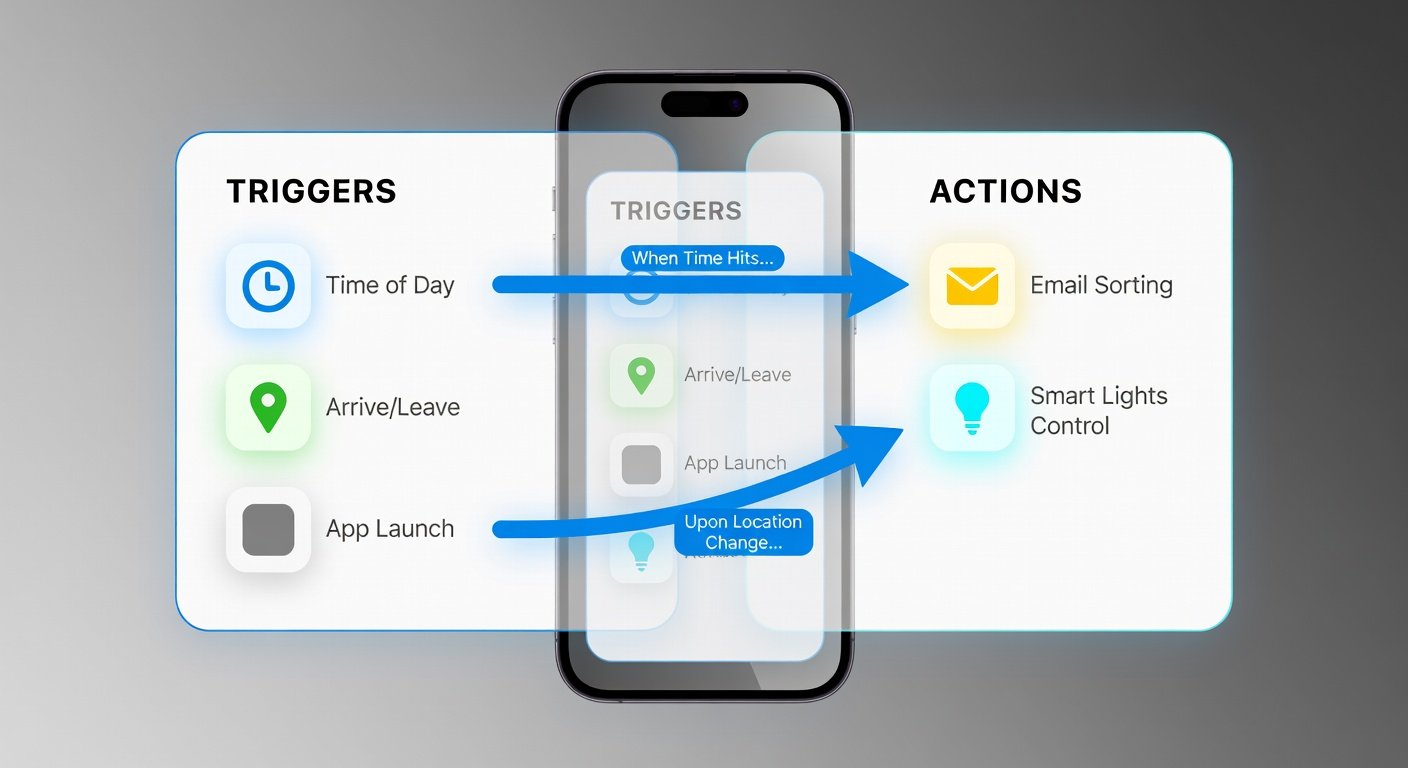
Automations run based on triggers like time, location, or app events. Go to the Automation tab to set them up.
Email Sorting Automation
- Open Shortcuts > Automation > '+' > 'Create Personal Automation'.
- Select 'Email' trigger > Choose inbox.
- Add conditions: If sender is 'Boss', add 'Move to VIP folder' action via Mail app integration.
- Include 'Play Sound' for alerts.
- Done! Test by sending a dummy email.
This saves hours weekly. For power users, filter by keywords or attachments.
Smart Home Controls
Integrate with HomeKit for lights, thermostats, etc.
- Trigger: 'Arrive' at home location.
- Actions: 'Control My Home' > Turn on lights, set thermostat to 72°F.
- Add 'Get Current Weather' to adjust based on conditions—if raining, skip outdoor lights.
Pro tip: Use NFC tags on your door for instant 'I'm home' automations.
Advanced Techniques: JavaScript and 2026 AI Integration
Level up with scripting. For complex logic, use the 'Run JavaScript on Web Page' or 'Run JavaScript' actions. Check Apple's official documentation for details: JavaScript in Shortcuts.
JavaScript Action Example
Create a shortcut to parse JSON data:
let data = await ShortcutInput.plainText;
let obj = JSON.parse(data);
let result = obj.name + ' is ' + obj.age;
Completion(result);
This processes API responses dynamically.
Integrating 2026 AI Features
By 2026, Apple Intelligence enhancements will supercharge Shortcuts with on-device AI. Expect actions like 'Ask AI to Summarize' or 'Generate Image'. Early previews via iOS 18 betas include natural language shortcut creation.
Example: Trigger on low battery > 'AI Optimize Usage' to close apps, dim screen. Link to Apple's Intelligence page for updates: Apple Intelligence.
Future-proof: Use 'Dictionary' actions with AI outputs for chaining—e.g., summarize emails then archive.
Real-World Examples to Copy
- Morning Routine: Time trigger 7 AM: Weather report via text, coffee maker on (HomeKit), playlist starts.
- Fitness Tracker: After workout app closes, log stats to Notes, share summary to Health app.
- Travel Mode: Location 'Airport' > Enable Low Data, download podcasts, notify family.
Gallery has templates; customize them. Full user guide here: Apple Shortcuts Guide.
Troubleshooting Common Issues
Shortcuts not running? Check these:
- Permissions: Allow location, HomeKit access in Settings > Shortcuts.
- Automation Off: Toggle 'Ask Before Running' off for background execution.
- Errors in JS: Use 'Show Alert' for debugging; console.log outputs to clipboard.
- iCloud Sync: Enable iCloud for shortcuts across devices.
- Battery Optimization: Exempt Shortcuts from Low Power Mode.
If stuck, restart app or device. For HomeKit woes, verify hub connectivity.
Exporting and Sharing Shortcuts
Share effortlessly:
- Long-press shortcut > Share > iCloud link, AirDrop, or Messages.
- Recipients tap link to import instantly.
- Export as .shortcut file for backups.
- Community hubs like RoutineHub.xyz for discovery (use at own risk).
Pro sharing: Add 'Share Sheet' input for universal shortcuts.
Why Shortcuts Will Dominate in 2026
With AI convergence, Shortcuts evolves from utility to ecosystem hub. Automate across apps, predict needs, and personalize deeply. Start today—your iPhone's potential awaits.
Experiment, iterate, and automate boldly. Questions? Drop in comments!
No comments yet. Be the first!