 NeoBit Daily
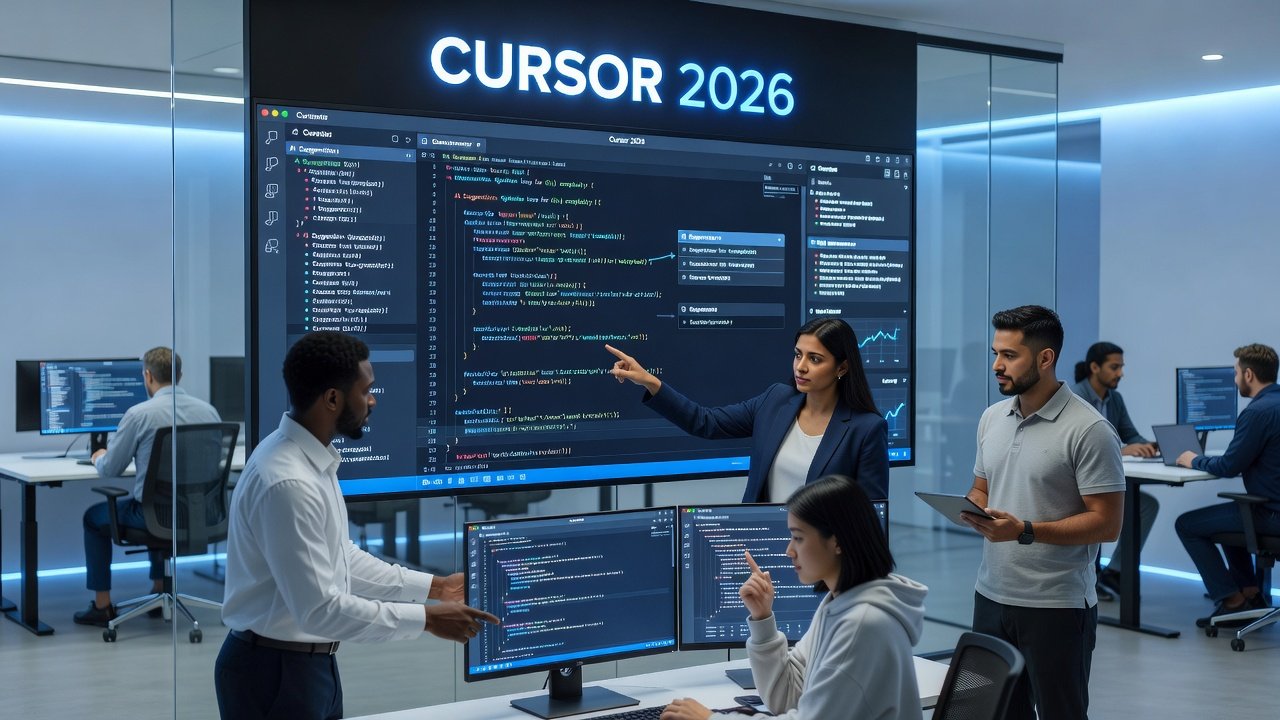
Introduction to Cursor 2026 for Enterprise Debugging
In 2026, enterprise development teams face increasingly complex codebases spanning millions of lines across distributed systems, microservices architectures, and legacy integrations. Cursor, the AI-native code editor, has evolved to meet these demands with advanced debugging capabilities that go far beyond basic autocomplete. This guide explores how teams can leverage Cursor's AI agents to streamline error detection, root-cause analysis, and collaborative resolution at scale while meeting strict enterprise requirements for security, compliance, and auditability.
Traditional debugging often involves manual breakpoints, extensive log reviews, and hours spent tracing issues through interconnected services. These methods create bottlenecks in fast-paced environments where downtime costs can escalate rapidly. Cursor 2026 integrates intelligent agents that automate much of this process, providing contextual insights drawn from the entire codebase history and team patterns, all while maintaining security and compliance standards required in enterprise environments.
Setting Up Custom AI Rules for Error Detection
Begin by configuring custom rules within Cursor's settings panel under the AI Configuration tab. These rules define patterns for common enterprise issues such as memory leaks in long-running services, concurrency errors in multi-threaded applications, API response failures, and security vulnerabilities like injection points. Teams can create rule sets tailored to specific languages like Java, Python, TypeScript, or Go used across their technology stacks, ensuring relevance to their unique infrastructure.
Step-by-step setup involves accessing the AI Rules editor, defining trigger conditions based on stack traces or log patterns, assigning severity levels, and specifying notification channels for the team. For example, a rule might flag any unhandled promise rejection in Node.js services immediately upon detection and suggest mitigation code snippets. Another advanced rule could monitor for deprecated API usage across a sprawling monolith, automatically linking to migration documentation. Test these rules on sample repositories first to calibrate accuracy and reduce noise before deploying organization-wide.
Prompt Chaining for Root-Cause Analysis
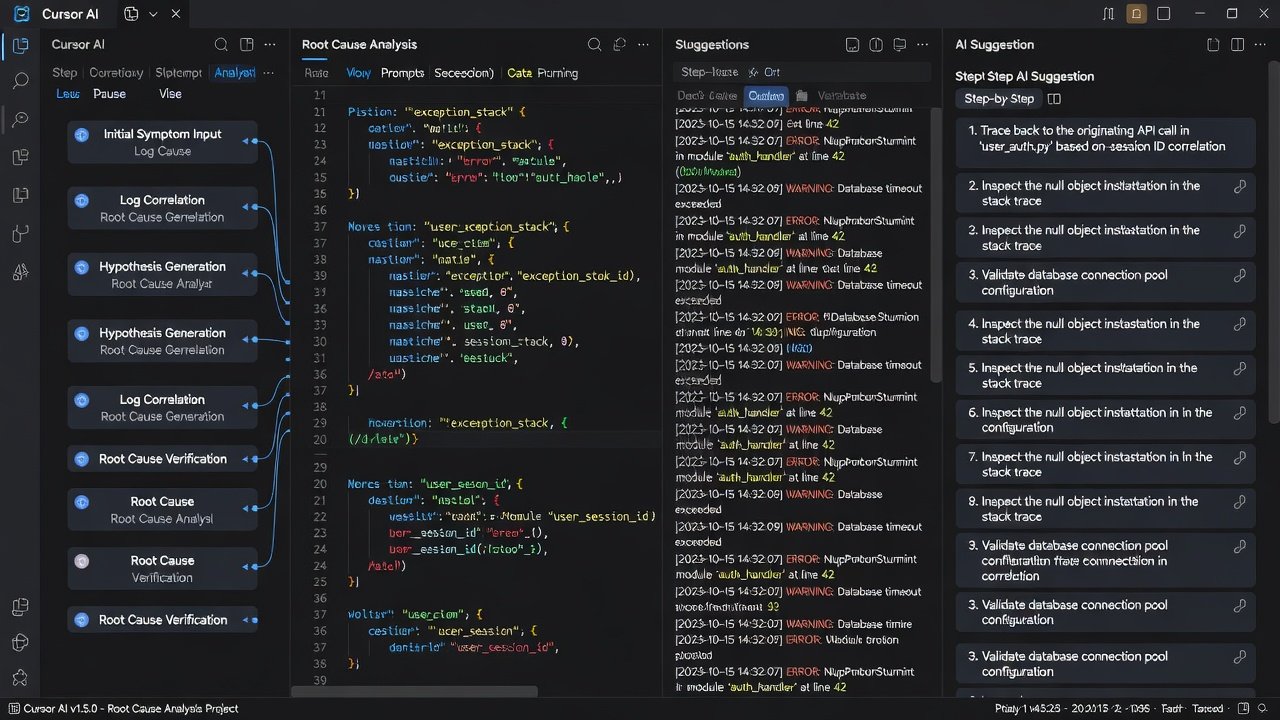
Prompt chaining allows sequential AI queries that build upon previous outputs to trace bugs from symptoms to origins in a structured manner. This technique is particularly powerful in large codebases where issues often stem from interactions between multiple modules rather than isolated functions. Start with an initial prompt identifying the error from logs or stack traces, then chain follow-ups requesting dependency mapping, historical commit analysis, and potential impact assessment on related services.
A practical workflow includes these detailed steps: 1. Paste the error log into Cursor's chat interface and request initial classification of the bug type. 2. Chain a prompt for reproduction steps based on the identified error path. 3. Follow with analysis of related functions, classes, and external dependencies. 4. Conclude with suggested fixes, including test cases to verify resolution. This method has proven effective in large codebases exceeding 500,000 lines, where manual tracing would otherwise require days of effort. Teams should document successful chains as reusable templates for recurring issue types.
Git Integration with Team Repositories
Cursor 2026 supports seamless integration with Git-based version control through native connectors and plugins. Connect your team's repositories hosted on platforms like GitHub or self-hosted instances to enable AI-assisted branch analysis, blame tracking, and pull request reviews focused on debugging changes. The integration pulls commit history, diff information, and issue references directly into the AI context for more accurate suggestions.
Configure shared workspaces so all team members access the same AI context and rule sets. This ensures consistent rule application across the organization while tracking changes in real time. For distributed teams, set up branch protection rules that require AI review on debugging-related commits. Documentation on setup is available through official resources at Git SCM, which provides foundational guidance on repository management that pairs well with Cursor's features.
Real-World Examples from Large Codebases
Consider a fintech company managing a monolithic application with legacy Java components alongside modern microservices. Using Cursor's agents, the team reduced debugging time for transaction failures by chaining prompts that cross-referenced database queries with API logs and recent deployment changes, uncovering a race condition missed by manual reviews. The process involved three chained prompts over 15 minutes, resulting in a targeted patch that prevented future occurrences.
Another case involved an e-commerce platform handling high-traffic seasonal events. Prompt chaining isolated a caching issue across microservices by analyzing error patterns from the past six months of commits. This led to a 40% faster resolution cycle compared to prior manual methods and included automated generation of regression tests. These examples highlight how Cursor scales to handle the volume and complexity typical of enterprise environments.
Comparisons to Traditional Debuggers
Unlike conventional tools such as GDB or Visual Studio Debugger, Cursor's AI approach provides contextual suggestions derived from codebase history and team patterns rather than isolated variable inspection. Traditional debuggers excel at low-level inspection of memory states and breakpoints but lack the predictive capabilities for enterprise-scale pattern recognition across thousands of files.
Cursor complements these tools by offering higher-level insights and automated chaining, though teams may still use hybrid setups for hardware-level issues or performance profiling. The key advantage lies in reduced cognitive load, allowing developers to focus on strategic decisions instead of repetitive log parsing.
Performance Measurement Tips
Track metrics like mean time to resolution (MTTR), false positive rates from AI suggestions, and the percentage of issues resolved via chained prompts. Use Cursor's built-in analytics dashboard to monitor workflow efficiency over weekly sprints. Regular reviews of rule performance help refine AI behavior, such as adjusting thresholds for error detection sensitivity.
Implement A/B testing between AI-assisted and manual debugging sessions on similar issue types to quantify productivity gains. Share aggregated results in team retrospectives to identify areas for further optimization, such as expanding rule coverage for specific modules.
Collaboration Features in Cursor 2026
Shared AI sessions allow multiple developers to contribute to the same debugging thread in real time, with threaded comments and version history for all suggestions. Role-based permissions ensure junior developers can propose fixes while seniors approve critical changes. Audit logs capture every AI interaction for compliance reviews.
Enterprise features include integration with Slack or Microsoft Teams for notifications when rules trigger on shared repositories. This fosters cross-team visibility into recurring issues and promotes knowledge sharing through saved prompt templates.
Common Pitfalls to Avoid
- Over-relying on AI without human validation, which can propagate incorrect fixes into production environments.
- Failing to update custom rules as the codebase evolves, leading to outdated detections and missed edge cases.
- Ignoring integration testing after AI-suggested changes, risking regressions that affect dependent services.
- Neglecting security configurations during initial setup, potentially exposing sensitive data in AI prompts.
- Under-training team members on prompt engineering best practices, resulting in suboptimal chaining outcomes.
FAQ: Enterprise Security Concerns
How does Cursor handle sensitive code data? Cursor processes data through encrypted channels and offers on-premise deployment options for strict compliance needs, keeping all analysis within controlled environments.
Is AI analysis compliant with data residency laws? Yes, teams can configure regional processing endpoints aligned with regulations like GDPR or industry-specific standards, with full logging of data flows.
What about third-party data sharing? No code is shared externally without explicit team approval; all AI models can run in isolated environments with customizable data retention policies.
Can we audit AI decision-making processes? Full audit trails are available, including the exact prompts used and model versions, supporting internal security reviews and external audits.
Conclusion
Cursor 2026 transforms debugging from a reactive chore into a proactive, AI-augmented process ideal for enterprise teams managing complex systems. By implementing custom rules, prompt chaining, and robust Git workflows, organizations can achieve faster resolutions, better collaboration, and stronger compliance. Start with pilot projects on non-critical modules to build team confidence, measure results rigorously, and scale successful patterns across the organization for lasting impact.
No comments yet. Be the first!