 NeoBit Daily
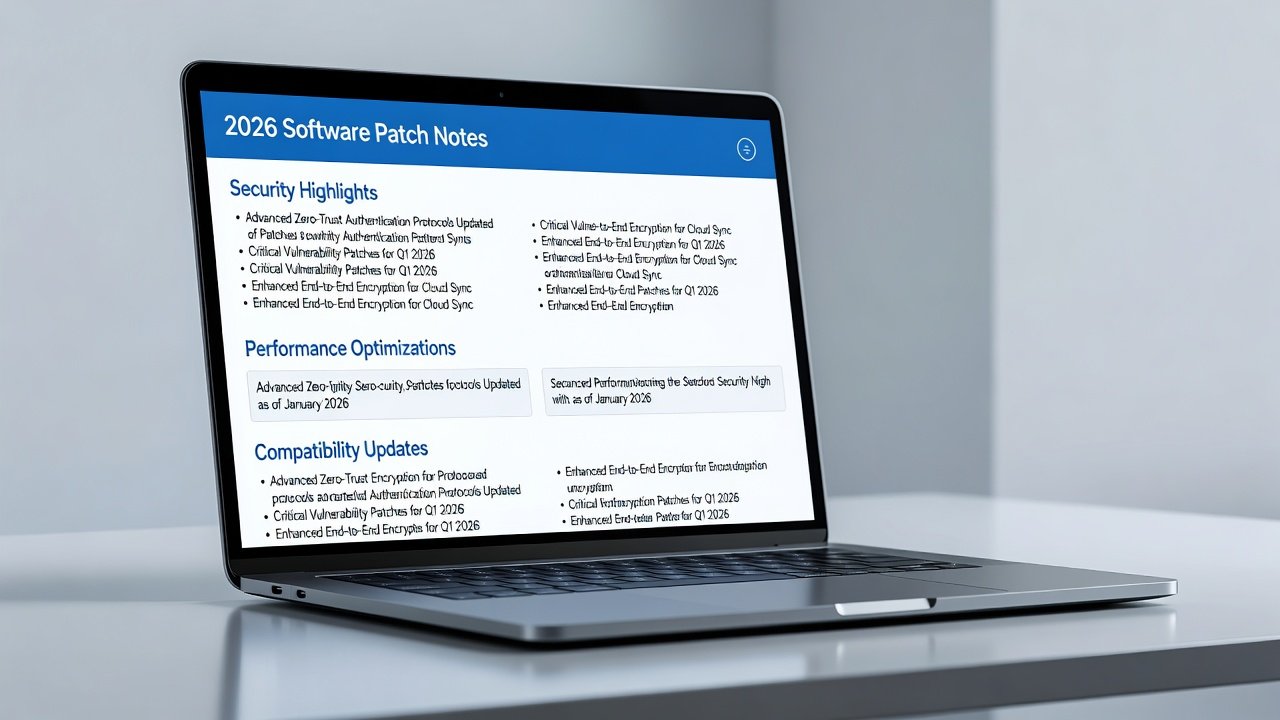
Introduction to 2026 Software Updates and Patch Notes
Software updates in 2026 continue to evolve rapidly, with major operating systems releasing frequent patches that address security vulnerabilities, performance improvements, and new features. Understanding patch notes is essential for users who want to stay secure and optimize their devices. This FAQ-style guide answers the most common queries about interpreting release notes, assessing update impacts, and making informed decisions. As cyber threats grow more sophisticated, patch notes serve as the primary communication channel between vendors and users, detailing everything from critical zero-day fixes to subtle UI refinements. Ignoring them can lead to unexpected disruptions, while careful review empowers proactive management of digital environments.
Whether you use Windows, macOS, Android, or iOS, patch notes provide critical details that go beyond simple version numbers. Reading them proactively can prevent compatibility issues and help prioritize installations based on your specific needs. In 2026, vendors have standardized many formats yet still vary in depth, making cross-platform knowledge valuable for multi-device households and IT teams alike.
8 Practical Q&A Entries on Patch Notes and Updates
1. What Do Security-Related Entries in Patch Notes Really Mean?
Security fixes often reference CVE numbers and describe vulnerabilities such as remote code execution or privilege escalation. For example, a Microsoft Windows update might detail a zero-day exploit patched in the latest release, including the affected component like the kernel or browser engine. Always prioritize these updates as they directly impact device safety and can prevent widespread exploits seen in previous years.
2. How Can I Tell If an Update Affects App Compatibility?
Look for sections listing deprecated APIs or supported software versions. Apple’s macOS patch notes frequently specify changes to frameworks that may break older applications, such as legacy plugins in creative software. Testing in a virtual environment is recommended before full deployment, especially for professional workflows relying on specialized tools.
3. Why Do Some Patch Notes Mention Performance Improvements?
These entries highlight optimizations like reduced memory usage or faster boot times. Android updates from Google often include battery life enhancements measured in real-world scenarios, making them valuable for mobile users who notice tangible gains in daily usage after applying the patch.
4. What Should I Know About Feature Additions in OS Updates?
New features are usually listed with descriptions and rollout phases. iOS updates may introduce privacy controls or AI-driven tools gradually, so patch notes clarify availability timelines and regional restrictions that affect when users gain access.
5. How Do Vendors Handle Known Issues in Release Notes?
Reputable vendors like Microsoft document workarounds for unresolved bugs, including temporary registry edits or feature flags. Reviewing these helps users avoid common pitfalls post-update and maintain productivity during the resolution period.
6. Are There Differences Between Security Patches and Feature Updates?
Yes. Security patches focus solely on vulnerabilities, while feature updates add functionality. Checking the classification in notes prevents unnecessary installations on stable systems, reducing risk of introducing new variables into critical environments.
7. How Often Should Users Review Patch Notes for Mobile OS?
Android and iOS release monthly security bulletins. Users benefit from checking Apple Support or Google’s security pages regularly to understand cumulative changes and plan device maintenance windows accordingly.
8. What Examples Exist of Misleading Patch Note Language?
Vague terms like “various improvements” can hide significant changes. Cross-referencing with community forums and official changelogs provides clearer context, revealing hidden impacts on battery drain or network behavior that notes may understate.
9. How Do Enterprise Users Interpret Patch Notes Differently?
Business environments require evaluating group policy impacts and deployment schedules. Notes often include enterprise-specific fixes for Active Directory or MDM compatibility, helping administrators coordinate phased rollouts across thousands of endpoints without service interruption.
10. Can Patch Notes Predict Future Update Trends?
Recurring themes such as enhanced encryption standards signal upcoming industry shifts toward stronger privacy protections across platforms, allowing forward-thinking users to anticipate hardware upgrade cycles and policy adjustments.
Using Patch Notes for Proactive Planning
Proactive planning starts with creating a personal update calendar aligned with vendor release schedules. Subscribe to official newsletters and set reminders to review notes within 48 hours of announcements. This approach minimizes exposure windows and allows testing on secondary devices first. Break down notes into categories—security, performance, features—and assign priority levels based on your usage patterns. For instance, a home user might focus on privacy enhancements, while a developer tracks API deprecations. Maintain a log of past update outcomes to refine future decisions. 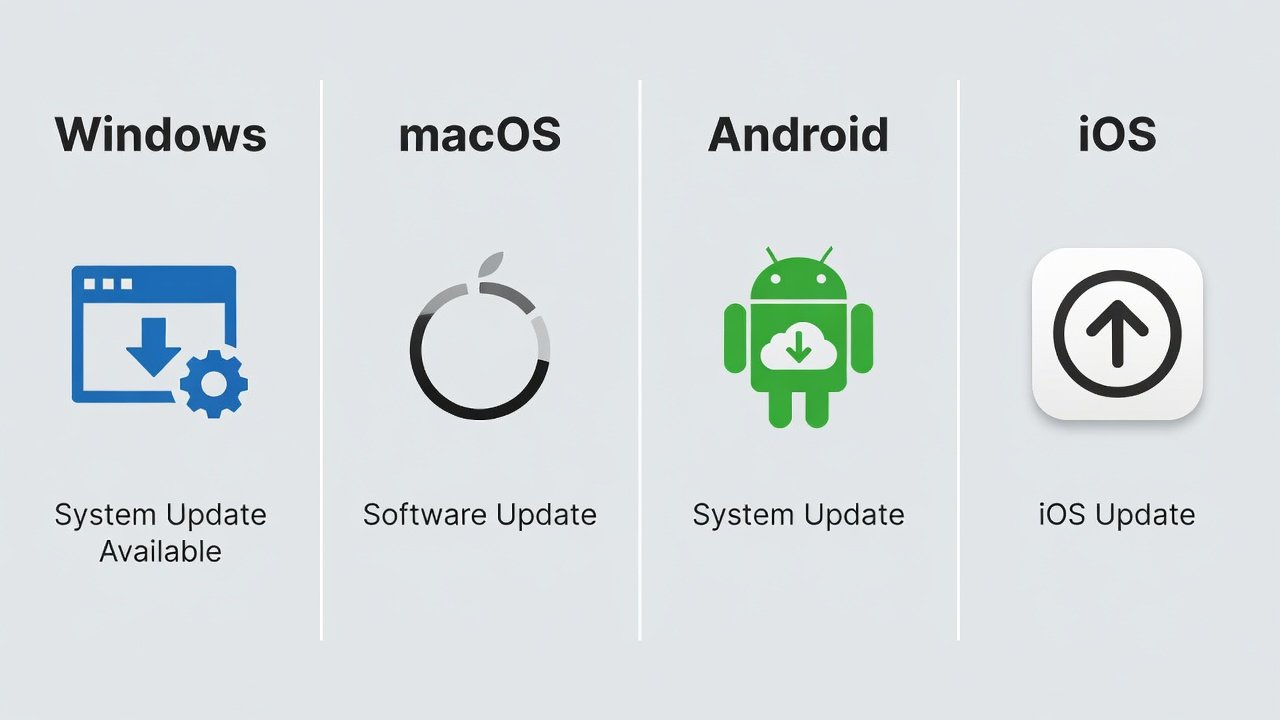
Documenting how past updates affected your workflow helps build a personalized risk assessment model over time, turning reactive patching into strategic device management.
Comparison of Update Notification Styles Across Major Vendors
- Microsoft Windows: Detailed pop-ups with direct links to full patch notes and severity ratings, encouraging immediate review but sometimes overwhelming casual users.
- Apple macOS/iOS: Concise alerts emphasizing security and privacy, with optional expanded changelogs available via settings menus for deeper dives.
- Google Android: Monthly bulletins published separately, focusing on CVE details and device-specific applicability to support diverse hardware ecosystems.
- Mozilla Firefox: Browser updates highlight web compatibility fixes alongside security patches via Mozilla, integrating seamlessly into the browsing experience.
These styles influence user engagement; verbose notifications encourage thorough review while minimal ones prioritize speed and simplicity.
Common Pitfalls When Interpreting Patch Notes
Many users skim notes too quickly, missing critical compatibility warnings or misjudging the scope of changes. Another frequent error is assuming all listed fixes apply universally, when some are hardware-specific or region-locked. To avoid these, always read the full notes, cross-check with your device specifications, and consult vendor forums for real-user experiences before proceeding with installation.
Checklist for Staying Informed on Software Updates
- Enable automatic security updates on all devices.
- Bookmark official vendor patch note repositories.
- Join relevant mailing lists for release announcements.
- Schedule monthly reviews of cumulative changes.
- Test critical updates in isolated environments when possible.
- Monitor third-party app compatibility after OS changes.
- Review enterprise-specific sections if managing multiple devices.
- Log outcomes of each update for future reference.
Brief FAQ on Rollback Options
Rollback procedures vary by platform. Windows offers System Restore points created before major updates, allowing quick reversion if issues arise. macOS allows Time Machine reversion to a previous state, while Android users often rely on factory resets or carrier-specific tools for recovery. Always back up data prior to attempting rollbacks to avoid permanent data loss, and verify that the rollback does not reintroduce unpatched vulnerabilities.
Conclusion
Mastering patch note interpretation empowers users to navigate 2026 software updates confidently. By applying the insights from this FAQ, individuals and organizations can maintain security, compatibility, and performance across their digital ecosystems while minimizing downtime and risk.

No comments yet. Be the first!