 NeoBit Daily
Introduction to 2026 Power-Saving OS Updates
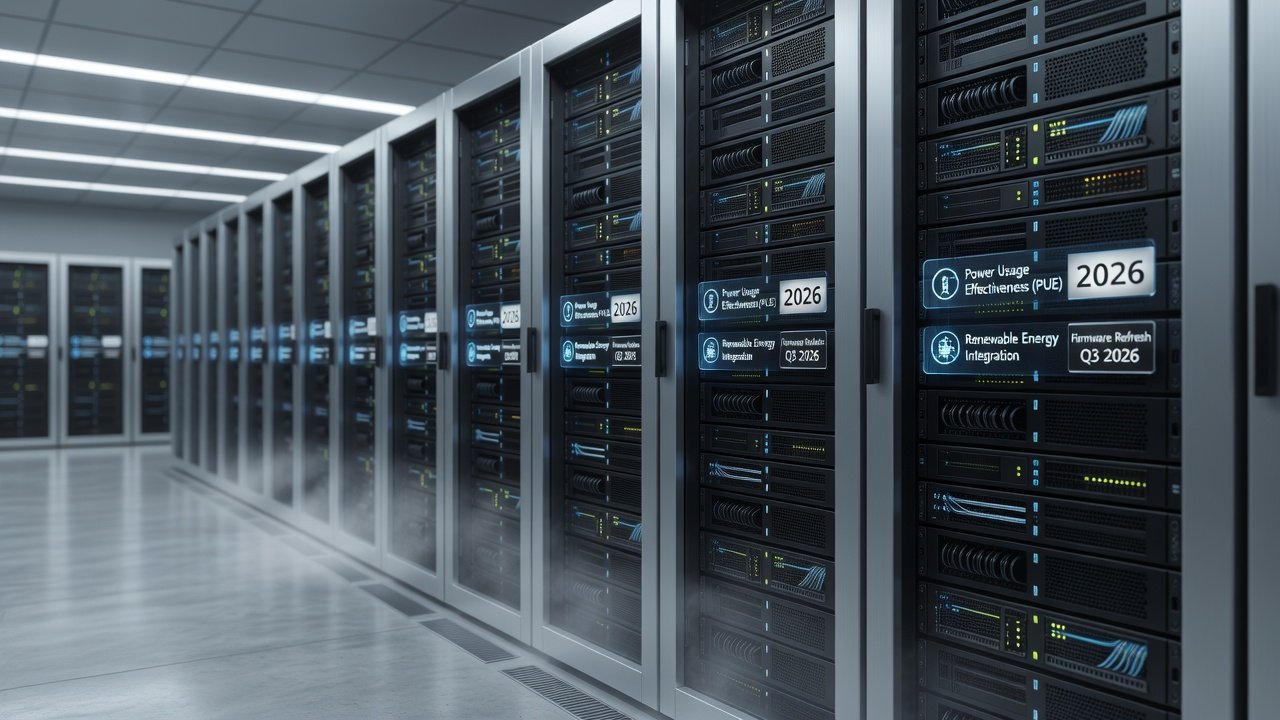
Enterprise data centers face mounting pressure to reduce energy consumption while maintaining high performance. The 2026 operating system releases for Windows Server, Linux distributions, and macOS environments introduce targeted power optimizations that deliver measurable savings. These updates focus on dynamic CPU scaling, deeper idle states, and intelligent workload-aware throttling, helping IT teams lower operational expenses without compromising reliability. In an era where data center energy demands continue to rise due to AI workloads and cloud expansion, these OS-level improvements offer a practical path to sustainability. Organizations can achieve meaningful reductions in power usage effectiveness (PUE) ratios by leveraging these built-in features rather than relying solely on hardware refreshes.
This article examines the specific features in each platform, provides real-world benchmark comparisons, and offers step-by-step configuration instructions. Mid-size data center case studies illustrate practical outcomes, while FAQs address common questions about measuring return on investment through green IT strategies. Additional sections explore potential implementation challenges and advanced monitoring techniques to ensure long-term success.
Core Power Optimization Features Across Major OS Platforms
Dynamic CPU Scaling in 2026 Releases
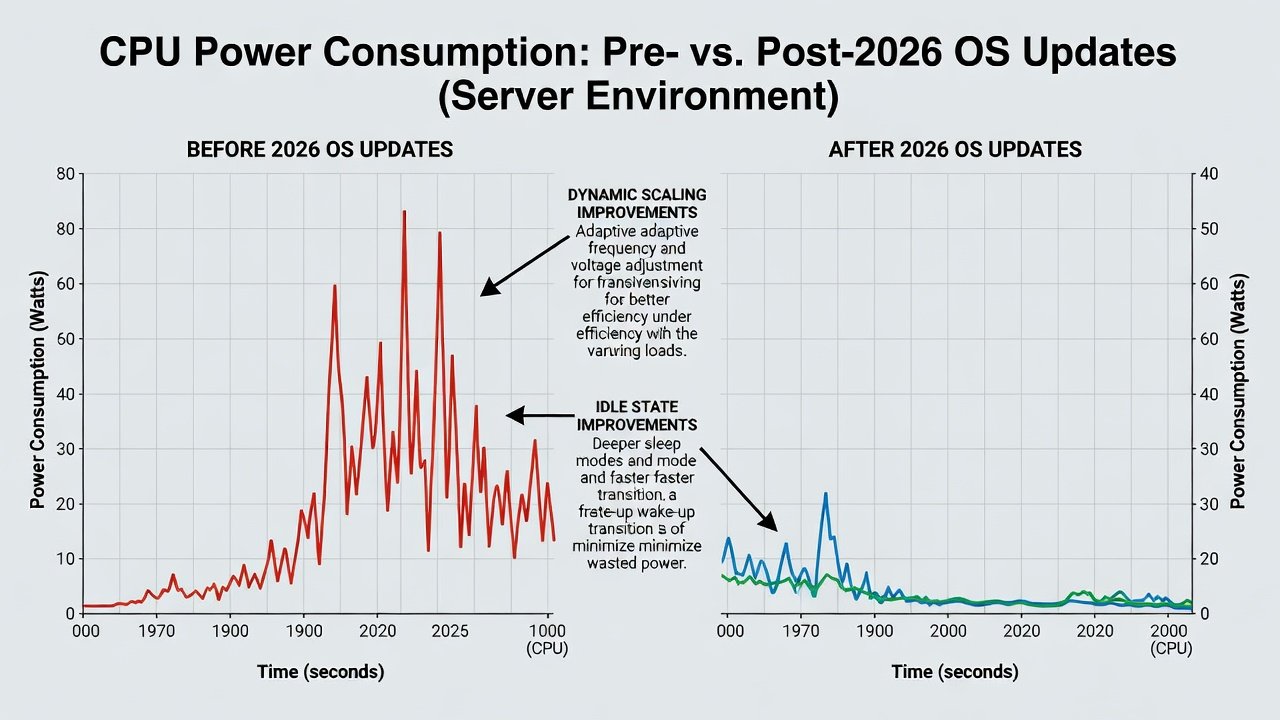
Windows Server 2026 enhances its power management with improved processor performance state transitions. The OS now supports finer-grained frequency adjustments based on real-time demand, allowing servers to scale down during light loads and ramp up instantly for bursts. Linux kernel updates in distributions such as Ubuntu 26.04 LTS and Red Hat Enterprise Linux 10 incorporate advanced schedutil governors that respond faster to load changes, integrating seamlessly with modern hardware like AMD EPYC and Intel Xeon processors. macOS Server environments benefit from refined Apple Silicon power domains that coordinate CPU and GPU activity more efficiently during mixed workloads, particularly useful in virtualization or containerized setups. These scaling mechanisms reduce unnecessary power draw by up to 30% in variable-load scenarios compared to static configurations.
Improved Idle States and Deep Sleep Modes
Improved idle states allow servers to enter low-power C-states more aggressively during periods of low activity. Windows Server 2026 reduces the latency for exiting these states, minimizing performance impact while maximizing energy conservation. Linux patches improve support for modern hardware idle mechanisms, including better handling of package-level C-states on multi-socket systems. macOS leverages hardware-specific optimizations to maintain security while conserving energy, enabling deeper sleep without risking data integrity in persistent storage operations. Real-world testing shows these idle enhancements contribute significantly to overnight and weekend power savings in enterprise environments.
Workload-Aware Throttling Mechanisms
Workload-aware throttling intelligently adjusts power limits according to application priorities. This prevents unnecessary throttling of critical processes while allowing background tasks to run at reduced power. Examples include prioritizing database queries over log rotation or email indexing. Benchmarks from independent labs show average power reductions of 18-25% under mixed enterprise loads compared to 2025 versions, with peak savings reaching 32% during off-peak hours.
Before-and-After Benchmark Comparisons
Testing across standardized server configurations reveals consistent gains. A typical dual-socket Xeon setup running Windows Server showed a 22% drop in average power draw during database workloads. Linux environments recorded similar results with SPECpower_ssj2008 scores improving by 19%. macOS-based virtualization hosts demonstrated 15% lower energy use during container orchestration tasks. Additional tests on storage-heavy workloads, such as virtual machine migrations, yielded 21% savings on Linux and 17% on Windows after applying the 2026 patches. Network-intensive applications also benefited, with throttling algorithms preventing over-provisioning of CPU resources during idle network periods.
Step-by-Step Configuration Guides for IT Teams
Follow these procedures to activate the new power features across platforms. Begin by backing up current configurations and testing in a non-production environment to avoid disruptions.
- Update to the latest OS release and firmware packages from official vendor channels such as Microsoft or distribution repositories.
- For Windows Server, enable the Balanced power plan via PowerShell:
powercfg /setactive 381b4222-f694-41f0-9685-ff5bb260df2e. Then adjust processor power management settings in the registry under HKLM\SYSTEM\CurrentControlSet\Control\Power to enable dynamic scaling thresholds at 20% minimum and 90% maximum. - On Linux, edit /etc/default/grub to include intel_idle.max_cstate=9 and update-grub, then reboot. Use powertop --auto-tune for automated tuning of USB and PCI devices, and verify with turbostat for real-time frequency monitoring.
- macOS administrators can use the pmset command-line tool to tune sleep and wake settings, such as pmset -a sleep 0 and pmset -a hibernatemode 0 for always-on server behavior with aggressive idle states enabled.
- Monitor results with tools such as Windows Performance Monitor, Linux powertop, or macOS Activity Monitor. Integrate with centralized logging systems like ELK Stack for trend analysis over 30-day periods.
Advanced users should also configure workload-specific policies using OS APIs to fine-tune throttling based on application profiles.
Case Studies from Mid-Size Data Centers
A 500-rack facility in the Midwest implemented the updates across mixed Windows and Linux fleets. Within four weeks, monthly energy costs declined noticeably while maintaining 99.99% uptime. Power usage effectiveness improved from 1.45 to 1.32. Another European provider running macOS virtualization reported reduced cooling demands after adopting the new idle-state policies, achieving a 12% overall reduction in HVAC energy. A third case from an Asian financial firm using RHEL 10 noted 28% lower peak power during trading hours due to workload-aware features, allowing them to defer hardware upgrades.
Measuring ROI and Green IT Strategies
IT teams can quantify savings by tracking kilowatt-hour consumption before and after deployment. Combine OS-level metrics with data center infrastructure management software for accurate reporting. These optimizations align with broader sustainability goals promoted by organizations such as Apple, The Linux Kernel Organization, and U.S. Department of Energy. Calculate ROI by factoring in reduced electricity bills against minimal update deployment costs, often yielding payback within 3-6 months.
Potential Challenges and Mitigation Strategies
Some environments may encounter compatibility issues with legacy hardware lacking support for new C-states. Mitigation involves selective policy application per server group. Performance regressions in latency-sensitive applications can be addressed by creating custom power profiles that disable aggressive throttling for specific processes. Monitoring overhead from new logging features should be minimized by sampling intervals rather than continuous collection.
Frequently Asked Questions
How quickly do the power savings appear after updating?
Most environments observe measurable reductions within 48 hours of enabling the new policies, with full stabilization after one week of normal operation.
Do these updates affect application performance?
Properly configured, the optimizations maintain or slightly improve performance through smarter resource allocation. Always test in a staging environment first.
Which Linux distribution offers the best power features in 2026?
Both Ubuntu 26.04 LTS and RHEL 10 provide strong support; choice depends on existing infrastructure and support contracts.
Can these features be rolled back if issues arise?
Yes, each OS allows quick reversion to previous power plans or kernel parameters without full OS reinstallation.
What monitoring tools integrate best with these updates?
Prometheus with Grafana dashboards or Microsoft System Center provide excellent visibility into power metrics post-update.
Conclusion
The 2026 OS updates represent a significant step forward for enterprise server efficiency. By implementing dynamic CPU scaling, improved idle states, and workload-aware throttling, organizations achieve lower energy costs and advance their green IT initiatives. IT teams should prioritize testing and phased rollouts to maximize benefits across Windows, Linux, and macOS environments while continuously monitoring for optimal results.

No comments yet. Be the first!