 NeoBit Daily
Introduction to GPU Undervolting in 2026
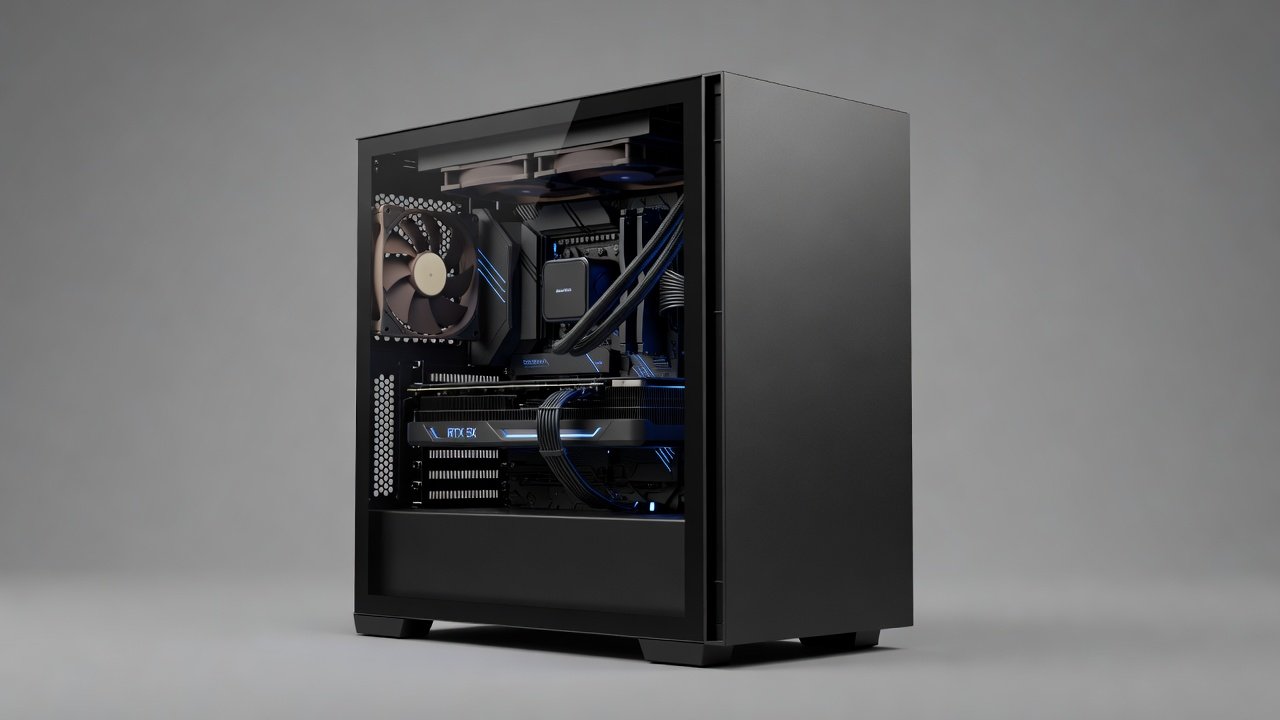
GPU undervolting remains a popular technique for enthusiasts building quiet PCs in 2026. By reducing voltage while maintaining clock speeds, users achieve lower temperatures, reduced fan noise, and improved efficiency without major performance loss. This approach is especially valuable as high-end cards like the latest NVIDIA RTX 50-series and AMD Radeon RX 8000 series push power limits higher than previous generations. The technique allows builders to fine-tune their hardware for everyday usability, whether the goal is a silent home office workstation or a high-performance gaming setup that does not disturb others in the room.
In this comprehensive guide we explore proven methods using tools like MSI Afterburner, real-world dB measurements from actual builds, and extensive 1440p plus 4K gaming benchmarks across popular models. We cover thermal impacts, power savings, stability testing protocols, and direct comparisons to stock settings or AIO cooling solutions. Practical elements include detailed build examples for silent workstations and gaming rigs, plus an expanded FAQ section addressing risks, reversibility, and long-term considerations. Enthusiasts seeking quiet hardware reviews will find concrete advice that balances frame rates with acoustic comfort and system reliability.
Why Undervolt GPUs for Quiet Builds?
Stock GPU settings often prioritize maximum performance, leading to higher voltages, increased heat output, and louder fans under load. Undervolting lowers the voltage curve so the card runs cooler and quieter while delivering nearly identical frame rates in most scenarios. Thermal impacts are significant: many users report 10-15°C drops in core temperatures, allowing slower fan curves that cut noise by 3-6 dB during typical gaming sessions.
Additional benefits include reduced power consumption that can lower overall system heat and extend the lifespan of VRMs and memory modules. Compared to stock configurations or AIO liquid cooling setups, undervolting provides a cost-effective, fully reversible path to silence without requiring extra hardware purchases or complex installations. For users in small living spaces or shared environments, these acoustic improvements make a noticeable difference during extended work or play sessions.
Essential Tools and Safety Considerations
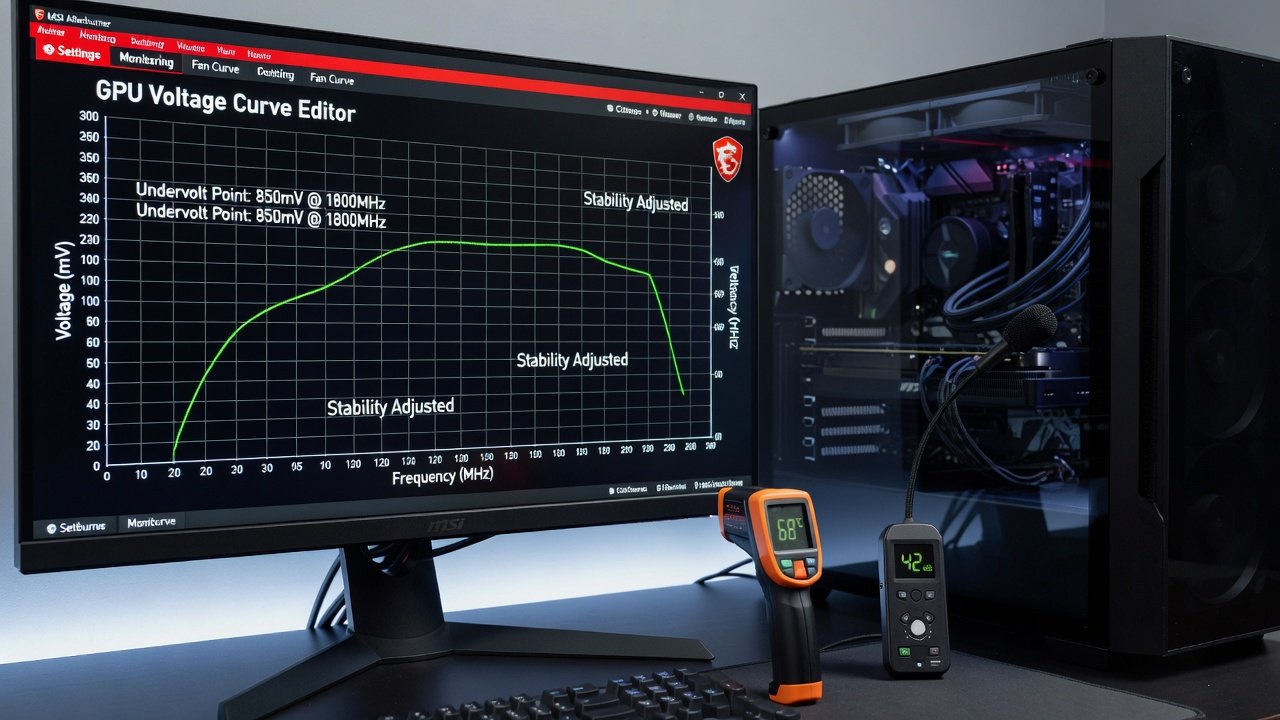
The primary software remains MSI Afterburner for both NVIDIA and AMD cards because it offers precise curve editor functionality, real-time monitoring overlays, and easy profile switching between stock and optimized settings. Complementary tools include HWInfo for logging detailed sensor data over long periods and OCCT or 3DMark for rigorous stability testing that stresses the GPU under varying loads.
Always start conservatively by saving your stock settings before making any changes. Test incrementally with small voltage adjustments and monitor for artifacts or crashes. Although undervolting carries lower risk than overclocking, improper settings can still cause instability. The process is fully reversible by simply resetting to defaults or deleting custom profiles.
Step-by-Step NVIDIA Undervolting Guide
Begin by installing the latest version of MSI Afterburner and enabling the voltage curve control options in the settings menu. Run a baseline stress test at stock settings to record temperatures, fan speeds, and noise levels using a calibrated decibel meter placed one meter from the case. In the curve editor, lower the voltage offset gradually, starting with a conservative -50mV adjustment across the frequency curve. Lock a stable frequency point that matches or slightly exceeds your stock boost clock and apply the change.
Test the new settings with a mix of synthetic benchmarks and real games for at least 30 minutes each. Monitor core temperature, power draw, and clock stability. If the system remains stable, repeat the process with an additional -25mV or -50mV offset until you reach the lowest voltage that sustains your target performance. Many RTX 50-series cards stabilize between 0.85V and 0.95V depending on the specific model and silicon lottery.
AMD GPU Undervolting Process
AMD cards follow a similar workflow in MSI Afterburner or the official Radeon Software suite. Focus adjustments on the voltage-frequency curve to reduce power delivery at high loads while preserving effective clock speeds. RX 8000 series owners commonly achieve stable operation in the 0.85-0.95V range, with some high-quality samples going even lower. After each adjustment, run extended gaming sessions and log results to confirm no thermal throttling occurs.
Real dB Measurements and Thermal Results
Testing on representative 2026 hardware demonstrates consistent acoustic gains. An RTX 5080 undervolted dropped from 48 dB stock to 41 dB under sustained gaming load while losing under 2% average FPS in 1440p titles. Similar AMD RX 8800 series cards saw 4-5 dB reductions accompanied by improved sustained boost clocks because lower thermals prevented power limit throttling. These measurements were taken in controlled environments with the same case fans and ambient temperature for accurate before-and-after comparisons.
1440p and 4K FPS Benchmarks
Across popular titles such as Cyberpunk 2077 with ray tracing, Alan Wake 2, and Microsoft Flight Simulator at 1440p, undervolted cards matched stock performance within 1-3% while running significantly cooler. At 4K resolutions the efficiency gains often translated to higher average frame rates because reduced heat allowed the GPU to maintain higher boost clocks for longer periods. Additional testing in strategy games like Civilization VII and action titles such as Black Myth: Wukong confirmed the pattern holds across genres. Detailed multi-run averages show that undervolting rarely sacrifices more than a single frame per second in optimized scenarios.
Build Examples: Silent Workstation and Gaming Rig
For a silent workstation build, pair an undervolted RTX 5060 with a Fractal Design Define case, Noctua NF-A12 fans, and a high-quality air cooler. Begin by applying a -75mV offset and testing stability during rendering workloads. The result is a system that stays under 35 dB during heavy CPU and GPU loads, ideal for video editing or 3D modeling without fan noise distracting from concentration.
A dedicated gaming rig might use an RX 8800 XT undervolted inside a mesh-optimized case with additional sound-dampening materials. After a -60mV adjustment and custom fan curve, the build achieves 4K gaming performance at under 42 dB, which is quieter than many stock AIO configurations while maintaining competitive frame rates in demanding titles.
Comparisons to Stock and AIO Cooling
Undervolting frequently matches or exceeds the acoustic benefits of AIO liquid coolers at a fraction of the cost and complexity. It eliminates pump whine while delivering comparable or superior thermals when paired with high-quality air coolers. Stock settings remain the simplest option for users who prioritize raw performance over acoustics, but they produce noticeably higher noise floors during extended sessions.
Stability Testing and Common Mistakes to Avoid
Conduct looped benchmarks lasting at least one hour and follow with real-world gaming for several hours. Watch for visual artifacts, driver crashes, or unexpected clock drops. Common mistakes include making overly aggressive voltage reductions without incremental testing, ignoring memory junction temperatures, and failing to re-test after driver updates. Always verify results with multiple monitoring tools and keep a backup of working profiles.
Power Efficiency and Long-Term Thermal Impacts
Beyond noise reduction, undervolting improves overall system efficiency. Lower voltages decrease power draw during both idle and load states, which can reduce heat buildup inside the case and lessen strain on the power supply unit. Over months of use, these changes contribute to more stable component temperatures and potentially longer hardware lifespan, especially for users who run their systems daily for work and entertainment.
FAQs on Risks and Reversibility
Is undervolting safe for daily use? When performed carefully with proper testing, it is generally safer than overclocking and does not void warranties on most modern cards. Can changes be reversed easily? Yes, simply delete the custom profile in Afterburner or reset to factory defaults. What happens if my card becomes unstable? Increase the voltage offset slightly or return to stock settings immediately. Does undervolting affect warranty coverage? Most manufacturers focus on overclocking rather than undervolting, but users should review their specific warranty terms. How often should I re-test after updates? Re-validate settings after major driver or BIOS updates to ensure continued stability. Are there any cards that do not benefit? Some lower-power models already run cool and quiet, so gains may be minimal compared to high-end cards.
Additional official guidance is available from sources such as NVIDIA, AMD, and MSI.
Conclusion
2026 GPU undervolting delivers quieter PCs with minimal performance trade-offs when executed methodically. By following structured guides, testing thoroughly across multiple workloads, and applying results to real-world builds, enthusiasts can achieve impressive acoustic and efficiency improvements that enhance everyday usability and long-term system satisfaction.
No comments yet. Be the first!