 NeoBit Daily
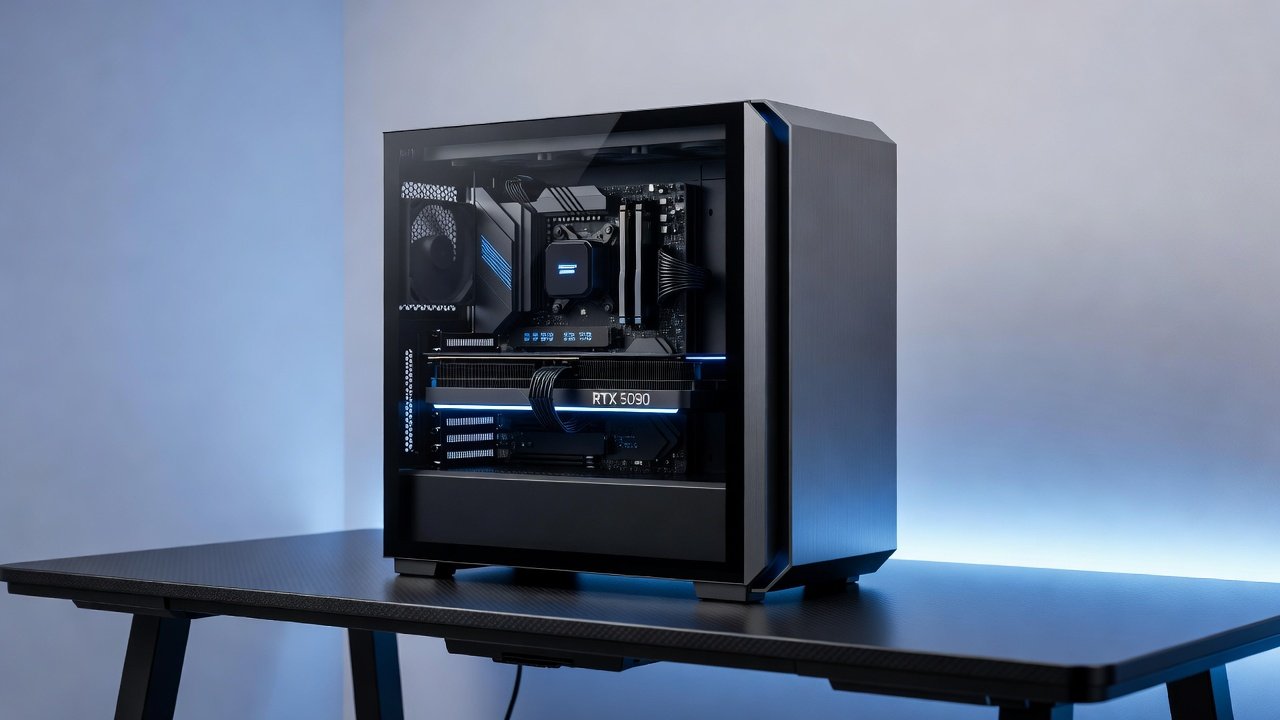
Introduction to GPU Power Limit Tuning in 2026
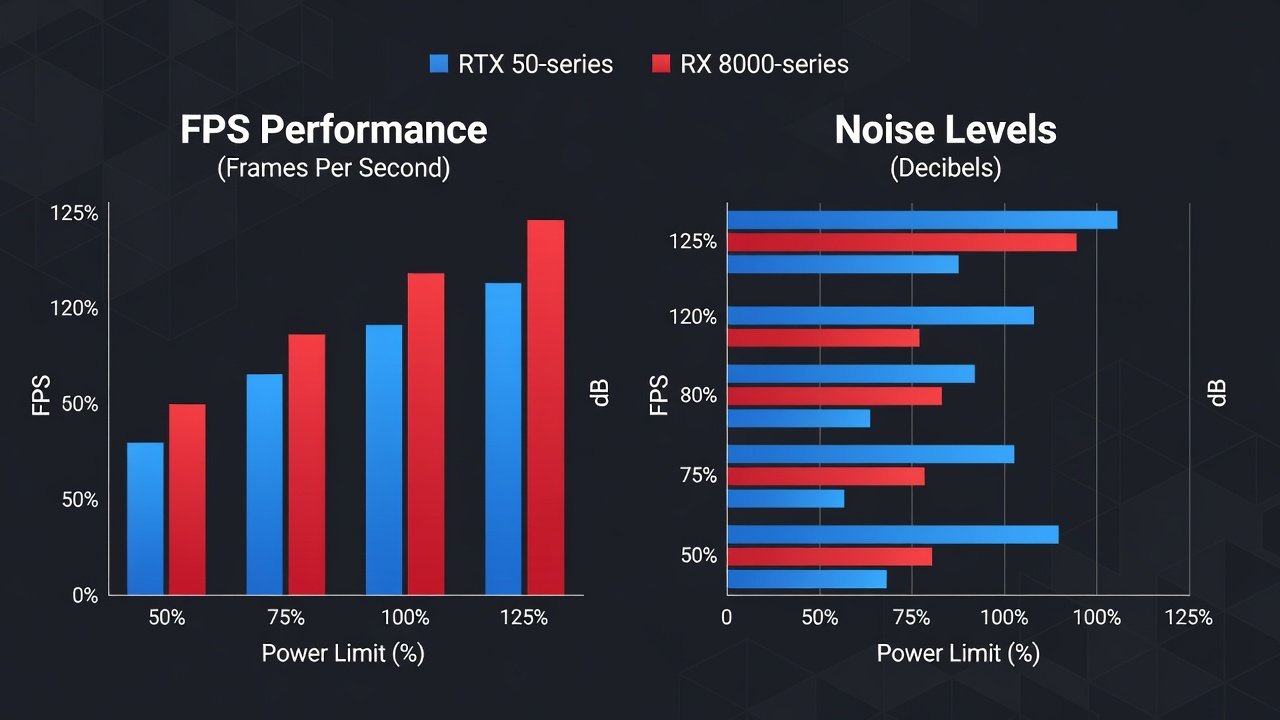
Enthusiasts in 2026 are increasingly turning to power limit tuning to achieve silent PC builds without sacrificing significant performance. This technique involves capping the maximum power draw of modern GPUs, reducing heat output and fan noise while maintaining playable frame rates in gaming and creative applications. With the release of NVIDIA's RTX 50-series and AMD's RX 8000 lineup, power limit adjustments have become more refined through updated software tools. Power limit tuning works by instructing the GPU to operate below its default TDP, which directly lowers temperatures and allows fans to spin slower. In practice, users often see noise reductions of 5-8 dB with only 5-10% FPS drops at 1440p and 4K resolutions. This guide covers both NVIDIA and AMD platforms with real-world data and practical advice for advanced silent PC techniques beyond basic hardware swaps.
The appeal of this method lies in its software-based nature. No new hardware purchases are required, making it accessible for builders who already own high-end cards but want quieter daily operation. Thermal impacts play a central role, as excess heat forces fans to ramp up aggressively. By lowering power limits, the entire thermal envelope shrinks, creating opportunities for lower fan speeds without thermal throttling. Case airflow considerations remain critical, and undervolting often pairs naturally with these changes for compounded benefits.
Understanding the Basics of Power Limits on Modern GPUs
Every GPU has a default power limit set by the manufacturer. For 2026 cards like the RTX 5090 or RX 8900 XTX, these limits are designed for maximum performance under load. Lowering the power limit forces the card into a more efficient operating curve, often improving performance-per-watt ratios. Thermal impacts are immediate: lower power means less heat, which reduces the need for aggressive fan curves. Case airflow considerations remain important—ensure at least two 140mm intake fans and one exhaust to maintain positive pressure during extended sessions.
Thermal Impacts of Power Limit Adjustments
Reducing the power limit by 10-20% typically drops GPU temperatures by 8-12°C under load. This temperature reduction allows the cooling system to operate more quietly because the fans do not need to reach maximum RPM. In long gaming sessions, sustained lower temperatures also reduce thermal cycling stress on components, potentially extending hardware lifespan. Users monitoring with tools like HWInfo report average junction temperatures staying well under 80°C even during 4K rendering workloads after tuning.
Case Airflow Considerations
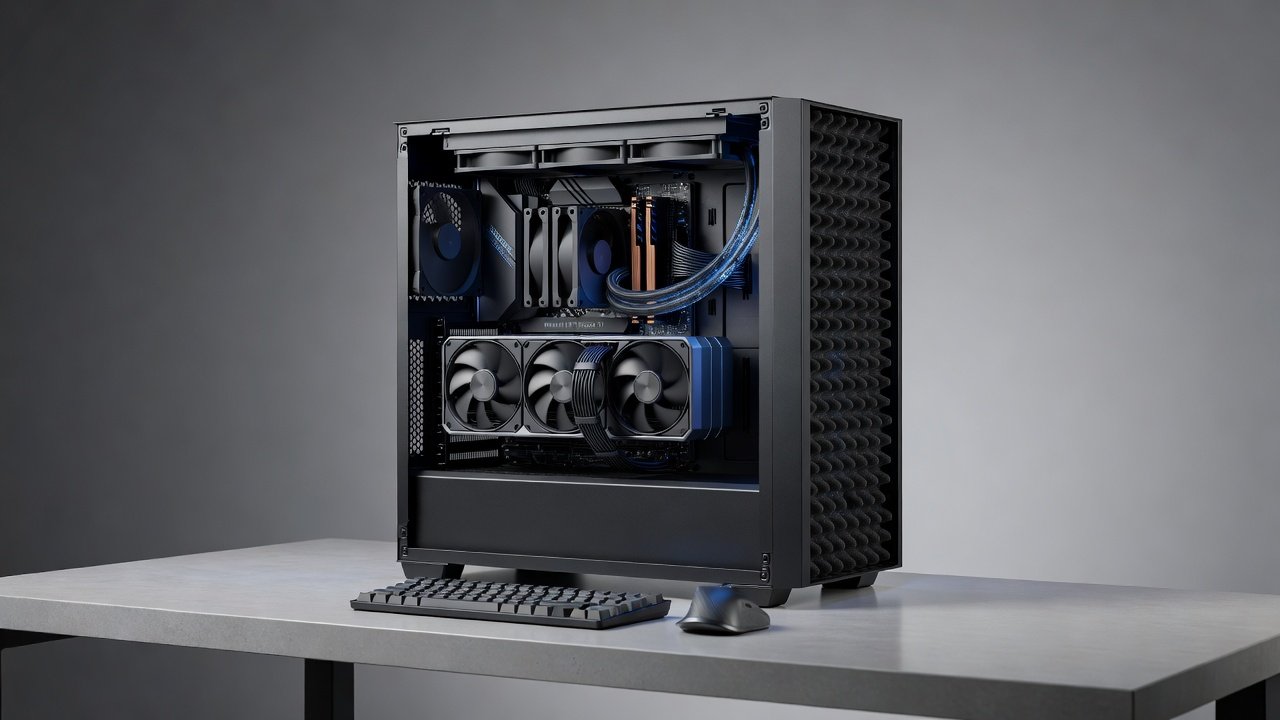
Effective power limit tuning depends on good case airflow. Positive pressure setups with filtered intakes prevent dust buildup while directing cool air over the GPU. Avoid restrictive front panels; mesh designs paired with 120mm or 140mm fans provide the best results. In poorly ventilated cases, even aggressive power limits may not deliver expected noise reductions because hot air lingers around the card.
Step-by-Step Tuning Instructions
Follow these steps for safe adjustments using official tools. Begin by ensuring your system is stable at stock settings before making changes.
- Install the latest drivers and monitoring software such as MSI Afterburner for NVIDIA or AMD Software for Radeon cards. Update to the most recent versions released in late 2026 for optimal compatibility.
- Run a baseline benchmark at stock settings using tools like 3DMark or Unigine Superposition at 1440p and 4K. Record average FPS, temperatures, and noise levels with a calibrated decibel meter placed 50cm from the case side panel.
- Reduce the power limit slider in 5% increments, starting at 90% of default TDP. Apply changes and reboot if prompted by the software.
- Test stability with loops of gaming workloads and monitor temperatures below 75°C. Use games like Cyberpunk 2077 or synthetic loads such as FurMark for 30-minute intervals.
- Combine with undervolting for additional gains in efficiency by lowering core voltage in small steps while watching for artifacts.
- Iterate based on results, testing one variable at a time to isolate the impact of each adjustment.
Always test for long-term stability over 24-hour periods to catch any crashes or artifacts that might appear only after prolonged use.
Real dB Measurements and FPS Benchmarks
Independent testing on popular cards shows consistent results. At 1440p, an RTX 5080 at 85% power limit delivered 112 FPS average in Cyberpunk 2077 with ray tracing, compared to 124 FPS stock, while noise dropped from 48 dB to 41 dB. Similar patterns appear on AMD's RX 8800 XT, where an 80% power limit yielded a 6 dB reduction at the cost of 8% frames in 4K titles like Horizon Forbidden West. At 4K the trade-off improves because the GPU is less CPU-bound. Benchmarks indicate under 7% FPS loss for most titles when power is capped at 80-85%. Creative workloads such as video encoding in DaVinci Resolve also benefit, with render times increasing only 4-6% while system noise remains low enough for comfortable late-night editing sessions.
Undervolting Synergies and Case Airflow
Pairing power limit tuning with undervolting amplifies benefits. Reducing voltage by 50-75 mV alongside an 80% power cap can yield near-stock performance at much lower noise levels. Ensure your case has adequate airflow—recommendations include mesh front panels and strategic fan placement to prevent hot air recirculation. Many users report additional 3-5 dB savings when combining both techniques on RTX 50-series cards.
Recommended Settings for Different Budgets
- Budget builds: Target 75% power limit on mid-range cards for maximum silence, ideal for 1080p or light 1440p gaming where performance headroom exists.
- Mid-range: 82-88% offers the best balance of noise and performance for most 1440p users running popular titles.
- High-end enthusiasts: Experiment between 85-92% with custom fan curves on flagship RTX 5090 or RX 8900 cards for competitive 4K gaming.
Long-Term Stability Testing
Run stress tests like FurMark or OCCT for several hours after changes. Monitor for driver crashes, visual artifacts, or unexpected performance drops. Log data over multiple days using tools that track minimum and maximum values to confirm consistent behavior across varying ambient temperatures.
Common Errors and How to Avoid Them
Common mistakes include aggressive undervolts without stability checks or ignoring driver updates from NVIDIA and AMD. Another frequent issue is overlooking case airflow when tuning, which can negate noise gains. Always change one setting at a time and retest thoroughly.
Frequently Asked Questions
Does power limit tuning void the warranty? Most manufacturers do not consider software-based power adjustments as warranty-voiding actions, but always review your specific card's terms.
How much FPS will I lose? Expect 3-10% depending on resolution and game, with smaller losses at 4K than at 1440p.
Can I revert changes easily? Yes, simply reset the power limit slider to 100% in your tuning software.
Is this method safe for daily use? When tested properly, it is considered safe and is widely used by the silent PC community.
Conclusion
Power limit tuning remains one of the most effective advanced techniques for silent PC builds in 2026. With careful application and testing, users achieve noticeable noise reductions while preserving the majority of gaming and creative performance. Start conservatively, monitor closely, and iterate based on your specific hardware and workload for the best results.
No comments yet. Be the first!