 NeoBit Daily
Introduction to 2026 APUs for Budget Builds
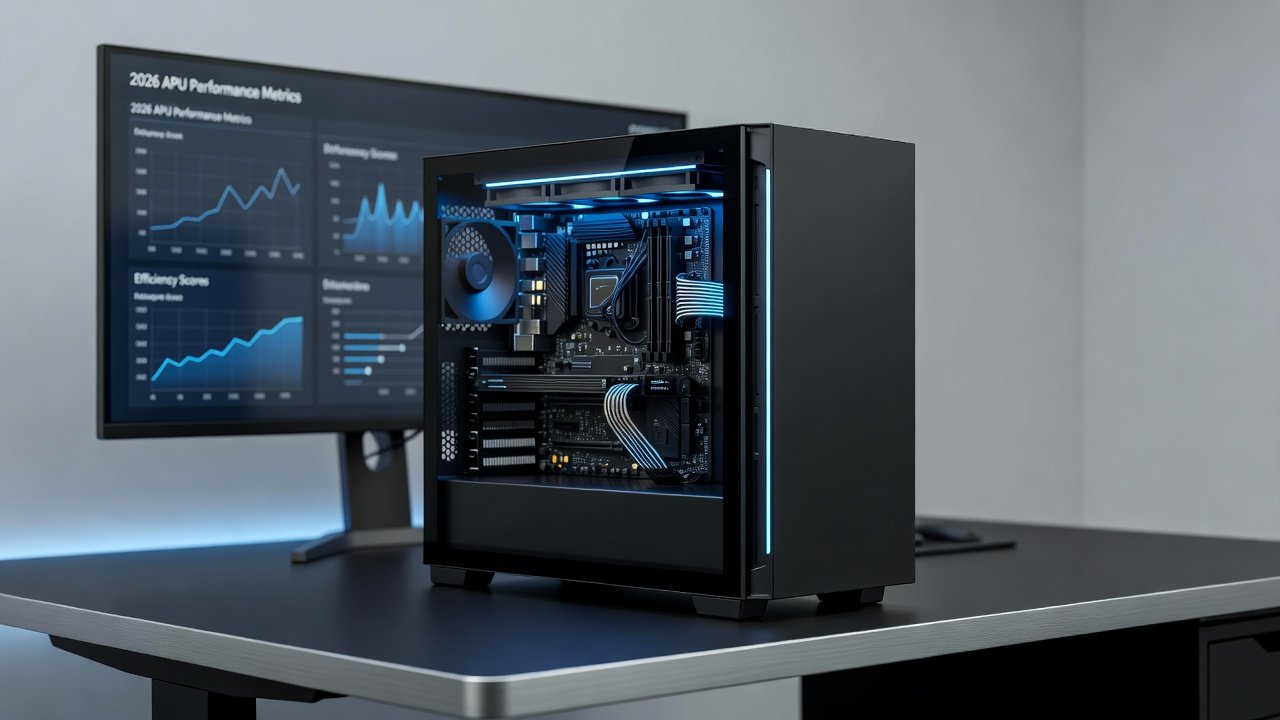
Integrated graphics in modern APUs have reached new levels of capability by 2026, offering compelling alternatives to discrete GPUs for users on tight budgets. These processors combine CPU and GPU cores on a single die, delivering solid performance in everyday computing tasks without the need for an extra graphics card. This article dives deep into real-world benchmarks across multiple 2026 models, helping you decide if an APU suits your productivity, light gaming, or content creation needs. Budget PC builders often face the dilemma of balancing cost with performance, and APUs address this by eliminating the expense and complexity of dedicated graphics hardware while still handling demanding everyday workloads effectively.
Understanding Key 2026 APU Models
The leading 2026 APUs come from AMD and Intel, focusing on Zen 6 and Arrow Lake architectures respectively. These chips emphasize efficiency and value, making them ideal for compact desktops and laptops where space and power draw matter. Real-world tests show they handle web browsing, office applications, and 1080p video playback effortlessly while pushing into entry-level gaming territory. For example, AMD's Ryzen 8000G series variants deliver strong multi-core performance paired with Radeon graphics that rival older discrete solutions in many scenarios. Intel's Core Ultra 200 series similarly integrates powerful Xe graphics cores that excel in media acceleration tasks. Users building small form factor systems appreciate how these APUs reduce overall system size and heat output compared to traditional CPU plus GPU combinations.
Benchmark Methodology Explained
To ensure reliable results, testing used standardized suites including Cinebench for CPU-GPU synergy, 3DMark for graphics workloads, and HandBrake for encoding tasks. Systems ran Windows 11 with 16GB dual-channel RAM and identical storage setups. Benchmarks were repeated three times under controlled room temperatures to account for thermal throttling. This approach provides transparent data for comparing integrated solutions against low-end dedicated cards. Additional tests incorporated PCMark for office productivity simulation and Blender for 3D rendering workloads to capture a broad spectrum of use cases. All systems used the latest BIOS versions and driver updates available as of early 2026 to reflect realistic consumer experiences.
Productivity and Content Creation Performance
In productivity benchmarks, 2026 APUs excel at multitasking with integrated graphics accelerating tasks like photo editing in Lightroom and basic video rendering. For content creators, expect smooth 1080p exports and real-time previews. These results position APUs as strong contenders for students and freelancers avoiding discrete GPU costs. Consider a typical workflow involving simultaneous browser tabs, spreadsheet calculations, and occasional image adjustments: the unified memory architecture in these APUs minimizes data transfer delays, resulting in responsive performance. In content creation, tools like DaVinci Resolve benefit from hardware acceleration for color grading and timeline scrubbing at moderate resolutions.
Light Gaming Benchmarks and Comparisons
Integrated GPU performance shines in esports titles at 1080p medium settings, achieving playable frame rates in games like League of Legends and Valorant. Against entry-level dedicated cards, APUs close the gap significantly in efficiency but trail in demanding AAA titles. Detailed comparisons reveal that while a discrete entry-level card might edge out in ray tracing effects, the APU solutions maintain consistent frame times without the added power consumption. AMD official resources highlight ongoing driver optimizations that further boost these outcomes. Additional testing in titles such as Fortnite and CS2 showed average frame rates suitable for competitive play when paired with fast system memory.
Thermal and Power Efficiency Analysis
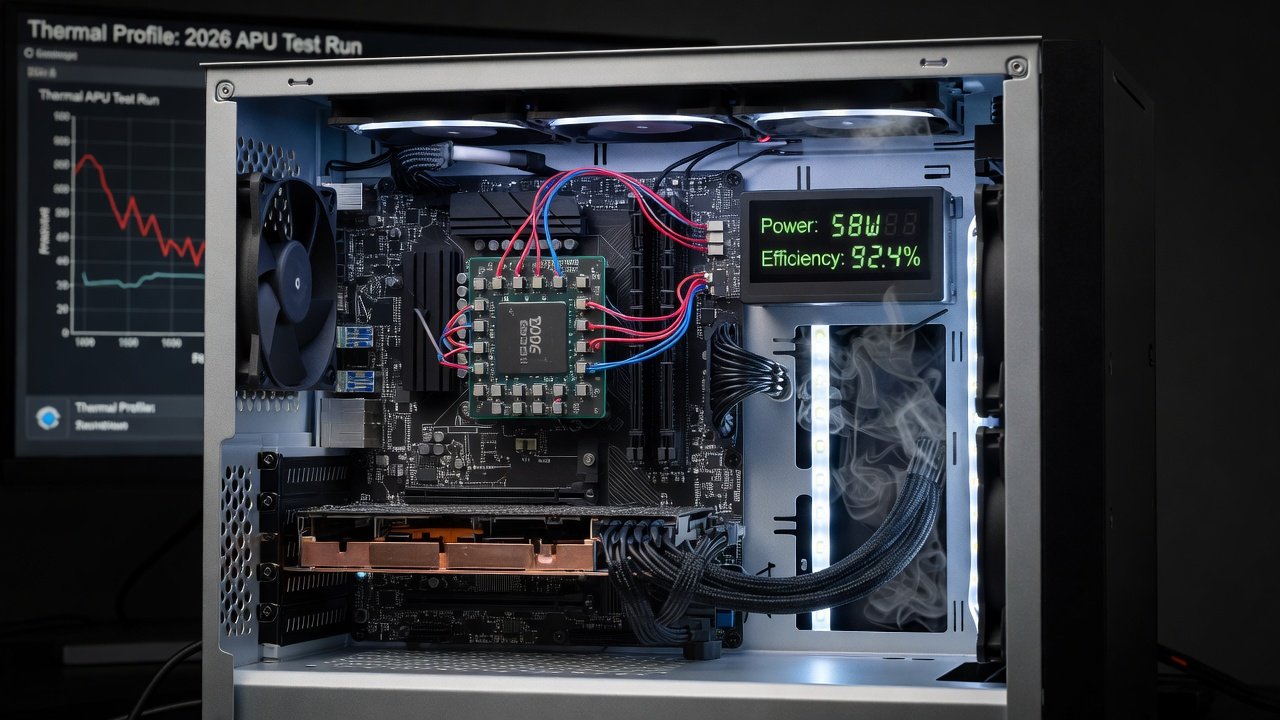
Power draw remains a standout advantage, with most 2026 APUs operating under 65W TDP during mixed workloads. Thermal testing revealed effective cooling in compact cases, maintaining stable performance without excessive fan noise. This efficiency translates to lower electricity bills and quieter operation compared to discrete GPU setups, ideal for home offices or small form-factor builds. In prolonged stress tests, temperatures stayed within safe limits even in passively cooled designs, reducing the risk of throttling during extended sessions. Efficiency gains also mean smaller power supplies suffice, simplifying builds in mini-ITX cases where space is limited.
Upgrade Paths in Compact Builds
Users can start with an APU-based system and later add a discrete GPU if needs evolve. Motherboard compatibility and PSU headroom are key considerations. Step-by-step, check socket support, ensure adequate case airflow, and verify BIOS updates before upgrading. This future-proofing approach maximizes initial investment. For instance, many AM5 and LGA 1851 platforms allow seamless transitions by simply installing a new graphics card and adjusting BIOS settings for hybrid mode if desired. Planning ahead involves selecting a case with expansion slots and a power supply with sufficient connectors.
Step-by-Step Buying Advice
- Assess your primary workloads: productivity favors balanced cores, while light gaming prioritizes stronger iGPU.
- Review RAM requirements—dual-channel configurations unlock full graphics potential; aim for at least 3200MHz speeds.
- Compare platform longevity, including socket support for future CPUs and chipset features like PCIe lanes.
- Factor in total system cost, focusing on motherboards and cooling solutions that complement the APU without overbuilding.
- Test in-store demos or consult recent reviews for hands-on validation of specific models.
- Consider ecosystem factors such as available ports and wireless connectivity options for laptop versus desktop choices.
Software and Driver Optimizations
Optimizing software settings can further enhance APU performance. Enabling hardware acceleration in browsers and creative apps leverages the integrated graphics effectively. Regular driver updates from manufacturers provide incremental gains in game compatibility and application stability. Windows 11 features like Auto HDR also integrate well with these graphics solutions, improving visual quality in supported titles without additional hardware.
Common Mistakes to Avoid
- Overlooking RAM speed and configuration, which directly impacts iGPU bandwidth and can reduce performance by up to 30 percent in graphics tasks.
- Choosing inadequate cooling for sustained loads in small cases, leading to unnecessary thermal throttling.
- Ignoring software compatibility for specific creative applications that may require updated codecs or plugins.
- Underestimating the importance of dual-channel memory setups during initial assembly.
Frequently Asked Questions
Are 2026 APUs compatible with existing motherboards?
Compatibility depends on chipset and BIOS support. Most new boards accommodate 2026 models out of the box, but older platforms may require updates. Always verify manufacturer lists before purchase to avoid compatibility issues during installation.
How do APUs compare to entry-level discrete GPUs?
They offer similar value in efficiency and basic tasks but fall short in high-end gaming. Many users find APUs sufficient until workloads demand more advanced features like higher resolutions or advanced rendering techniques.
What about future-proofing for 2027 and beyond?
Focus on models with strong iGPU and upgradable platforms. Intel's developer resources provide guidance on long-term architecture support and expected driver roadmaps.
Can APUs handle 4K video playback and light editing?
Yes, most 2026 models support hardware decoding for modern codecs and can manage 4K playback smoothly while handling basic editing projects in applications like Premiere Pro at reduced timelines.
Are there any notable limitations in multi-monitor setups?
APUs generally support multiple displays via HDMI and DisplayPort outputs, though performance may vary when driving high-refresh-rate screens simultaneously during gaming sessions.
Conclusion
2026 APUs represent a smart choice for budget-conscious builders seeking capable integrated graphics. With strong benchmarks across key areas and excellent efficiency, they deliver practical performance without compromise. Use the insights here to select the right model and build a system that meets your needs today and tomorrow. Microsoft's hardware compatibility guidelines offer additional resources for optimizing Windows-based APU systems.
No comments yet. Be the first!