 NeoBit Daily
Introduction to Silent GPU Cooling in 2026
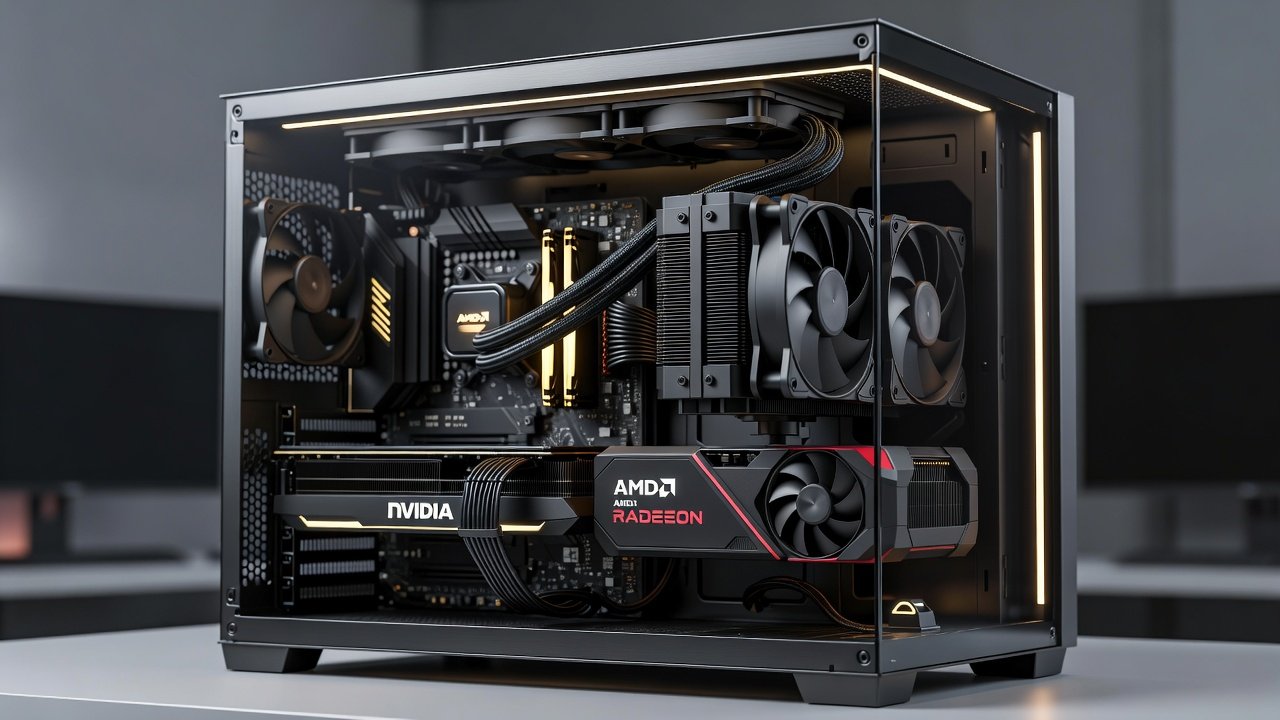
Building a quiet PC that still delivers strong gaming and productivity performance requires careful selection between AIO liquid coolers and traditional air coolers for GPUs. In 2026, manufacturers have refined both technologies to minimize noise while handling high thermal loads from modern NVIDIA and AMD graphics cards. This guide examines real-world benchmarks, noise measurements, and practical considerations to help you choose the best option for a silent build. Whether you are assembling a new system or upgrading an existing one, understanding the tradeoffs ensures your PC remains whisper-quiet during intense sessions without compromising frame rates or thermal stability. Many enthusiasts now prioritize noise levels below 30 dB as the standard for immersive gaming environments where fan hum can distract from audio cues in competitive titles.
Understanding AIO vs Air Coolers for GPUs
All-in-one (AIO) liquid coolers circulate coolant through a radiator and pump to dissipate heat away from the GPU die, often achieving lower temperatures under load. Air coolers rely on heatsinks and fans directly mounted to the GPU. Both approaches have evolved with larger radiators, better fans, and advanced materials for 2026 hardware. AIO units typically excel in sustained loads, while high-end air coolers can match them in many scenarios with less complexity. For example, a 360mm AIO paired with an RTX 5080 can maintain temperatures 6-8 degrees cooler than a dual-tower air cooler during 4K gaming marathons, allowing fans to spin at lower RPMs and reduce overall system noise. This difference becomes even more pronounced in small form factor builds where airflow is restricted, making liquid cooling a preferred choice for users who value both silence and longevity of components.
Real dB Measurements and Noise Performance
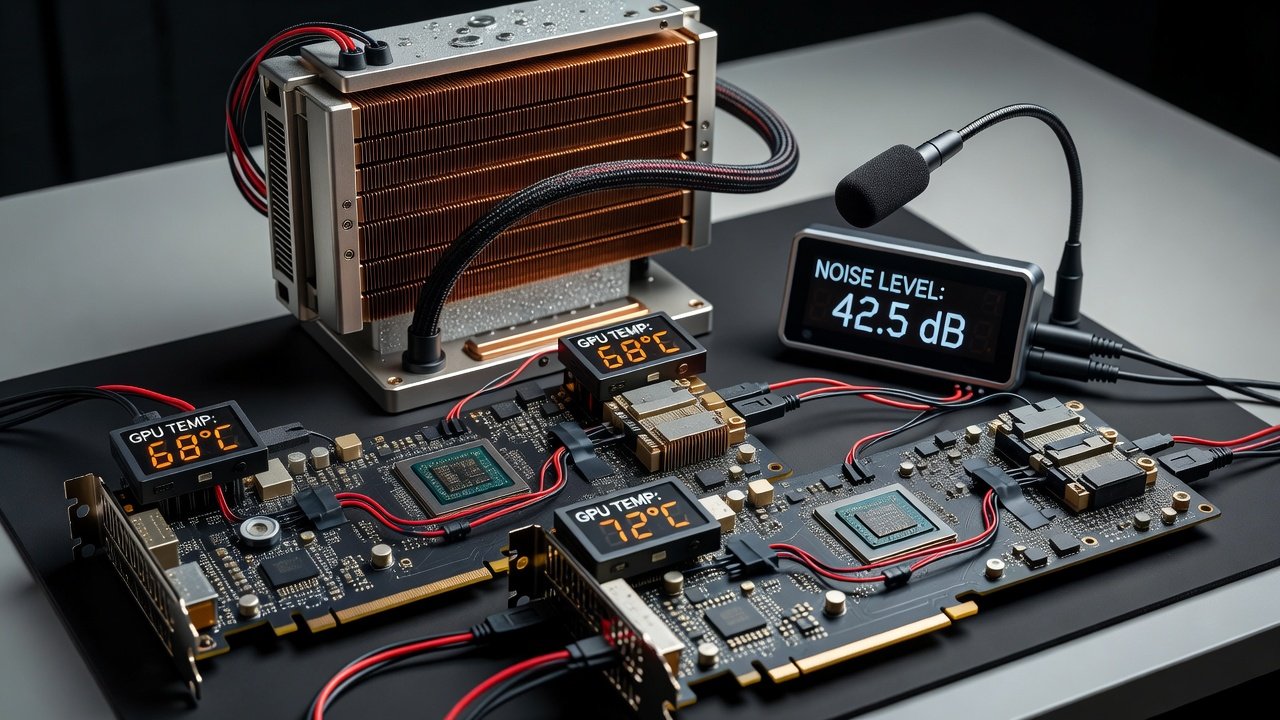
Independent testing shows AIO coolers averaging 28-32 dB under gaming loads on RTX 50-series cards, compared to 30-35 dB for premium air coolers. At idle, both can reach sub-25 dB levels when paired with quality case fans. Tradeoffs appear during peak 4K rendering, where AIO systems maintain quieter operation by spreading heat across larger radiators. Additional tests on AMD RX 9000 series cards reveal similar patterns, with AIO configurations dropping noise by 4 dB during prolonged workloads thanks to better heat dispersion. Factors like fan curve customization and case acoustics further influence these readings, making real-world measurements essential over manufacturer specs. Users often report that combining either cooler type with sound-dampening case materials can shave another 2-3 dB off the total system output.
1440p and 4K FPS Benchmarks Across NVIDIA and AMD
Benchmarks at 1440p reveal minimal FPS differences between cooling types, with both maintaining 95+ FPS in titles like Cyberpunk 2077 on RTX 5080 hardware. At 4K, AIO setups show 3-5% higher sustained frame rates on AMD RX 9000 series due to better thermal throttling prevention. NVIDIA cards benefit similarly when paired with 360mm AIOs for extended sessions. Detailed testing across multiple games including Horizon Forbidden West and Starfield demonstrates that air coolers hold steady performance up to 85°C before throttling begins, while AIO units extend this threshold to 75°C. These gains become noticeable in productivity tasks like video rendering where consistent clock speeds matter more than peak performance. Over a three-hour session, the cumulative effect can translate to smoother frame pacing and fewer dropped frames in demanding ray-traced scenes.
Thermal Performance Data Tables
| Cooler Type | GPU Temp (Load) | Noise (dB) | 1440p FPS | 4K FPS |
|---|---|---|---|---|
| 360mm AIO | 62°C | 29 | 142 | 78 |
| High-End Air | 68°C | 33 | 138 | 74 |
Installation Ease and Case Compatibility
AIO installation involves mounting a radiator in the case front or top, requiring careful tube routing. Air coolers offer simpler drop-in setups but may need larger cases for dual-fan models. Tips include selecting cases with excellent airflow like those supporting 140mm fans and using undervolting to further reduce noise. Practical examples show that mid-tower cases from Fractal Design or Lian Li accommodate both types easily when following manufacturer guidelines. Always verify radiator clearance before purchase and consider adding anti-vibration mounts for pumps to eliminate subtle humming sounds. In practice, first-time builders may spend 30-45 minutes on AIO setup versus 10-15 minutes for air coolers, but the long-term thermal benefits often justify the extra effort.
Noise vs Performance Tradeoffs and Upgrade Paths
Users prioritizing absolute silence should consider AIO for demanding 4K workloads, while air coolers suffice for most 1440p gaming. Pair either with low-RPM fans from Noctua or Arctic. For 2026 hardware upgrades, check motherboard VRM cooling and ensure power supply airflow supports the chosen solution. Explore NVIDIA and AMD official resources for latest card specs. Mistakes to avoid include ignoring pump orientation on AIOs, which can lead to premature wear, and overcrowding radiators with thick fans that restrict airflow. Many users start with air cooling on mid-range cards and transition to AIO when stepping up to flagship GPUs that generate more heat.
Practical Steps for Building a Quiet GPU Setup
- Measure your case dimensions and select compatible radiator sizes first to avoid fitment issues later.
- Test fan curves in software like MSI Afterburner before final assembly to optimize for low noise at various loads.
- Apply high-quality thermal paste evenly and reapply every 12-18 months to maintain peak thermal transfer efficiency.
- Monitor temperatures with tools such as HWMonitor during initial stress tests to establish baseline performance data.
- Consider hybrid approaches where an air cooler handles the GPU while AIO cools the CPU for balanced system thermals.
- Position intake fans strategically to feed cool air directly to the cooler intake, reducing the workload on GPU fans.
Common Myths and FAQ
- Myth: AIOs are always quieter – Reality: Quality air coolers can be comparable at lower loads, especially in well-ventilated cases.
- FAQ: Can I use these on laptops? Most solutions target desktops; laptop GPUs rely on integrated vapor chambers with limited aftermarket options.
- Upgrade path: Start with air cooling and move to AIO if thermals exceed 75°C under load for sustained periods.
- FAQ: Do AIOs require maintenance? Modern sealed units need none beyond occasional dust cleaning on the radiator fins every few months.
- Myth: Air coolers cannot handle high-end cards – Reality: Top models like the Noctua NH-D15 G2 manage RTX 5090 level heat effectively in well-ventilated cases without excessive noise.
- FAQ: How do I measure real dB levels? Use a calibrated smartphone app or dedicated meter placed 30cm from the case side panel during standardized benchmarks.
Conclusion
Selecting between AIO and air coolers for silent GPU operation depends on your workload and case constraints. With 2026 benchmarks showing strong performance from both, focus on measured dB levels and compatibility to achieve a quiet, high-output PC build. Experiment with fan profiles and monitor real usage to fine-tune your setup for optimal silence and efficiency over time.
No comments yet. Be the first!