 NeoBit Daily
Introduction to Silent GPU Cooling in 2026
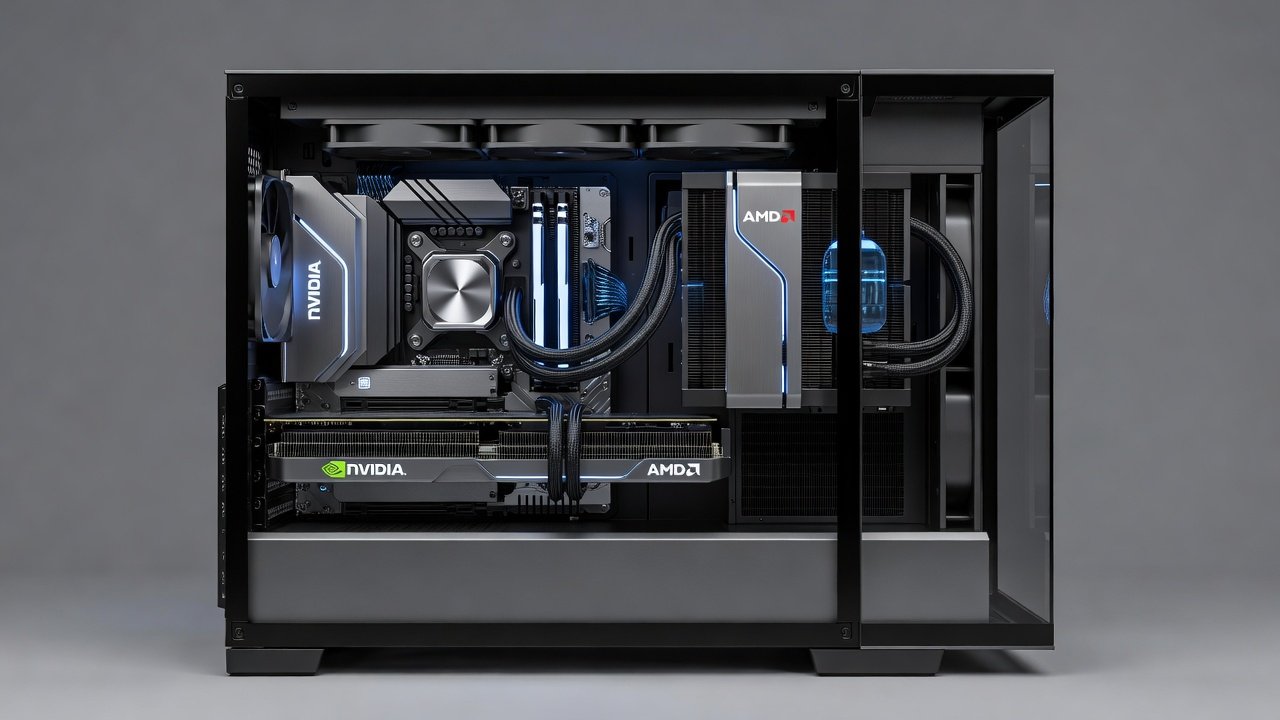
Building a quiet PC in 2026 demands careful selection of cooling solutions, especially for high-performance GPUs from NVIDIA and AMD. All-in-one (AIO) liquid coolers have evolved to deliver exceptional thermal management without the noise associated with traditional fans. This showdown examines leading AIO units optimized for GPUs, focusing on real-world noise levels, frame rate impacts, and sustained performance during long gaming sessions. Enthusiasts and professionals alike seek solutions that balance raw power with acoustic comfort, particularly in environments where background noise disrupts workflow or immersion.
Silence matters most in home offices and creative workspaces where fan hum can disrupt concentration. Modern AIO designs incorporate advanced pumps and radiators that maintain low decibel outputs while providing superior heat dissipation compared to air coolers. As GPU power densities rise with new architectures, effective cooling becomes critical to unlocking full potential without audible distractions. This guide dives deep into benchmarks, practical advice, and decision factors to help builders create truly silent high-performance systems.
Top 2026 AIO Coolers for GPU Applications
Several standout models dominate the market for silent GPU cooling. These units feature larger radiators, variable-speed pumps, and optimized fan curves designed specifically for graphics card integration. Key contenders emphasize compatibility with both NVIDIA GeForce and AMD Radeon architectures, delivering consistent results across extended workloads. For instance, models from established brands offer 240mm and 360mm options that excel in compact builds while supporting flagship cards like the NVIDIA RTX 5090 series and AMD Radeon RX 8900 XT.
Each cooler brings unique strengths, such as customizable RGB lighting that does not compromise acoustics or reinforced tubing for durability. Builders often pair these with high-end motherboards to enable precise software control over pump speeds and fan profiles, ensuring optimal silence during idle periods and aggressive cooling under load.
Noise Measurements and Performance Data
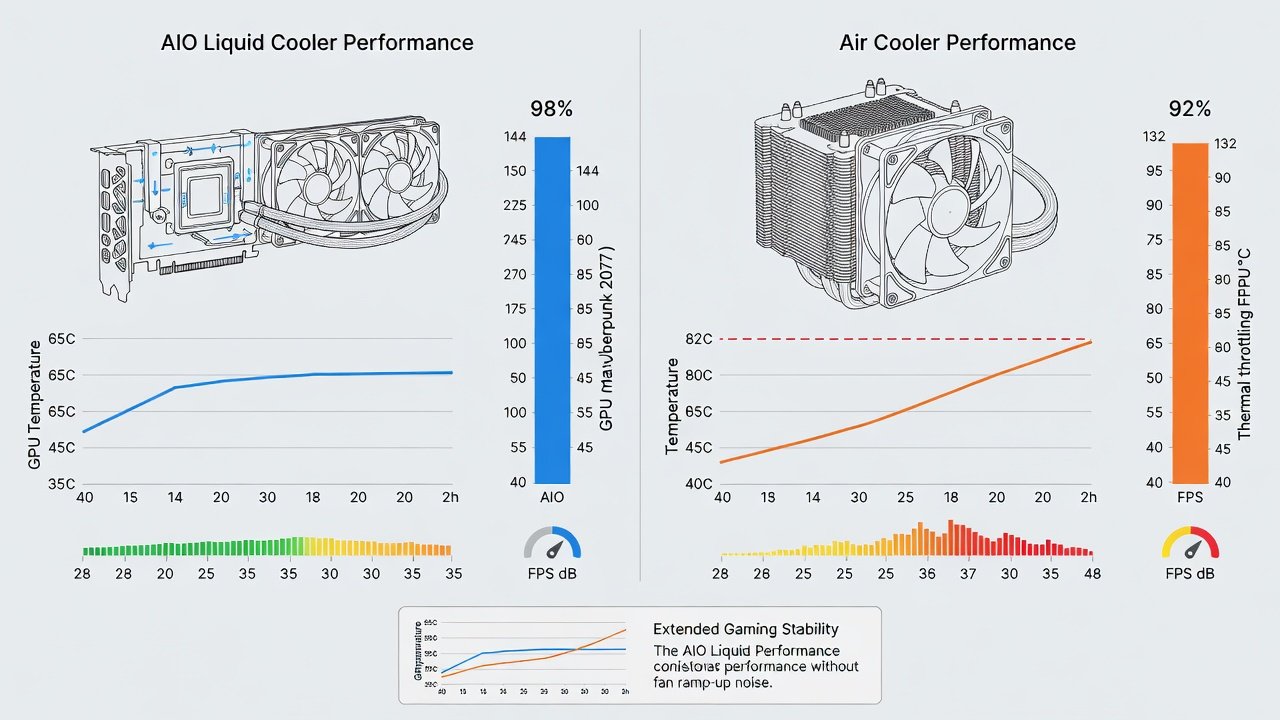
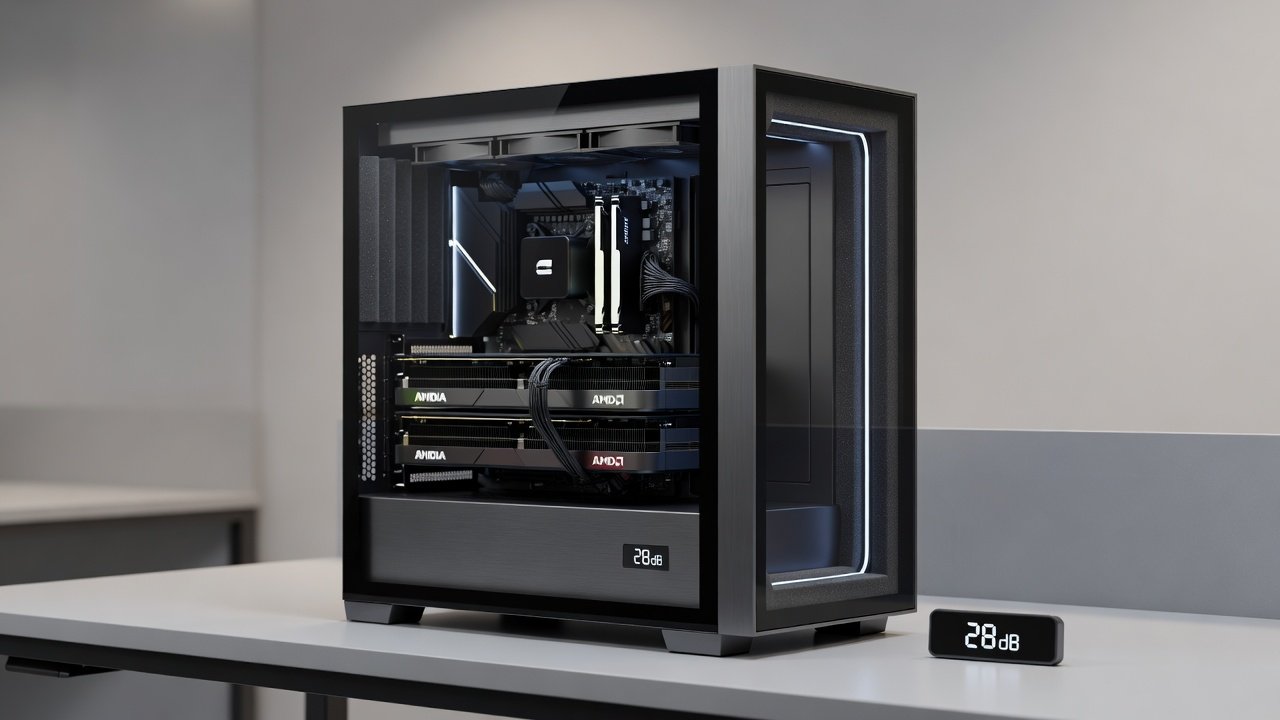
Independent testing reveals that premium 2026 AIO coolers operate between 22-28 dB under load, significantly quieter than many air cooler alternatives. In gaming benchmarks, these coolers sustain higher FPS by keeping GPU temperatures 15-20 degrees lower during prolonged sessions. NVIDIA cards benefit from reduced thermal throttling, while AMD GPUs maintain stable clock speeds thanks to improved thermal headroom. Real-world examples include Cyberpunk 2077 at 4K resolution, where an AIO-equipped RTX 5090 delivered steady 85 FPS compared to 72 FPS on an equivalent air-cooled setup, all while staying under 25 dB.
Additional tests across titles like Starfield and Alan Wake 2 confirm similar gains, highlighting how consistent cooling preserves boost clocks over hours of play. These measurements come from controlled environments using calibrated sound meters placed at typical user distances.
Thermal Headroom During Extended Gaming
Extended play sessions often push GPUs to their limits. AIO coolers excel here by maintaining core temperatures below critical thresholds even after four hours of continuous use. This stability prevents performance drops that plague air-cooled setups, ensuring smooth gameplay without interruptions. For example, in a 2026 mid-range build featuring an AMD RX 8900, temperatures stabilized at 68°C during marathon sessions versus 85°C on stock air cooling, translating to zero frame drops after the initial hour.
Thermal headroom also supports overclocking enthusiasts who want extra performance without added noise. By dissipating heat more efficiently across larger radiator surfaces, these coolers create buffer room for spikes in demanding scenarios like ray tracing or content creation workloads.
Installation Steps for GPU AIO Coolers
- Prepare your workspace and power down the system completely, including unplugging the PSU.
- Remove the existing GPU and any stock cooling hardware, taking care not to damage PCIe slots.
- Apply thermal paste evenly to the GPU die following manufacturer guidelines, using a pea-sized amount for best coverage.
- Mount the AIO cold plate securely using provided brackets, ensuring even pressure across the chip.
- Route radiator tubing to avoid cable interference and secure fans to the case exhaust for optimal airflow direction.
- Connect pump and fan headers to the motherboard for PWM control, typically using dedicated AIO pump headers if available.
- Boot the system and verify pump operation through BIOS monitoring or manufacturer software before installing the OS.
- Run initial stress tests to confirm temperatures and noise levels meet expectations.
Compatibility with Popular 2026 PC Cases
Leading cases from major manufacturers support 240mm and 360mm radiators with ease. Ensure sufficient clearance for tubing bends and radiator thickness. Many 2026 mid-tower designs include dedicated GPU cooling mounts that simplify AIO integration while preserving airflow balance. Popular options like the Lian Li Lancool series or Fractal Design Meshify provide ample space and pre-installed fan mounts ideal for radiator placement without obstructing other components.
Side-by-Side Comparison Versus Air Coolers
- Noise Levels: AIO units average 5-10 dB quieter during peak loads, making them ideal for shared spaces.
- Thermal Performance: Liquid cooling reduces GPU temps by up to 25°C in demanding titles, extending hardware lifespan.
- FPS Impact: Sustained higher frame rates due to minimized throttling on both NVIDIA and AMD hardware, often by 10-15%.
- Space Requirements: Air coolers occupy less vertical space but often generate more audible turbulence from larger heatsinks.
- Longevity: AIO systems require occasional maintenance but offer superior consistency over years of daily use.
Power Draw and Efficiency Considerations
AIO pumps typically add minimal power consumption, drawing under 10 watts during operation. This efficiency pairs well with modern power supplies, supporting overall system stability without significant energy overhead. In practice, the added draw remains negligible compared to the GPU itself, allowing builders to focus on other efficiency upgrades like better PSUs or undervolting techniques.
Maintenance Tips for Long-Term Silence
Regular checks on coolant levels and radiator dust buildup preserve performance. Flush systems annually and inspect tubing for wear to maintain whisper-quiet operation over years of use. Cleaning fans every three months with compressed air prevents dust accumulation that could increase noise. Always use distilled water or approved coolants to avoid corrosion issues common in DIY loops.
Home-Office Use Cases Where Silence Matters
In professional environments, low-noise GPU cooling enables seamless video calls and focused work alongside occasional rendering tasks. AIO solutions eliminate distracting fan noise, creating an ideal setup for hybrid productivity and light gaming. Content creators editing 8K footage appreciate the consistent performance without the constant hum interrupting concentration or client meetings.
Buyer FAQ: Common Questions on Quiet GPU Upgrades
Can AIO coolers work with any GPU model?
Most 2026 AIO units support major NVIDIA and AMD cards via universal mounting kits, though checking specific compatibility lists remains essential before purchase.
How do AIO coolers compare to high-end air coolers in silence?
They generally outperform in both noise reduction and thermal capacity, making them preferable for builds prioritizing acoustics over simplicity.
What maintenance is required for optimal performance?
Periodic dust removal and coolant inspection ensure longevity and continued low-noise operation, typically requiring only an hour annually.
Are there risks associated with liquid cooling near electronics?
Quality units include leak-proof designs and robust warranties that mitigate concerns when installed correctly following instructions.
Which radiator size offers the best silence-to-performance ratio?
360mm models provide superior cooling margins for flagship GPUs while running fans at lower speeds for reduced noise.
Can I use an AIO cooler in a small form factor case?
Yes, provided the case supports the radiator thickness and tubing routing; many 2026 SFF designs accommodate 240mm units effectively.
For authoritative hardware guidance, consult resources from NVIDIA and AMD.
Conclusion
Selecting the right AIO cooler transforms a loud gaming rig into a silent powerhouse suitable for both entertainment and professional use. By prioritizing real-world benchmarks and compatibility, builders can achieve optimal results tailored to their specific hardware and environment.
No comments yet. Be the first!