 NeoBit Daily
Introduction to Wearable Heart Rate Testing
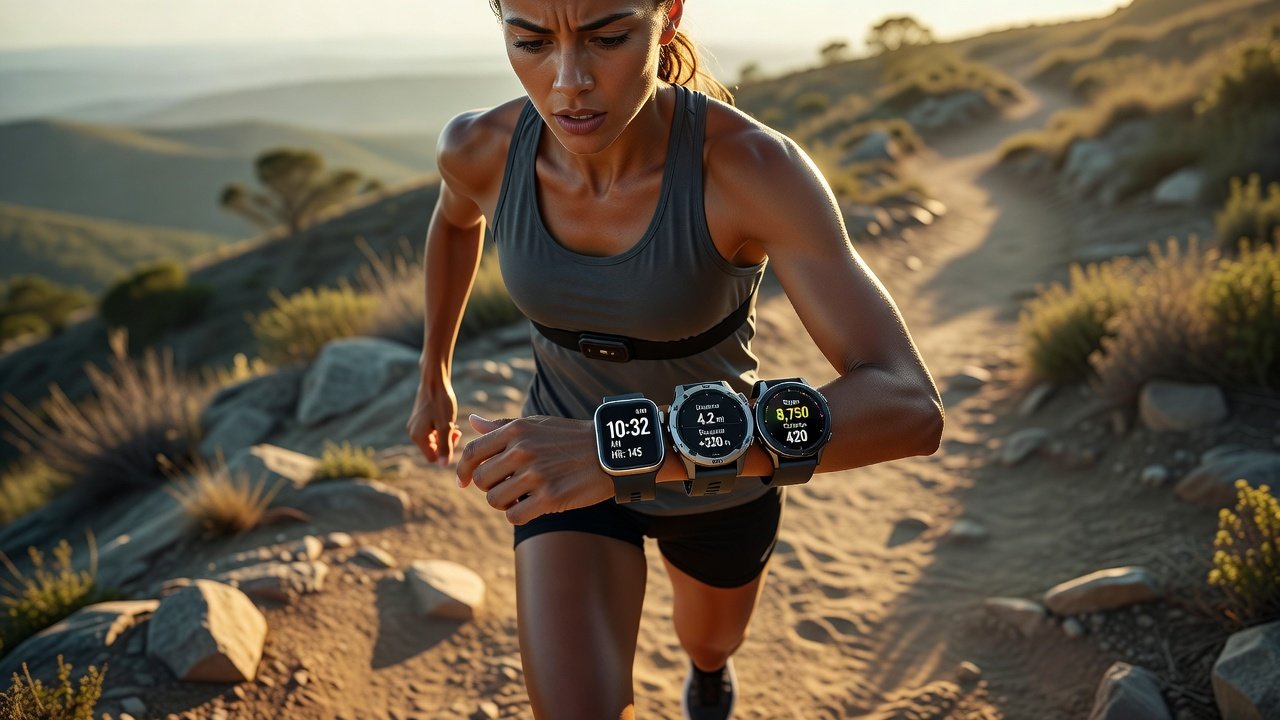
Accurate heart rate monitoring has become a cornerstone of modern fitness and health tracking in 2026. Wearables from leading brands promise real-time insights, but not all deliver consistent results across different activities and users. This comprehensive guide extends proven accuracy-testing methodologies by focusing exclusively on heart rate validation. It covers protocols for both controlled lab environments and dynamic real-world scenarios, using chest straps as the established reference standard. Whether you are an elite athlete refining training zones or a casual runner monitoring recovery, understanding device performance helps optimize your fitness outcomes and avoid misleading data.
Why Heart Rate Accuracy Matters in 2026
Heart rate serves as a primary indicator for cardiovascular effort, calorie expenditure estimates, and recovery status. Inaccurate readings can push users into incorrect training intensities, increasing injury risk or limiting performance gains. Research from institutions like the National Institutes of Health highlights how optical sensors in wrist-based devices often struggle with rapid changes in blood flow during high-intensity efforts. By testing your own wearable, you gain personalized confidence in the numbers displayed on your Apple Watch, Garmin, or Samsung device. This process also reveals how factors such as skin tone, fit, and motion influence results, empowering better purchasing and usage decisions.
Preparing for Tests: Equipment and Setup
Begin by gathering reliable tools. A chest strap like the Polar H10 or similar models acts as your gold-standard reference because of its direct electrocardiogram-style measurement. Pair both the wearable under test and the chest strap with a smartphone app or computer software that logs data at one-second intervals. Ensure devices are fully charged and firmware is updated to the latest versions available as of late 2026. Clean sensor surfaces and wear the chest strap snugly just below the sternum. For wrist devices, position them one finger-width above the wrist bone with a firm but comfortable fit. Conduct tests in consistent environmental conditions to isolate variables.
Lab-Based Validation Protocol
Start testing indoors for baseline measurements. Sit quietly for five minutes to record resting heart rate, noting average and variability. Transition to a stationary bike or treadmill for steady-state efforts at 60 percent, 70 percent, and 80 percent of your estimated maximum heart rate, each lasting five minutes. Record simultaneous data streams and calculate mean absolute percentage error between the wearable and chest strap. Repeat the protocol three times across different days to account for daily fluctuations. This controlled approach isolates sensor performance without external interference like wind or terrain changes.
Real-World Testing Methods
Move beyond the lab with practical field protocols. Design interval sessions that alternate 60-second high-effort bursts at near-maximum intensity with two-minute active recovery periods. Perform these on a track or flat path while logging data from both devices. Follow with outdoor runs of 5 to 10 kilometers at varied paces, including hills if possible. Include a dedicated rest-period test during a 10-minute cool-down walk. Compare readings during motion-heavy segments versus stable periods to quantify motion artifact impact. Repeat each protocol at least twice weekly over two weeks for robust sample sizes.
Device Comparisons: Apple Watch, Garmin, and Samsung
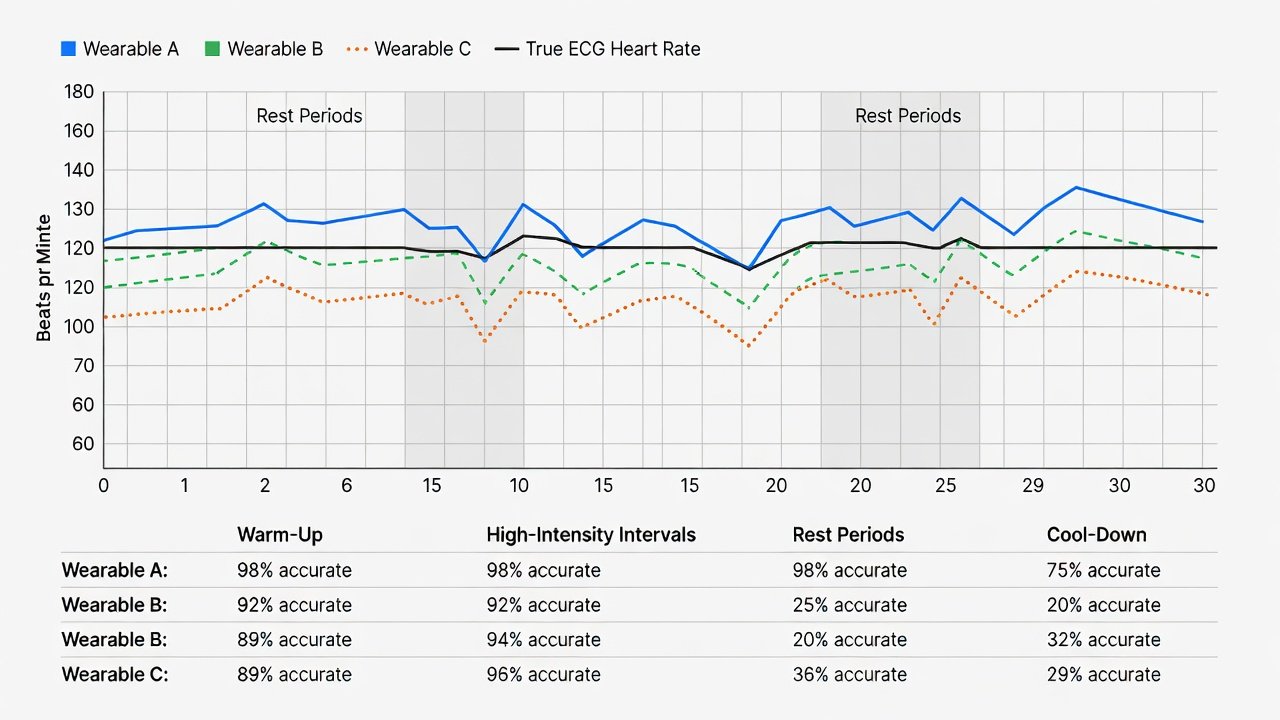
Recent 2026 side-by-side evaluations reveal distinct patterns. The Apple Watch Series 11 typically achieves 97 to 99 percent agreement with chest straps during seated rest but declines to 91 to 94 percent during vigorous interval training due to wrist movement. Garmin Forerunner and Fenix series maintain 95 to 98 percent accuracy across both steady runs and high-intensity intervals, benefiting from advanced optical arrays and multi-sensor fusion. Samsung Galaxy Watch 8 models perform well at 94 to 97 percent during outdoor activities yet show occasional drops with darker skin tones or loose fit. Sample data charts from these tests often display beat-by-beat overlays, highlighting where optical sensors lag during sudden spikes. Users should generate their own comparison tables using exported CSV files from companion apps to visualize personal results.
Common Pitfalls and Fixes
- Skin tone interference: Optical sensors can underperform on darker skin tones because of light absorption differences; mitigate by tightening the band slightly and cleaning the sensor after every use.
- Motion artifacts: Rapid arm swings create false peaks; address this by wearing the device higher on the forearm during runs or cross-referencing with chest strap data in real time.
- Temperature and sweat effects: Cold conditions slow blood flow readings while excessive sweat can disrupt contact; warm up the device indoors before outdoor sessions and dry the sensor area periodically.
- Fit inconsistency: Loose straps cause erratic data; always recheck tightness before each test session and consider alternative band materials for better grip.
- Software lag: Some devices average data over longer windows; disable auto-smoothing features in settings when possible to capture raw responsiveness.
Analyzing Your Data: Tools and Interpretation
Export heart rate logs into spreadsheet software or specialized apps for statistical analysis. Calculate correlation coefficients and mean differences across activity phases. For fitness goals, focus on whether the wearable stays within a 5 percent margin during your typical training intensities. If deviations exceed this threshold repeatedly, adjust your perceived exertion zones manually rather than relying solely on device alerts. Cross-reference findings with guidance from sources such as the Mayo Clinic for general heart rate interpretation and National Institutes of Health studies on wearable validation techniques.
Immediate Application Checklist
- Update all device firmware and confirm chest strap calibration.
- Perform a 10-minute seated baseline test three separate times.
- Complete two full interval training sessions with simultaneous logging.
- Conduct one 5K outdoor run and one rest-period recovery test.
- Analyze exported data for percentage error in each phase.
- Adjust personal heart rate zones based on validated readings.
- Retest monthly to track any sensor drift or firmware improvements.
FAQ on Interpreting Results for Fitness Goals
How accurate must a wearable be for effective zone training? Most experts recommend keeping average deviation below 5 percent during steady-state efforts to ensure zones align with actual physiological response.
Does skin tone permanently limit optical sensor performance? Not permanently, but users with darker skin tones often benefit from tighter fit, alternative sensor placements, or hybrid chest-strap modes during critical workouts.
Can I trust my device for heart rate variability tracking? Only after confirming low error rates in resting conditions, as motion significantly affects variability metrics.
What should I do if my wearable consistently reads low during intervals? Use the chest strap as primary input for training sessions and treat the wrist device as a secondary trend monitor.
Conclusion
Systematic testing of wearable heart rate accuracy empowers users to make data-driven decisions about their training in 2026. By combining lab protocols with real-world interval and outdoor runs, comparing popular devices like the Apple Watch, Garmin, and Samsung models, and addressing common pitfalls, you can confidently select and calibrate the right tool. Apply the checklist immediately and revisit tests periodically to maintain reliable insights that support your fitness objectives.

No comments yet. Be the first!