 NeoBit Daily
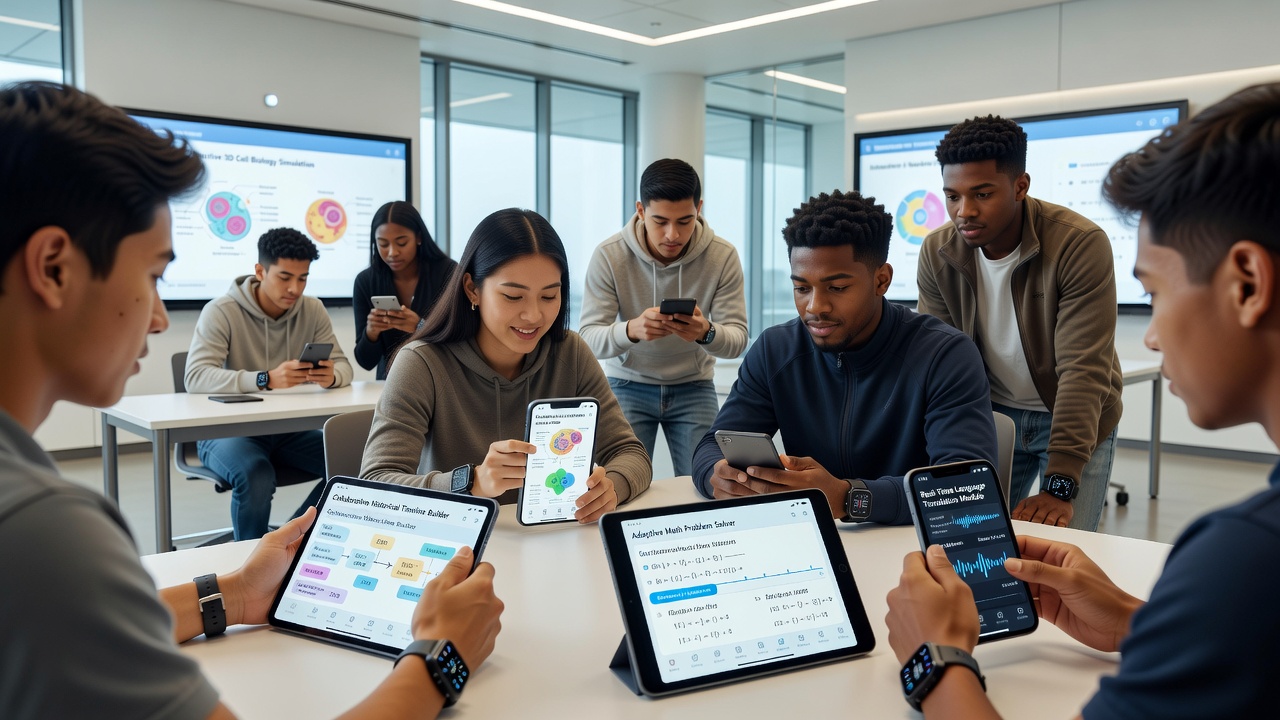
Introduction to Student Gadgets in 2026
Choosing the right smartphone or wearable for learning can transform how students manage notes, maintain focus, and stay connected to educational tools. This comprehensive guide examines devices optimized for classroom and study use, helping parents and students make informed decisions based on real features like app integration, endurance during long sessions, and accessibility options. In 2026, education technology has advanced to support hybrid learning environments where devices must handle everything from virtual lectures to collaborative projects without compromising on performance or battery efficiency.
Parents often seek gadgets that balance affordability with robust functionality, ensuring devices last through multiple school years while supporting growing students. This article dives deep into essential features, budget comparisons, practical testing examples, and setup instructions to provide actionable insights for selecting the best tools.
Essential Features for Educational Use
Modern gadgets prioritize productivity through specialized capabilities. Key aspects include robust note-taking applications that convert handwriting to text, AI-driven focus tracking to minimize distractions during study periods, extended battery performance for all-day classes and extracurricular activities, and seamless syncing with platforms such as Google Classroom or Microsoft Teams. These features collectively reduce the need for multiple devices and streamline daily academic routines.
Note-Taking and Productivity Apps
Devices with stylus support or advanced keyboards excel in capturing ideas quickly. For instance, integration with apps like Notability or OneNote allows handwritten notes to convert to searchable text instantly, enabling students to organize lecture materials efficiently. Real examples include using split-screen modes to reference textbooks while jotting down summaries, which has proven effective in subjects like history and science where detailed annotations enhance retention.
Focus Tracking and Battery Life
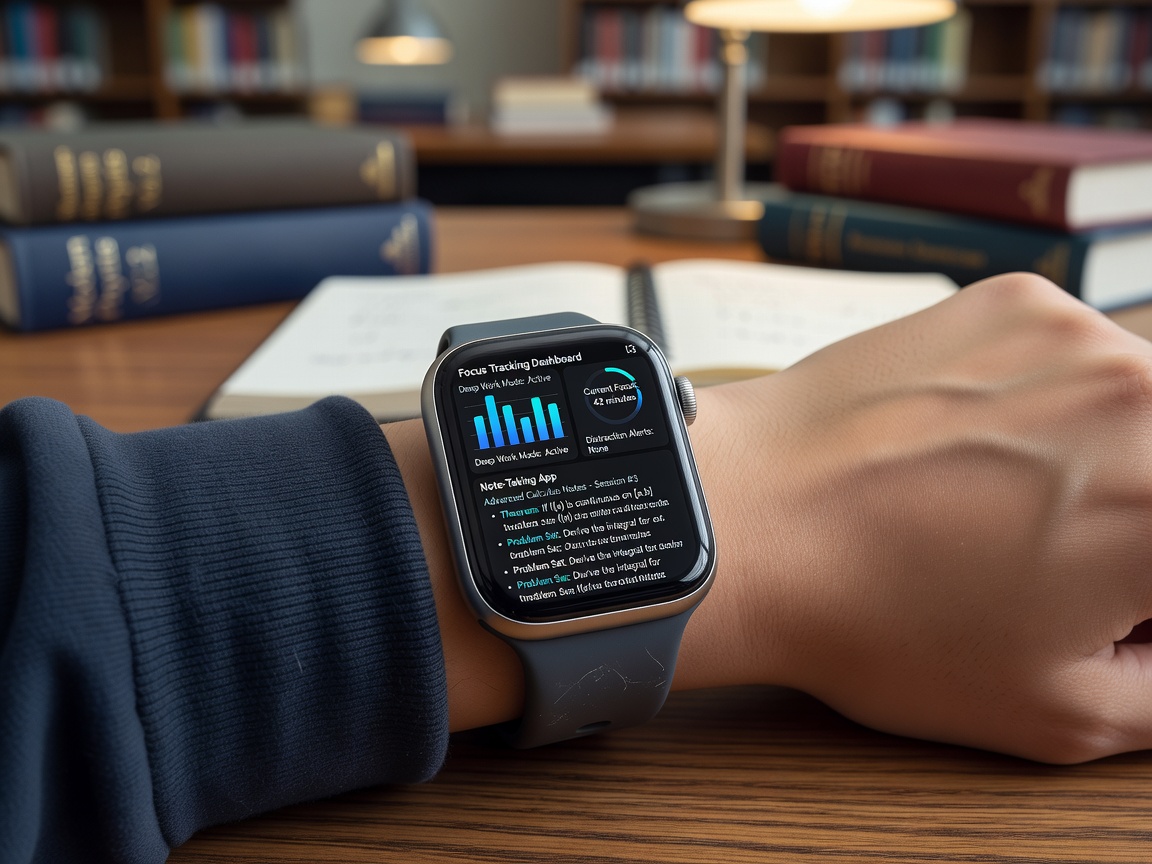
Wearables often include heart-rate monitoring paired with productivity scores that alert users when attention wanes. Smartphones offer customizable modes that limit notifications during study hours, promoting better concentration. Battery life should sustain 10 or more hours of mixed use including video calls, app switching, and background syncing without frequent charging, which is critical for students with packed schedules from morning classes to evening homework sessions.
Seamless Integration with Learning Platforms
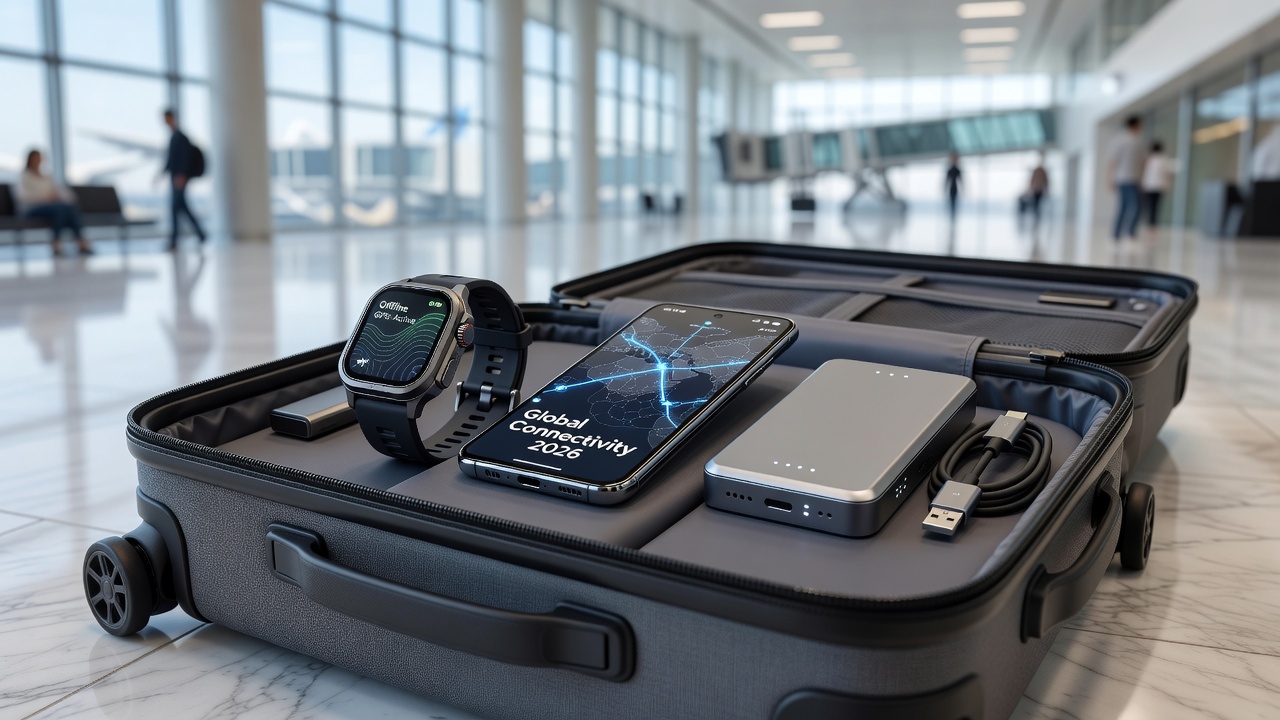
Top devices support automatic backups and cross-device continuity. Students can start an assignment on a smartphone during commute and finish it on a paired wearable or tablet at home. This interoperability reduces friction and supports consistent learning progress across environments.
Smartphone Comparisons Across Budgets
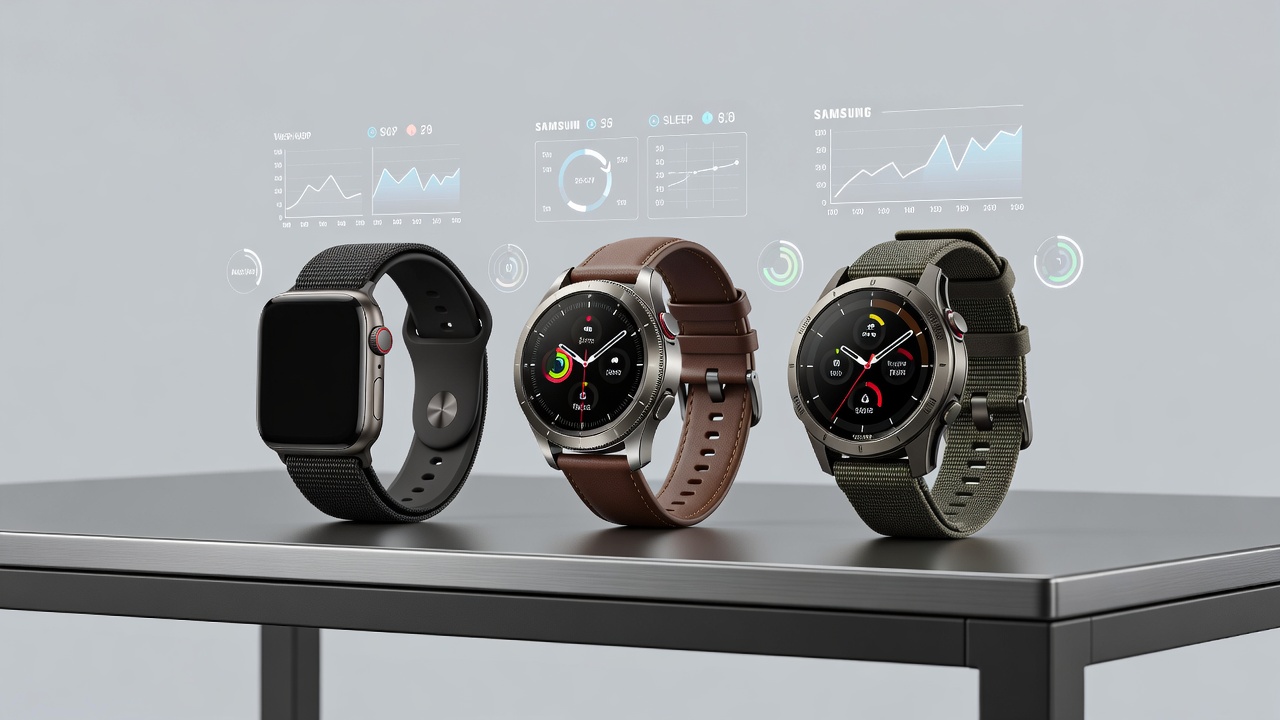
Entry-level options suit basic needs with reliable app ecosystems and sufficient processing power for core educational tasks. Mid-range devices balance performance and cost effectively for most families by offering better cameras for document scanning and longer software support. Premium models add advanced multitasking capabilities and superior displays ideal for extended reading or virtual labs.
Real-World Classroom Testing Examples
In simulated high-school environments, devices were tested during lectures for quick app switching and note synchronization. Results showed strong performers maintained connectivity without lag even on crowded school networks. Another scenario involved college-level group projects where wearables provided silent reminders for deadlines while smartphones handled file sharing, demonstrating how combined use improves collaboration without disrupting focus.
Wearable Options for Students
Smartwatches and fitness bands extend smartphone capabilities with glanceable alerts for assignments and silent timers for timed study techniques like the Pomodoro method. These devices track physical activity to encourage breaks that combat sedentary study habits, while also monitoring sleep patterns to promote healthier routines that indirectly boost academic performance.
Step-by-Step Setup Tips
Setting up devices for optimal educational use involves several practical steps. First, install education apps from official stores and enable sync features to ensure data flows between phone, watch, and cloud services. Second, configure focus modes to align with school schedules by creating custom profiles that silence non-essential alerts during class times. Third, pair wearables via Bluetooth and test notification filters to allow only calendar or assignment updates. Fourth, enable accessibility options such as voice commands or high-contrast displays to accommodate individual learning needs. Finally, review privacy settings and activate parental controls where appropriate to safeguard young users.
Accessibility Features and Value Considerations
Look for screen readers, adjustable text sizes, color-blind modes, and voice-over capabilities to support diverse learners including those with visual or motor impairments. Value comes from longevity, regular software updates, and ecosystem compatibility rather than raw specs alone. Devices that receive multi-year support ensure continued access to security patches and new educational app features throughout a student's academic journey.
Pros, Cons, and Mistakes to Avoid
- Pros include enhanced organization through centralized apps, reduced device switching that saves time, and better time management via built-in reminders and analytics.
- Cons may involve potential for overuse leading to screen fatigue or dependency on reliable internet connections that can fail in remote areas.
Common mistakes include ignoring warranty coverage for accidental damage common in student life or overlooking data encryption settings that protect sensitive academic and personal information. Always test devices in real scenarios before committing to a purchase.
Durability and Data Privacy for Young Users
Durability matters greatly as gadgets endure daily transport in backpacks and occasional drops. Many models feature reinforced frames and optional cases rated for typical student mishaps. Data privacy remains paramount; devices should support robust parental controls and comply with established standards. For more on secure ecosystems, refer to resources from Apple and Google that detail family sharing and content restrictions. Additionally, Microsoft provides guidance on protecting student data within educational apps.
FAQ
How durable are these gadgets for daily student use?
Most modern options include reinforced builds and cases rated for drops from desk height; always check IP ratings for water resistance and consider extended warranties for added peace of mind during active school years.
What about data privacy for young users?
Devices should support parental controls and comply with standards from sources like Apple and Google, allowing restricted data sharing and easy management of permissions to protect minors effectively.
Can they integrate with all learning platforms?
Top models support major ones via APIs; test compatibility before purchase for niche school systems, and explore community forums for user-reported integration successes or workarounds.
Are focus tracking features accurate and helpful?
AI-based tracking provides useful insights but should be used as guides rather than strict metrics; combine with personal reflection for best results in building study habits.
Ultimately, selecting gadgets involves matching specific study habits to device strengths for maximum educational benefit and long-term value.
No comments yet. Be the first!