 NeoBit Daily
Introduction: Why Cybersecurity Matters More Than Ever for Digital Nomads in 2026
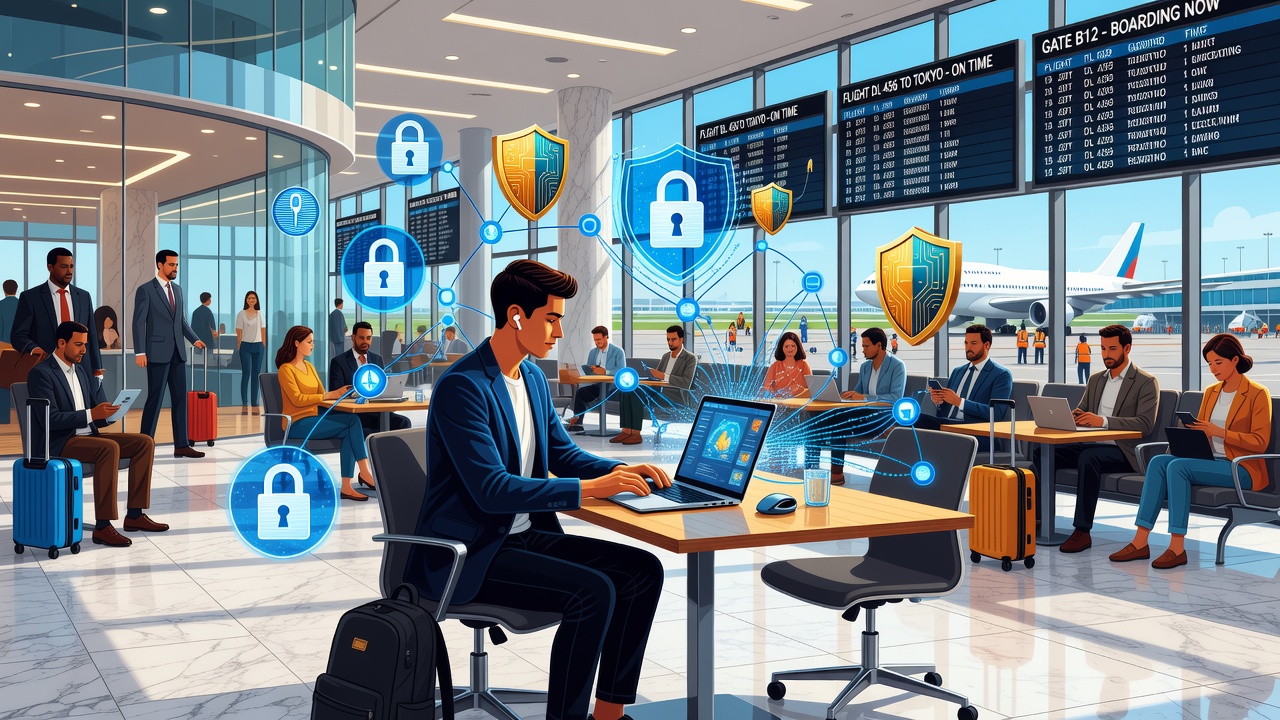
Digital nomads face unique cybersecurity challenges as they work across borders on public networks. In 2026, rising threats like sophisticated phishing and location tracking make data privacy essential. This guide provides practical steps to stay secure without limiting mobility. Whether you are bouncing between coworking spaces in Bangkok or coffee shops in Lisbon, understanding these risks helps protect sensitive client files, personal communications, and financial details. The freedom of remote work comes with responsibilities, and proactive measures ensure you maintain productivity while minimizing exposure to hackers who specifically target travelers on the move.
Understanding the Risks of Cross-Border Work
Working from cafes, airports, and co-working spaces exposes devices to man-in-the-middle attacks and unsecured Wi-Fi. Location-based threats, including geo-targeted malware, have increased. Real-world examples show travelers losing access to accounts after using hotel networks. These incidents often start with simple oversights like connecting to networks that mimic legitimate ones. Cross-border data flows also raise compliance questions under various international regulations, making it vital to understand how your information moves between countries. Hackers exploit the transient nature of nomad lifestyles, knowing many users prioritize convenience over layered security protocols.
Secure Wi-Fi Usage: Best Practices and Advanced Tips
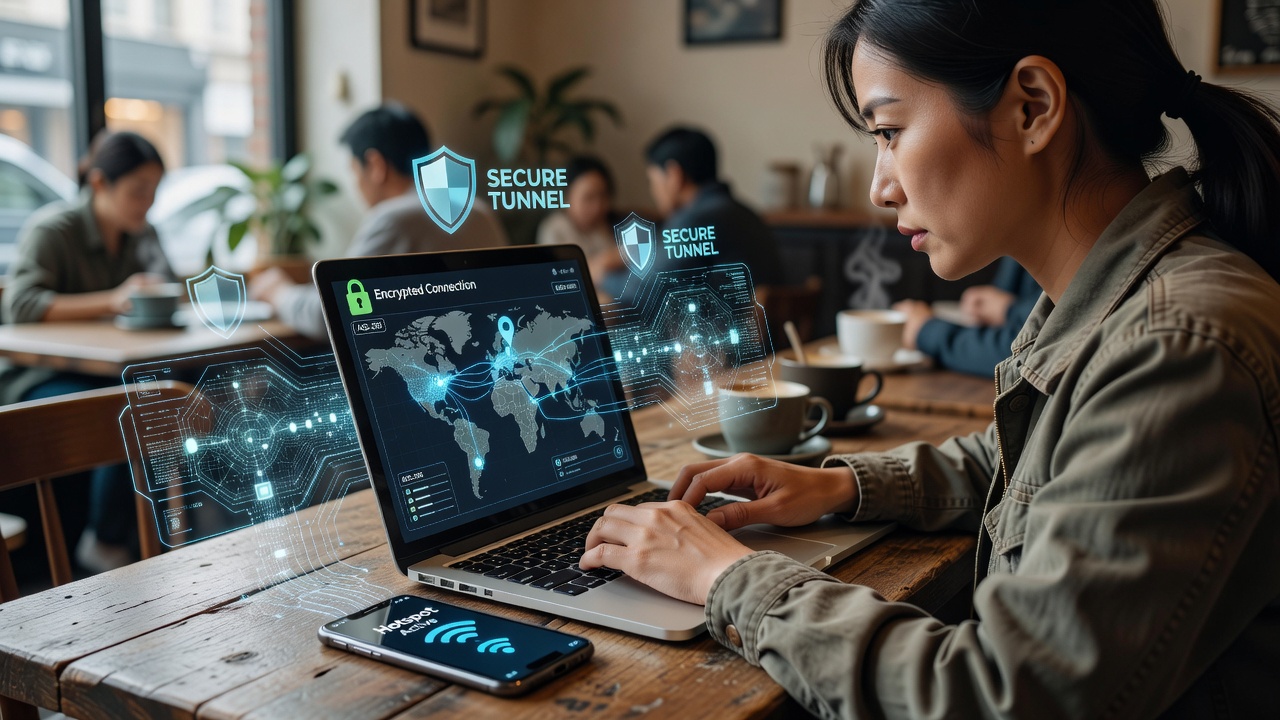
Always verify network names before connecting. Avoid open networks when possible. Use your phone as a hotspot with a strong password instead. Enable firewall settings on all devices and disable auto-connect features. For deeper protection, consider configuring your devices to forget networks after each session. In practice, this means manually selecting networks each time rather than allowing automatic joins that could route you to malicious access points. Many nomads also carry portable Wi-Fi devices pre-configured with enterprise-grade security settings for consistent protection across regions.
Step-by-Step VPN Setup for Travelers
Choose a no-logs VPN with servers in multiple countries. Download the official app from the provider's site. Enable the kill switch and always-on features. Test your IP address before and after connecting to confirm protection. CISA recommends VPNs for remote workers. Begin by researching providers that publish independent audits of their privacy policies. Install the application on every device you carry, including smartphones and tablets. Customize protocols such as WireGuard for speed or OpenVPN for maximum compatibility. Schedule periodic tests by visiting IP-checking websites to verify that your real location remains hidden. Advanced users create multiple profiles for different threat levels, switching between them based on network conditions.
Device Management Essentials
Keep operating systems and apps updated. Use full-disk encryption and biometric locks. Enable remote wipe capabilities. Separate work and personal profiles on phones and laptops. Establish a routine where you review installed applications weekly and remove anything unused. Encrypt external drives and USB sticks before travel. Consider hardware security keys for critical accounts to add a physical layer beyond software passwords. In one documented case, a nomad recovered a stolen laptop quickly because remote tracking was enabled and encryption prevented data extraction.
Avoiding Location-Based Threats
Turn off location services for non-essential apps. Use privacy browsers that block trackers. Consider tools that mask your digital footprint during travel. Location data can reveal travel patterns that criminals use to time physical or digital attacks. Browser extensions that strip metadata from files before upload provide additional safeguards. Many experienced nomads also use virtual machines for sensitive tasks, isolating work environments from the host operating system.
Privacy-Focused Apps: Comparisons and Recommendations
- Signal for messaging: End-to-end encryption with disappearing messages.
- Proton Mail for email: Zero-access encryption and Swiss privacy laws.
- Bitwarden for passwords: Open-source and cross-platform sync.
- Nextcloud for file storage: Self-hosted option for full control.
Compare these to mainstream apps that often share data with third parties. Test each tool during a trial period to ensure seamless integration with your workflow. For instance, combining a secure email service with an encrypted note-taking app creates a closed ecosystem resistant to common breaches.
Real-World Case Studies of Common Hacks
One freelancer lost client data after connecting to a fake airport Wi-Fi. Another had accounts compromised via public USB charging stations. These cases highlight the need for vigilance. A third example involved a photographer whose cloud storage was accessed because two-factor authentication was not enabled on a secondary email account. Learning from these stories encourages nomads to simulate attack scenarios during downtime, practicing rapid response procedures like account recovery steps.
Encrypting Communications and Backups
Beyond basic tools, implement end-to-end encrypted video calls and file transfers. Schedule automated encrypted backups to multiple locations. This redundancy protects against both cyber incidents and physical device loss. Review backup logs monthly to confirm successful transfers without errors.
Actionable Security Checklist for Nomads
- Install and configure a reputable VPN before travel.
- Enable two-factor authentication everywhere.
- Review app permissions monthly.
- Backup data to encrypted cloud services.
- Monitor accounts with services like Have I Been Pwned.
Frequently Asked Questions
How do I choose the right VPN in 2026?
Look for audited no-logs policies and fast global servers. Test speed and reliability on trial periods. Read user reports from fellow nomads on forums focused on remote work security.
Is public Wi-Fi ever safe?
Only with a VPN and caution. Prefer personal hotspots when possible. Always scan for nearby devices that might be attempting to intercept traffic.
What if my device is lost abroad?
Use remote tracking and wipe tools immediately. Keep offline backups of critical files. Notify banks and service providers of potential compromise right away.
How often should I update my security practices?
Review everything quarterly or after major travel milestones. Subscribe to official cybersecurity bulletins for timely alerts on emerging threats.
Conclusion: Balancing Mobility and Security
By following these 2026-specific strategies, digital nomads can protect their data while enjoying freedom. Start with VPN setup and regular updates for immediate improvements. Electronic Frontier Foundation offers additional resources on digital rights. Consistent habits turn potential vulnerabilities into manageable routines that support a sustainable nomadic lifestyle.


No comments yet. Be the first!