 NeoBit Daily
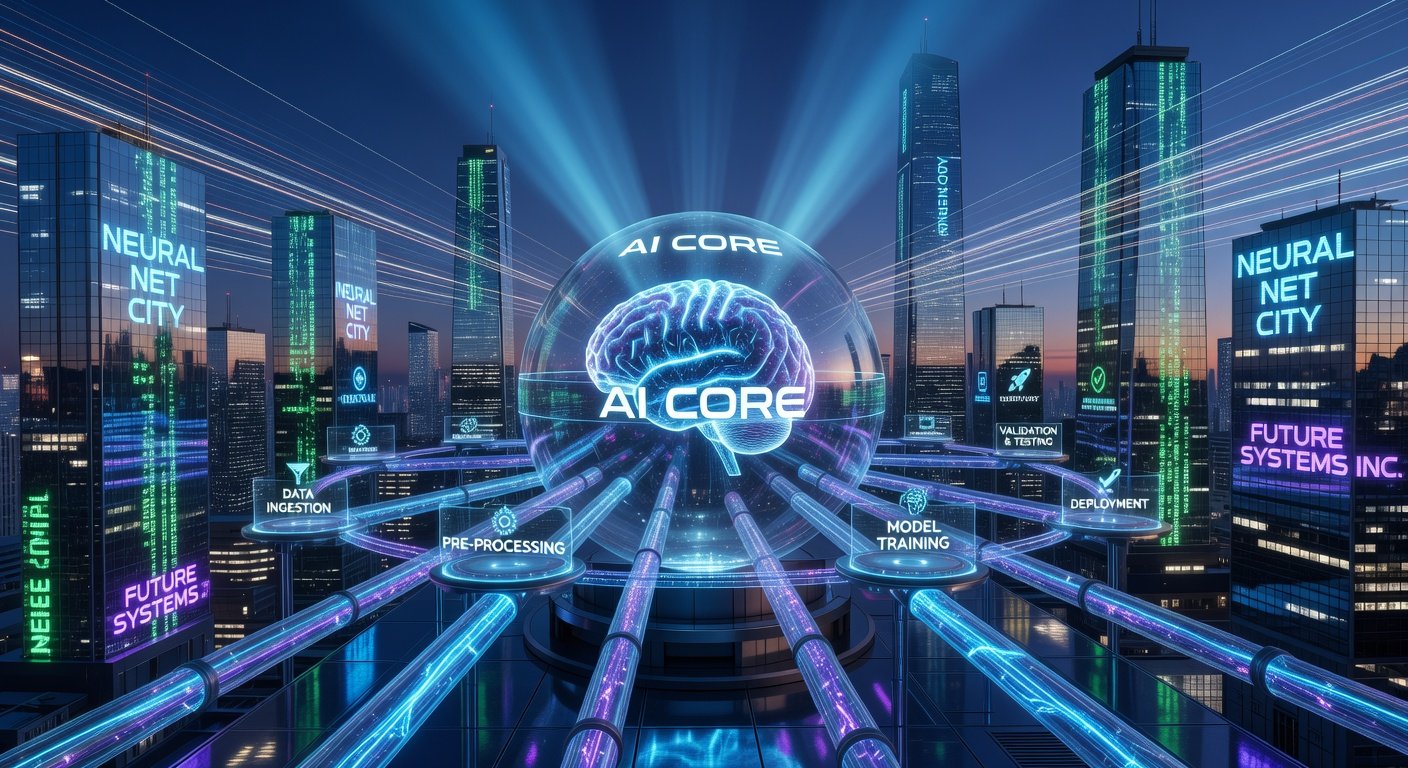
Revolutionizing Machine Learning with AI Tools in 2026
In the fast-evolving world of artificial intelligence, integrating cutting-edge AI tools into machine learning (ML) workflows is no longer optional—it's essential for staying competitive. As we head into 2026, developers and data scientists are leveraging automation, optimization, and intelligent assistants to slash training times and streamline deployments. This guide breaks down step-by-step methods, real-world applications, beginner-friendly tips, and advanced strategies to supercharge your ML projects.
Whether you're building predictive models for healthcare or optimizing supply chains, these techniques can reduce development cycles from weeks to days. Recent AI news highlights breakthroughs like AutoML platforms and neural architecture search (NAS) that make elite performance accessible to all.
Why Integrate AI Tools into ML Workflows?
Traditional ML pipelines involve manual feature engineering, hyperparameter tuning, and model selection—time sinks that slow innovation. AI tools automate these, enabling faster iteration and higher accuracy. Benefits include:
- Speed: Up to 10x faster training via distributed computing and smart sampling.
- Efficiency: Reduced resource needs with model compression and pruning.
- Scalability: Seamless cloud-to-edge deployment.
- Accessibility: No PhD required for state-of-the-art results.
According to recent reports, companies using AI-augmented ML see 40% productivity gains. Tools like TensorFlow and PyTorch now integrate natively with AutoML suites.
Step-by-Step Guide to Integration
Follow this blueprint to embed AI tools into your workflow. We'll use Python-based examples for universality.
Step 1: Assess Your Pipeline and Select Tools
Map your current workflow: data prep, training, evaluation, deployment. Choose tools based on needs:
- Data Handling: Use DVC or MLflow for versioning.
- AutoML: Google AutoML or Hugging Face Transformers for NLP/CV.
- Optimization: Optuna or Ray Tune for hyperparams.
Start simple: Install via pip, e.g., pip install autogluon ray[tune].
Step 2: Automate Data Preprocessing
AI tools like Featuretools automate feature engineering. Example:
import featuretools as ft
ds = ft.demo.load_mock_customer()
fm, features = ft.dfs(entities=ds.entities, relationships=ds.relationships)
This generates hundreds of features in seconds, outperforming manual methods.
Step 3: Accelerate Model Training
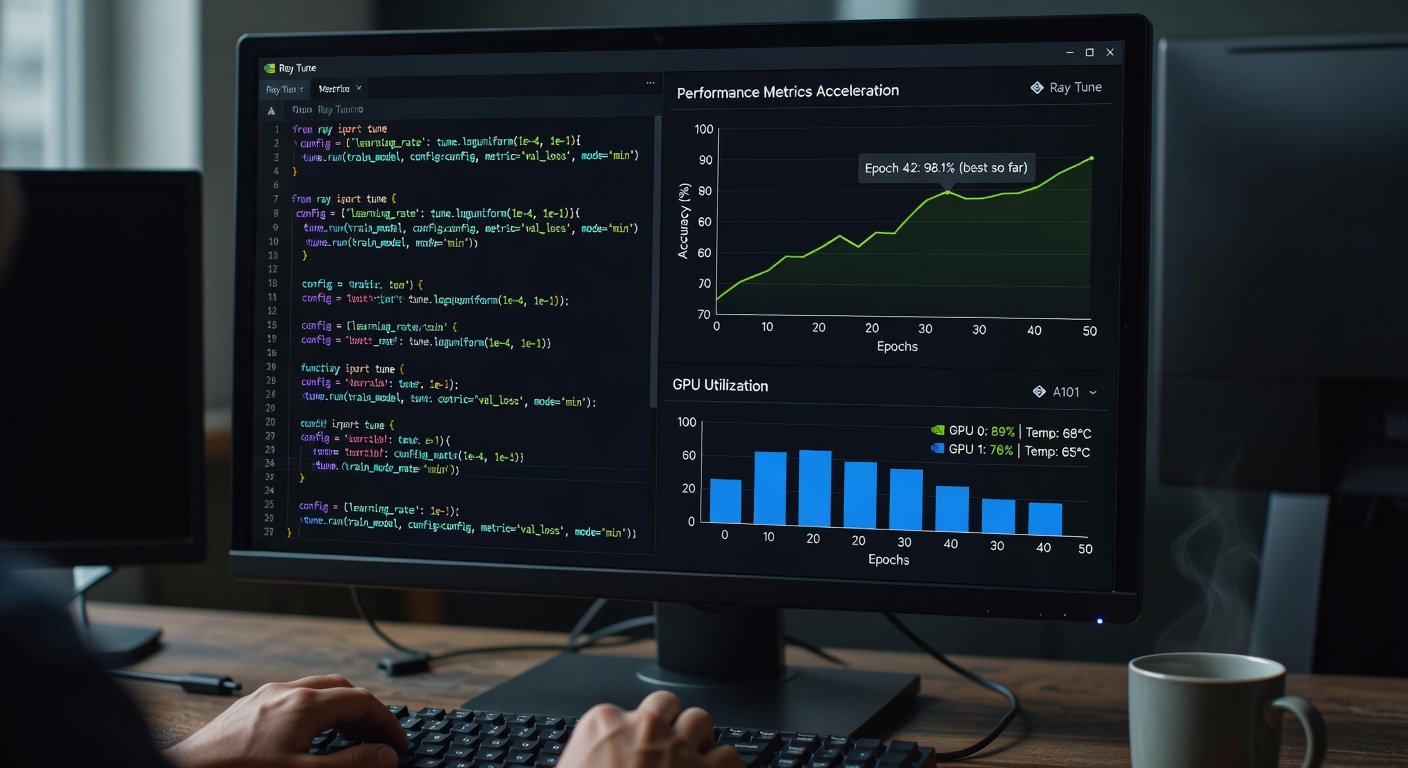
Employ distributed training with Horovod or Ray. For large models, use mixed-precision training on GPUs. Integrate NAS tools like AutoKeras:
from autokeras import ImageClassifier
clf = ImageClassifier(max_trials=10)
clf.fit(x_train, y_train)
This finds optimal architectures automatically.
Step 4: Optimize and Deploy
Post-training, apply quantization with TensorRT. Deploy via Kubernetes or serverless like AWS SageMaker. Use MLOps platforms like Kubeflow for CI/CD.
Real-World Applications from Recent AI News
Recent headlines showcase these integrations in action. In healthcare, Google's DeepMind used AutoML to detect breast cancer with 94% accuracy, faster than human radiologists—detailed on their TensorFlow site.
Autonomous vehicles benefit too: Tesla's Dojo supercomputer leverages AI-optimized training for real-time inference. In finance, JPMorgan's LOXM trading system uses reinforcement learning tuned by Bayesian optimization, boosting profits by 15%.
E-commerce giant Alibaba integrated Ray for distributed NAS, training recommendation models 5x faster. These cases prove AI tools scale from startups to enterprises.
Beginner-Friendly Tips
New to this? Start here:
- Pick Low-Code Platforms: Try Google Colab with pre-built notebooks.
- Leverage Pre-Trained Models: Fine-tune from PyTorch Hub instead of from-scratch training.
- Monitor with Weights & Biases: Track experiments visually.
- Use Free Tiers: AWS, GCP offer credits for ML.
- Validate Early: Cross-validate to avoid overfitting pitfalls.
Pro Tip: Begin with tabular data on Kaggle datasets to build confidence.
Advanced Tweaks for Maximum Efficiency
For pros, dive deeper:
- Federated Learning: Train across devices without data centralization using Flower framework.
- Knowledge Distillation: Compress large models into lightweight versions.
- Gradient Checkpointing: Trade compute for memory in transformers.
- Custom NAS: Extend ENAS for domain-specific searches.
- Edge Optimization: Use ONNX Runtime for cross-platform inference.
In 2026, expect quantum-inspired optimizers and neuromorphic hardware to further amplify gains. Integrate with NVIDIA CUDA for GPU acceleration.
Optimization Strategies for 2026 ML Projects
Future-proof your workflow:
- Hybrid Cloud-Edge: Train in cloud, deploy on-device.
- Ethical AI: Bake in bias detection with Fairlearn.
- Sustainable Computing: Opt for green data centers.
- Continuous Learning: Implement online learning for evolving data.
Measure success with metrics like TCO (total cost of ownership) and FLOPs efficiency.
Conclusion: Accelerate Your ML Journey Today
Integrating AI tools into ML workflows isn't just about speed—it's about unlocking innovation. From automation in preprocessing to tweaks in deployment, these methods position you for 2026 success. Experiment, iterate, and watch your projects soar. Dive in with open-source communities and transform your AI endeavors.
No comments yet. Be the first!