 NeoBit Daily
Introduction to Smart Device Integration in 2026
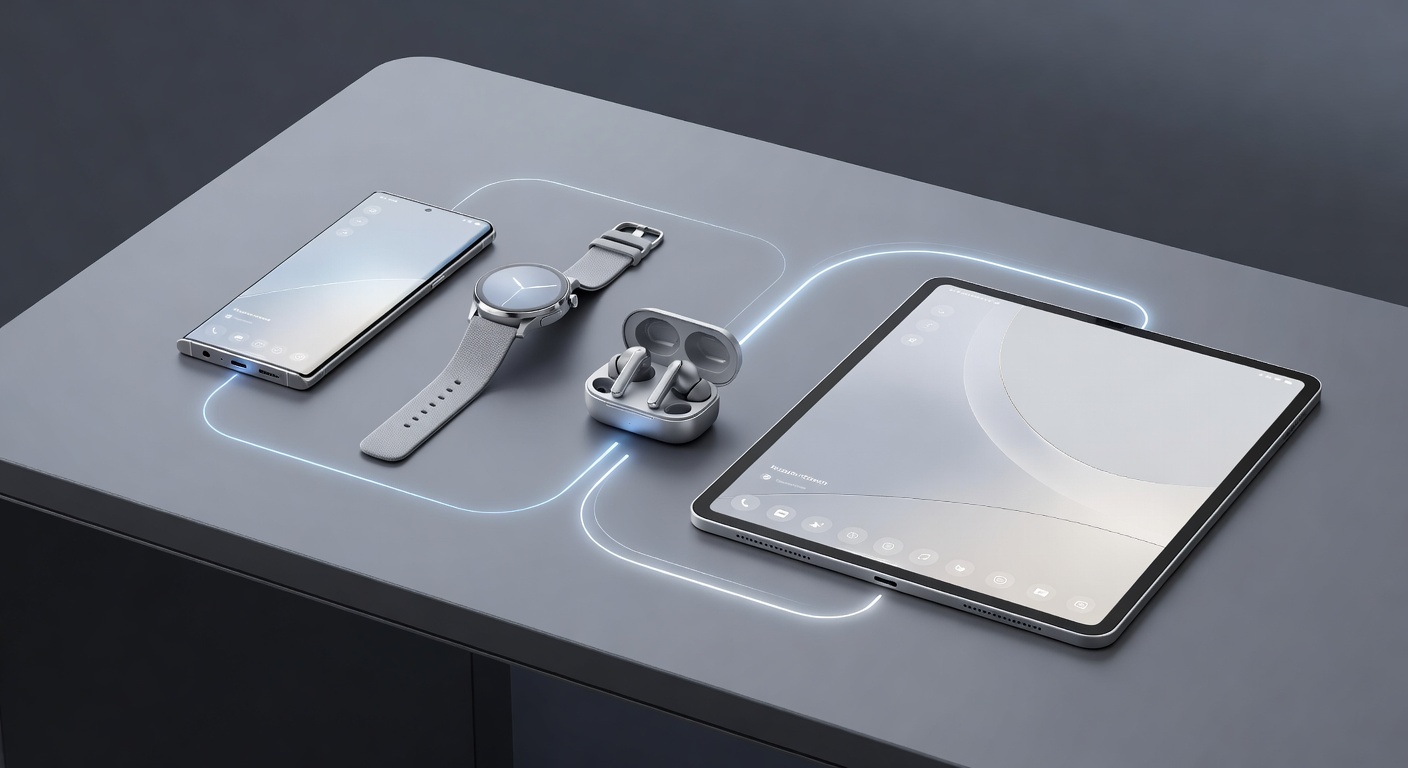
Integrating your smartphones, wearables, and other smart devices into one cohesive ecosystem has become essential for modern living. In 2026, the focus is on hassle-free setups that improve daily routines without technical headaches. This guide provides practical, step-by-step advice for beginners looking to achieve seamless connectivity across multiple device types.
Whether you are new to smart technology or expanding an existing setup, understanding compatibility and pairing processes is key. We will explore real-world examples, compare major ecosystems in detail, and offer tips for battery life and data synchronization. The goal is to create a unified experience where devices communicate effortlessly, enhancing productivity, health tracking, and home management.
Checking Device Compatibility Before Setup
Before pairing any devices, verify compatibility to avoid frustration. Most modern smartphones support both major ecosystems, but checking operating system versions and hardware requirements ensures smooth integration. Start by reviewing manufacturer specifications on official sites like Apple and Android.
For wearables such as smartwatches or fitness trackers, confirm Bluetooth versions and app support. Many devices now include NFC for quick pairing and Wi-Fi for data syncing across networks. Consider factors like operating system minimum requirements, such as iOS 18 or Android 15 equivalents in 2026, and ensure firmware is up to date. Cross-brand compatibility has improved, but proprietary features may limit full functionality in mixed setups.
Step-by-Step Pairing Processes
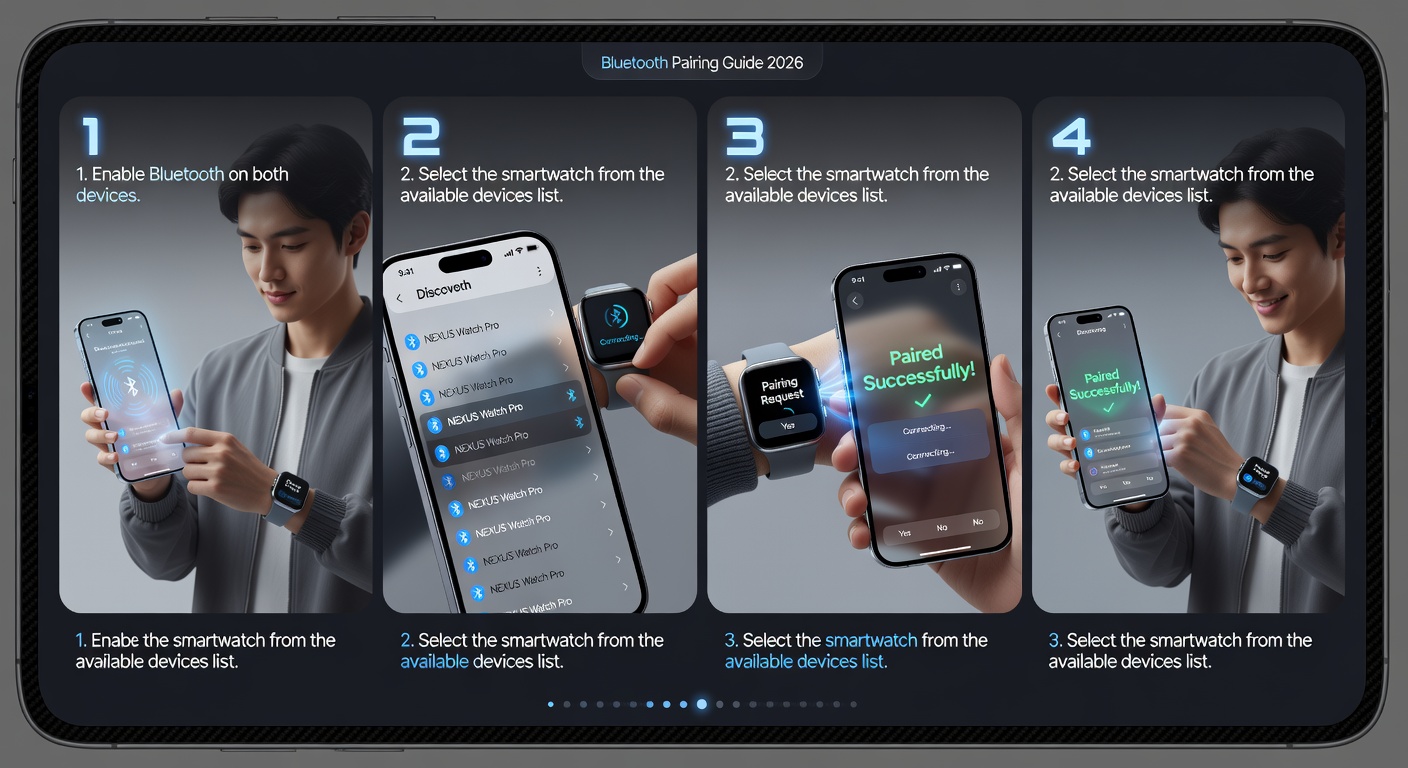
Begin with your smartphone as the central hub. Enable Bluetooth and Wi-Fi, then follow these general steps for most devices. For Apple users, open the Settings app and navigate to Bluetooth to initiate discovery. Place your wearable in pairing mode by pressing the side button, then select it from the list and confirm with a six-digit code displayed on both screens.
Android users can use the Google app or device-specific companion apps. Enable nearby device scanning in quick settings, then follow on-screen prompts for authentication. For more complex setups involving multiple devices, repeat the process for each item while keeping them in close proximity. Always test basic functions like notifications after pairing before moving to advanced features such as data syncing or automation routines.
Apple vs Android Ecosystem Comparison
Choosing between Apple and Android ecosystems depends on your existing devices and preferences. Apple's closed system excels in seamless handoff between iPhone, Apple Watch, and HomePod devices, allowing automatic connection and shared features like Continuity and iCloud sync. In contrast, Android provides broader compatibility with third-party hardware from brands like Samsung, Google, and Fitbit, offering flexible options through services like Google Fit and SmartThings.
Apple integration often feels more intuitive for users invested in their hardware lineup, with features like automatic unlocking and shared health data. Android setups allow greater customization and work well across mixed-brand environments. Evaluate your daily needs, such as health tracking or home automation, before committing. Both ecosystems now support advanced AI-driven suggestions for device management as of 2026.
Real-World Examples of Improved Daily Routines
Imagine waking up to a smartwatch that syncs sleep data directly to your phone's health app, adjusting your morning alarm based on sleep quality. In the evening, your connected lights and thermostat respond automatically via voice commands routed through your smartphone. Commuters benefit from integrated navigation where a wearable vibrates with turn-by-turn directions while the phone handles music streaming and traffic updates in the background.
Another scenario involves fitness enthusiasts whose smart scales and earbuds sync workout metrics in real time to a central dashboard, providing instant feedback on performance. Families can set up shared calendars and reminders that appear across all devices, streamlining schedules for everyone involved. These integrations reduce friction and enhance productivity by making technology work invisibly in the background.
Maximizing Battery Life and Data Sync
Battery optimization starts with adjusting sync frequencies in device settings. Enable low-power modes during extended use and disable unnecessary background app refresh. For data sync, prioritize Wi-Fi over cellular when possible to conserve resources and reduce costs associated with data usage.
Regular firmware updates from manufacturers often include efficiency improvements. Monitor battery usage analytics in your phone's settings to identify power-hungry apps or connections. Consider using adaptive brightness and limiting always-on displays on wearables. For seamless syncing, enable cloud-based options that allow devices to update data even when not directly connected, ensuring consistency across your ecosystem without draining batteries excessively.
Common Troubleshooting FAQs
- Why won't my device pair? Restart both devices, ensure they are within range, and check for software updates. Reset network settings if interference from other Bluetooth signals is suspected.
- How do I fix sync errors? Re-authenticate the connection in the app and verify account permissions. Check for conflicting apps that may block data transfer.
- What if battery drains quickly? Review connected device permissions and reduce polling intervals for data sync. Disable unused sensors like heart rate monitoring during non-active periods.
- Can I integrate older devices? Many legacy gadgets work with adapters or third-party bridges, though full feature support may be limited compared to 2026-native hardware.
Security Considerations for Integrated Ecosystems
Security is paramount when connecting multiple devices. Use strong, unique passwords and enable two-factor authentication on all linked accounts. Regularly review app permissions to revoke access for unused services. Enable encryption for data transfers where available, and keep all firmware updated to patch vulnerabilities. Avoid public Wi-Fi for initial setups, opting instead for secure home networks to minimize risks of unauthorized access.
Conclusion
By following these integration strategies, beginners can build a reliable smart device ecosystem in 2026. Focus on compatibility, methodical pairing, and ongoing maintenance to enjoy the benefits of connected living. Experiment with small setups first and expand as you gain confidence, always prioritizing security and efficiency for the best long-term results.
No comments yet. Be the first!